
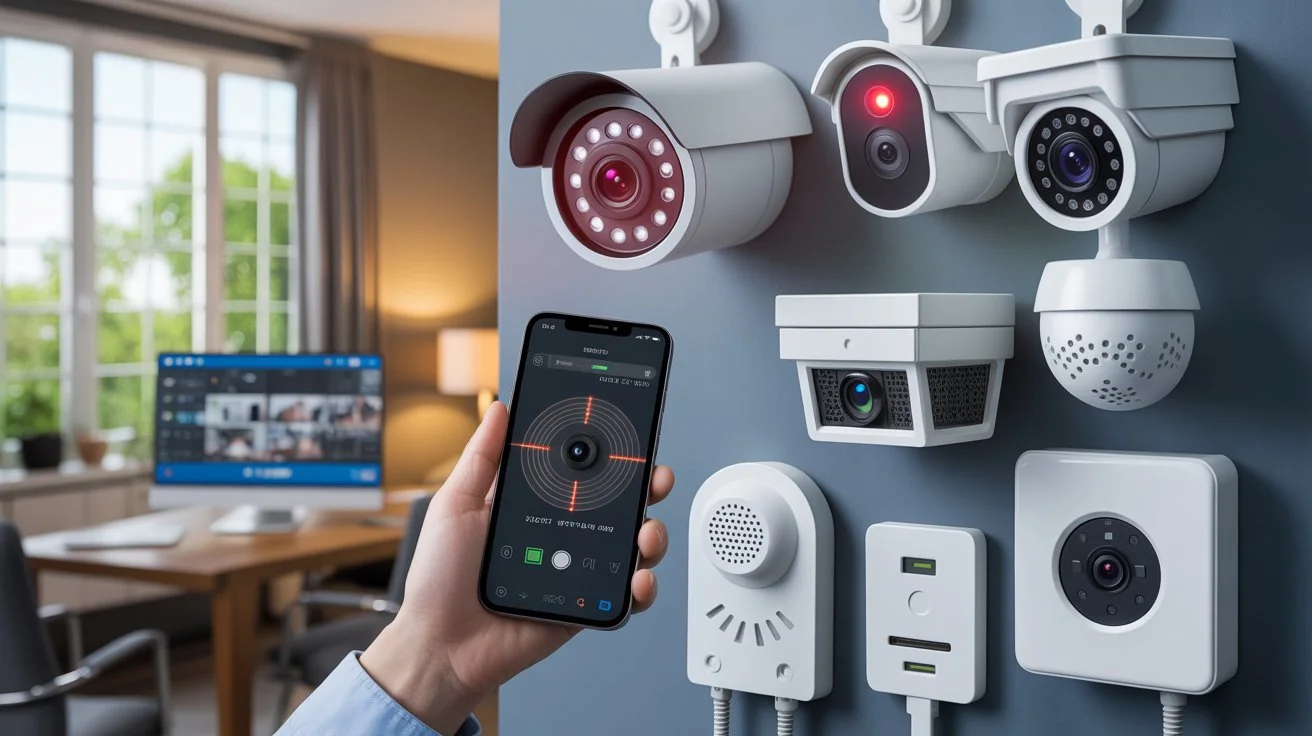
You can often check a security camera by looking for power, status lights, a live feed or recent recordings.. No single sign proves that a camera is actually working. Some cameras have hidden lights so you might not see anything even if they are on. Others record when motion is detected meaning no activity might make it seem like the camera is off. A camera can also have power. Lose its network connection, which means it may not send footage to your system.
If you are wondering How to Know If a Security Camera Is On start by checking its power source, live view, network status and recording activity. These checks give you a better answer, than just looking for a blinking light. The exact signs can vary by camera type, brand and system settings. Always look at indicators to be sure.
How to Know If a Security Camera Is On
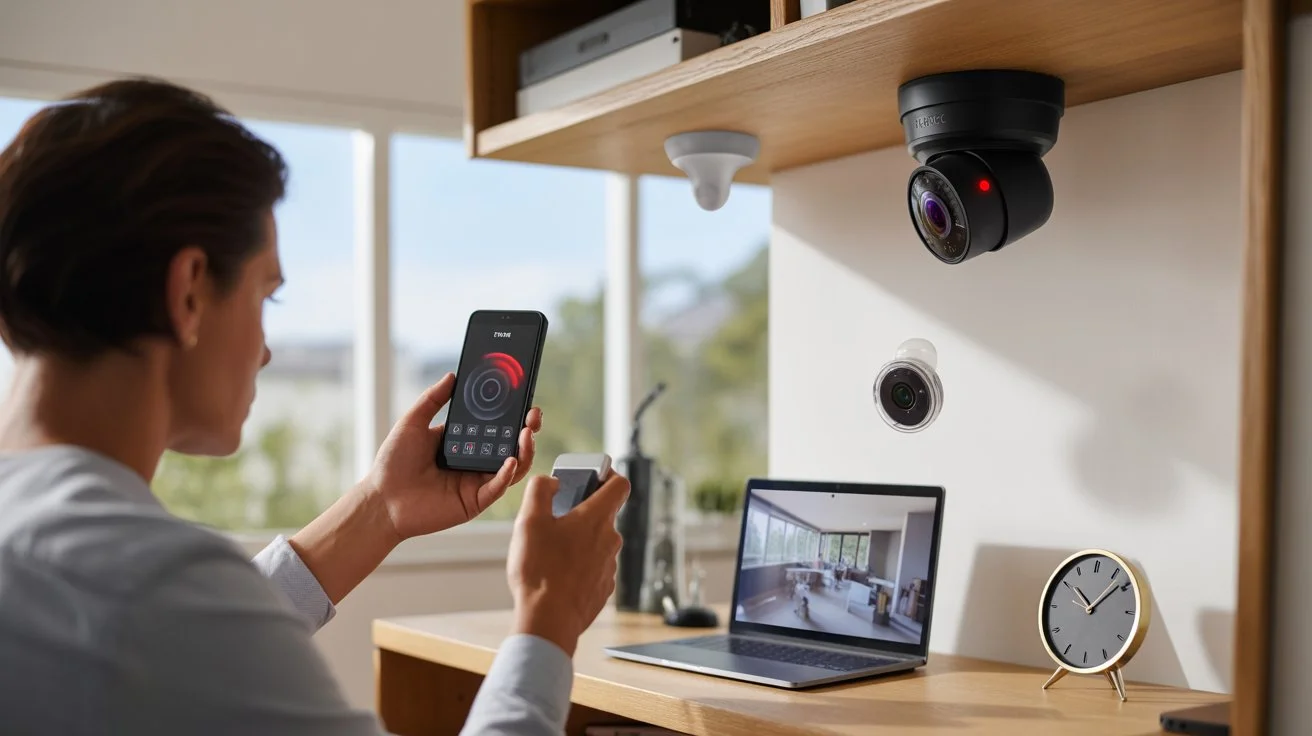
The best way to test a security camera is to look at a clues all at once. Begin with the power source then look at the cameras picture and the connection.
1. Check the Power Supply
A camera needs power to operate. Wired cameras usually get power through a cable a power adapter or a Power, over Ethernet connection. Wireless cameras often run on a battery. Check if the power cable is securely plugged in. If the camera uses a battery look at the charge level using the camera app. Check the device’s indicator light.
A power indicator can help you figure things out. Some cameras light up a LED when they are getting power. Others leave the light off when they are working normally. Keep in mind that power alone does not mean the camera is recording. It just means the camera might be getting electricity.
2. Look for a Status Light
Many security cameras have LED lights that show what they are doing. Each light means something. The meaning of each light depends on the camera model.
A light may indicate:
- The camera has power.
- The camera is connecting to Wi-Fi.
- The camera is recording.
- The camera has lost its network connection.
- The camera is being set up.
- The camera has an error.
Never assume that every red light or every green light means the thing. Look at the camera manual or the manufacturers support page to find the meaning of each red light and each green light. Some cameras also allow owners to turn status lights off. That means a camera can be working when no status light can be seen.
3. Check the Infrared LEDs at Night
Many outdoor and indoor cameras use infrared light to see at night. Infrared light lets cameras take pictures when it is dark. Some infrared LEDs give a red glow that you might see when light is low. That can be a sign that night vision’s, on.. Not every camera shows a glow. Some models use technology that is hard for the eye to see. Because of that a missing red glow does not mean that the camera is off.
4. Open the Camera’s Live View
A live video feed is one of the ways to check if your security camera is working. Open the camera’s app or monitoring software. If you can see a real-time image, from the camera that means the device has power and is sending video to the system. This quick check helps you spot connection issues fast. For instance if your camera shows a view of your front door you know it is active and connected right now. Still a live feed does not mean the camera is recording everything. The recording could be turned off. The system might only save footage when motion is detected.
5. Check the Network Connection
Smart cameras usually need a network connection to let you view them from afar or get alerts. When the Wi-Fi signal is weak the camera might show up as offline. Even wired cameras can lose connection if the network cable, switch or router isn’t working right. Start by opening the camera app and checking the connection status. If it says the camera is offline look at your router and other network gear. Sometimes the problem isn’t with the camera itself but, with the network.
A camera can still have power even if it’s not connected to the network. That means if you only look at the power light you might think everything is fine.. No network connection means no remote viewing or alerts. So always double-check the connection, not just the power.
6. Check Recent Recordings
If you want to find out whether a camera is recording just check the recorded footage.
Depending on the system recordings may be stored on:
- An NVR
- A DVR
- An SD card
- Local storage
- Cloud storage
Look for footage that has a current date and time. If a camera recorded something recently it means the recording feature was turned on during that event. Remember that systems only record when motion is detected. So if there’s no footage it doesn’t always mean the camera is turned off. It could just mean nothing moved in front of it.
Can You Tell If a Security Camera Is Recording?
Being powered on and recording are two things. A camera can have power but not record. A camera may be set to live viewing recording may depend on motion detection. Some systems record continuously. Others save clips when they detect movement. Some cameras can also use scheduled recording.
If you need to confirm recording check the cameras recording settings. Review recent footage. Checking footage is more reliable than looking for an LED. Knowing the difference is important when learning how to tell if cameras are, on. A visible camera does not tell you whether it is currently saving video.
Signs a Security Camera May Be Off
Several signs may suggest that a camera is not operating.
You may notice:
- No power indicator when one should be active.
- No live video in the camera app.
- An offline message.
- No recent recordings.
- A dead battery.
- A disconnected cable.
- A failed network connection.
- An error message in the camera system.
These signs can help with troubleshooting. They do not always prove that the camera is off. For example a camera may show as offline because the Wi-Fi router has stopped working. The camera itself may still have power. A camera can also stop recording because its storage is full or its recording settings have changed.
Why These Signs Do Not Always Prove a Camera Is Off
Modern security cameras can act in ways that’re very different from older CCTV systems. Some cameras do not have a light to show they are on. Others allow the owner to turn off the indicator. A few cameras only start recording when they sense motion. These features make it harder to tell if the camera is working by looking at it.
Network issues can add to the confusion. A camera might be powered up. Working fine right there in front of you but still not show up on your phone app. That means the camera could be active locally but not reachable, over the internet.
This is why checking than one sign at once gives a clearer picture. If you want to know if your security camera is on don’t depend on one thing. Look at the power source check if you can see video verify the network status and review the recording history. Together these clues help you be sure whether the camera is truly running.
Do Security Cameras Work Without a Visible Light?
Yes. A security camera can function without any light. Some models do not have an external status light. Other models let the light be turned off using the settings. Infrared night vision can also work without a red glow. The kind of technology that the camera uses determines what you can see. This means you cannot be sure that a camera is not working just because there is no light. The same thing is true, for cameras that are placed in apartments, offices, stores and other shared buildings. The system might be running even when there are no signs.
How to Know If a CCTV Camera Is On
To check if a CCTV camera is working start with the recorder. Look at the monitor. Find the camera’s channel. If you see an image that means the camera is sending video to the recorder. Next check the recording timeline. If recent clips are saved the system is recording properly. If the screen is black look at the power and cable connections for the camera. A problem with the network or video cable can stop the image from reaching the recorder. This method checking the recorder is more reliable than looking for a light on the camera to know if the CCTV camera is, on.
How to Check Your Own Security Camera Safely
If you own or manage the camera, use the system’s normal controls to check it.
Follow these steps:
- Check the camera’s power source.
- Open the camera’s app or monitor.
- Check the live video feed.
- Review the network connection.
- Look for recent recordings.
- Check motion detection settings.
- Review storage status.
- Test the camera from a safe location.
I want to remind you not to open equipment or change wiring unless you know how to do so safely. For systems a professional can test the connections without creating unnecessary risk.
When you are checking a camera in an apartment, workplace or other shared property please use the management or security process. I also want you to remember not to attempt to access a system that you do not own or have permission to use.
What If a Security Camera Is Not Working?
If your camera appears offline or does not show video, start with simple checks.
Check the Power
Make sure the cable, adapter or battery is connected and working. A dead battery is a cause of problems, with wireless cameras. I know it can be frustrating if the camera stops working because of a battery.
Check the Network
For Wi‑Fi cameras check the signal and the router. For systems inspect the network connection and the equipment.
Check Storage
A full SD card, a NVR drive or a cloud storage issue can affect recording. A full SD card can stop the recording from working. A full NVR drive can also stop the recording from working. A cloud storage issue can also stop the recording from working. Any one of these problems can cause the recording to not work.
Check Camera Settings
Check for any changes, to motion detection. Look at recording schedules. See if privacy settings were adjusted. Also check notification settings. Make sure everything is set the way you want. This helps keep your camera working and your home safe.
Restart the System
When I face a software or connection problem I find that a restart often resolves it. Restarting the system can fix these issues.
Check for Hardware Damage
Outdoor cameras can face rain, heat, dust, impacts and other harsh conditions. Check the camera housing and the cable carefully for any damage.
If these checks do not solve the problem professional testing might be the choice.
Apartment Live Security Camera Surveillance
Apartment security systems differ from those set up for homes. A building often uses cameras linked to one shared recorder or network. When apartment live security camera surveillance is, in place residents usually cannot access the camera system directly. Instead building management. Authorized security staff control live viewing and recordings.
If you are a resident and want to know whether a common‑area camera is functioning ask the property manager or security team; they will check the system using the access controls. Do not attempt to access another person’s camera account or security system; only people who have permission to manage security equipment should perform checks.
Can Someone Tell If a Security Camera Is Watching Them?
You cannot always tell if someone is watching a camera feed just by looking at the camera. A camera might be recording all the time even when no one is watching. On the hand another camera could have a live feed that only authorized people can access. Lights or movement near the camera do not prove that someone is actually viewing the footage. If you’re worried about a camera on property you don’t own the best step is to speak with the property owner, the building manager or the organization in charge. Ask them what the camera is, for and how it works.
How Professional Installation Helps
Proper installation makes sure that a security camera gets power connects the way and takes pictures of the place it is supposed to watch. Cam Security Surveillance can look at the property pick the spots for cameras check the power and internet connections and make sure the system works after it is put in place. For people who live in homes or run businesses and need security camera installation in Indianapolis getting a professional to do the work can also find places that might need watching.
These places can be doors, driveways, side gates parking lots and other important spots. A professional check of the system can make sure the cameras are showing video saving it properly and talking to the recorder or the network. Good installation also stops problems that come from camera angles, weak Wi-Fi, wrong wiring or cameras that are not, in the right spots.
Final Thoughts
Learning how to know if a security camera is on is easier when you look for, than one sign. Power, live video, network status, infrared activity and recent recordings can each give information. A visible light alone is not enough. Some cameras work without indicators while others record only when motion happens.
If your own camera is not working, check its power, connection, settings, and storage first. If the problem continues, professional testing can help find the cause and restore proper operation. Contact us today for professional security camera installation, testing, and support.
FAQs
How can you tell if a security camera is on?
To know if a security camera is on check the power source look for a status light watch the video feed confirm the network connection and review any recent recordings. When you look at all of these signs together you get a picture than when you look at just one sign.
Does a red light mean a security camera is recording?
Not always. A red light on a security camera can mean power, night vision, network activity or another camera status. Check the manufacturer’s instructions to see what the light really means.
Can security cameras record without a light?
Yes. Many security cameras can record even if there is no status light. Some cameras let you turn off the light while others never use a light during normal use.
Do security cameras work when Wi‑Fi is off?
Some security cameras can keep functions running without Wi‑Fi depending on the design.. Remote viewing, cloud recording and phone alerts usually need a network connection.
How do I know if my security camera is recording?
Look at footage in the camera app, the NVR, the DVR, the SD card or the cloud storage. A current recording timeline is a sign than just a status light.
Can a security camera be on but not recording?
Yes. A security camera can have power. Give a live view while recording is turned off. It may also be set to record when motion happens.
Why is my security camera offline?
Typical reasons include Wi‑Fi, router problems, disconnected cables, loss of power a dead battery or system errors.
Do security cameras record at night?
Many security cameras can record at night. Those, with night vision can capture video in low‑light conditions depending on the camera and the available light.
Can you see when someone is watching a security camera?
Usually there is no visual sign that someone is watching a live feed. The security camera can record automatically even if no one is looking at the screen.
How can I check if my security camera is working?
Check the power view the feed confirm the network connection, test motion detection and review recent recordings. If these checks do not solve the problem have a qualified professional examine the system.










