

A wired or wireless doorbell can help you know when someone arrives at your door. However, each type works differently and has its own benefits. Wired doorbells use an electrical connection, while wireless models often rely on batteries and radio signals. Smart video doorbells can also offer live viewing, motion alerts, and two-way audio. The right choice depends on your home’s wiring, Wi-Fi signal, budget, and preferred features.
When comparing Wired vs Wireless Doorbell options, consider power, installation, upkeep, and recording needs. This guide explains the key differences so you can choose a doorbell that fits your home.
What Is a Wired Doorbell?
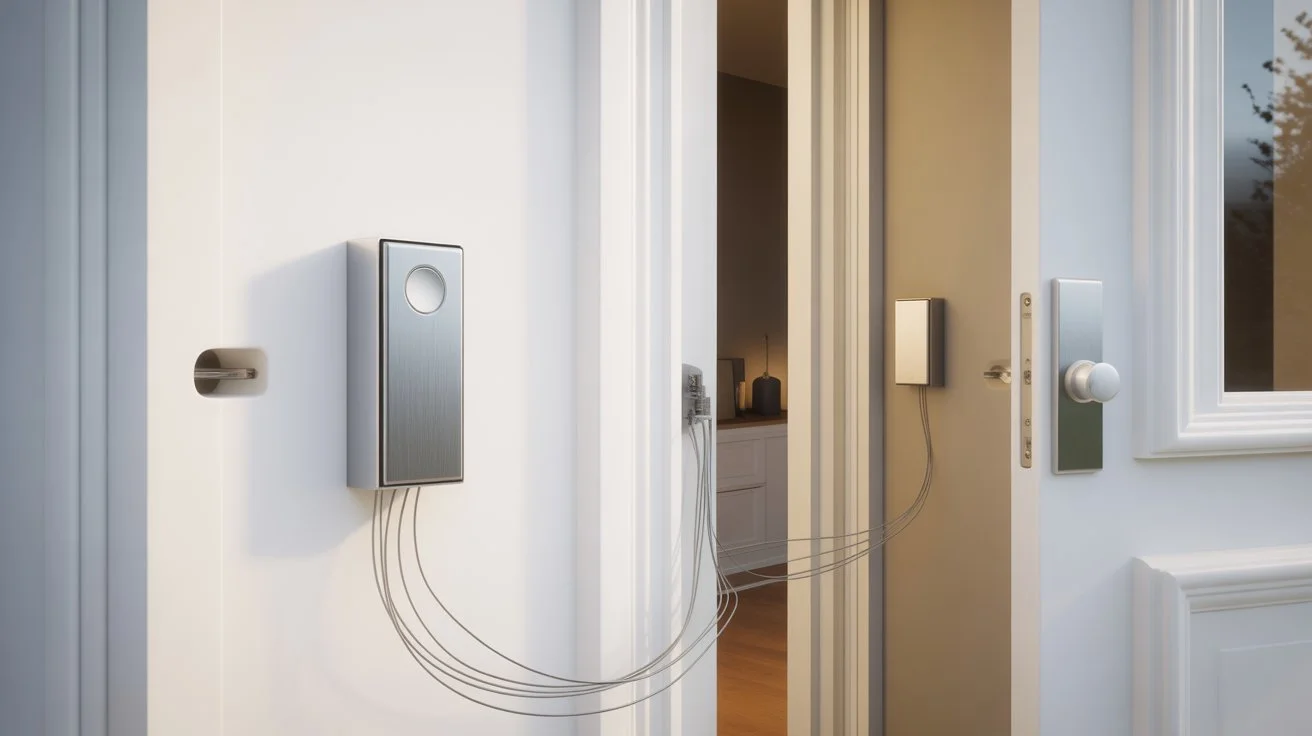
A wired doorbell connects to your home’s electrical wiring. Traditional models use a button, transformer, and indoor chime. When someone presses the button, the chime rings inside the home.
Wired video doorbells use a compatible power supply to run their camera and smart features. Some connect to existing doorbell wires, while others need a suitable transformer or a different power setup. Always check the manufacturer’s voltage requirements before connecting a device.
Benefits of wired doorbells:
- Steady power: A compatible, properly installed power supply reduces the need for battery charging.
- Fewer battery changes: You do not need to recharge a battery-powered unit regularly.
- Existing wiring: Compatible wiring can make installation easier.
- Smart features: Some models support motion alerts, live video, and two-way audio.
However, wired models may need electrical work if your home lacks suitable wiring. Old transformers and chimes can also cause compatibility problems.
What Is a Wireless Doorbell?
A wireless doorbell sends a signal to a receiver or another connected device without requiring a wired connection between the button and chime. Basic models use radio signals to ring a separate receiver. Wireless video doorbells can connect to a home network to provide smart features. Most wireless video doorbells use rechargeable or replaceable batteries. Some models support a plug-in power source or other manufacturer-approved options.
How Do Wireless Doorbell Systems Work?
When someone presses the button, a wireless doorbell sends a signal to its receiver. A smart video doorbell can also detect motion, capture video, and send alerts to a connected phone. Wi-Fi is often needed for remote viewing, phone alerts, and cloud services. Basic wireless doorbells may work without internet access because their button communicates directly with a local receiver.
Wireless models are often easier to fit where no doorbell wires exist. Still, battery life, signal strength, and internet access can affect how well smart features work.
Wired vs Wireless Doorbell: Key Differences
The main difference is how each doorbell receives power and sends signals. Your choice also affects maintenance, installation, and smart features.
| Feature | Wired Doorbell | Wireless Doorbell |
| Power source | Doorbell wiring or compatible power supply | Usually batteries or a supported power source |
| Installation | May need wiring work | Often needs less wiring |
| Maintenance | Usually fewer battery changes | Battery charging may be needed |
| Signal | Wired power connection; smart features may use Wi-Fi | Radio signals or Wi-Fi, depending on the model |
| Internet access | Needed for many smart features | Needed for many smart features |
| Placement | Limited by wiring and power access | Often more flexible |
| Cost | Depends on wiring, device, and labor | Depends on device, batteries, and extra parts |
| Recording | Depends on the camera and storage setup | Depends on the camera and storage setup |
One important point: a wireless doorbell does not always mean a wireless internet connection. A basic model can ring a local receiver without Wi-Fi. A smart video doorbell may need Wi-Fi for phone alerts and remote viewing.
Wired vs Wireless Doorbell Camera: What Changes?
A wired vs wireless doorbell camera comparison involves more than power alone. Both types may offer motion detection, night vision, live video, and two-way audio. These features depend on the model.
Wired cameras can be a good fit for homes with compatible doorbell wiring. Battery-powered cameras can suit entrances without existing wires. However, battery life depends on motion activity, weather, settings, and how often you view recordings.
Neither type guarantees continuous recording. Some cameras record short clips after motion, while others support longer recording or continuous capture under certain conditions. Check the storage plan and power requirements before buying.
Pros and Cons of Wired Doorbells
Wired doorbells suit homeowners who want a fixed power source and already have compatible wiring.
Advantages
- No regular battery charging for models powered by doorbell wires.
- A suitable existing setup can reduce installation work.
- Some models support smart alerts and video features.
- A fixed power supply can be useful for frequent daily activity.
Disadvantages
- New wiring may increase installation time and cost.
- An old transformer may not supply enough power.
- Existing chimes may not work with every smart doorbell.
- Installation can be harder when the entrance has no suitable wiring.
For example, a homeowner replacing an old doorbell may find that existing wires are suitable. However, checking the voltage and chime compatibility first can prevent power or setup problems.
Which Doorbell Is Best for Your Home?
The best choice depends on your home and how you plan to use the doorbell. There is no single option that suits every entrance.
Choose a wired doorbell if:
- Your home already has compatible doorbell wiring.
- You prefer not to charge batteries regularly.
- You want a fixed power source for supported smart features.
- You are comfortable arranging professional installation when needed.
Choose a wireless doorbell if:
- Your entrance has no existing doorbell wires.
- You want more freedom when choosing the mounting location.
- You prefer a simpler installation process.
- You can manage battery charging and maintain a strong wireless signal.
If you are deciding between wired or wireless doorbell models for a rental property, check your lease and mounting rules first. A battery-powered model may avoid new wiring, but drilling restrictions can still apply.
For a video doorbell, check the app, storage options, Wi-Fi needs, and power requirements. A low-cost device may not include every feature you expect.
What to Check Before Installing a Doorbell
Before purchasing a doorbell, review these points to avoid problems after installation.
- Check the power supply. For wired models, confirm the required voltage and transformer rating. Never assume that old wiring will work with every smart doorbell. Follow the manufacturer’s instructions.
- Test the Wi-Fi signal. Check the signal at the front door, not just beside the router. A weak connection can delay alerts or affect live video.
- Choose the right viewing angle. Place a video doorbell where it can capture visitors clearly. Check for glare, bright sunlight, nearby walls, and objects that block the view.
- Review recording options. Find out whether the camera saves clips locally, uses cloud storage, or requires a subscription. Confirm how long footage stays available.
- Consider privacy. Aim the camera at your entrance and limit views into neighboring homes or private areas. Check local rules before recording audio or shared spaces.
- Get help when needed. If you need a new power connection or have doubts about existing wiring, ask a qualified professional. For broader home camera planning, explore security camera installation Indianapolis from Cam Security Surveillance.
A quick check of wiring, Wi-Fi, storage, and placement can help you avoid buying a doorbell that does not suit your home.
Conclusion
When comparing Wired vs Wireless Doorbell options, consider your home’s wiring, power supply, installation needs, and preferred features. Wired doorbells can be a good choice when compatible wiring is available, while wireless models offer more flexibility when running wires is difficult.
Before choosing a smart video doorbell, check its Wi-Fi requirements, recording options, and battery life. Need help planning your home security camera setup? Contact us today to discuss your security camera installation needs in Indianapolis and Central Indiana.
FAQs
Is a wired doorbell better than a wireless doorbell?
A wired doorbell may suit homes with compatible wiring and owners who prefer a fixed power source. A wireless model may be better when wiring is unavailable or flexible placement matters.
Do wireless doorbells need Wi-Fi?
No. Basic wireless doorbells can use radio signals to communicate with a local receiver. Smart video doorbells often need Wi-Fi for remote viewing, phone alerts, and online features.
Can I replace a wired doorbell with a wireless one?
Yes, in many cases. You can often install a battery-powered wireless model without using the old wires. Check the mounting method and follow the manufacturer’s instructions.
Do wired video doorbells record all the time?
Not always. Some record motion-triggered clips, while others support continuous recording under certain power and storage conditions. Check the exact model’s recording features before buying.
Which doorbell is easier to install?
Wireless models are often easier to install because they usually need less wiring. However, mounting, Wi-Fi setup, and device settings can still take time.
Do wired doorbells work during a power outage?
A traditional wired doorbell may stop working if its power supply fails. Smart doorbells may also lose power or network access. Backup power and offline functions vary by model.










