
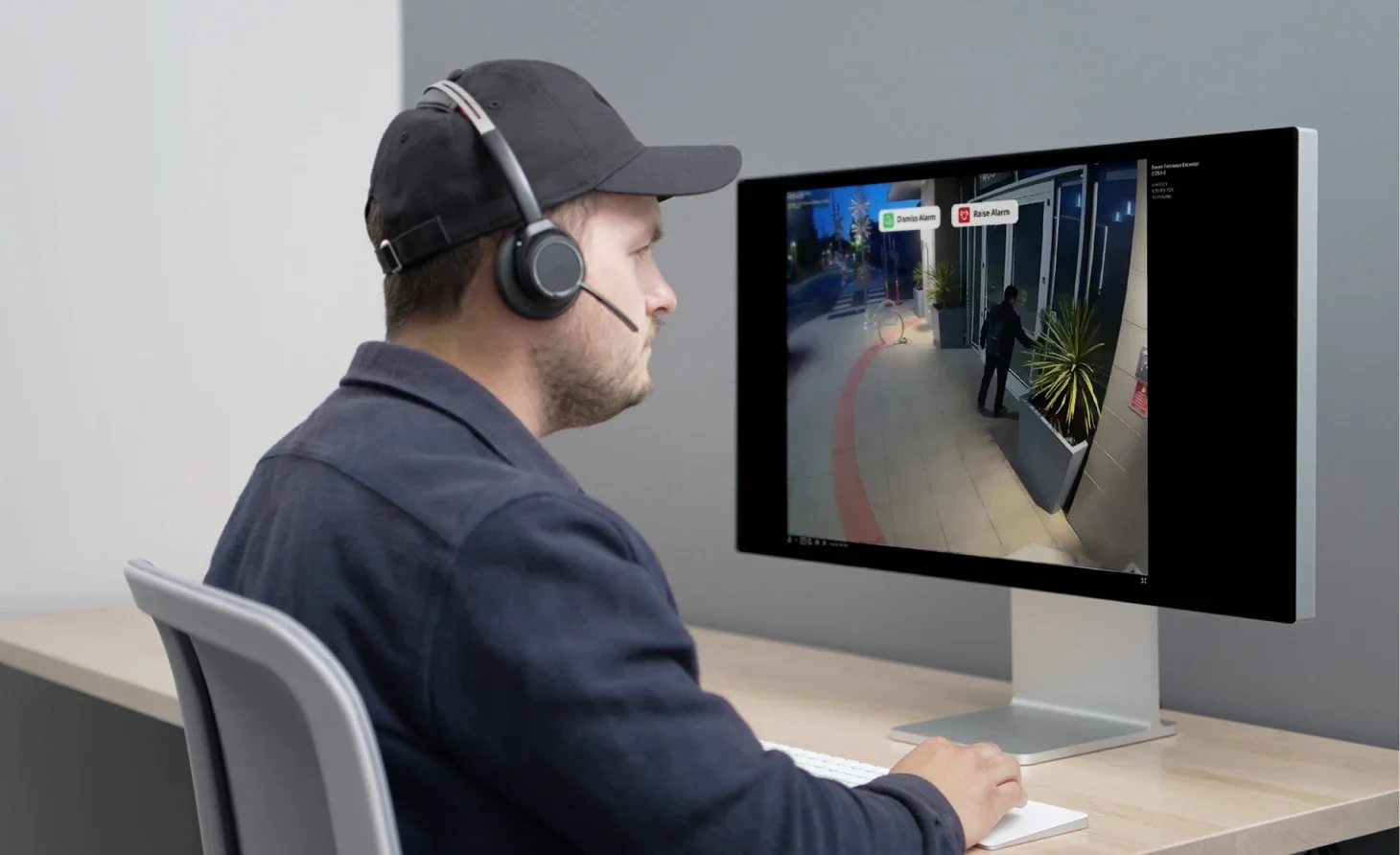
Your camera footage looks blurry, grainy, or full of static at the worst possible moment. You check the recording after something happens, and the video is barely useful. That is frustrating when you pay good money to feel safe.
Why are security cameras so low quality? In most cases, the problem is caused by poor lighting, weak internet bandwidth, low-quality image sensors, or aggressive video compression working together rather than a single issue. At Cam Security Surveillance, we help homeowners and businesses choose and install security camera systems that deliver clear, reliable footage in both day and night conditions.
Are Security Cameras Really Low Quality?

Not every camera is bad. Many modern systems record in sharp detail during the day and struggle only in specific conditions. The problem is that most people judge a camera by its worst clip, usually a dark, grainy night recording, instead of its best one.
Low quality cctv footage often comes from a mix of small issues stacking up. A cheap lens, a weak processor, and a slow internet connection can each shave off clarity. Put them together and you get video that looks far worse than the camera’s actual specs suggest.
Brands also advertise resolution numbers like 1080p or 4K, but that number only describes the sensor. It says nothing about the lens quality, the compression method, or how the camera performs once light drops or motion increases.
Why Do Some Security Cameras Produce Poor-Quality Video?
A camera’s video quality depends on more than its megapixel count. Four things usually decide how clear your footage turns out.
- Sensor size. Smaller sensors gather less light, which hurts detail even in daylight.
- Lens quality. A cheap plastic lens distorts edges and softens the whole image.
- Compression. Cameras shrink video files to save storage, and heavy compression destroys fine detail.
- Bitrate. A low bitrate means less data per second of footage, so fast motion turns into a blurry smear.
This is one reason poor quality CCTV keeps showing up in online complaints. Buyers focus on resolution alone, then get surprised when the actual recording looks muddy or pixelated during playback.
Why Do Security Cameras Look Worse at Night?
Night footage is where most complaints start. Cameras rely on infrared LEDs to see in the dark, and those LEDs have real limits. Once a subject moves outside the effective range, usually 30 to 60 feet, detail drops fast.
Infrared light also bounces off close objects like bugs, rain, or spider webs sitting near the lens. This creates the washed-out white blobs you have probably seen in nighttime clips.
Color cameras that claim to work in low light usually need some ambient light source, like a porch bulb or street lamp, to perform well. Without it, they fall back to grainy black and white footage that looks far worse than daytime recordings.
Environmental Factors That Reduce Camera Quality
Weather and placement affect footage more than most people expect. Rain streaks across the lens and scatters light. Fog and dust reduce contrast and make edges soft. Direct sunlight hitting the lens creates glare that washes out entire sections of the frame.
Temperature swings matter too. Extreme heat or cold can affect how well the internal electronics function, and condensation inside a poorly sealed housing will fog the lens from the inside.
Camera placement causes just as many problems as the weather. A camera aimed at a bright window or reflective surface will struggle to expose the rest of the scene correctly, leaving faces or license plates dark and unreadable.
Internet and Recording Issues That Affect Video Quality
A camera can have a great sensor and still produce weak footage if your network cannot support it. Wi-Fi cameras need steady bandwidth to stream and record without dropping frames.
Common issues include:
- Weak Wi-Fi signal between the camera and router
- Too many devices competing for the same bandwidth
- Slow upload speeds, which matter more than download speeds for cloud storage
- A router placed too far from the camera, causing signal loss through walls
Local storage has its own limits. A crowded or aging SD card can corrupt files or drop frames during playback. This is one of the quieter reasons people ask why is cctv quality so bad even when the camera itself works fine on paper.
Does Zoom Make Security Cameras Look Worse?
Yes, in most cases. Digital zoom does not add real detail. It simply enlarges the pixels already captured, which makes the image blockier the further you zoom in.
Optical zoom, which physically moves the lens, holds up much better because it captures more detail rather than stretching existing pixels. Budget cameras almost always rely on digital zoom only, which is why zoomed-in footage from cheap systems looks so rough during playback.
If you plan on zooming into footage often, for reading license plates or identifying faces at a distance, a camera with optical zoom or a higher native resolution will serve you far better than cranking up digital zoom after the fact.
Are Wireless Cameras Lower Quality Than Wired Cameras?
Not automatically, but they face more obstacles. Wireless cameras compress video more aggressively to save bandwidth, which can reduce detail compared to a wired camera sending an uncompressed or lightly compressed feed.
Wired cameras also avoid Wi-Fi interference entirely. A direct cable connection means steady data transfer, fewer dropped frames, and more consistent recording quality, especially during heavy network use elsewhere in the home.
That said, wireless cameras have improved a lot. A well placed wireless camera on a strong network can outperform a poorly installed wired one. Installation quality often matters more than the connection type itself.
How to Improve Security Camera Video Quality
A few practical changes make a noticeable difference without replacing your whole system.
- Clean the lens regularly. Dust and grime blur footage more than people realize.
- Adjust the camera angle to avoid direct sunlight, glare, and reflective surfaces.
- Boost your Wi-Fi signal with a mesh extender near the camera if it sits far from the router.
- Switch to a higher bitrate or resolution setting in the camera app, if your storage allows it.
- Add supplemental lighting for areas where infrared range falls short at night.
- Replace old SD cards before they wear out and start dropping frames.
If you have tried these fixes and your footage still looks weak, the issue may be the equipment itself rather than the setup. A professional security camera installation Indianapolis service, like the one offered by Cam Security Surveillance, can assess your property and place cameras where lighting, distance, and network signal actually work in your favor instead of against you.
What Features Should You Look for in a High-Quality Security Camera?
Skip the marketing numbers and check these specs instead.
- Sensor size, listed in inches (1/2.8″ performs better than 1/3.6″ in low light)
- Minimum bitrate of at least 4 Mbps for clear 1080p footage
- Wide dynamic range (WDR), which balances bright and dark areas in one frame
- True color night vision, not just infrared black and white
- Local storage backup, in case cloud service drops or your internet goes down
A camera with a strong sensor and steady bitrate will almost always beat a higher resolution camera that cuts corners elsewhere.
When Is It Time to Replace Your Security Camera?
Some quality issues cannot be fixed with cleaning or repositioning. If your camera is more than five years old, the sensor and processor are likely outdated compared to current standards.
Watch for these signs it is time for an upgrade:
- Footage looks worse than it did a year ago, suggesting sensor or lens degradation
- The camera struggles even in daylight with good lighting
- Firmware updates have stopped, leaving security gaps alongside quality problems
- Storage or app compatibility issues keep interrupting playback
Replacing a single weak camera in a larger system often improves your overall coverage more than upgrading every unit at once.
Conclusion
Why are security cameras so low quality? It usually is not one flaw but several small ones working together: weak sensors, poor lighting, heavy compression, or a shaky internet connection. Once you know where to look, most of these issues are fixable with cleaning, repositioning, better lighting, or a stronger network setup.
If your footage is still letting you down after trying these fixes, the camera itself may be outdated or simply not suited to your property’s lighting and layout. A professional assessment can quickly identify the problem and recommend the most effective solution. Contact us today to schedule an inspection and let our experts help you improve your security camera system with the right equipment and professional installation.
FAQs
Why are security cameras so low-quality even with a high-resolution rating?
Resolution only describes the sensor’s pixel count. Lens quality, compression, and bitrate all affect the final footage just as much, sometimes more.
Why is CCTV quality so bad at night specifically?
Infrared range is limited, usually 30 to 60 feet, and light bounces off nearby objects like rain or insects, creating washed-out or grainy footage.
Can reduced security cameras still be useful for identification?
Yes, for general activity and deterrence. For clear face or license plate identification, you need a camera with a strong sensor and enough bitrate to hold detail.
Does more expensive always mean better video quality?
Not always, but budget cameras cut corners somewhere, usually the sensor, lens, or compression, which is why price often correlates with clearer footage.
How often should I clean my security camera lens?
Every one to two months, or more often if you live somewhere dusty, humid, or near a lot of insect activity.










