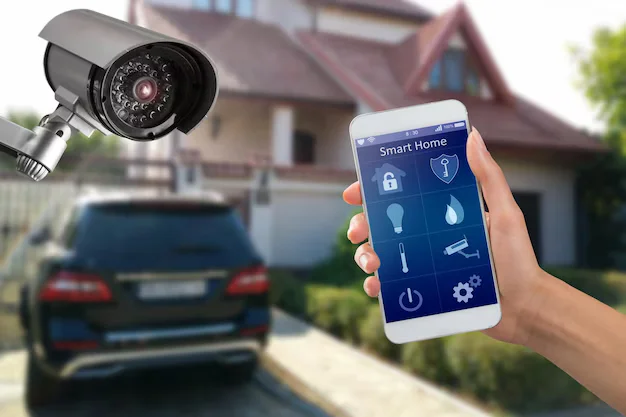
Not all security cameras are built the same. A camera for your bedroom hallway has very different demands than one watching a warehouse floor. Picking the wrong system wastes money and leaves real gaps in your coverage. The short answer: home cameras are simple and affordable; business cameras are built for scale, detail, and non-stop operation.
Understanding the difference between business and home security camera systems saves you from expensive mistakes. This guide breaks it all down in plain terms so you can make the right call for your property.
What Is a Home Security Camera System?
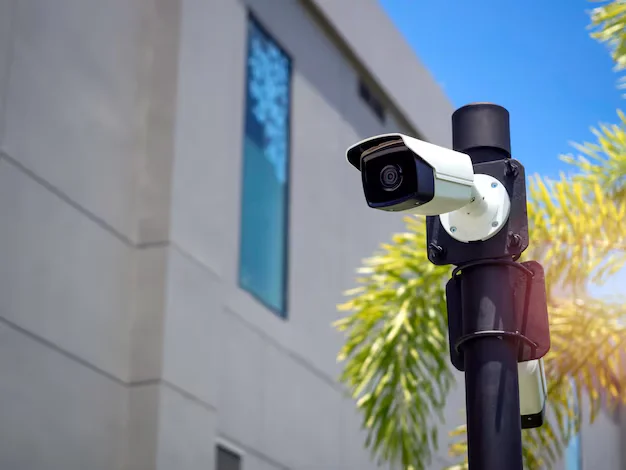
A home security camera system is designed for personal use. It protects a single residence, monitors entry points, and keeps an eye on kids, pets, or packages.
Most home systems are plug-and-play. You buy a kit, connect it to your Wi-Fi, and manage everything through a smartphone app. Brands like Ring, Arlo, and Nest made this category popular because setup takes less than an hour.
Key features of a home camera system:
- Wi-Fi or wireless connectivity
- Cloud-based video storage with subscription plans
- Motion alerts sent to your phone
- Two-way audio
- Basic night vision (usually 20–30 feet)
- 1080p HD resolution as standard
Home systems handle 1 to 8 cameras at most. They work well for monitoring doors, driveways, and backyards. However, they are not built to run 24/7 under heavy workloads for years without interruption.
If you are looking for trusted home security systems in Indianapolis, Cam Security Surveillance offers professional-grade residential solutions tailored to your property layout and neighborhood risks. Getting the right coverage from a local expert makes a real difference.
What Is a Business Security Camera System?
A business security camera system is built for commercial environments. It covers larger spaces, serves multiple users, and runs without breaks day and night.
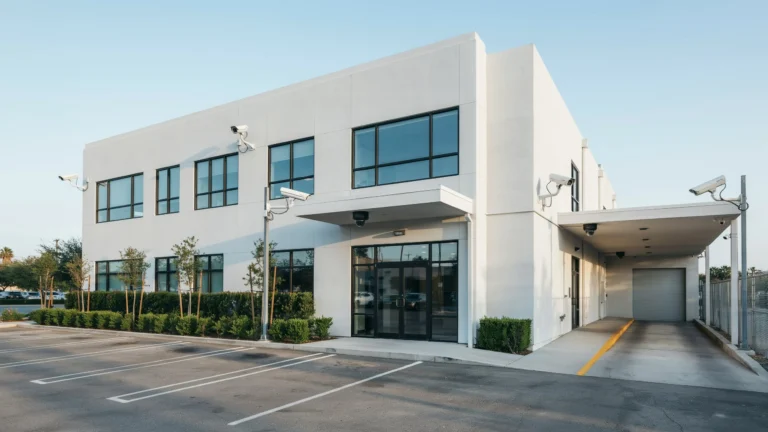
These systems are used in retail stores, offices, warehouses, hospitals, schools, and parking lots. Security cameras for commercial buildings must handle far more complexity than a home setup ever will.
Key features of a business camera system:
- Wired connections (IP or PoE) for reliability
- Network Video Recorders (NVR) or Video Management Software (VMS)
- High-resolution cameras (4K is common)
- Long-range night vision (up to 300 feet with IR or white light)
- Wide-angle and PTZ (pan-tilt-zoom) cameras
- On-site server storage plus optional cloud backup
- Role-based user access for staff and security teams
- Integration with access control, alarms, and intercoms
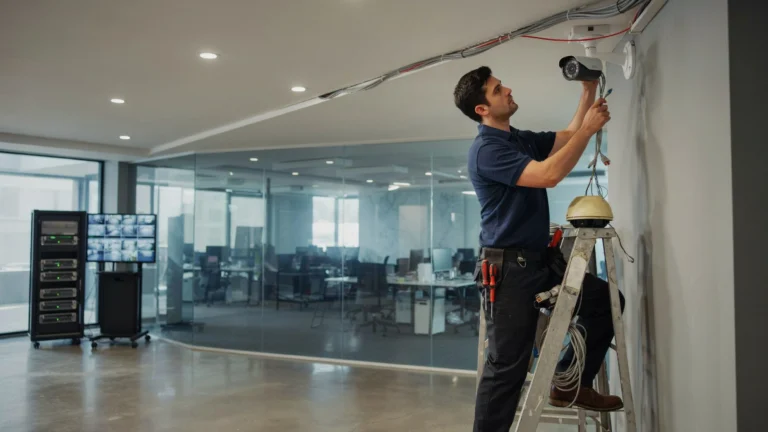
Business systems are designed by security professionals. Proper security camera installation business work involves cable runs, power backup, and redundancy planning. This is not something you set up yourself in an afternoon.
Key Differences Between Business and Home Security Camera Systems
This is where most people get it wrong. They assume a business just needs more home cameras. That is not how it works.
Here is a direct breakdown of the difference between business and home security camera systems across the most important categories:
| Feature | Home System | Business System |
| Number of cameras | 1–8 | 8–500+ |
| Connection type | Wi-Fi | Wired (PoE/IP) |
| Storage | Cloud subscription | On-site NVR + cloud |
| Resolution | 1080p–2K | 4K–8K |
| Night vision range | 20–30 ft | 100–300 ft |
| PTZ cameras | Rare | Common |
| User access levels | 1–2 users | Multi-user, role-based |
| System lifespan | 3–5 years | 8–15 years |
| Installation | DIY | Professional |
| Cost | $100–$500 | $1,000–$50,000+ |
Technology Differences
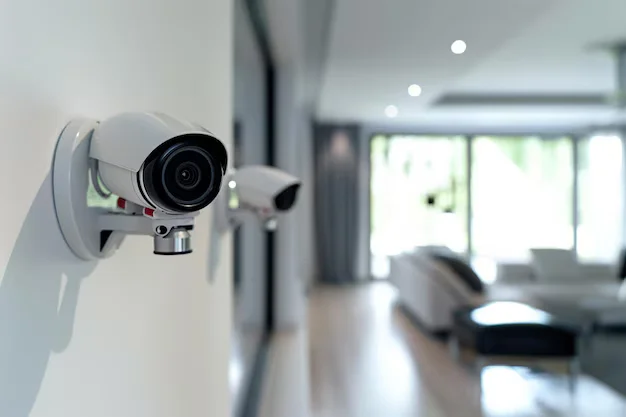
The gap in technology between home and business systems is significant.
Resolution and Image Quality
Home cameras record at 1080p for most brands. Some newer models reach 2K or 4K. Business cameras routinely use 4K and even 8K sensors. Why does this matter? When you need to identify a face or read a license plate from 50 feet away, resolution is everything. A blurry frame gets you nowhere in a police report.
Storage and Recording
Home systems rely on cloud storage. You pay a monthly fee and footage lives on a server you do not own. If the subscription lapses, footage disappears.
Business systems store footage locally on an NVR or server. Most also have RAID configurations, meaning if one drive fails, no footage is lost. Many businesses keep 30 to 90 days of continuous recordings. Cloud backup is an add-on, not the primary source.
Connectivity and Power
Home cameras use Wi-Fi. Wi-Fi is convenient but prone to interference, dead zones, and signal drops. One router restart can take your whole system offline.
Business systems use Power over Ethernet (PoE). A single cable carries both data and power to each camera. No Wi-Fi dependency. No power adapter needed at the camera. Far more stable over years of operation.
Analytics and AI Features
Business-grade systems come with built-in video analytics. This includes:
- License plate recognition (LPR)
- People counting
- Loitering detection
- Perimeter breach alerts
- Facial recognition (where legally permitted)
Home cameras offer basic motion detection. Some flag human shapes versus animals. But they cannot count foot traffic, detect suspicious behavior patterns, or trigger access control events.
Durability and Weather Rating
Home cameras are rated for light outdoor use. An IP65 rating is common, meaning dust-tight and protected from water jets.
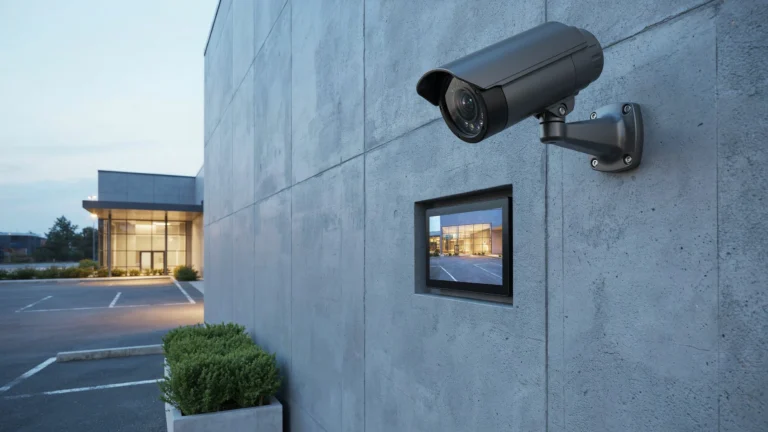
Commercial cameras often carry IP66 or IP67 ratings. Some are vandal-resistant with IK10 ratings, meaning they can take direct physical impact. This matters at a loading dock or gas station where tampering is a real risk.
What’s the Difference Between Surveillance Cameras and Security Cameras?
Many people ask: what’s the difference between surveillance cameras and security cameras? These terms are used interchangeably in everyday conversation, but there is a technical distinction worth knowing.
Security cameras are typically part of an active system with real-time monitoring, alerts, and response. They are connected to recorders, apps, or monitoring centers that take action when something happens.
Surveillance cameras are a broader category. They record and monitor without necessarily triggering active responses. Many surveillance cameras feed into a central system watched by a security team.
In commercial buildings, both types are used together. Fixed cameras cover wide areas continuously (surveillance), while PTZ cameras and alarm-linked cameras respond to specific events (security).
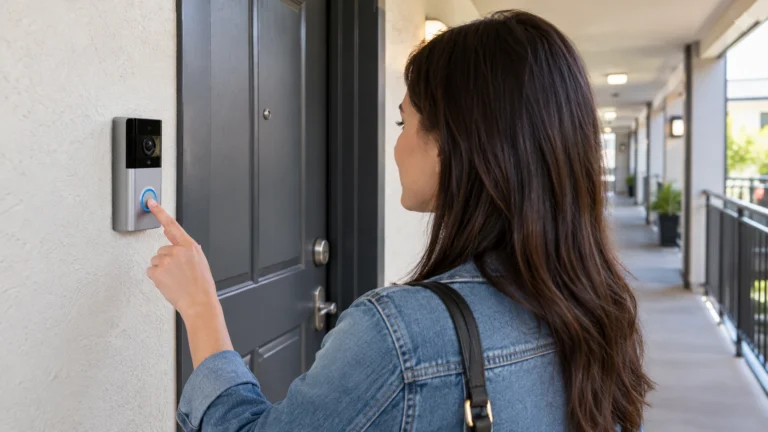
At home, the line barely matters. Your Ring doorbell is doing both jobs at once.
Use Case Examples
Here are real-world scenarios that show why choosing the right system matters.
Scenario 1: Retail Store A clothing store with 3,000 square feet needs coverage of fitting rooms (audio-only alerts, no video), cash registers, stockrooms, and entry/exit points. That is 12 to 20 cameras minimum, with POS integration to flag transactions matched to video. A home system cannot handle this.
Scenario 2: Office Building A two-floor office with 50 employees needs lobby cameras, parking lot coverage, server room monitoring, and access logs tied to badge entry. The system needs to tell you who entered the server room at 2 AM and show you the video clip at the same time.
Scenario 3: Single-Family Home A homeowner wants to watch the front door, backyard, driveway, and side gate. Four cameras, a smartphone app, and a cloud plan covers this perfectly. A business-grade NVR system would be overkill and harder to manage without training.
Scenario 4: Warehouse A 50,000 square foot warehouse with loading docks needs cameras with 200-foot range, license plate readers at entry gates, and 60 days of stored footage for liability claims. This requires a fully engineered commercial system.
Which System Should You Choose?
Ask yourself these questions:
- How many cameras do I need? More than 8 usually means business-grade.
- Do I need footage for legal or insurance purposes? Business systems store longer and at higher quality.
- Is the property commercial or residential? Commercial properties carry liability that requires reliable, provable footage.
- Do I have multiple staff or users who need access? Business systems handle role-based permissions.
- Will cameras run 24/7 for years? Business cameras are built for this. Most home cameras are not.
If you are a small business owner, even a two-person shop with a customer-facing space should consider a commercial-grade system. The footage quality and reliability alone justify the difference in cost.
For homeowners, a quality consumer system from a trusted brand handles most situations well. The key is making sure coverage is complete, not just adequate.
How to Future-Proof Your Security System
Whether you are buying for a home or a business, longevity matters.
For homes: Choose cameras that support local storage options alongside cloud. Make sure the brand has a strong update history. Wi-Fi 6 compatible cameras hold up better over the next 5 years.
For businesses: Buy cameras with ONVIF compliance. This open standard means your cameras can work with a new NVR or VMS later without replacing the entire system. Invest in managed switches to keep your camera network separate from your regular business network. This improves security and reduces congestion.
Both: Use cameras with at least H.265 compression. It stores twice as much footage at the same file size compared to H.264. Over months of recording, that difference adds up to significant storage savings.
Common Mistakes to Avoid
Many buyers make the same errors when choosing between home and commercial systems.
Mistake 1: Buying a home system for a business. Consumer cameras are not built for continuous recording. They overheat, degrade, and miss critical events at the worst moments.
Mistake 2: Over-buying for a home. A 32-channel NVR for a three-bedroom house is expensive, hard to manage, and unnecessary.
Mistake 3: Ignoring storage math. Calculate how many days of footage you need times the number of cameras times the daily file size. Many buyers run out of storage within weeks.
Mistake 4: Skipping the lighting assessment. Night vision only works well with the right ambient light conditions. Some locations need supplemental IR illuminators or white light cameras.
Mistake 5: Forgetting local laws. Recording audio without consent is illegal in many states. Placing cameras in bathrooms or private spaces violates privacy law. Always check regulations before installation.
Conclusion
The difference between business and home security camera systems comes down to scale, reliability, and purpose. Home systems are user-friendly and affordable for basic residential protection. Business systems are engineered for durability, legal compliance, and round-the-clock performance in demanding environments.
Buying the wrong type does not just waste money. It leaves real security gaps that cost far more when something goes wrong.
If you are not sure which system fits your situation, talk to a professional. A quick property assessment from a company like Cam Security Surveillance can save you thousands in poor purchasing decisions and give you actual peace of mind, not just the appearance of it.
The right security system is the one that works when you need it most. Contact us today and let Cam Security Surveillance help you find it.
FAQs
Can I use home security cameras for a small business?
For very small setups like a home office or solo studio, basic home cameras can work short-term. But for any customer-facing business or property with legal liability, commercial-grade systems are a better investment.
What is the main difference between surveillance cameras and security cameras?
Surveillance cameras monitor and record passively. Security cameras are part of an active system with alerts, responses, and integrations. In practice, most modern systems combine both functions.
How long do business security cameras last?
Commercial cameras typically last 8 to 15 years with proper maintenance. Home cameras average 3 to 5 years before hardware or software support ends.
Do business security cameras need the internet?
Not necessarily. Most business systems record locally to an NVR and do not require a constant internet connection. Remote access and cloud backup use the internet, but core recording functions do not depend on it.
What resolution do I need for license plate recognition?
You need at least 4MP resolution with proper camera placement and lighting. Dedicated LPR cameras are designed specifically for this purpose and perform far better than general-purpose cameras aimed at driveways.
Is professional installation worth it for home cameras?
For basic setups, no. For larger homes, complex layouts, or properties with high security needs, professional installation ensures full coverage and eliminates blind spots.