
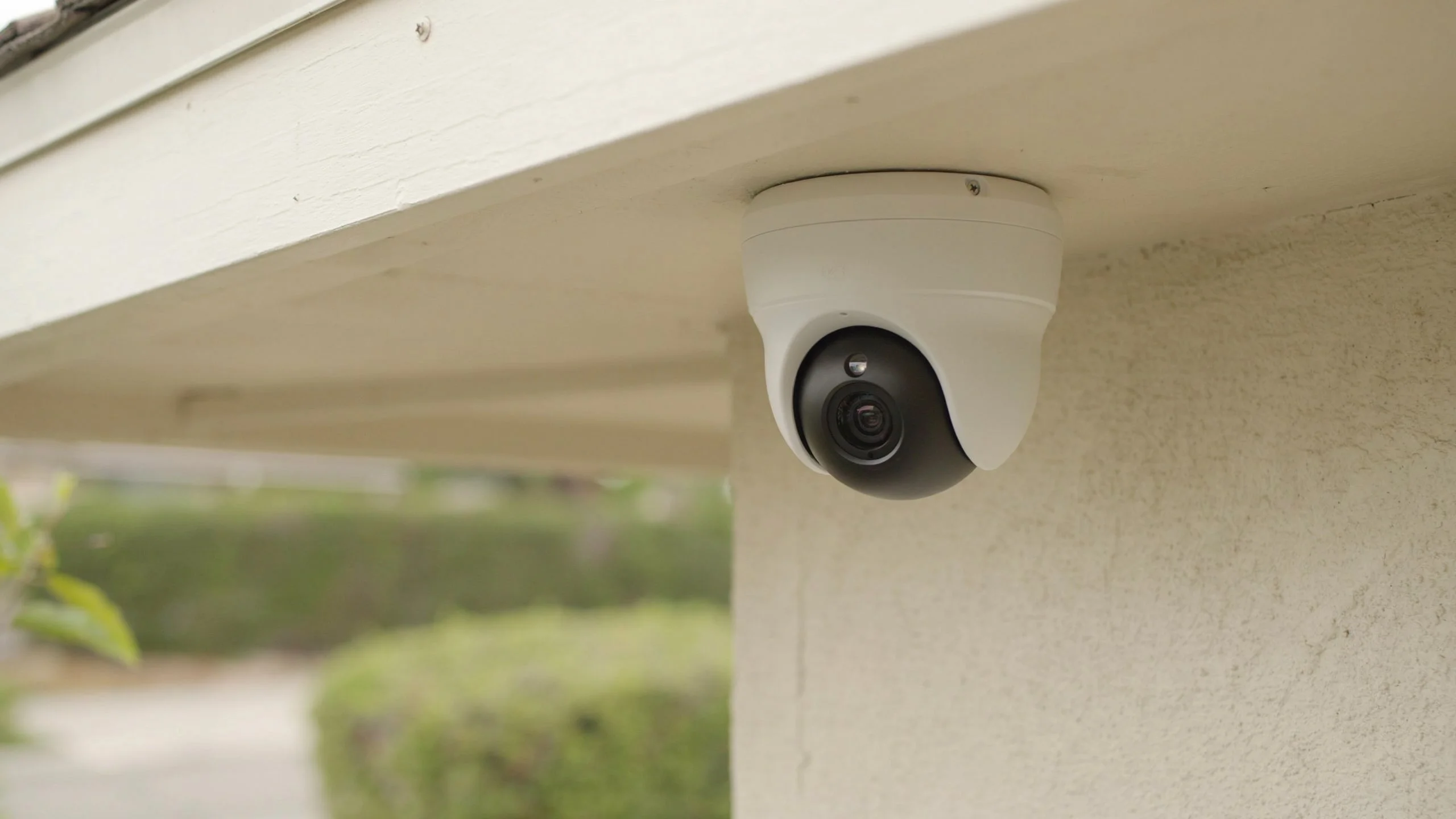
Most security cameras about five to ten years depending on how good they are where they are placed and how well they are taken care of. Cameras that are inside usually longer because they are not exposed to tough weather. Cameras that are outside have to deal with rain, hot sun, dirt and changes in temperature. Checking them regularly can help you find issues early and make sure everything works properly.
If you are wondering, How Long Do Security Cameras Last? just knowing how old they are is not enough. The picture quality, problems, with recording, broken pieces and old software can all show that it is time to replace them. Understanding what affects how long cameras last helps you plan for repairs stop wasting money and keep your place safe.
How Long Do Security Cameras Last?
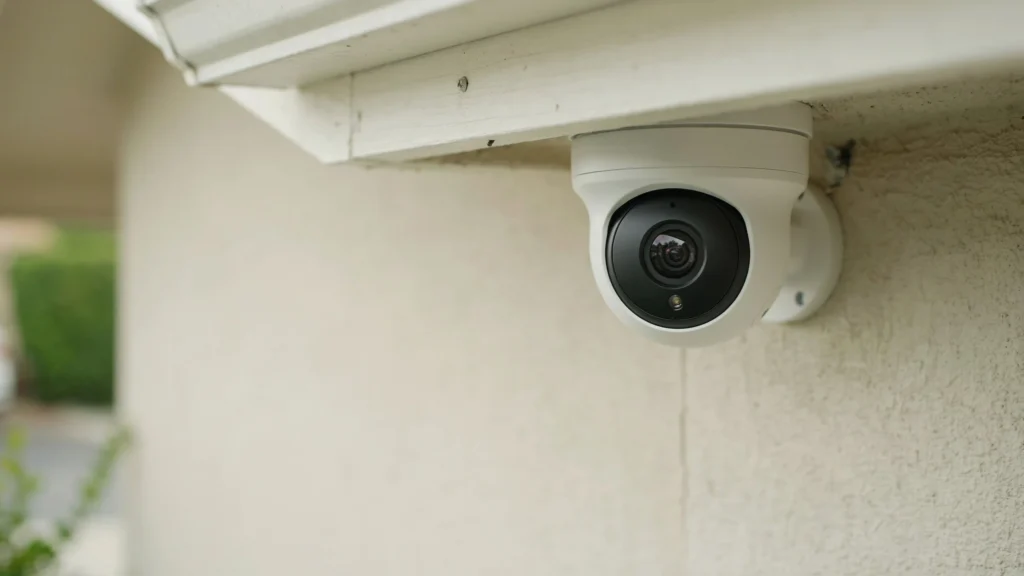
I have heard that the typical security camera lifespan is five to ten years.. Some security cameras break earlier while other security cameras that are kept in good condition can last longer than that. The outcome depends on the build quality of each security camera how weather each security camera faces the power supply for each security camera and how often each security camera is cared for.
The lifespan of a CCTV camera also depends on what the CCTV camera does. A CCTV camera that stays indoors in a climate-controlled room faces dangers than a CCTV camera that is mounted outdoors in direct sunlight. A CCTV camera that is used in a warehouse may need more care, than a CCTV camera that is set up in a clean office.
Here are general estimates for common camera types:
| Security camera type | Estimated lifespan |
| Indoor security cameras | 5–10 years |
| Outdoor security cameras | 5–8 years |
| Wired CCTV cameras | 5–10 years |
| Wireless security cameras | 3–7 years |
| Battery-powered cameras | Depends on the model and battery health |
These ranges are estimates, not guarantees from manufacturers. Check the warranty and product details for your exact model.
What Factors Affect the Lifespan of Security Cameras?
Several factors affect the life of a CCTV camera. Understanding them helps you choose suitable equipment and reduce avoidable damage.
1. Camera Quality
Cameras differ in build quality, image sensors and housing materials. A camera designed for outdoor use may handle harsh conditions better, than a camera intended for indoor spaces.
Choose a camera that suits your property, lighting and recording needs. A low‑cost camera may save money at first. May cost more later if the camera needs frequent replacement.
2. Weather and Outdoor Conditions
Outdoor cameras face rain, humidity, dust, sunlight and changes in temperature. These conditions can damage the seals of cameras, lower image quality of outdoor cameras and make internal parts of outdoor cameras fail.
Check the IP rating of the camera before installing cameras. An IP66-rated model offers protection against dust and powerful water jets when outdoor cameras are installed correctly. However an IP rating does not guarantee protection, against every condition or poor installation of cameras.
3. Power Supply and Wiring
Unstable power can cause camera faults. Damaged cables can cause camera faults. Loose connectors can cause camera faults. Power surges can cause camera faults. I know that wired systems need connections to avoid camera faults. I also know that wireless models still need a power source or a healthy battery to avoid camera faults.
Use power supplies, because using an incompatible power supply can cause camera faults. I recommend inspecting exposed cables from time, to time because loose cables can cause camera faults. Fixing a cable issue may restore a camera. It may save you from having to replace the device.
4. Heat and Continuous Operation
Many security cameras work all day and night. Continuous operation alone does not mean a security camera will break early. Poor ventilation and much heat can put extra stress on the electronic parts of a security camera.
Keep security cameras away, from heat sources and follow the manufacturers installation instructions.
5. Cleaning and Maintenance
Dust, spider webs, dirt and water spots can reduce image clarity. Regular cleaning helps spot mounts, damaged cables and moisture, around the housing keeping image clarity sharp.
Use a cloth and follow the manufacturers cleaning instructions. Avoid cleaners that may damage the lens or protective coating because that may hurt image clarity.
How Long Do Different Types of Security Cameras Last?
Different camera designs have different needs. The best choice depends on where you install the camera and how you power and maintain it.
Wired CCTV Cameras
I have seen wired CCTV cameras last around five to ten years. They use cables to send video to connect to the network or to give power. How long a wired CCTV camera lasts depends on the cameras quality the condition of the cables and the environment.
A wired CCTV camera can keep working for years if its connections stay solid. When a fault appears check the recorder and the cables one, by one.
Wireless Security Cameras
Wireless cameras often last about three to seven years. Each model can differ. Wireless cameras rely on a WiFi signal, for network access. May use a power cable or a battery.
A weak WiFi signal does not always mean that the wireless camera is failing. I have seen that checking the WiFi signal the power source and the software can solve the problem before you replace the camera.
Battery-Powered Cameras
Battery-powered cameras have two lifespans. One is for the camera itself. The other is, for the battery. How long the battery lasts between charges depends on motion events. It also depends on recording settings. Temperature and how you use the camera all play a role.
Rechargeable batteries get weaker over time. If the camera still works well but needs charging a lot often see if the battery can be replaced. Check if the battery can be replaced. Make sure the battery can be replaced.
How Long Do CCTV Recorders and Hard Drives Last?
A camera system is more than cameras. It also includes video recorders (DVRs) network video recorders (NVRs) and hard drives. These parts can wear out at speeds.
Hard drives that record nonstop are always writing data. That kind of use can make them fail before the cameras do. Surveillance-rated drives are built for this job. Even they need to be watched and replaced eventually.
Keep an eye out for missing footage, recording problems noises from the drive or warnings, about storage space. When you can back up recordings. Also check that the system is saving video the way it should.
7 Signs Your Security Camera Needs Replacing
A camera does not need replacement just because it is old. Look for changes that affect its ability to capture and save useful footage.
- Blurry images: Clean the lens first. If the image remains unclear, the sensor or lens may be damaged.
- Frequent disconnections: Check power, cables, WiFi, and network settings before blaming the camera.
- Poor night vision: Clean the lens and check the infrared lights or night vision settings.
- Moisture inside the housing: Water inside the camera can damage its electronic parts.
- Repeated system errors: Check the power supply, firmware, and connections before replacing the unit.
- Missing recordings: Review storage space, recorder settings, and hard drive health.
- Outdated software support: Consider replacement if the camera no longer receives needed security updates or lacks features your system requires.
These signs can point to a fault, but some are easy to fix. Test the camera and its connections before buying a replacement.
Can You Extend the Life of Security Cameras?
Yes. Good installation and simple maintenance can help your cameras last longer.
- Choose indoor or outdoor cameras suited to their location.
- Clean lenses and housings using approved methods.
- Inspect cables, mounts, and connectors for damage.
- Keep firmware updated when the manufacturer provides updates.
- Use suitable surge protection where needed.
- Check live views and recorded footage regularly.
- Keep outdoor cameras clear of plants, dirt, and spider webs.
Add camera checks to your regular property maintenance routine. Finding a small fault early can prevent missed recordings and unnecessary replacement costs.
Should You Repair or Replace an Old Security Camera?
Repair the camera when the problem comes from a cable, power supply, loose connector or incorrect setting. These issues may be cheaper to fix than replacing the unit. Sometimes just tightening a connection or swapping a cable can get things working again. It’s worth trying before spending money.
Replacement makes sense when the image sensor has failed water has damaged internal parts or the camera no longer meets your security needs. If the camera is old or blurry or if it can’t do what you need it to do then it’s time to think about getting an one. Before buying a model check its compatibility with your existing recorder, cables and software. You don’t want to buy something that won’t work with what you have.
If repair costs approach the price of a replacement compare both options. Look at more, than the cost. Think about image quality how long the warranty lasts and whether the company will still support the camera in the future. Sometimes spending a little more now means problems later.
When Should You Upgrade Your Security Camera System?
Consider an upgrade when your cameras are not able to show faces or other important details. You might also need equipment if your system does not have good night vision or remote access or dependable recording.
You do not always have to replace every camera. Newer cameras that are compatible may work with your recorder depending on the system. Look at the resolution limits the types of connections and the software support, before making an upgrade.
When Should You Consider Professional Security Camera Installation?
Professional help from Cam Security Surveillance is useful when cameras keep disconnecting, recordings are missing, or your system needs an upgrade. Our team can help check camera placement, wiring, power, network access, and recording quality to keep your security camera system working reliably.
If you need security camera installation Indianapolis, Cam Security Surveillance can help you choose and install a system that fits your property. A professional inspection can also help determine whether your existing cameras need repairs or replacement.
Conclusion
So, How Long Do Security Cameras Last? Most last around 5 to 10 years, but their lifespan depends on build quality, weather, power, and maintenance. Outdoor cameras may face more wear, while batteries and recording drives can need replacement sooner.
Check your cameras regularly and fix small problems before they affect recordings. Replace equipment when repairs no longer make sense or the system cannot meet your security needs. For help with installation or upgrades, contact us today.
Frequently Asked Questions
How many years should a security camera last?
Many security cameras last around 5 to 10 years. Their lifespan depends on the model, installation, weather exposure, and maintenance.
Do security cameras wear out from continuous recording?
Continuous recording alone does not determine camera lifespan. Heat, power quality, build quality, and operating conditions also affect how long a camera lasts.
How long do outdoor security cameras last?
Outdoor cameras often last around 5 to 8 years. Rain, sunlight, dust, moisture, and temperature changes can affect their lifespan.
How often should security cameras be replaced?
There is no fixed replacement schedule for every camera. Replace a camera when it repeatedly fails, produces poor images, or no longer receives needed software support.
Do wireless security cameras last as long as wired cameras?
Both types can last for several years. Their lifespan depends on build quality, power, network conditions, battery health, and the environment.










