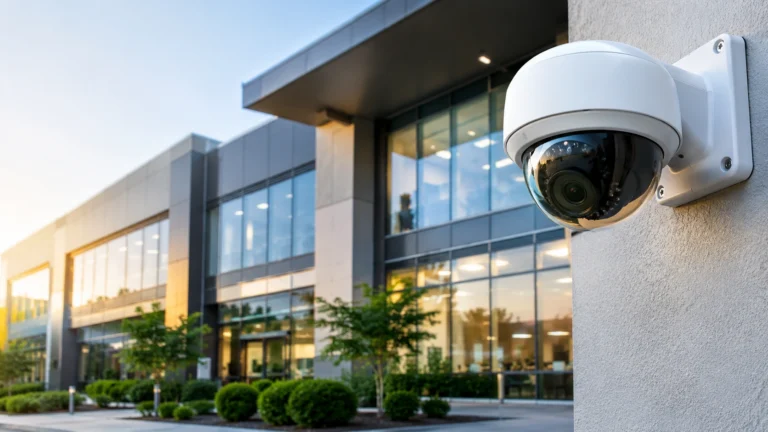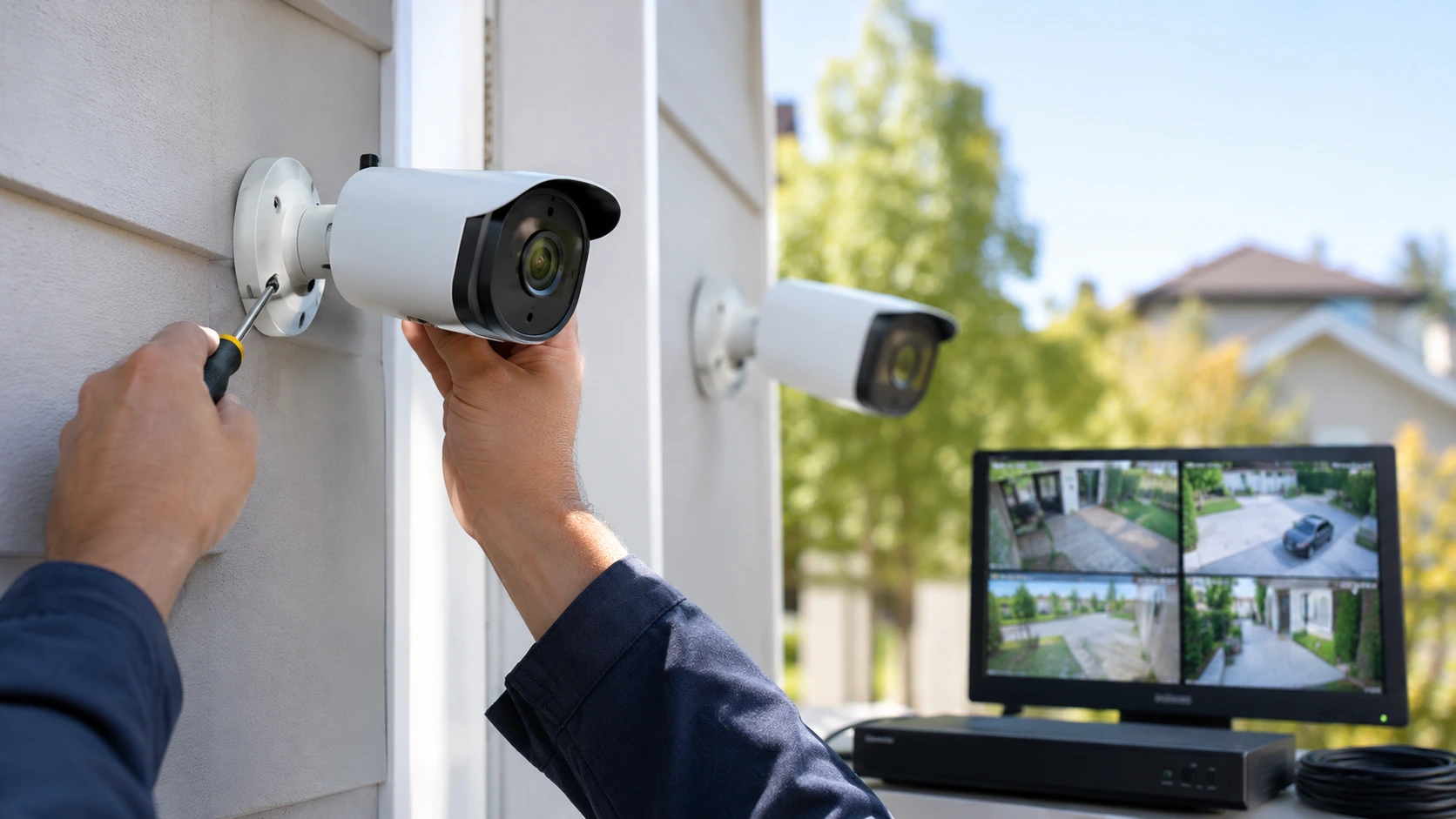
You might not have to replace the cameras you already own when you upgrade your security system. If your cameras still provide clear images, you may be able to keep your old cameras and replace the recorder and/or the storage and/or the monitoring components with new devices. Figuring out if you can reuse your security cameras can help you improve your security system without wasting money on devices you don’t really need.
Just because your old cameras provide clear images doesn’t mean they are compatible with the new devices. The video signals and connectors, power supply, and network protocols of the old cameras could be different from those of the new devices. Also, older cameras might not support resolutions, night vision, and/or smart detection features like new cameras do.
To know if you really need to replace the old equipment, it is always important to check what you currently have and analyze which equipment can still be used. This guide will help you understand if there are compatibility issues, determine some of the limits of your equipment, and give examples of savings you can gain from using this approach. Most importantly, this guide helps users understand the right approach to knowing when to keep old equipment and when to replace the entire equipment. If you are planning security camera installation Indianapolis property owners can rely on, start by reading on.
1. Can You Reuse Your Existing Security Cameras?
Yes, in most cases. Whether your existing cameras will work with a new system will depend on the technology used in the cameras, the system they are integrated with, and the condition of the cameras. Traditional analog cameras will work with a compatible digital video recorder (DVR). Internet Protocol (IP) cameras will work with a compatible network video recorder (NVR), and IP cameras will work with supported recording platforms.
Many recent recorders support multiple camera formats, allowing customers to retain older cameras while introducing newer models. Having a recorder support a particular video signal does not mean that the recorder will support every feature of the supported cameras. Support for additional features, such as audio, motion detection, and remote configuration, as well as advanced analytics, will also depend on the recording platform.
What to Check Before Keeping Your Cameras
The user begins by determining the manufacturer, specific model name, image pixel count, and how each camera attaches to the network. Information is available on the external casing of the device, within the setup documents, or inside the technical sheets the producer provides—those facts allow the user to select which new video storage devices and hardware add-ons function with the current tools.
To continue, the user inspects the physical state of the hardware. The user searches for wires that are torn, plugs that are not firm, water droplets within the glass enclosure, visuals that flicker, and infrared sensors that fail to produce clear pictures in the dark—but a camera remains a poor choice for a protection network if it displays constant errors, even when the components match the technical standards.
In the final step, the user evaluates if the device captures the required visual area. A working unit may fail to show enough clarity for the user to recognize human facial features, see the characters on car metal tags, or watch a wide space successfully.
2. Learn About Various Security Camera Types
Been curious about the specs on your security camera? Before you buy that upgrade, it’s a good idea to understand the specs of your current model. Want to know what your type of camera’s signal is? Here’s a hint: Your replacement DVR has to be compatible with your particular type of signal. Know what it is?
Additionally, understanding these distinctions helps you to avoid making unnecessary purchases. For example, you may realize that only your recorder needs to be replaced or that a few of your older cameras are impacting the system’s performance as a whole.
Analog CCTV Cameras
With traditional analog camera setups, video signals are sent from the camera to the DVR using a coaxial cable. While some analog cameras rely on standard-definition camera video, others rely on newer analog high-definition video standards.
If your current analog cameras are acceptable and are supported by your new DVR, keeping them can save you money, especially if your current cable runs are acceptable. While some analog cameras deliver good resolution for monitoring entrances, parking lots, etc., older analog cameras are less acceptable. They are more likely to deliver lower resolutions that make it more difficult for the system operator to recognize detail.
IP Security Cameras
IP cameras use digital transmission via Ethernet or Wi-Fi network technology. Some IP video security systems are wired with Ethernet cable to carry video signals. This method allows Power over Ethernet (PoE) to power the camera and also enables data transmission over the same cable.
Verify if the replacement NVR is compatible with your IP cameras’ resolutions, network requirements, and communication protocols. Some IP cameras may work with third-party software; still, advanced features like person detection, remote configuration, or even the camera’s built-in audio functionality may no longer work if the camera is used without its associated manufacturer’s software.
Finally, consider IP camera vendor proprietary requirements. While many cameras may support some level of interoperability, certain features may not be supported by different vendor equipment.
3. Check Compatibility Before Upgrading Your Recorder
One of the biggest concerns in upgrading an existing CCTV system is verifying that your new replacement DVR/NVR will be able to communicate with the cameras you already have in place. It goes much deeper than the correct video cable being able to plug into the right input port on the new DVR/NVR. First and foremost, the recorder must support the video resolution and be able to receive and understand the signal from the camera(s) and provide adequate storage/recording space for the number of cameras you wish to continue using.
With IP camera systems, performance may be affected by the network configuration, the compression method(s) , the cameras and recorder support, the method and protocols for authentication, and available network bandwidth. Your camera manufacturer’s documentation will usually provide you with all the information you need to verify compatibility with any given camera and recorder combination.
Create a Camera Compatibility Checklist
As you compare camera and recorder specifications, keep in mind these categories:
- Format of Video: Does the DVR/NVR support the format of your existing cameras (analog standards or IP)?
- Resolution: Can the recorder handle the camera’s full resolution?
- Power: What about voltage, current, and PoE standards?
- Cabling: Is the recorder compatible with your cable choice?
- Smart Features: Are microphones and analytics supported? What about motion notifications?
- Capacity: Is there space for the new cameras you will use in addition to your current ones?
Have you made it to the middle of your checklist and asked yourself if you’re about to purchase a recorder that’s not going to get along with your system? No problem: the answer is simple; if the specifications don’t look right, ask the manufacturer or your installer. They’ll be happy to verify if things will work.
4. When Is Reusing Existing Security Cameras Worthwhile?
Are you still using your current system but just thinking of replacing it? Why not use your camera system for one more operation if it’s working well, still reliable, and compatible with the new recorder? Think of the cost savings you will make and the time not having to pull up all the cable.
Here’s the thing: if you have a lot of cameras in business locations, warehouses, offices, or around the house, replacing every single one can increase the costs of hardware and installation exponentially. Why replace good?
Situations Where Reuse Makes Sense
Considering upgrading your security cameras? Here’s the thing: upgrading may not be necessary. If your existing cameras capture great footage in your typical usage environment, don’t have ongoing problems, and capture the areas you care about, why bother replacing them? Think of a camera in a well-lit corridor—you could be using it for another decade or so, even if a newer camera has higher resolution.
So what do you do about your cables? If they are installed properly, in good condition, and appropriate for the new gear, they will save you a significant amount of rewiring costs.
But here’s a question: are you losing good protection to save a few bucks? If a camera monitoring a critical entry point isn’t providing sufficient detail, it might be better to replace it rather than keep it because it ‘just turns on.’
5. Recognize the Limitations of Older Cameras
Thought your outdated security camera was still on point? Think again. Sure, it’s recording, but the low resolution and lack of performance in low light might make viewing critical moments in time a living hell.
Show you everything – even with distractions. Say you witness someone leaving your property, but the image isn’t enough to identify them. It’s a pain, isn’t it? That’s because without a good wide dynamic range, headlights or sunlight can wash out the details.
Features You May Lose by Keeping Older Equipment
Here’s the trouble: Old gear may not be getting firmware updates and could become a security risk. Do the cameras connect to a network? Find out if the vendor is still providing security updates. Are you able to replace default passwords?
If your images don’t line up, or your camera is not the right one for the job, and you aren’t satisfied with the results, perhaps you should take a moment and see if a new one might be the solution. What do you think?
6. Consider a Hybrid Security Camera System
Want a new camera system but can’t afford to replace your existing one? A hybrid system is the perfect solution! Maintain your current cameras and upgrade only where it matters.
Imagine this: your trusty old camera in the closet is still working, but you’re adding a high-res camera to the front door. You keep adding to it piece by piece as you can, until you have a fully functioning security camera system. Doesn’t that sound good?
Steps to Planning a Hybrid Upgrade
Begin by drawing out your yard and drawing out what each camera should be looking at. Where do you need to identify people clearly or see in the dark?
Next, determine which cameras fulfill these requirements and rank which ones should be replaced first. Ensure the recorder used is capable of supporting the various camera technologies, resolutions, and configurations that you intend to combine.
Here’s the thing: you can actually keep budgeting simple with a well-designed hybrid system (but don’t overdo it). Devices that don’t play well together or separate control systems for different rooms can make maintenance a nightmare. So are you ready to upgrade, smart?
7. Upgrade Your System Without Replacing Everything
Have you ever asked yourself what’s really standing in the way of your security camera system? The answer: we’ll discuss what you need to upgrade for top-notch results. Is it your outdated recorder that doesn’t have enough room, remote access, or channels? Or is it just the cameras themselves? Here’s the catch.
All you need to do is swap out just the recorder, and you can improve recording handling and storage, as long as you are not using analog cameras (use modern IP-based products). Add a larger hard drive, and you can keep videos a little longer. Upgrade your network, and your IP camera images will be more reliable. Now, here’s the thing – a new recorder does nothing to improve your original camera’s image quality. So what’s next?
Build a Practical Upgrade Plan
Considering an upgrade? Before you begin to shop, let me guide you through a simple process that will help you invest wisely. Next, check compatibility. Confirm that the cameras are compatible with the suggested recorder, power devices, and network.
Focus on those key areas, including entrances, cash areas, etc. As a first step, enhance these key areas. Verify live video, playback, night performance, motion alerts, and remote access. If you haven’t already done so, take a look at how your money is spent on maintenance, and you will be surprised at how much of it goes into upgrading equipment that actually works.
8. Why Professional Assessment Can Help
Ever been so lost in the security camera jungle that you just threw up your hands? Many do. Security camera installations are a confusing forest of cable types, power options, network setups, recording configurations, and manufacturer-specific features. You think you’re all good, then a malfunction means you didn’t save those critical recordings or an upgrade disabled an essential feature.
Here’s the thing: a pro evaluation is another way to find compatibility problems before you purchase a new system. An installer can review your camera locations, test cabling, recommend the proper amount of recording time, and confirm your system will monitor the proper areas.
Therefore, what can you do to improve the security of your property? That’s where Cam Security Surveillance comes in. Our team of professionals will assess your property, determine what can stay, what needs replacing, and what should be upgraded, developing an efficient yet affordable system that will protect your property properly. For security camera installation Indianapolis residents and businesses can count on, we are ready to help.
Final Thoughts
Considering an upgrade to your security system but wondering if you will need new cameras? Here’s the deal: We usually can transfer existing cameras to the new system if they are still functional.
Firstly, consider the camera technology, the resolution, cabling, power, and features. How does it compare? You’ll be able to determine what is important and what is not.
Before you go rushing to purchase some fresh gear, take an honest look at what you already own. Hang onto any camera systems that continue to give you good, reliable footage. Have questions? Cam Security Surveillance can help you sort through the options. Contact us today for security camera installation Indianapolis customers trust.
FAQs
Do I need to change security camera wires if I upgrade?
Old cables? Those six-pack of Ethernet cables? If they are still intact, installed correctly, and able to meet the demands of your new configuration, you may be able to keep them. One of our installers can inspect them to see if they pass.
Will the image of vintage cameras be enhanced with the help of a new recorder?
Thinking that a new recorder will refresh your old cameras? Well, here’s the fact: it will not elevate the camera’s built-in quality. A new recorder might have some fancy recording features and be better at processing, but it’s not going to turn a low-resolution camera into a high-definition one.
Should I replace my security cameras when upgrading my system?
You do not always need to replace them. If your cameras provide clear footage, work reliably, and meet your security needs, you may keep them. Replace cameras that have poor image quality, frequent faults, or limited night vision.
Can I keep my existing CCTV cables when upgrading?
Yes, existing cables may be reusable if they are undamaged and support the new system. Check cable type, length, connectors, and power requirements to avoid connection or performance issues.
How do I know if my existing security cameras are compatible with a new system?
Check the camera model, video format, resolution, power supply, and connection type. Compare these details with the new recorder’s specifications. A professional installer can assess your current equipment and help you decide what to keep or replace.