
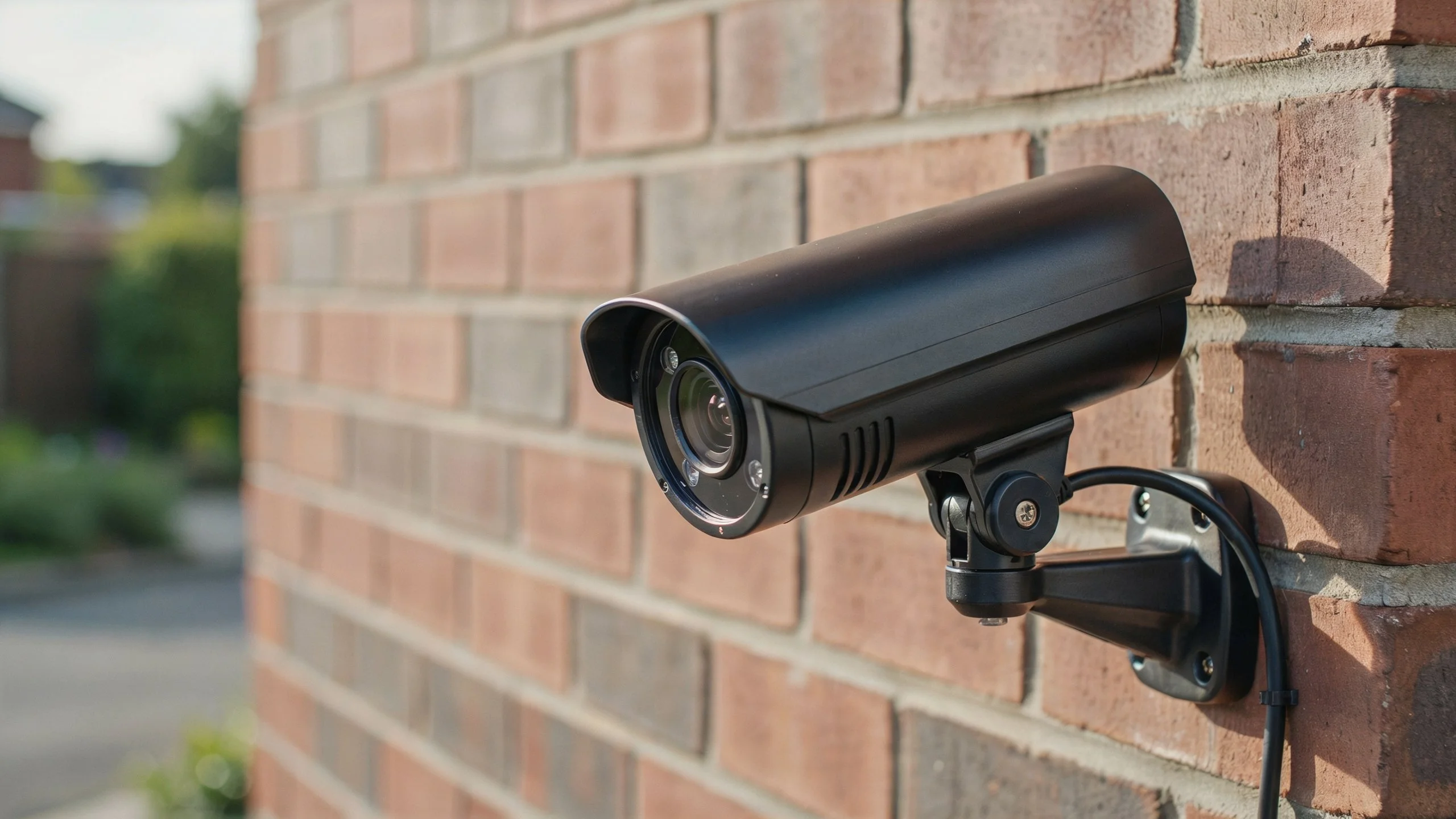
Security camera hacking can expose private video, user accounts, and even your home network. The safest choice is usually a wired PoE camera paired with a secure NVR, strong passwords, updates, and protected remote access.
So, Which Security Camera Is Least Likely to Be Hacked? A properly configured wired PoE system is generally a strong choice because it removes the camera’s wireless connection and gives you more control over network access.
Which Security Camera Is Least Likely to Be Hacked?
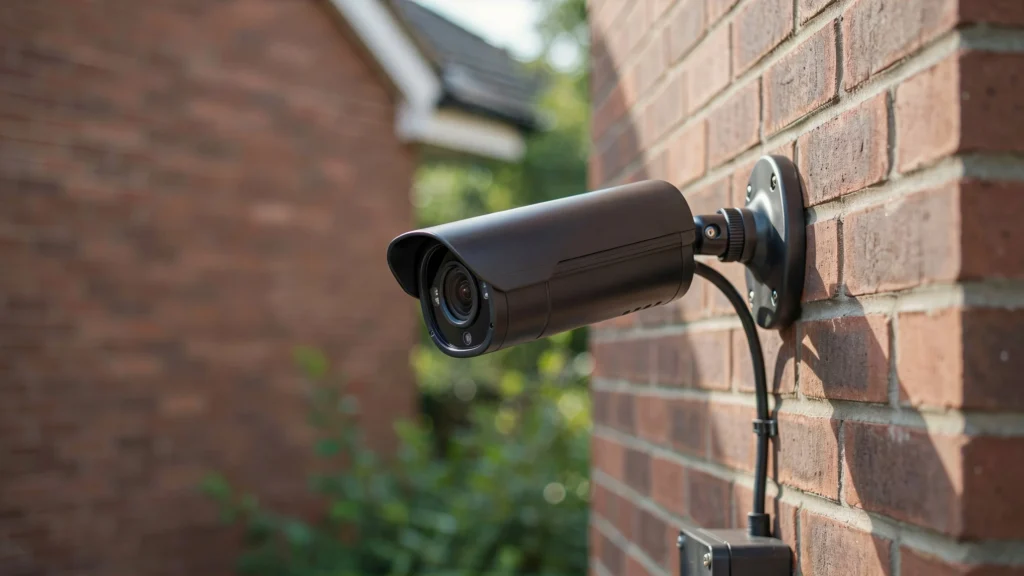
No security camera is completely immune to hacking. The better question is which system gives an attacker fewer ways to get in. For most homes and businesses, a wired PoE IP camera connected to a local NVR offers a strong security setup. PoE sends power and video through an Ethernet cable, so the camera does not depend on Wi-Fi for its main network connection.
That does not make a PoE camera automatically secure. A weak NVR password, old firmware, unsafe remote access, or a compromised router can still put the system at risk.
When comparing cameras, look for these features:
- Wired Ethernet or PoE connectivity
- Secure HTTPS connections
- Strong user authentication
- Two-factor authentication when available
- Regular firmware updates
- Local recording options
- Encrypted communication
- No forced default passwords
- A manufacturer with ongoing security support
Terms such as unhackable cameras can be misleading. A connected device always has some level of risk. The goal is to reduce the attack surface and protect every part of the system.
Are Wired Security Cameras Harder to Hack Than Wi-Fi Cameras?
Wired cameras have one important advantage. The camera does not need a wireless connection to communicate with the NVR or network. A Wi-Fi camera must protect its wireless connection as well as its camera account. If the home network has a weak password or poor router settings, other connected devices may also create risk. A wired system removes that particular wireless path. An attacker would need to target another part of the network, such as the router, NVR, exposed service, or user account.
Consider a small business with six cameras. With a PoE system, each camera connects to a PoE switch or NVR using Ethernet. The recorder can stay inside a locked room, while cameras remain on a controlled network. That setup gives the owner more control than placing six wireless cameras on the same network used by employees and visitors. Still, wired does not mean invincible. Physical access to cables and network equipment also matters.
Security Features That Make a Camera Difficult to Hack
The connection type is only one part of camera security. The software and account controls matter just as much.
Strong Authentication
The camera or NVR should let you create a unique administrator password. Never keep a factory password or reuse the same password across several devices. Two-factor authentication adds another layer. If someone steals your password, they still need the second verification step.
Secure Remote Access
Remote viewing is useful, but it creates another entry point. A secure system should use encrypted connections and avoid unnecessary exposure to the public internet. Avoid opening ports on your router unless you understand why they are needed. A secure remote-access service or VPN is usually a better approach.
Regular Firmware Updates
Security problems can appear after a camera reaches the market. Manufacturers need to fix those problems through firmware updates. NIST identifies secure software updates, data protection, access control, device identification, and device security as important IoT security capabilities.
Before buying a camera, check whether the manufacturer still supports the model. A cheap camera that stops receiving updates can become a poor long-term choice.
Network Separation
A separate network for cameras can limit damage if one device is compromised.
For example, your cameras can sit on a dedicated VLAN while laptops, phones, and business systems use another network. NIST research also highlights network controls that limit an IoT device to the communication it actually needs.
Which Is Safer: Cloud Storage or Local Storage?
Both cloud and local storage can be secure. The better option depends on how you manage the system.
Local NVR Storage
With an NVR, recordings stay on a local hard drive. This can reduce dependence on cloud accounts and gives the owner direct control over the recorder. Local recording can also continue when the internet goes down. Cameras can keep sending video to the NVR over the local network.
The downside is physical risk. If someone steals the NVR, recorded footage may be lost unless you have another backup.
Cloud Storage
Cloud storage keeps recordings away from the property. This can help if someone steals or damages the local equipment. However, cloud systems depend heavily on account security. A stolen password can expose recordings or camera access.
Cloud security also depends on the provider’s systems and policies.
Which Should You Choose?
For a security-focused setup, local NVR recording with secure remote access is a strong option. Businesses with higher security needs can also combine local recording with encrypted off-site backups.
How Do Security Cameras Get Hacked?
Most camera compromises do not require some movie-style attack. Basic security mistakes can be enough.
Common problems include:
- Default or weak passwords
- Reused account passwords
- Outdated firmware
- Unsafe router settings
- Exposed network ports
- Stolen cloud credentials
- Phishing attacks
- Poorly secured mobile apps
- Unsupported camera models
- Compromised home or office networks
CISA recommends changing default passwords, applying security updates, replacing unsupported devices, using multifactor authentication where possible, and monitoring internet-facing systems.
This is why buying an expensive camera does not solve every security problem.
A $300 camera with an old password and exposed remote access can be less secure than a modest camera that is properly configured.
How to Make Your Security Camera Harder to Hack
Start with the basics before adding advanced security controls.
- Change the default password. Use a long and unique password.
- Turn on two-factor authentication. Use it for cloud accounts when available.
- Update the firmware. Check for updates after installation and on a regular schedule.
- Secure your router. Use a strong Wi-Fi password and current security settings.
- Avoid unnecessary port forwarding. Do not expose the camera or NVR directly without a good reason.
- Separate cameras from sensitive devices. A dedicated network can reduce the impact of a compromised camera.
- Disable unused services. Turn off features you do not need.
- Replace unsupported cameras. Old devices may no longer receive security patches.
- Protect the NVR physically. Keep it in a locked or restricted area.
- Review account activity. Look for unfamiliar logins or devices.
If you need professional security camera installation indianapolis, Cam Security Surveillance can help with camera placement, PoE cabling, NVR setup, network configuration, and system testing. Proper installation matters because security depends on the whole system, not only the camera.
Are PoE Security Cameras the Best Choice for Cybersecurity?
PoE cameras are often one of the strongest choices for a permanent security system. They use Ethernet cables instead of Wi-Fi for the camera connection. This gives installers better control over how cameras connect to the network. PoE also makes it easier to build a centralized system. Cameras can connect to a PoE switch or NVR, while the recorder handles storage and management.
For a business, this can be easier to manage than dozens of independent wireless cameras. However, PoE is not a security feature by itself. A PoE camera can still be compromised through weak credentials, vulnerable firmware, an unsafe NVR, or a compromised network. The best results come from combining PoE with secure account controls, updates, network separation, and safe remote access.
What Security Camera Should You Avoid?
Avoid cameras that create unnecessary security risks.
Be careful with models that:
- Still use default passwords
- Have no clear firmware update process
- Have no meaningful security support
- Require unnecessary internet access
- Use poorly maintained apps
- Come from unknown sellers with little product information
- Cannot disable unused services
- Have unclear privacy practices
You may see searches for products or terms such as lokx security camera, eufy security camera, or safeview camera when comparing security systems. Do not judge a camera only by its brand name.
Instead, check its current firmware support, authentication controls, encryption, storage design, remote-access method, and privacy features.
A recognizable brand does not automatically make a camera safer. Security should be judged by the complete product and network setup.
Best Security Camera Setup for Maximum Protection
For a home or small business, a strong setup can look like this:
PoE cameras → PoE switch → NVR → protected network → secure remote access
Add these controls:
- Unique administrator credentials
- Two-factor authentication
- Current firmware
- Strong router security
- Camera network segmentation
- Encrypted remote access
- Restricted NVR access
- UPS backup for the network equipment
- Regular system checks
NIST’s newer IoT guidance stresses secure device onboarding and maintaining device security throughout its lifecycle. That means security should begin when a camera joins the network and continue through updates and replacement.
For example, a business could place its cameras on a dedicated VLAN. The NVR could remain accessible only to approved users. Remote staff could use protected access rather than exposing the recorder directly to the internet.
That is much stronger than simply buying cameras and connecting them to the nearest Wi-Fi network.
Can a Security Camera Be Completely Hack-Proof?
No. There are no truly unhackable cameras that can promise zero risk forever. Every connected device has some attack surface. New software flaws can appear, passwords can be stolen, and network equipment can become vulnerable.
The realistic goal is risk reduction. A secure camera system should make unauthorized access difficult, limit what an attacker can reach, detect suspicious activity, and receive security updates.
Think of camera security like protecting a house. A strong door helps, but you also need good locks, secure windows, lighting, and an alarm. The same principle applies to network cameras.
Wired vs. Wi-Fi vs. Cloud Cameras: Which Is Most Secure?
| Camera setup | Main strength | Main weakness | Security outlook |
| Wired PoE + NVR | Controlled network and local recording | Requires cabling | Strong choice |
| Wi-Fi + NVR | Easy installation | Wireless attack surface | Good with secure Wi-Fi |
| Wi-Fi + cloud | Simple remote access | Account and cloud dependency | Depends on provider and account security |
| Cellular camera | Works without local Wi-Fi | Cellular account and device security | Useful for remote sites |
For most permanent installations, wired PoE with a properly secured NVR is the setup I would recommend. Wi-Fi cameras can still be a good choice when running cables is difficult. The key is to secure the router, camera account, firmware, and remote-access features.
Conclusion
The safest camera is not simply the most expensive model. It is the camera that has strong security controls and is installed on a properly protected network. For most homes and businesses, a wired PoE camera with local NVR recording is a strong starting point. Add unique passwords, updates, two-factor authentication, network separation, and secure remote access.
If someone asks Which Security Camera Is Least Likely to Be Hacked?, the practical answer is a properly configured PoE system with strong security controls. The setup matters just as much as the camera itself. Cam Security Surveillance can help design and install a system that balances camera coverage, reliable recording, network security, and remote access. Contact us today to discuss your security camera needs and get started with a professionally installed system.
FAQs
Which type of security camera is hardest to hack?
A properly configured wired PoE camera with a secure NVR is generally a strong option. Its security also depends on passwords, firmware, network controls, and remote access.
Are wired security cameras safer than Wi-Fi cameras?
They can be. Wired cameras remove the camera’s wireless connection, which reduces one possible attack path. The network and NVR still need proper protection.
Can PoE security cameras be hacked?
Yes. PoE only describes how the camera receives power and network connectivity. Weak passwords, old firmware, exposed services, or a compromised network can still create risk.
Is local NVR storage safer than cloud storage?
Local storage gives you more direct control over recordings. Cloud storage provides off-site protection. Both can be secure when properly configured.
Does two-factor authentication stop camera hacking?
Two-factor authentication greatly improves account security, but it does not eliminate every risk. Firmware, network security, device access, and other controls still matter.
Should security cameras be on a separate network?
For many homes and businesses, separating cameras from sensitive computers and devices is a useful security measure. It can limit what a compromised camera can reach.
Are cheap security cameras easier to hack?
Price alone does not determine security. However, cameras with poor firmware support, weak authentication, and unclear security practices can create greater risk.
What is the safest way to access security cameras remotely?
Use the manufacturer’s secure remote-access system or a properly configured VPN. Avoid unnecessary direct exposure of cameras or NVRs to the public internet.










