A CCTV camera records video and sends it to a private screen or storage device. It does not broadcast to the public like TV. That is the whole idea behind closed circuit television.
Millions of homes and businesses use these systems every day. If you want a clear, no fluff answer to what is CCTV and how does it work, this guide covers it all.
What Is CCTV?
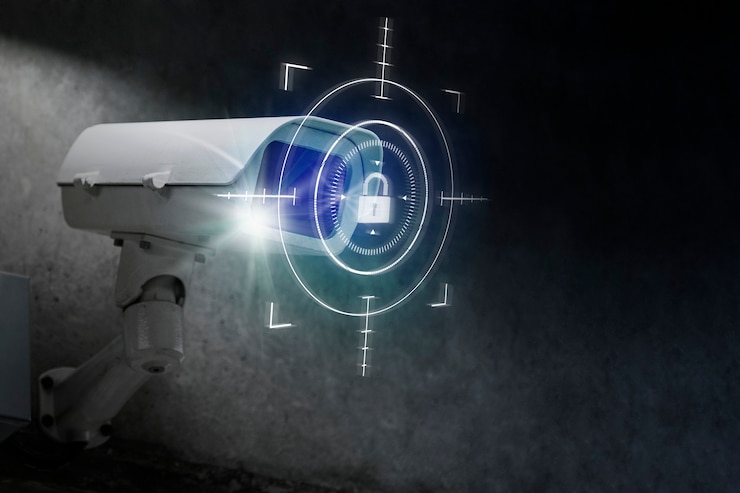
CCTV stands for closed circuit television. The cctv camera meaning is simple. It is a camera that sends video through a closed loop to a limited number of screens, not the open internet. With cctv explained this way, the private part is the key detail people miss.
Unlike a regular TV broadcast, footage from a CCTV surveillance setup stays private. Only people with access to the recorder or app can view it. This is why banks, warehouses, schools, and homes rely on it for security.
The core purpose is simple. Watch a space, record what happens, and store it for later. Whether you run a shop or want to protect your front porch, CCTV gives you eyes on the property when you cannot be there yourself.
How Does CCTV Work?
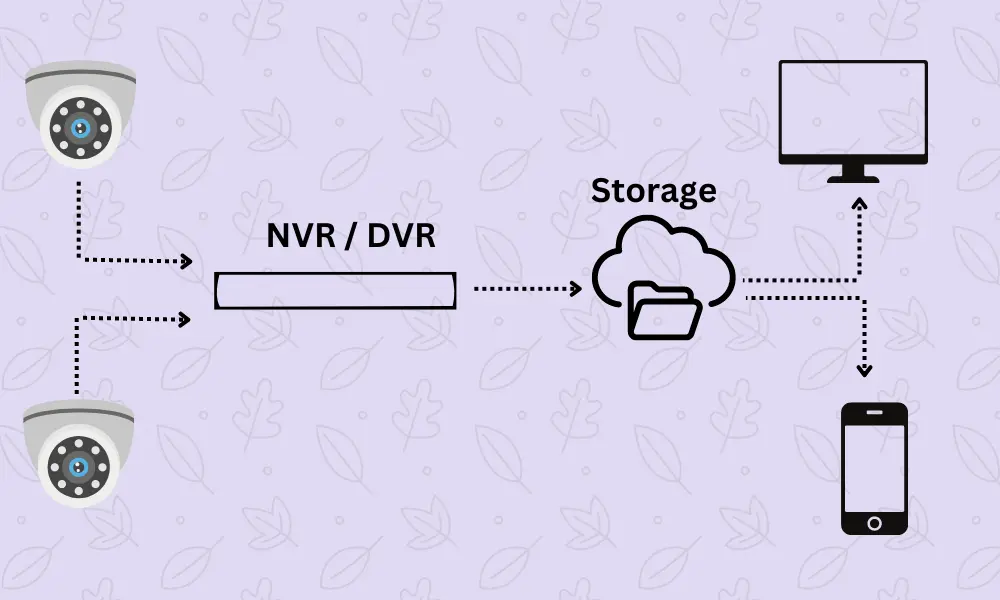
Now let’s break down what is CCTV and how does it work at a technical level, without the jargon.
Each camera captures video through a lens and sensor. It sends the signal to a recording device, which saves it to a hard drive, memory card, or cloud server. From there, you view live feeds or old clips through an app.
Older analog systems send raw video straight to a recorder. Newer IP cameras convert video into data and send it over a network, which makes remote viewing on your phone possible.
Motion sensors add another layer, recording or alerting only when they detect movement, saving storage and battery life.
Main Components of a CCTV System
A working setup needs a few core parts:
- Cameras capture the video, in indoor, outdoor, and specialty models.
- Cables or wireless links carry the signal to the recorder.
- A recorder (DVR or NVR) stores footage and manages playback.
- A monitor or app lets you watch live or recorded video.
- Power supply keeps cameras and recorders running.
Larger sites often add a cctv control system, a central hub that lets one operator manage dozens of cameras across a mall or office park.
Types of CCTV Cameras
Not every camera suits every space. Here are the main types you will run into:
- Dome cameras blend into ceilings, good for indoor retail.
- Bullet cameras are long and visible, often used outdoors as a deterrent.
- PTZ cameras (pan tilt zoom) let an operator move and zoom in on activity.
- Turret cameras resist glare better than domes.
- Wireless cameras connect over Wi-Fi and skip most cabling.
- Thermal cameras detect heat instead of light, useful in darkness or fog.
Each type plays a role depending on the layout, lighting, and budget of the space.
Wired vs. Wireless CCTV Systems
Wired systems run cables from each camera to the recorder. They offer steadier video and are harder to hack, though installation takes more work in finished buildings.
Wireless systems send video over Wi-Fi and are faster to install. The tradeoff is a signal that can drop with distance, walls, or interference.
Many modern setups mix both, running wireless near the router and a wired backbone farther out. The right choice depends on your layout and how much signal control you want.
Key Features of Modern CCTV Systems
Today’s systems do far more than record grainy footage. Look for these features when comparing options:
- Night vision using infrared LEDs for clear video in the dark.
- Two way audio to speak through the camera to visitors or intruders.
- Cloud storage that backs up footage off site if the recorder is stolen.
- Motion and person detection that cuts down false alerts.
- Mobile app access for live viewing from anywhere with signal.
- License plate recognition for parking lots and driveways.
These features turn a basic recorder into a full cctv control system you can manage from your pocket.
Benefits of Installing CCTV Cameras
The case for CCTV surveillance goes beyond just catching crime.
Visible cameras discourage break ins and theft before they happen. Studies on retail and residential crime show that visible security equipment lowers the odds a property gets targeted. Footage also gives police solid evidence if something goes wrong, speeding up claims.
Beyond crime, CCTV helps with everyday supervision. Business owners check on staff and customer flow without being on site. Parents check on kids or pets from work. There is also a peace of mind factor, hard to measure but easy to feel.
Where Should CCTV Cameras Be Installed?
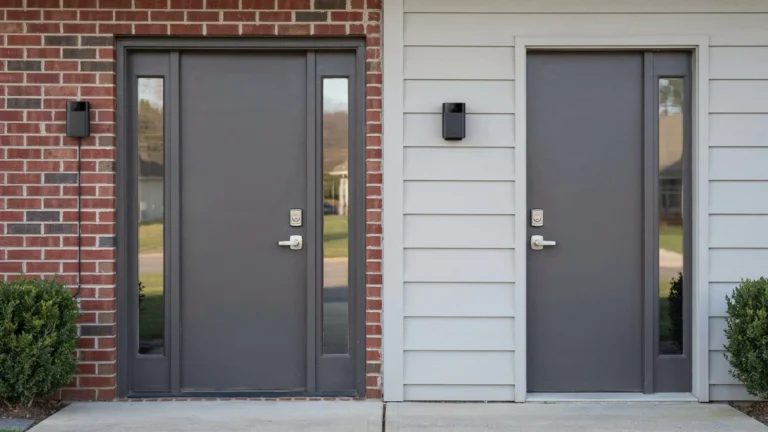
Placement matters as much as the equipment itself. For homes, cover the front door, back door, driveway, and ground floor windows, since these are the spots burglars check first.
For businesses, point cameras at entrances, exits, cash registers, and loading docks. Blind spots near stairwells or storage rooms are common weak points worth covering too.
Avoid pointing cameras into neighbors’ windows or private spaces you do not own. Most regions have privacy laws limiting where footage can be captured, so check local rules first.
How Long Does CCTV Footage Stay Recorded?
This depends on storage size and setup. Most home systems keep footage for one to four weeks before it gets overwritten. Business systems with larger storage or cloud backup can hold footage for 30, 60, or even 90 days. Some industries, like banking, must keep it for up to a year by law.
Motion activated recording stretches storage further since the system is not recording empty hallways all day.
Can CCTV Cameras Work Without the Internet?
Yes. A basic CCTV surveillance setup with a DVR and local monitor works fine with no internet at all. The cameras record straight to the hard drive, and you view footage on a connected screen.
What you lose without internet is remote access. You cannot check the live feed from your phone while away, and you miss instant push alerts. For many small properties, a local only system is still enough protection. If remote viewing matters, the recorder at minimum needs a network connection.
How to Choose the Right CCTV System
Once you understand what is CCTV and how does it work, picking the right setup gets easier. Start with your goals. A homeowner watching a porch has different needs than a warehouse manager covering a large lot.
Consider these points:
- Coverage area – count how many entry points and blind spots need a camera.
- Resolution – higher resolution helps identify faces and plates clearly.
- Storage needs – decide between local storage, cloud storage, or both.
- Weather resistance – outdoor cameras need a solid IP rating.
- Budget – balance camera count against features like night vision.
A system built for your specific layout beats a generic all in one kit almost every time.
Professional CCTV Installation vs. DIY
DIY kits are tempting since they promise a quick setup and lower upfront cost. For a single camera watching a front door, that can work fine.
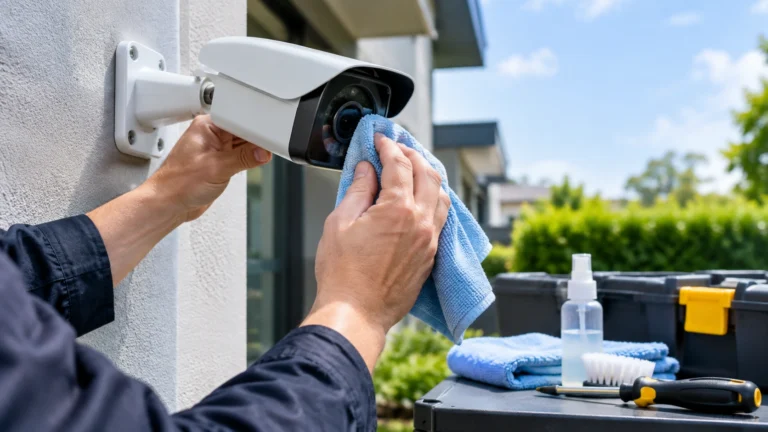
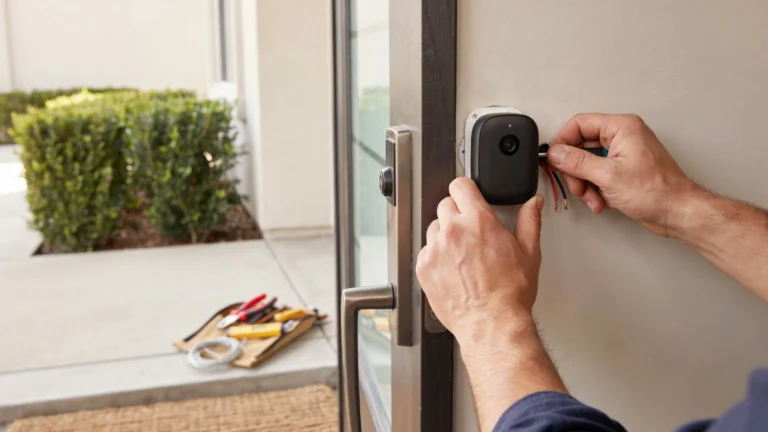
Larger properties are a different story. Wiring runs, camera angles, and network setup get complicated once you pass four or five cameras. A poorly placed camera or weak Wi-Fi signal can leave gaps in coverage without you knowing it.
Professional installers test angles, run proper cabling, and set up storage correctly the first time. If you are searching for security camera installation Indianapolis, a licensed team makes sure your system actually catches what matters.
Why Choose Cam Security Surveillance?
Cam Security Surveillance has spent years installing and maintaining CCTV systems for homes and businesses across the region. The team handles everything from camera selection to cabling and ongoing support.
Every property is different, so Cam Security Surveillance builds each system around your actual layout instead of a one size fits all package. That means fewer blind spots, better footage quality, and a system that holds up over time. This applies whether it is one camera for a storefront or a full network for a large facility.
Conclusion
CCTV is not complicated once you understand the basics. A camera records, a recorder stores, and you view the footage live or later through a screen or app. Knowing what CCTV is and how does it work helps you make smarter choices about coverage, storage, and features before you spend a dollar.
Whether you go wired or wireless, DIY or professional, the goal stays the same: keep your property watched and your evidence solid if something goes wrong. If you’re ready to protect your home or business with a reliable surveillance system, contact us today to discuss the right solution for your security needs.
FAQs
What is CCTV and how does it work in simple terms?
CCTV cameras record video through a lens and send it to a private recorder or app. Only people with access can view the footage, unlike public broadcast TV.
Is CCTV surveillance legal at my home?
Yes, in most regions, as long as cameras only cover your own property and not a neighbor’s private space. Local laws vary, so check before installing near shared walls or windows.
Do CCTV cameras record audio?
Some do. Two way audio cameras record both video and sound, though laws on audio recording are stricter than video in many areas.
What is the difference between CCTV and a security camera?
CCTV is closed circuit, meaning footage stays within a private system. Some standalone security cameras stream to public cloud servers instead, which is a different setup.
How much does a CCTV control system cost?
Costs vary widely based on camera count, resolution, and storage. A basic home setup can start low, while a full commercial cctv control system costs significantly more depending on scale.