What actually stops theft and break-ins at an office building? A wired camera system with 24/7 recording, smart motion alerts, and controlled entry points. That combination catches more incidents than any single device on its own.
Office building security surveillance solutions have moved past a single camera by the front door. Today’s setups combine cameras, access control, and remote monitoring in one system.
What Is Office Building Security Surveillance?
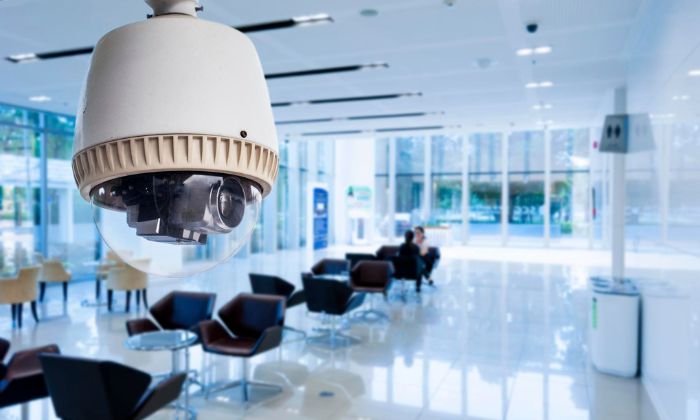
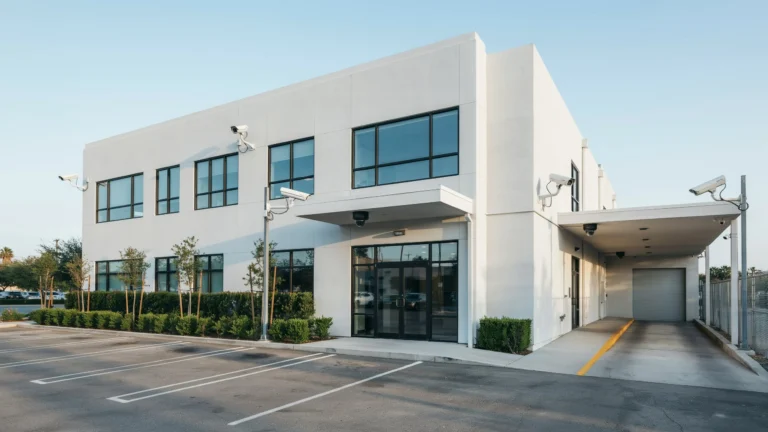
Office building security surveillance is a network of cameras, recorders, and monitoring tools built to protect a commercial property. Good office building video surveillance covers entrances, hallways, parking lots, and shared spaces where people and equipment move through the day.
Unlike a home camera setup, an office system has to handle more traffic and more entry points, plus people who need different levels of access. A receptionist walking through the lobby at 9 a.m. is normal. The same door opening at 2 a.m. is not. Good surveillance tells the difference and flags it.
Most modern systems record continuously to a network video recorder (NVR) or a cloud server, and pair that footage with motion-triggered alerts. When something unusual happens, like a door forced open after hours, the system can notify a security lead within seconds instead of waiting for someone to review tape the next morning.
Why Do Office Buildings Need Security Surveillance?
Offices hold more than desks and chairs. They hold laptops, client files, cash boxes, and sometimes sensitive data. Employee theft alone costs U.S. businesses close to 5 percent of their annual revenue, and a visible camera cuts down that risk simply by being there.
There’s also the legal side. If someone gets hurt on the property or claims an incident that never happened, footage settles the dispute fast. A single fraudulent claim can cost a small business far more than a camera system ever would.
Beyond theft and liability, surveillance helps with everyday building management. It tracks who enters after hours and confirms deliveries arrived. Office building live monitoring turns a static building into one that managers can actually watch and respond to in real time.
Best Security Cameras for Office Buildings
Different areas need different camera types. Choosing the right camera for each location can improve coverage and reduce blind spots.
Dome Cameras
Dome cameras are popular for indoor office areas. Their compact design works well in hallways, reception areas, and common spaces.
They are also less obvious when viewed from below, which makes it harder to tell where the lens is aimed.
Bullet Cameras
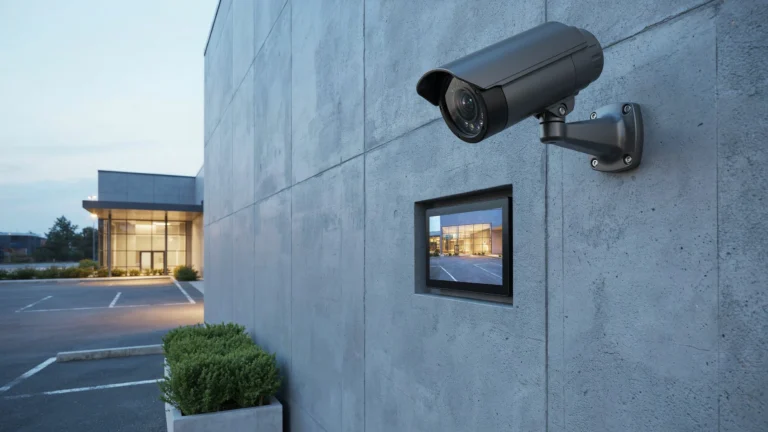
Bullet cameras work well outdoors. They can cover parking lots, entrances, loading docks, and building perimeters.
Their visible design can also make them useful as a deterrent.
Turret Cameras
Turret cameras offer flexible positioning and work well indoors and outdoors. Their lens can usually be adjusted without moving the whole camera.
PTZ Cameras
PTZ cameras can pan, tilt, and zoom across large areas. They can be useful for parking lots, warehouses, and large open spaces.
A PTZ camera should not replace fixed cameras in important areas. It may be facing another direction when an incident happens.
AI-Powered Cameras
AI cameras can classify activity. Depending on the model, they may detect people, vehicles, line crossings, or other events.
This can make alerts more useful than basic motion detection.
How an Office Building Surveillance System Works

A basic system starts with cameras at entrances, hallways, and other key points. Each camera sends video to a recorder, either an on-site NVR or a cloud server, where footage stays for a set retention period.
Modern systems add AI-based motion detection on top of recording. Instead of flagging every shadow, the system tells the difference between a person, a vehicle, and a passing animal, cutting down false alerts significantly.
Many buildings connect cameras to access control, so a badge swipe and a camera feed line up automatically. If someone tailgates through a door without badging in, the system flags it right away. This is where office building real-time video monitoring becomes genuinely useful. Security staff get a live view paired with an actual access log, not just raw footage to sort through later.
Important Features in Office Security Surveillance Systems
Not every camera on the market fits a commercial building. The best office building security surveillance solutions share these features:
- AI-based smart detection. Filters out false alerts from wind, shadows, and small animals.
- Remote mobile access. Managers and security leads should check live feeds from a phone, not just an on-site monitor.
- Encrypted storage. Footage should be protected, especially if it includes client visitors or sensitive areas.
- Two-way audio. Lets staff speak through a camera to warn off a trespasser or talk to a delivery driver.
- Weatherproof housing for outdoor units. Parking lots and entrances need cameras rated for rain, heat, and cold.
- Integration with access control. Cameras that sync with badge readers give a clearer picture of who came and went.
NVR vs. Cloud-Based Office Surveillance
Both storage methods work as part of office building security surveillance solutions, but they suit different buildings.
An NVR system stores footage locally on a hard drive inside the building. It avoids monthly fees and keeps full control of your data on-site. The downside: if the recorder gets damaged or stolen, you can lose footage without a backup plan.
Cloud-based systems store footage off-site on a provider’s servers, protecting recordings even if hardware inside the building fails, and making remote access simpler across multiple properties. The tradeoff is an ongoing monthly cost and reliance on a stable connection.
For most single-building offices, a local NVR paired with cloud backup for critical feeds offers a reasonable middle ground.
How Long Should an Office Security Camera Record?
Most commercial buildings keep footage for 30 to 90 days, depending on storage capacity and industry requirements. Buildings handling financial transactions often lean toward the higher end, since disputes can surface weeks later.
Storage length comes down to hard drive size and camera resolution. Higher resolution footage looks better but eats storage faster, so buildings often balance 4K cameras at key entrances with lower resolution units elsewhere.
Check with your insurance provider too, since some policies require a minimum retention period for coverage.
Wired vs. Wireless Security Cameras for Offices
Wireless cameras are easier to install and don’t require running cable through walls. That makes them appealing for smaller offices or tenants who can’t drill extensively.
They do have real limits. Wi-Fi signals weaken in large buildings, especially ones with metal framing or thick concrete walls, causing dropped footage or delayed alerts. Battery-powered wireless cameras also need regular charging, adding ongoing maintenance.
Wired PoE cameras are the more reliable choice for most office buildings. They pull both power and data through one ethernet cable and don’t depend on batteries. For a permanent installation, wired systems tend to outperform wireless setups on uptime and image consistency.
Office Security Camera Installation: What to Consider
Placement matters as much as camera quality when planning office building security surveillance solutions. Think through these points before installation begins:
- Map your entry points first. Every door, loading dock, and stairwell connecting outside needs coverage.
- Account for lighting. Harsh overhead lighting or big windows can wash out footage without wide dynamic range cameras.
- Plan cable runs early. If going wired, figure out conduit paths before construction wraps up.
- Check your network capacity. More cameras mean more bandwidth, and a weak network can bottleneck footage.
- Confirm local regulations. Some cities require notice signage or restrict cameras near restrooms and break rooms.
How Many Cameras Does an Office Building Need?

There’s no fixed number, but a common starting point for a small to mid-sized office is one camera per entrance, one per hallway junction, and coverage for parking areas. A single-floor office with two entrances might run comfortably on 8 to 12 cameras.
Larger multi-floor buildings scale up, adding cameras for stairwells, elevator lobbies, and shared amenity spaces. Facilities with a receptionist desk usually want a dedicated camera angled to capture faces clearly.
A quick way to estimate: count every door leading outside, every stairwell, and every open common area, then add one camera per spot. Adjust from there based on square footage and any high-value areas like server rooms.
Privacy and Legal Considerations for Office Cameras
Cameras in common areas like lobbies, hallways, and parking lots are generally fine to install without much restriction. Restrooms, locker rooms, and break rooms are different. Most states restrict or ban cameras in spaces where employees expect privacy.
Posting visible signage that notifies employees and visitors about surveillance is smart practice even where it’s not legally required.
If your building has tenants from multiple companies, check lease agreements too. Some leases specify who owns footage from shared spaces and how long it must be retained.
Benefits of Professional Office Security Camera Installation
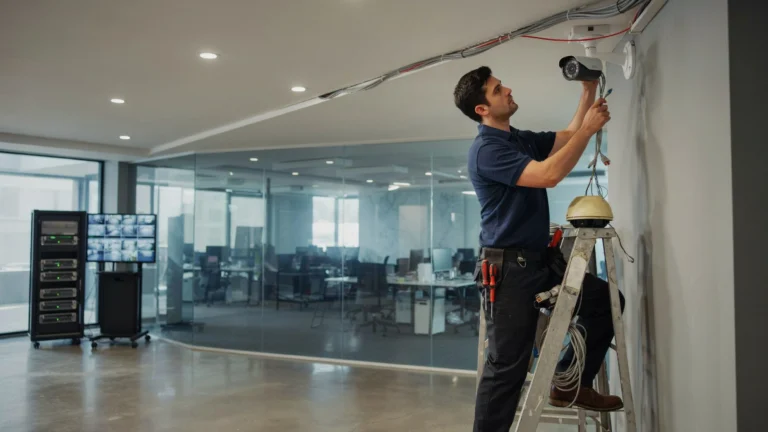
A DIY camera setup can work for a small office, but a professional install handles the details that make a system effective. Technicians know how to angle cameras to avoid glare, run cable cleanly, and configure motion zones so alerts are accurate instead of constant.
Professional installers also test coverage gaps before finishing the job. A camera pointed slightly off can leave a blind spot at a door or stairwell, and that mistake often only shows up after something goes wrong.
If you’re in Indianapolis, working with a local team for security camera installation Indianapolis ensures your system accounts for your building’s specific layout, lighting, and network setup. Cam Security Surveillance specializes in commercial installs, from small single-floor offices to multi-tenant buildings that need integrated access control and camera coverage working together. A professional install turns office building security surveillance solutions into a system that performs when it matters, not just hardware on the wall.
Conclusion
A solid office building security surveillance solution combines the right camera types, reliable storage, and smart placement based on how your building gets used. Whether you choose an NVR or cloud storage, wired or wireless cameras, the goal stays the same: clear footage, fast alerts, and coverage where it counts. Professional installation ensures the system works the way it’s supposed to from day one, protecting your property, your employees, and your bottom line. Need help choosing or installing the right system? Contact us today to get started.
FAQs
What is the best type of camera for an office building?
PoE dome cameras work well for hallways and lobbies, while bullet cameras with long-range infrared suit parking lots and entrances.
Should office buildings use cloud storage or a local NVR?
Most single-building offices do well with a local NVR paired with cloud backup for key camera feeds.
How many cameras does a small office building need?
A small to mid-sized office typically needs 8 to 12 cameras, covering entrances, hallway junctions, and parking areas.
Is it legal to install cameras in office break rooms?
Generally no. Most states restrict cameras in break rooms, restrooms, and other spaces where employees expect privacy.
How long should office security footage be kept?
Most commercial buildings retain footage for 30 to 90 days, though insurance requirements can extend that minimum.
Do office buildings need professional camera installation?
Professional installation helps avoid blind spots and configures motion detection accurately, which matters more in larger buildings.