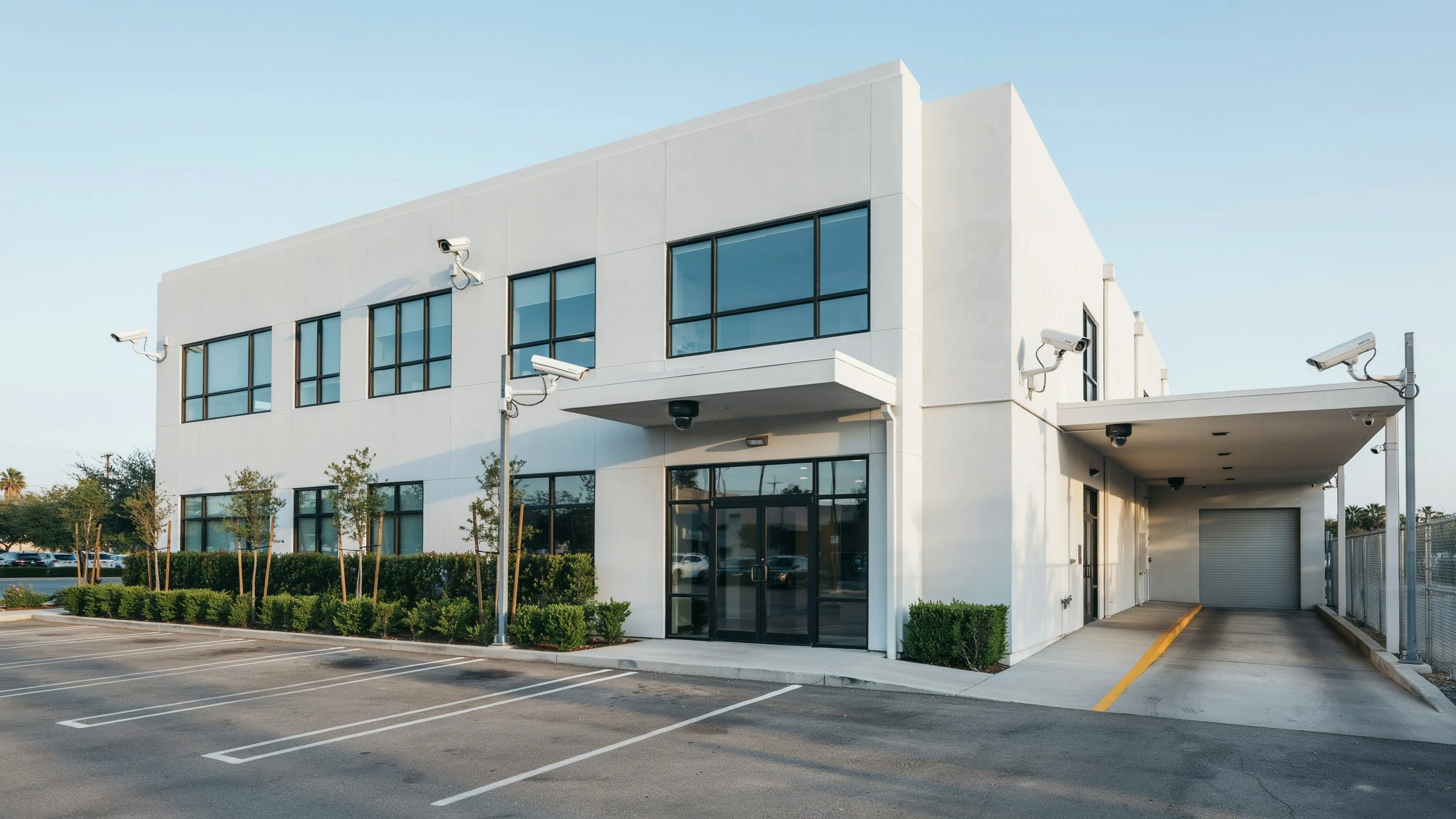
Security cameras are crucial for protecting the offices and shops, the staff and customers, and the stock as well as the expensive equipment. But not necessarily the more security cameras you have, the better, so to speak. If you’ve got not enough cameras, it’s easy to leave critical areas unprotected. But if you’ve got too many, you may end up paying more than you have to.
How many cameras are enough for your commercial property? It really depends on the size of your commercial property, the floor plan, access points, security threats, and what the property is used for, as well as locations that need to be monitored on a 24/7 basis. Your small office could require one or two cameras. The objective is more about creating coverage than targeting a specific number of vehicles. With the right setup, there will be little to no blind areas, useful footage will be captured, and security officers can scan critical locations efficiently.
What Determines the Number of Cameras a Commercial Property Needs?
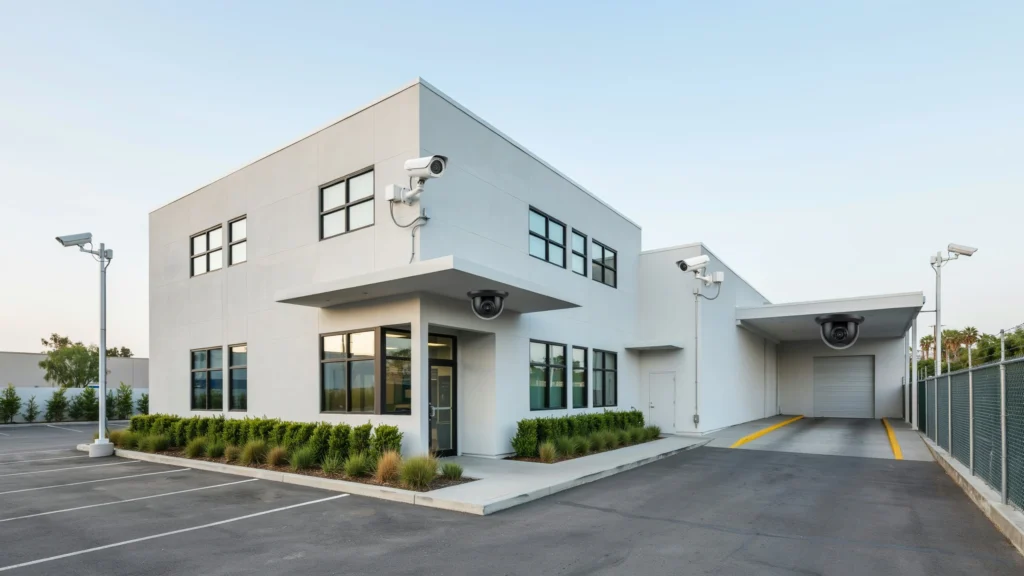
Chamberlain estimates there isn’t a one-size-fits-all standard number of cameras that suits a commercial building. The number of cameras needed depends on your property’s size and layout. For example, an office on one level with a simple floor plan will have a different camera count than an office complex with multiple floors, multiple entrances, hallways, parking lots, storage closets, and limited access areas.
Security concerns of the property could be relevant. If your inventory is valuable or if you do any storing and handling of sensitive data, you may consider putting in a security system that incorporates cameras at several entrances and exits, loading docks, and rooms with restricted access. A low-risk office needs fewer cameras. A second consideration is the purpose of surveillance. Other cameras are mounted to try to detect people passing into a building, while a third might attempt to detect activity over a large space. Resolution, lens selection, mounting point, lighting, and angle of view of a camera may impact how much space a single camera can cover effectively.
Property Size and Layout
Have you ever wondered how to determine the appropriate number of cameras for your property? Yes, you could go by area, but don’t stop there because buildings of the same size could require totally different amounts of video coverage just based on their design.
In an open store, cameras can be installed to observe a wide-open store with just a few cameras. Multiple rooms and hallways—more cameras will be needed to watch them all. And if you have multiple stories … then there are even more areas to keep an eye on.
Entrances, Exits, and High-Risk Areas
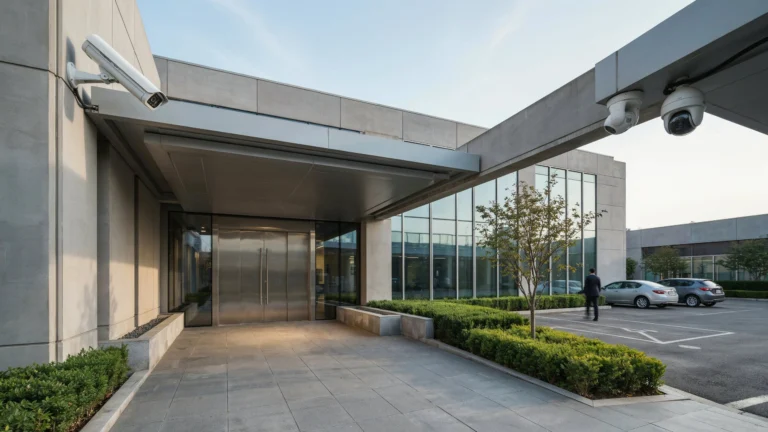
Now, let’s discuss entrances and exits. Did you ever think about how important it is to survey these areas as you’re planning your business? Put cameras at these points to help determine who comes and goes—and to get footage in the event of a security issue.
High-risk areas, then? Cash tills, stock rooms, server rooms, employee exits, and car parks. Would you think these areas deserve more security CCTV than ‘low-risk’ areas? You are right; here is what needs to be done:
How Many Cameras Does a Commercial Property Need for Different Business Types?
We’ve answered some common questions about choosing the right security cameras for your business. The number of cameras you need depends on your property size, layout, entrances, blind spots, and security goals. A professional business security camera system installation can help determine the right camera locations and coverage for your commercial property. Instead of focusing only on the number of cameras or floors, focus on protecting the areas that matter most.
If you’ve got a retail store, you’ll want cameras at the entrance, checkout counter, aisles, backstock rooms, and outside store entrance.
And a warehouse? Plenty of cameras for the loading docks, all entrances, warehouse aisles, employee break rooms, and outside storage yards. Where’s your business at?
| Property Type | Typical Surveillance Priorities | |
| Small office | Entrance, reception, hallway, exterior | |
| Retail store | Entrances, checkout, sales floor, stockroom | |
| Warehouse | Loading docks, inventory areas, entrances, exterior | |
| Restaurant | Entrance, dining area, cash register, kitchen/service areas | |
| Apartment or commercial complex | Entrances, parking, corridors, common areas | |
| Large commercial facility | Multiple entrances, perimeter, parking, interior zones, restricted areas |
These are planning examples rather than fixed requirements. The final number should be determined after evaluating the actual property.
Creating Effective Commercial Security Camera Coverage
Effective monitoring is simply about having cameras that show you something worthwhile. Inappropriate coverage can waste resources by having multiple cameras perform similar functions or create gaps when cameras are set too far apart.
First, prepare a field paper: a very basic drawing of your company. Mark on it the doors, windows, corridors, stairs, parking places, partitions, loading walkways, and places of strategic importance. Second, you have to think about the theft passages, trespass, and failures of the security (accumers).
Then factor in what the camera needs to see. For identification, it must be detailed enough to see faces or other features distinctly. For general observation, a broader view may be better.
Use Different Camera Types for Different Areas
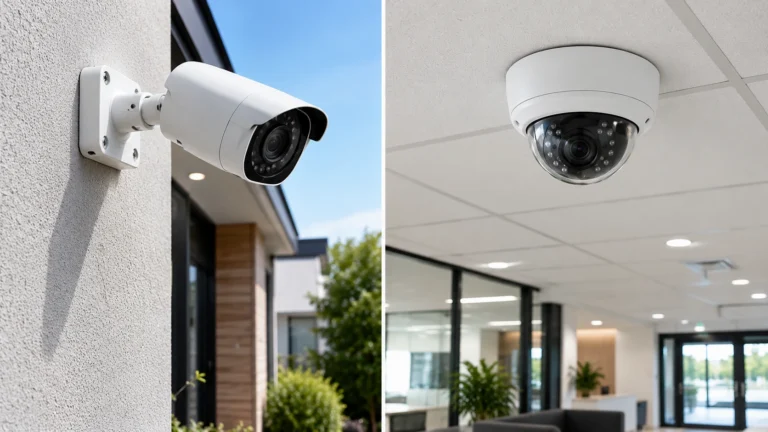
Not all areas of a commercial property demand the same type of camera. Fixed cameras can do the job at entry points and at particular interior locations where the direction of view is consistent. It’s also worth considering the types of wide-angle and zoom cameras needed for bigger open areas and spaces, as well as outdoor cameras that suit the areas they will be used in. Lighting is just as important. One example would be a camera that is good in the day, but if the location is not illuminated during the night, it can result in poor-quality recording. Another feature to take into consideration is night vision.
A Practical Method for Calculating Camera Requirements
A good strategy for business security camera planning is to break the property into areas for surveillance. Instead of asking how many cameras you will need for the entire building, ask how many you will need for each area.
For example, consider a commercial facility with:
- Two main entrances
- One employee entrance
- A reception area
- Six interior hallways
- One stockroom
- One loading dock
- A parking area
- A rear exterior area
The other rooms don’t all need one camera consider how much you actually want to watch every area. An entryway may require a camera, but a long hall that spans your home might be fully visible from a camera at the far end. The size of the parking lot, the motion of the vehicles, and the various angles for view all may necessitate several cameras. The stockroom and loading dock may also warrant separate coverage for inventory movement and limited activity. This zone-by-zone approach is a better estimate than just buying the required number of cameras.
Understanding Commercial CCTV Camera Requirements
Be mindful of privacy issues when choosing locations for the use of cameras. Cameras should be used in a legitimate security capacity and not be used to intrude on an individual’s reasonable expectations of privacy. What can a professional assessment do? Conducting a professional assessment can: Identify technical and operational needs that the system should be able to deliver before it is installed; establish whether the existing lighting, network, recording equipment, and mounting locations are appropriate to house the system.
Should You Install More Cameras or Better-Positioned Cameras?
More cameras may not be the answer. Sometimes more cameras won’t help a coverage issue. Before installing more, check if your current cameras are in the appropriate location and have the right resolution, height, angle, and lighting.
Here are a few examples of what you may encounter when the camera angle is subpar: A camera that is mounted too high may have a wide shot but not be able to identify faces. A camera that is facing a window may have too much glare. A camera behind an object may be able to see a very large blind spot.
Final Thoughts
There is no one absolute figure on ‘how many cameras does a commercial property need per business?’ It can vary based on the size and shape of the commercial property, entrances, exits, and high-risk locations, external lighting, specifications of cameras used, and the level of detail required from the footage recorded.
A successful “golden” surveillance system intentionally avoids overkill and has a well-planned deployment. It should include plot maps of the premises, identify important security objects, select the camera types, and avoid excessive blind spot occlusion. Good planning will generate quality coverage and reduce excessive, ineffective spending.
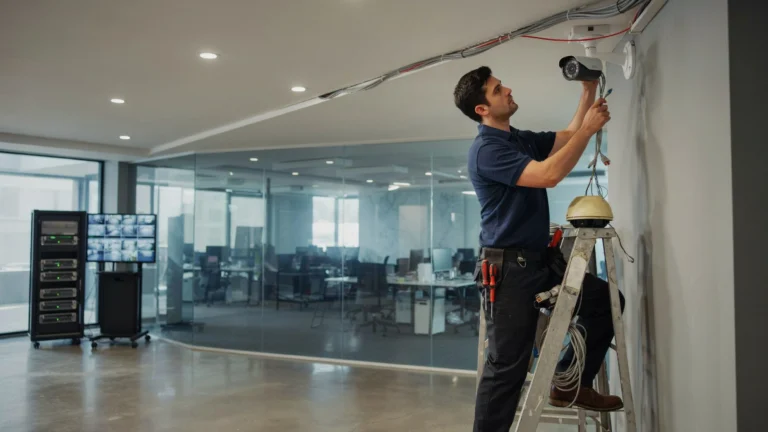
If your business needs professionally installed security, Cam Security Surveillance can visit your property, assess your needs, and recommend a camera system that fits your business. Your system can be designed for better coverage, increased visibility, and stronger commercial security. Contact us today to discuss your security camera needs.
FAQs
How many cameras are needed for a small commercial property?
For a small commercial property, depending on the property’s layout and level of risk, the number of cameras can be relatively low. Depending on the building design, entrances, reception areas, hallways, storage areas, and key exterior areas should be considered individually.
Do larger facilities require more security cameras?
Not necessarily. The size of the building is one factor, but the layout of the building and the security goals you want to attain are other factors. An open-plan building may need a lot fewer cameras than a small structure with lots of rooms and limited access areas.
Do I need a camera at every entrance?
Individual access points need to be considered on their own. A specific camera can give a better view of who is going in and out, especially if identification is a key security goal.
What if the property does not have enough cameras?
Having an insufficient number of cameras results in blind spots that may not be covered. Secondary entrances and exits, loading areas, storage areas, outside areas, etc., may not be visible.