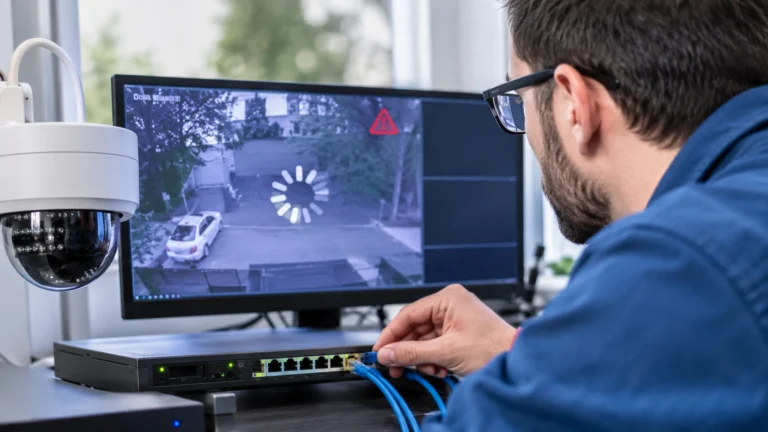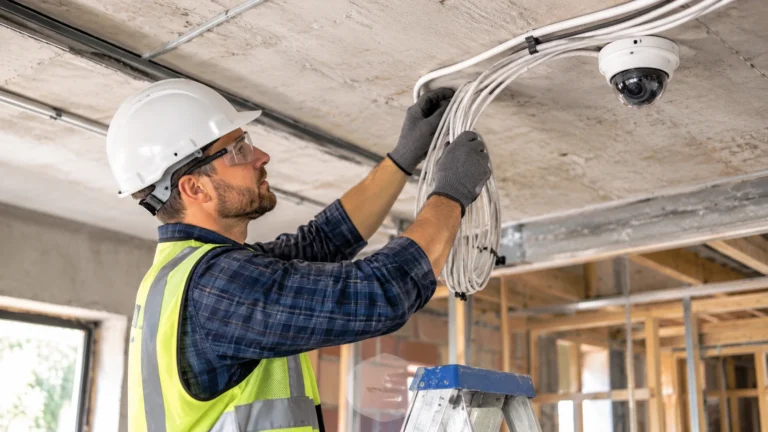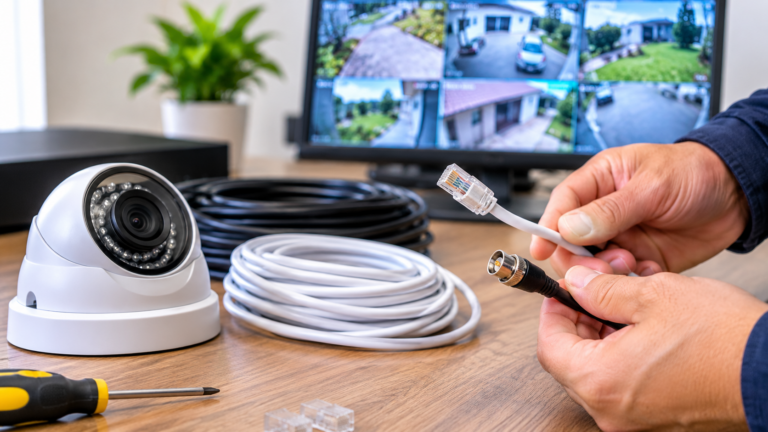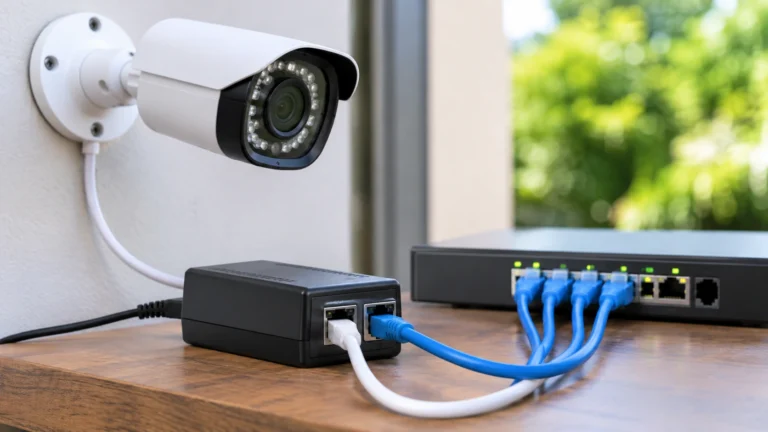
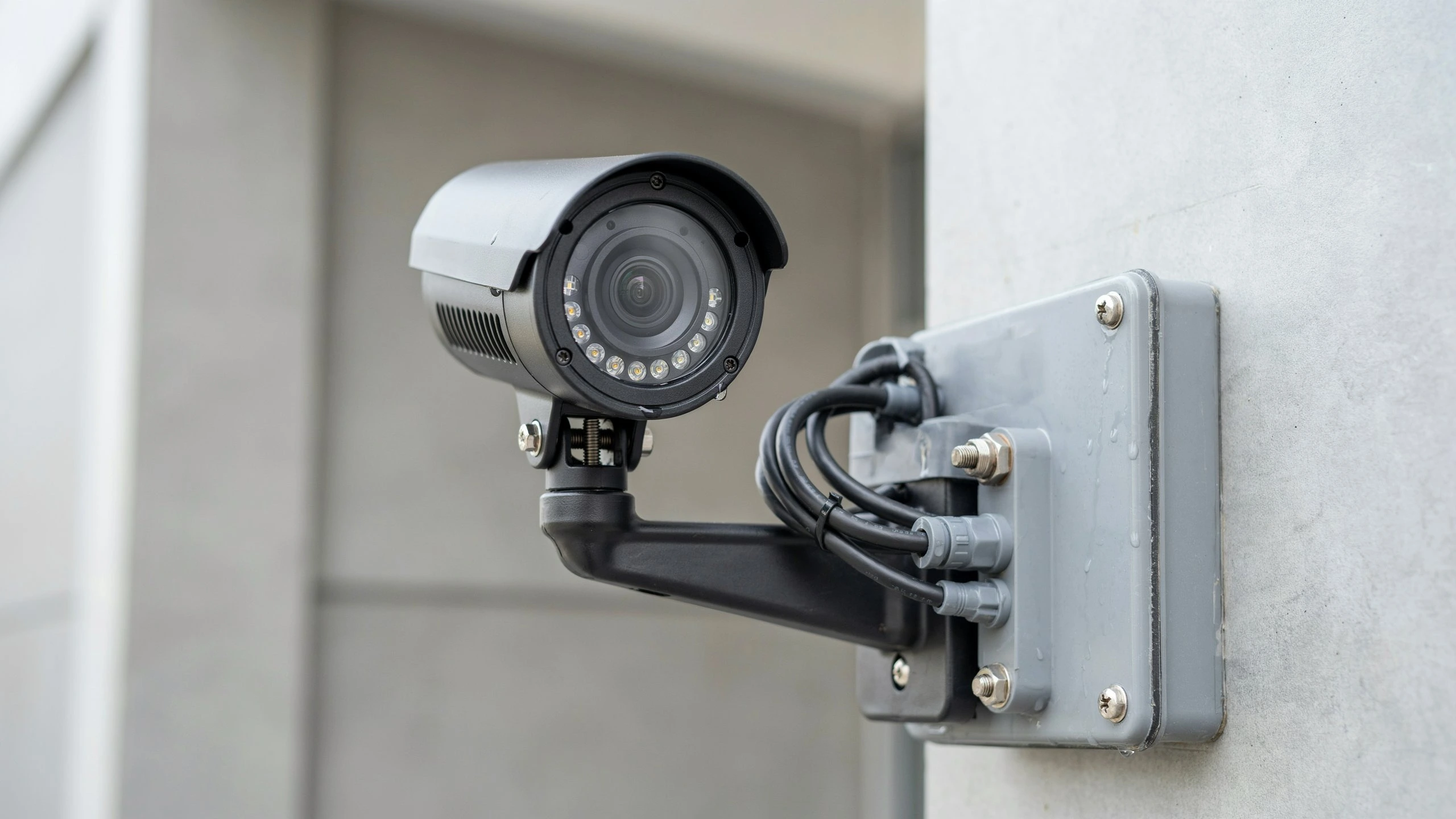
One more thing, to mount IP cameras rather than merely to select a camera and choose a place to mount it. The cables, connectors, and mounting accessories also need to be protected from the damage, especially if the IP cameras are mounted in an outdoor area and dusty or humid places. Connection issues can also arise with the IP surveillance system.
Considering all of this, junction boxes are an essential item to any of your CCTV installations. They provide a safe and attractive solution for your wiring, can keep your wiring tidy, and, with the correct box, can even protect your exposed connections. Understanding the importance of junction boxes for IP camera installation will make your security system more reliable.
What Is a Junction Box for an IP Camera?

A junction box, which can also be called a mounting box or junction enclosure, is a box in which connections and protection of wires are joined. Almost all the junction boxes are mounted on the wall, most commonly behind or below the security camera.
The vast majority of IP cameras use Ethernet cords to stream video data, and if the camera has the Power over Ethernet (PoE) feature, the camera will use the same cord to send electrical power through. When it comes to communicating back and forth with the network, the connection with the cord has to be very secure.
The junctions become affected by the weather or if they are left in a disorganized way in an installation. Junction box as mentioned before. To avoid this, a fitting junction box can keep the junctions in one place as well as protect it and make it easy to work on.
5 Important CCTV Camera Junction Box Benefits
Better cable management and increased protection can be achieved by using an appropriate junction box. The benefits will vary on each installation depending on the enclosure, camera, and environment.
1. Better IP Camera Cable Protection
By far, one of the more common use cases for a junction box is also the best advantage: IP camera cable protection. Ethernet connectors and cable joints are easily compromised when exposed to moisture, dust, accidental damage, or impact.
A suitably fitted box also can help to protect these connections from the effects of natural weathering. It may even help to limit the chance of cables being pulled or disturbed during normal activity around the camera.
For installations outdoors, cable entry and seals are another critical consideration. The enclosure must be appropriate for the environment, and all cable entries should be sealed as per the manufacturer’s recommendations.
2. Protection Against Moisture and Dust
Cameras outside will be subject to temperature and conditions including rain, windblown dirt, dust, blowing debris, and ambient air moisture.
This junction box is used in applications that require more enclosure protection. When properly selected and installed with the box, cable glands, seals, and camera, the enclosure can help minimize moisture or dust reaching exposed connections.
However, a weatherproof box does not automatically make every installation waterproof. Check its ingress protection (IP) rating, follow the manufacturer’s installation guidance, and make sure the complete assembly is suitable for the expected conditions.
3. Cleaner and More Organized Wiring
Untidy wiring hanging below a camera can give the impression that the installation is incomplete and cause other hassles. A junction box allows you to tidy up the cable slack and connectors.
Structured wiring helps make it simple for a technician to find lines during repair work or upkeep. It can additionally help prevent unintended damage from exposed wires.
This is especially beneficial for commercial buildings, offices, warehouses, and other install locations that may have many cameras in the same zone.
4. More Secure Camera Mounting
Some IP cameras are able to be installed on a junction box. If you have an IP camera that will be able to be attached to the same box as a power source and provide a nice, clean surface to install it to, this could work well.
This setup is very useful if you need to mount a camera on a concrete wall, outdoors, or somewhere else where you will need to run the cable through the mounting base.
Ensure the junction box will work with the camera and the surface you’re mounting it to. Use the correct fasteners as per the manufacturer. Never assume one box will suit all your cameras.
5. Easier Maintenance and Troubleshooting
In this scenario, the tech would need to open the cable and connector or mounting assembly to troubleshoot the issue when a camera comes off the network. The connection point is more accessible in an installed junction box.
This isn’t ruling out faults, but it can make faults an easier task to spot and sort. Also, seeing the cable routing and having the connections neatly labelled can be handy when troubleshooting on a bigger CCTV system.
When Do You Need a Junction Box for an IP Camera?

Not all IP camera installs require a separate junction box. Certain cameras provide their own protected cable compartment, and some mount directly to a compatible box.
When is it usually better to consider using a junction box?
- The wire connection should be shielded from environmental and weather conditions.
- Open Ethernet connections—otherwise the connector would be left outside the camera housing.
- The right box can offer a specific opening for your cables and connections.
- This box could assist in the accommodation of the cable route and mountings.
- Commercial CCTV systems: Some setups may require regular and tidy cabling.
- Frequently serviced locations: A good fit at the connection point will make inspection easier down the track.
Prior to selecting a box, read through the camera’s installation manual. If the camera currently has a proper cable enclosure, or if the camera requires a specific mounting device, use the specific arrangement suggested.
How to Choose the Right Junction Box
Deciding whether you need a junction box is only half of the process. An improperly sealed or incompatible enclosure can be of limited use and even complicate installation.
Check Camera Compatibility
The first thing is to specify the brand and model of the camera. Almost all brands of cameras have a certain junction box for a series of cameras. These accessories are manufactured to match the hole of the camera (plus the cable hole space).
When purchasing a third-party box, check the size and mounting pattern for compatibility.
Consider the Installation Environment
The interior of the camera may not need as much weatherproofing as an outdoor camera. For an outdoor location, the box should be a weatherproof enclosure of appropriate construction material.
Con-rain—rain weather that is subjected to, is the weather that has been exposed to rain, sun, dust, and corrosion. Do not be confused by the outdoors; ask for the environment of installation rating.
Allow Enough Space for Connections
Strive to leave a space that will allow for the Ethernet connector, bend radius of the cable, and whatever other dimension you have specified to make sure your connector will fit. By giving room for the connector and cable to be mounted even easily, you will save yourself from tensioning the cable or struggling to get the cover on.
Make sure connections are loose before final mounting and there is enough space for the lid to close (wiring can get trapped).
Check Cable Entry and Sealing
For outdoor installs, one of the most common areas of concern will be the gland and sealing at the entry of the cables. Selection of gland, seal, and fitting is critical in maintaining the protection levels of the enclosure.
Adhere to the manufacturer’s instructions for cable routing and sealing the entry points. Do not drill extra holes or leave holes unsealed unless permitted in the installation instructions.
IP Camera Junction Box Installation: What to Know
The installation is not only deciding which box should be on the wall. The final quality of the installation depends on the position of installation on the wall, construction of the wall, attached direction, drainage points, conduit location, cable route, connector location, and sealing of the junction box.
A typical installation process includes the following steps:
- Choose the mounting location. Ensure that the camera has a clear line of sight to the area you want to monitor and that the mounting surface will support the camera and junction box.
- Check the installation. Ensure the mounting pattern, cable entry, and fasteners are correct for your model.
- Create a mounting surface. Select the necessary holes, and install a suitable fastener for the wall or ceiling material.
- Trace your Ethernet cable. Insert the Ethernet cable into the designated entry point, using the right gland or seal if required.
- Join camera. Connect to the network as per the manufacturer’s instructions. Do not overload the connector.
- Arrange the electrical wiring, and turn the cover back on if the seals and closures are correctly inserted.
- Mount and test the camera; check the viewing direction, network connection, and the camera recording.
While these are good rules of thumb, they are not a comprehensive guide to every camera. Different models have different mounting configurations—follow the manufacturer’s instructions. If there is any overhead work to do, electrical hazard, or outside wall is difficult to access, consider getting the installation done by a professional.
Common Junction Box Installation Mistakes to Avoid
However, if it was installed incorrectly or poorly, even the correct type of junction box can be ineffective. Here are some examples of common installation mistakes.
- Wrong box: mis-sized or with holes in the wrong place.
- A box that is not suitable for the climate may allow moisture or dirt to reach the connections.
- Lapses in free areas around cables or wires may undermine the enclosure, which should act as a barrier.
- Pressure on the box: Sharp bends and tightly packed connectors exert damaging pressure on the cables.
- The hardware you select needs to be suitable for both the weight and the surface area.
- Skip the final test: Remember to always verify the camera feed and the network connection post installation.
- Place the camera within the box, taking into consideration that it is protected: You should simply make sure that the camera being used is environment rated for the area in which it is being placed.
Most of the connection problems and future servicing can be avoided by taking a few simple precautions at the time of installation.
Do All IP Cameras Need a Junction Box?
No. Whether or not you require a junction box depends on how your camera is made and where it is positioned.
Cameras often have an integrated section that covers the ports on the camera. Some have to be mounted in a certain type of junction box and are only compatible with an approved accessory made by the manufacturer.
If your indoor camera has protected connections, then you might not need an enclosure. If your outdoor camera has an exposed Ethernet connector, then you might need an appropriate junction box or approved connector protection.
First, read the mounting instructions. It isn’t for added strength but rather to lock the connection in place and mount the camera.
Why Professional CCTV Installation Matters
A junction box is only part of a solid surveillance system. The locations for the cameras, the routing of the cables, the network configuration, the mounts used to fix them, and the way the recordings are set up all contribute.
Cam Security Surveillance: Design a CCTV system that will meet your premises and security requirements. Secured installation can help to test if cameras and accessories are compatible, safekeeping in cable interconnects, and testing after the installation.
Whether you’re installing just a few cameras in your house or deploying them across a whole business, correct installation can ensure you eliminate avoidable wiring problems and simplify maintenance down the line.
Uncover Cam Security Surveillance to see how we do your security camera installation in Indianapolis and how we can meet your CCTV needs.
Final Thoughts
When it comes to IP camera installations, the importance of junction boxes becomes apparent when you take a step back from the camera and focus on the connection, keeping it up and running. A quality junction box may help preserve the cable, manage the connectors, ensure a lock mount, and ease servicing.
Choose the right mounting hardware for your camera, installation surface, and local weather conditions. Using suitable hardware and following the manufacturer’s instructions helps ensure a secure, reliable CCTV installation. Need expert advice? Cam Security Surveillance can help you plan a camera system for your property, including complex or exposed mounting locations. Contact us today to discuss your security camera installation needs.
FAQs
What is the purpose of a junction box in an IP camera installation?
A junction box has space to hold and safeguard cable connections, and it might be the “mounting base” for your camera as well. It may be used to keep wiring free of clutter and can offer other safeguards when its proper enclosure is installed.
Is a weatherproof security camera junction box necessary outdoors?
It may be necessary when the camera’s cable connection would otherwise be exposed to rain, dust, or moisture. Choose an enclosure with a suitable protection rating and install all cable glands and seals according to the manufacturer’s instructions.
Can I install an IP camera without a junction box?
Yes, as long as the camera is made for a direct mount and the connections can be properly protected using the method prescribed by the manufacturer. Many cameras have their own cable enclosure, and many cameras will need an approved junction box.
Does a junction box improve CCTV camera performance?
A junction box on its own does nothing to improve resolution or camera functionality. It is simply there to provide protection and a framework, and in some cases we provide secure mounting points. Protecting connections properly can potentially prevent faults during installation.
How do I choose the right IP camera junction box?
Check camera compatibility, mounting dimensions, available space for connectors, cable entry options, and the environmental protection rating. For outdoor use, make sure the entire installation is suitable for the expected weather conditions.
Can I use any junction box with my security camera?
No. Junction boxes differ in size, mounting pattern, materials, and protection ratings. Check the camera manufacturer’s recommendations or consult a qualified installer before choosing an accessory.