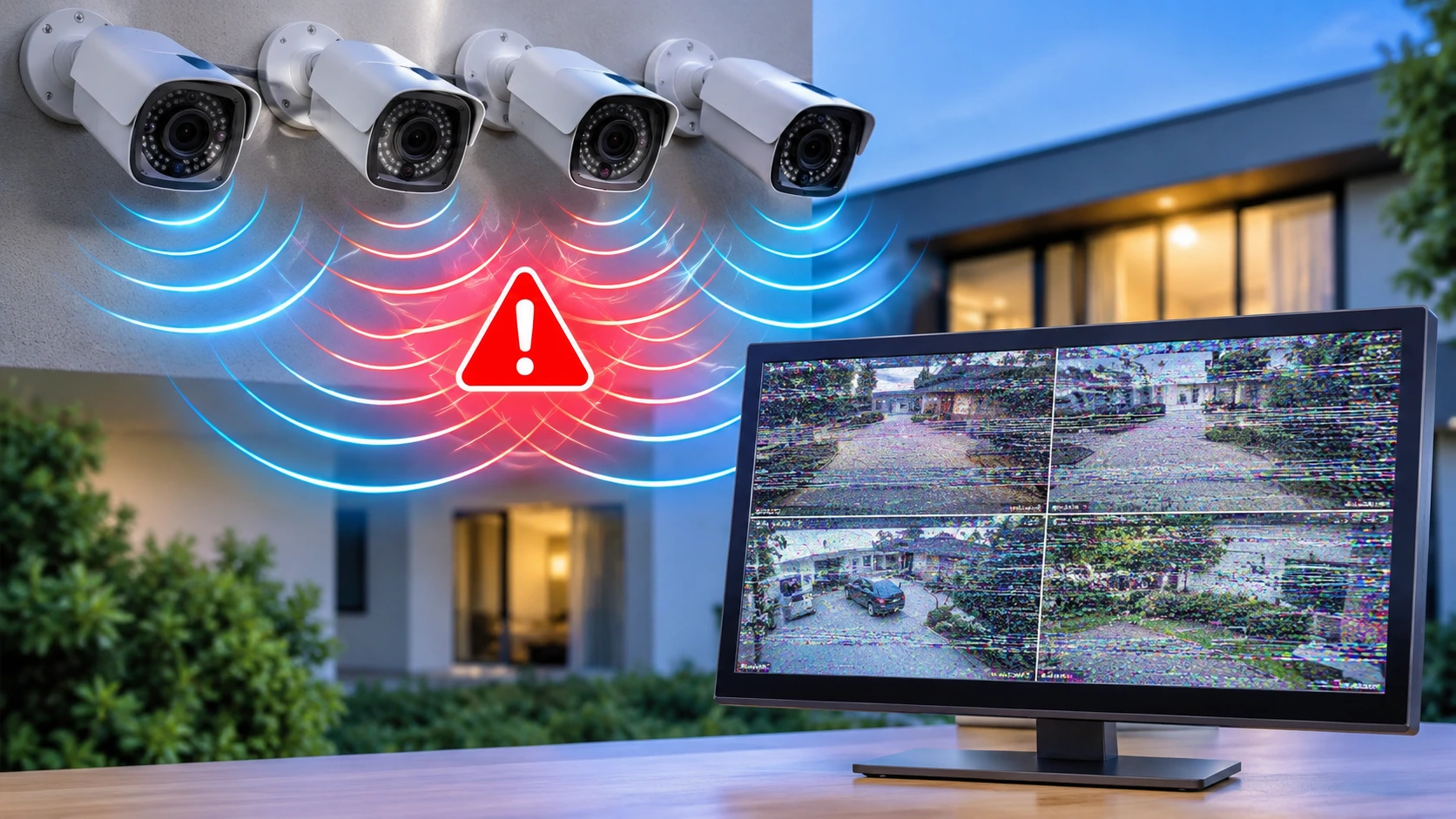
The goal of a surveillance system is to provide top-quality, reliable video that allows property owners to view their house, business, and other areas. Sadly, when you are making use of several cameras as part of one safety system, occasionally there can be instances where the video appears to be distorted or interfered with. This can be horizontal lines, flickering, rolling, or various other effects.
It is vital for any business that uses a multi-camera system to be able to identify Multi-Camera Interference, or MCI. What is MCI? MCI is the term used for signals from a number of cameras or systems disrupting each other and can alter the quality or picture stability.
While interference can be bothersome, it’s usually not hard to troubleshoot and eliminate the problem by working through potential solutions. Here’s a step-by-step guide to how MCI forms and what you can do to quickly restore high-quality images to your surveillance recordings. We also tell you when to call a professional from Cam Security Surveillance.
What Is Multiple Camera Interference (MCI)?
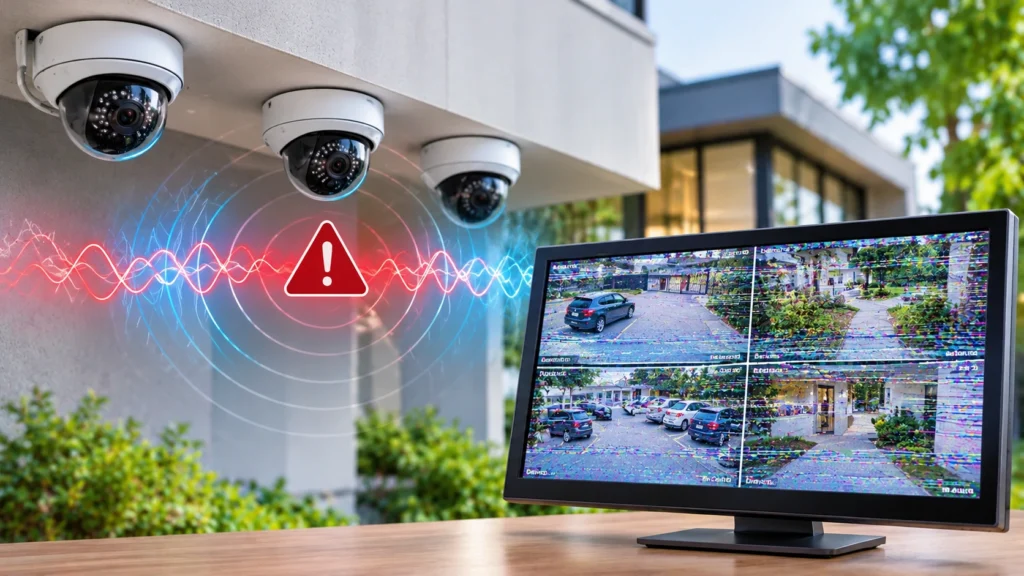
Multiple Camera Interference (MCI) is a form of video interference that occurs in a surveillance system when the video signals from several cameras or their accessories interfere with the quality of the video or signals coming from them. It typically occurs when there are numerous analogue cameras and common power supplies, ground rings, or cable systems.
In certain instances, it is possible to see ‘noise’ on the images if the signals are not correctly isolated or if electrical conditions are unstable. You may see one or several camera feeds with streaks or static, and some can even resemble ‘vertical hold’ problems on a television set. The issue may become more pronounced as more cameras are added or when some other electrical appliances are turned on.
MCI does not always mean the cameras are faulty. In fact, the actual problem may be down to the way power has been distributed, how the system has been grounded, the quality of the camera or recording cable, the connectors used, or the recording device.
Common Signs of Multiple Camera Interference
Knowing what to look for when encountering an interference problem is the first step to fixing the cause. Various faults may produce identical visual symptoms, so look for what indicates the time and location of the distortion.
Some common warning signs include:
- Horizontal lines: These are moving or stationary lines over the image being monitored.
- Rolling bars: The image appears to be moving by dark or light bars that run vertically in the picture.
- The brightness of the screen goes up and down several times.
- Ghosting: Vehicles seem to be ghosted and transparent, with halos around them.
- Color bleed: Inconsistent changes in the color.
- The picture. May freeze and then break up, jump, or disappear.
Symptoms can occur on just one camera or on multiple feeds at the same time. When multiple cameras are having similar issues at once, it would be wise to look at the power, ground, and recording gear that might be common to all.
Main Causes of Multiple Camera Interference
There are a number of technical issues that can compromise the picture from a video signal, which can occur if several cameras are used at the same site. It’s worth pinpointing the problem, as fitting a new camera might not fix the problem.
1. Ground Loop Interference
Ground loops are one of the usual causes of distorted analog CCTV footage. Ground loop problems happen when the equipment is connected with varying ground potentials, and current flows in the video cable’s shield.
It can cause horizontal lines, rolling lines, or other visible distortion. And of course, when the cameras are hooked up to two different buildings or two different circuits in the same building, you may notice this even more.
The ground loop isolator may be used to remove the interference by breaking the electrical ground path of the video signal; however, the installation should be checked prior to make sure that it is actually the ground that causes the issue.
2. Low-Quality Cable and Inadequate Installation
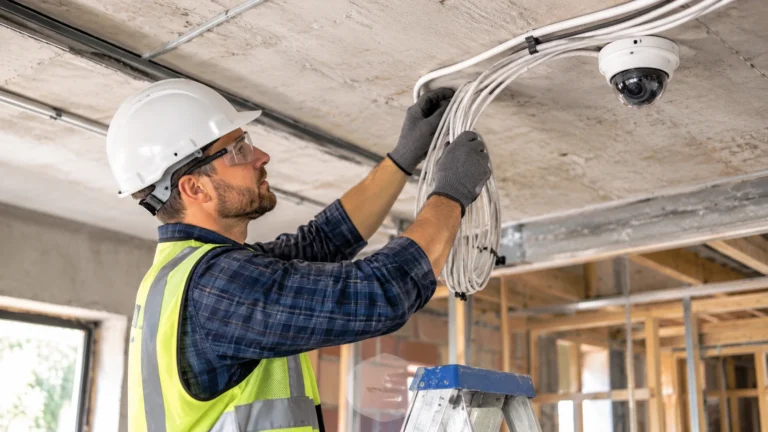
Poor-quality cables, a break in the insulation of one or more of the cables, faulty or loose connectors, or failing terminations can cause degradation of the video signal. Loose, multiple camera cables run over tight situations or along poorly planned routes can be susceptible to coupling stray signals.
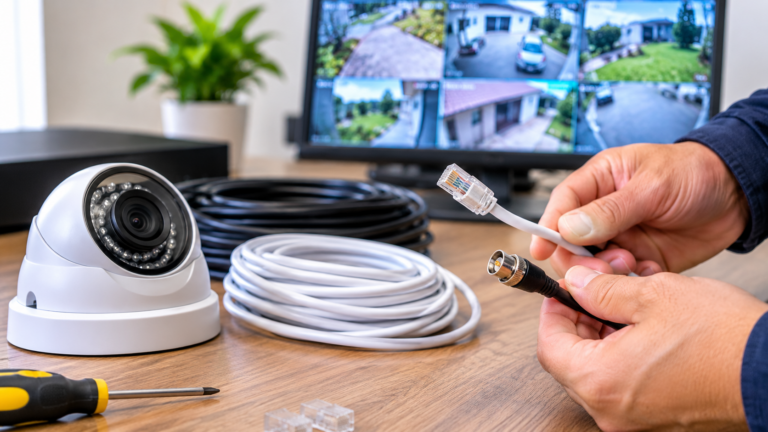
Analog systems are generally much more affected by the actual cable and the impedance matching (at the point where the signals are sent). If there is a broken BNC connection on a coax cable or the impedance does not match, the result will be noise, ghosting, and some false images.
It provides good transmission with the help of the best surveillance-grade cables, connectors, and cable routing. The conductors should also be capable of inspecting the cable joints and extending the cable only if needed.
3. EMI From Power Equipment
Sometimes the problem is visible, particularly in other equipment close to yours. Like, maybe the camera gives you a pretty clean picture of things, but then your generator or industrial motor also cranks up, and you’re rolling lines.
Keep surveillance cabling away from electric cables and equipment with high-voltage cables. When a cable will be crossing an electric cable, make the crossing at right angles instead of parallel.
4. Incorrect Signal Distribution and Crosstalk
Crosstalk occurs when a certain amount of a first signal carries over to a second signal that is transmitted near the first, either in the same cable or in the connected equipment. In poorly designed analog video systems, crosstalk can be seen as a faint duplicate of the image interfering with a line or some other visual anomaly.
Faulty cable terminations, poor-quality splitters, and faulty transmission equipment only compound the problem. The quantity of cameras is not the only consideration—new installation techniques and equipment as well.
Good quality, properly rated video baluns, appropriate connectors, and compatible distribution equipment will also minimize the coupling of unwanted signals. The transmission path of each camera should be tested separately to locate the point at which the interference is injected into the system.
How to Fix CCTV Camera Interference Problems
Troubleshooting interference is not always an equipment change; the problem needs to be diagnosed. The primary investigation is to determine if all the cameras or only one is affected, or whether the entire recording system is affected.
Below are some tips for common security camera signal issues and how to remedy them.
1. Test the Connection of Each Camera
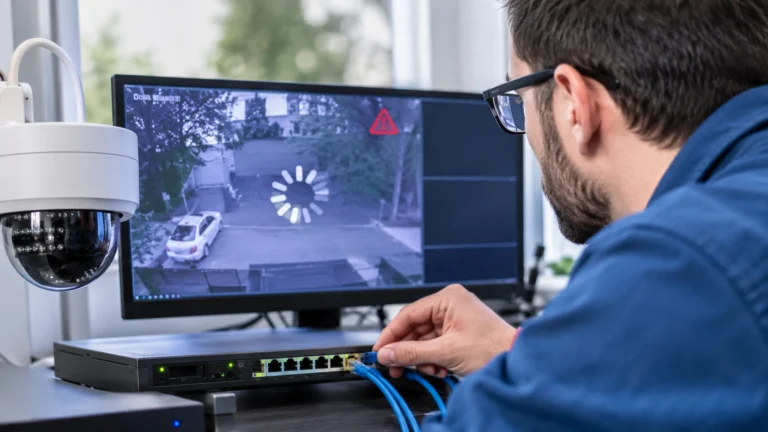
For analog systems, inspect BNC connections for loose connections and/or bent or damaged pins in the middle of the connector. For IP cameras, check Ethernet connections and network switches along with cable terminations. Replace damaged components with working components where possible.
2. Test Cameras Individually
Video cables must be separated from power cables of high-voltage electrical power wiring and instrumentation, which generate high electromagnetic interference. Check all ground connections for a condition that would prevent the cameras from coupling to the recorder. The picture is OK, and your thief is probably in your cable or connection.
3. Check Power Distribution
Check your power source to make sure it has enough capacity to support the combined load of all cameras plugged in. Check for any power connections that are loose, power adapters that have failed, power sources that are dropping the voltage, etc.
If the problem of interference occurs while the camera is connected to the other camera, check the power distribution arrangement rather than assume that the fault is a camera failure. A power supply rated and protected with a power distribution system is the most stable.
4. Enhance Cable Routing and Grounding
Separate the video cables from the high-voltage electrical wiring and instrumentation, which produce large amounts of electromagnetic interference. Inspect all grounds for instances of unintentional coupling between the cameras and recording equipment.
Do not trade off electrical safety grounds to eliminate video noise. When making electrical safety grounding changes, do it the way it was meant to be done.
5. Use Suitable Isolation and Filtering Equipment
In the case that a fault has been established, corrective measures like ground loop isolators, the right video balun, or power filter equipment could correct the problem. Again, they are not all the same in terms of interference, so make sure to use the right solution.
You might fix horizontal rolling bars by inserting a ground loop isolator because of differences in ground potential. However, you can’t fix a broken cable or insufficient power. Knowing is half the battle!
Does MCI Affect Analogue and IP Camera Systems Differently?
Yes. This difference in the manner of progression of interference can tell whether your surveillance system comes with an IP or not. It allows your technician to know what troubleshooting method he needs to perform rather than blindly following one that is suitable for the present system.
Analogue cameras utilize transmission media such as coaxial cable to send the video signals. Video signals can be affected by video and power ground loops, noise, cable quality, and poor termination. All of these factors can result in rolling bars, ghosting, or skewed images.
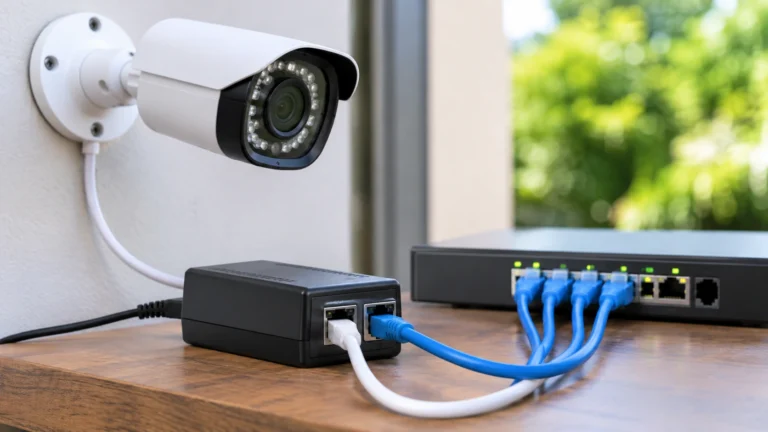
IP cameras provide digital video over network links, which are often Ethernet cables or Wi-Fi networks. The problems with IP cameras are more likely to be caused by network traffic, network bandwidth issues, weak network links, electromagnetic noise, or not enough power via Ethernet (PoE). Although they have similar symptoms, there are different reasons for these.
When Should You Contact a CCTV Professional?
Some problems can be located by simple tests or visual observation, but electrical and signal-related technical faults require specific knowledge and test equipment. Never dismiss image distortion you can’t explain, camera loss you can’t explain, or even those happening to a few channels.
A professional can also review the complete surveillance setup, test each connection, check power readings, and identify grounding or cable movement issues. Based on the results, they can determine whether a cable needs replacing, power settings require adjustment, signals need isolation, or equipment needs repair. For reliable security camera installation Indianapolis, professional assessment helps ensure stable connections and clear video footage.
Cam Security Surveillance is handy for getting professional help to diagnose your surveillance system and enhance the images from your cameras. Identifying the cause of the issue is way more advantageous than replacing your cameras without really knowing why the quality of your images has deteriorated.
Conclusion
MCI can lead to breakup, flickering, ghosting, bad lines, stuck video signals, and other degradation of the signal. The causes for MCI include everything from ground loops, bad wiring, radiated noise, power line noise, to bad signal distribution. The first step is to find the source.
With a correctly installed system, the right equipment, and routine maintenance, you can avoid repetitive issues and ensure stable monitoring. If you’re installing a new surveillance system or having issues with your current one, Cam Security Surveillance can help you understand the importance of reliable camera connections and clear video. For professional security camera guidance and installation solutions, contact us today.
FAQs
Will a ground loop isolator fix multiple camera interference?
A ground loop isolator may be the cure for video distortion caused by a ground loop between connected grounding points. But it won’t solve all interference problems. You must determine the cause of the interference before using an isolator.
Does adding more cameras require a stronger power supply?
The available supply is not always a more robust supply, but the available power must be able to accommodate the electrical load of all cameras in the system. Determine the load by summing the cables’ combined requirements.
When should I replace a CCTV camera instead of repairing it?
Think about replacement if tests find that the issue is truly down to the actual camera – something like a broken sensor or key internal parts stopping working. If the issue is to do with wiring, power, earth, or the recording unit, replacing the camera likely won’t help.