Updating Your Security Camera: There are many ways you can upgrade your security cameras-resolution, coverage, remote access, and reliability, just to name a few. But just swapping out your old cameras for newer models isn’t always as simple as getting cameras with a higher resolution.
Before you start an upgrade, think about your current wiring, recorder, storage, network, camera locations, and what the features that you actually require are. Understanding this before you purchase your cameras can be the difference between an incompatible system and saving money.
Why Consider a Security Camera Upgrade?
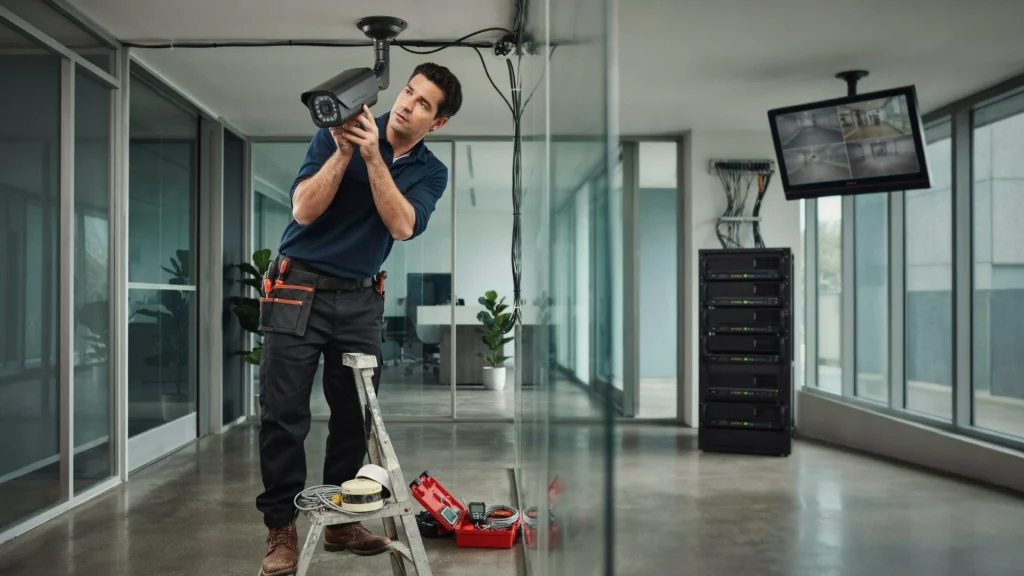
The image quality of older security camera systems and the features they have don’t meet today’s standards as technology continues to advance.
Some of the typical reasons for an upgrade are
- Poor or blurry video quality
- Limited night vision
- Frequent Camera Disconnects
- Little room for storage
- Obsolete recording devices
- Lack of remote viewing
- Limited or missing coverage
- Aging cameras that require frequent maintenance
- Limited smart detection or analytics features
Newer installations may offer improved image quality and additional useful features for monitoring, although the most suitable upgrade will vary based on your home and current technology.
Check Your Existing Security Camera System First
Check your current system before buying. Determine what types of cameras you have, what recorder you use, the amount of available storage, the number and types of cables and power sources, and network hardware.
If you already use an IP-based system, then some of your existing hardware may be transferable. Nevertheless, always make sure that everything is compatible with the new system before buying.
For instance, most newer IP cameras are designed to work over Ethernet, and some may even be PoE-enabled for both data and power. The switching infrastructure of your PoE, or Power-over-Ethernet, network can make the installation easier, but your switch’s power budget must support the new cameras’ power requirements.
Create a bullet-point list of:
- Current camera models
- Number of cameras
- DVR or NVR type
- Cable type
- PoE switch or power supply
- Hard-drive capacity
- Internet connection
- Wi-Fi coverage, if applicable
- Areas currently covered
- Regions with security vulnerabilities
That provides a better idea of what needs to be replaced and what can be salvaged.
Decide What You Want to Improve
An upgrade should resolve certain issues, not just use more recent hardware.
Ask yourself what is lacking in your system.
Are you looking for:
- Sharper images?
- Better night vision?
- Wider viewing angles?
- Better coverage?
- Remote access from a phone?
- Motion detection?
- Vehicle/Person Detection?
- License plate visibility?
- More recording time?
- More resistant outdoors?
So, for instance, moving from an older low-resolution camera to a 4K one could be worth considering, as you will be capturing a lot more detail. But bear in mind, higher resolution cameras can also mean higher bandwidth and storage needs; your system will need to be able to cope with this.
Consider Camera Resolution Carefully
More detail is one of the primary reasons that homeowners and business owners replace their existing cameras.
Some common options are
- 1080p
- 2MP or 4MP
- 5MP
- 8MP/4K
- Higher-resolution specialized cameras
Nevertheless, selecting the highest resolution might not always be the right choice.
Consider your coverage area and how much detail you need. One camera covering a small entryway might not require as high a resolution as a camera monitoring a large parking lot.
Keep in mind, the higher the resolution is of the video, the more space it will require on your network. Talk to your NVR, storage unit, and network in advance of installing cameras with higher resolution.
Check Your NVR or DVR Compatibility
Perhaps the biggest mistake in a security camera replacement is that you believe any new camera will be compatible with the recorder you have.
Your recorder could have restrictions on:
- Camera resolution
- Number of supported channels
- IP or analog compatibility
- Compression formats
- Maximum recording bitrate
- PoE requirements
- Manufacturer compatibility
- Smart detection capabilities
For IP systems, some interoperability standards like ONVIF may allow cameras and video management systems from different manufacturers to work together, although different devices may support different features.
Prior to purchasing new cameras, review the models of your current DVR or NVR and ensure that new model cameras are compatible.
Don’t Forget About Storage
A camera upgrade might cause your system to record more video.
If your current cameras are continuously recording, upgrading to higher resolution cameras will contribute to quicker storage consumption.
The amount of storage you will need depends on:
- Number of cameras
- Resolution
- Frame rate
- Compression
- Motion or continuous recording
- Desired number of days to keep footage
- Camera activity levels
Contemporary video surveillance solutions can store video locally, on a cloud or hybrid storage. The video management system (VMS) is also a significant factor in the way that recording is stored, searched, and retrieved.
Don’t assume your current hard drive will be adequate for the upgrade. Before the upgrade, work out exactly how much footage you need to store.
Evaluate Your Network and Bandwidth
For migrations to higher resolution IP cameras, give extra care to your network.
All cameras transmit video over the network, and this can become more demanding on bandwidth, especially if there are several high-resolution cameras. This is where it can be critical if footage is being watched remotely or stored in the cloud.
Check:
- Router capacity
- Switch capacity
- Available bandwidth
- Ethernet cabling
- PoE capacity
- Internet upload speed
- Network congestion
When choosing PoE cameras, confirm that your switch is capable of powering all cameras. There are some new and feature-heavy cameras that could draw more power than previous cameras.
Review Your Existing Camera Locations
This is a perfect time to reevaluate your camera position.
Having purchased a new camera and positioned it in the same way as the previous camera, this alone may not totally address the coverage issue.
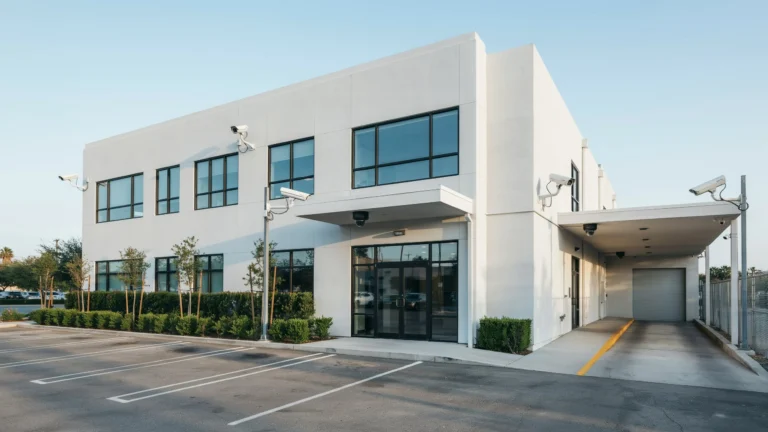
Take a walk of the property and spot:
- Main entrances
- Back doors
- Side entrances
- Garages
- Driveways
- Parking areas
- Hallways
- Large outdoor areas
- Important equipment or stock of goods
- Current blind spots
Be mindful of how and where you position the camera’s viewing angle and lighting. Even a good camera can take terrible footage if it’s facing the sunlight, or if something obstructs the camera’s field of view.
Cam Security Surveillance’s setup instructions recommend following the same general rule, stating, “Most cameras are placed around entrances, blind spots, and lighting, so plan camera placement accordingly.”
Think About Night Vision and Lighting
Day recording may be smooth, but night recording is not easily usable.
When adding a new upgrade, confirm that the low-light ability and the night vision depth are working.
Consider:
- IR night vision range
- Low-light sensitivity
- Built-in illumination
- WDR for harsh lighting
- Outdoor lighting around the camera
- Outdoor lighting around the camera
- Glare from windows or reflective surfaces
Make sure that if your new camera is recording at night from the driveway or entrance, it must be able to record the resolution that is needed.
Wired vs. Wireless During an Upgrade
You may also need to choose whether to stick with the same connection type or switch to another.
Wired Cameras
The top wired or PoE cameras are perfect for permanent installations. With their wired connection and PoE (power over Ethernet) technology, you get a cable that can carry both power and data.
Mostly used for:
- Larger homes
- Businesses
- Warehouses
- Offices
- Multiple-camera systems
- Long-term installations
Wireless Cameras
Wireless cameras can be simpler to install since you don’t have to run the same Ethernet cable. However, they are more reliant on your Wi-Fi and network!
Test Wi-Fi Strength: Before installing the wireless cameras, test for Wi-Fi strength at the installation sites.
Check Whether Existing Cables Can Be Reused
You may not always need to replace all the wiring during a security camera replacement.
If your current cables are compatible, properly installed, and in good condition, they may be reusable. However, damaged, poorly protected, or unsuitable cabling can create reliability problems.
Check cables for:
- Physical damage
- Moisture exposure
- Corrosion
- Poor connectors
- Inadequate installation outside
- Too much wiring
- Loose connections
When we migrate from the analog platform to IP, the current cabling infrastructure may need to be supplemented or replaced, depending on its architecture.
Consider Smart Security Features
Today’s cameras are capable of much more than just simple video recording.
Depending on the system, you may find features such as
- Person detection
- Vehicle detection
- Motion detection
- Object classification
- Line crossing warnings
- Zone intrusion alerts
- Two-way audio
- Remote notifications
- Advanced video search
This reduces the time required to manage the surveillance system as you don’t need to watch hours of footage to check for suspicious activity.
Have smart features compromised the camera’s processing, bandwidth, storage, or system compatibility? Select those that are truly needed for security.
Plan for Future Expansion
Think about the future as well. Also, if you think you’ll want more cameras down the road, make sure you get a system that can handle it.
For instance, verify your NVR has additional channels, and your network switch has sufficient ports and PoE power available.
The second equipment change can be avoided by planning to expand during the first upgrade.
Security and Privacy Should Be Part of the Upgrade
Your camera upgrade should come with a review of the cyber security of your system. Change default passwords, and create strong, unique passwords. Update your cameras, recorders, and associated software when updates are available.
Think about camera locations. Try not to capture private areas unnecessarily, and ensure compliance with relevant local requirements. Unless securely set up, network cameras may pose a security threat through remote access.
Should You Replace Every Camera at Once?
Not necessarily. A total system replacement might be necessary when all of your cameras, recorders, wiring, and network equipment have outdated hardware. However, if some of the cameras continue to work well, a phased upgrade may be better.
For example, you might replace:
- Cameras covering critical entrances first
- Poor-performing outdoor cameras next
- Older Indoor Cameras Later
- The recorder and storage when required
- Network equipment if the new cameras require it
This decision can also be aided by a professional assessment.
When Is a New Security Camera System Better?
Replacing one camera at a time isn’t always the answer.
A new security camera system may be more appropriate if:
- Your recorder is outdated
- Your cameras use obsolete technology
- The existing wiring is damaged
- You need significantly higher resolution
- Your current system cannot support modern features
- You need more cameras
- Remote viewing is unreliable
- Storage is inadequate
- Your network infrastructure cannot support the upgrade
A total replacement of the whole system offers a cleaner, more consistent setup as everything from the cameras and recorder through to storage, network and software is optimized to fit each other.
Security Camera Upgrade Checklist
Before purchasing new equipment, use this checklist:
| What to Check | Why It Matters |
| Camera resolution | Determines image detail |
| Camera placement | Helps eliminate blind spots |
| Night vision | Important for nighttime footage |
| NVR/DVR compatibility | Ensures cameras can be recorded |
| Storage capacity | Determines how long footage can be retained |
| Network bandwidth | Supports video transmission |
| PoE power budget | Ensures cameras receive adequate power |
| Cable condition | Prevents connection problems |
| Remote access | Allows viewing away from the property |
| Smart features | Provides more useful alerts and detection |
| Future expansion | Makes later upgrades easier |
| Privacy | Helps avoid inappropriate coverage |
When Should You Hire a Professional?
If you’re tech-savvy, maybe a minor camera upgrade is manageable. But bigger upgrades are a different story.
Consider professional help if you have:
- Multiple cameras
- A large property
- Commercial premises
- Multiple buildings
- Long cable runs
- Complex network requirements
- Existing wiring problems
- Advanced analytics requirements
- Poor coverage that needs redesigning
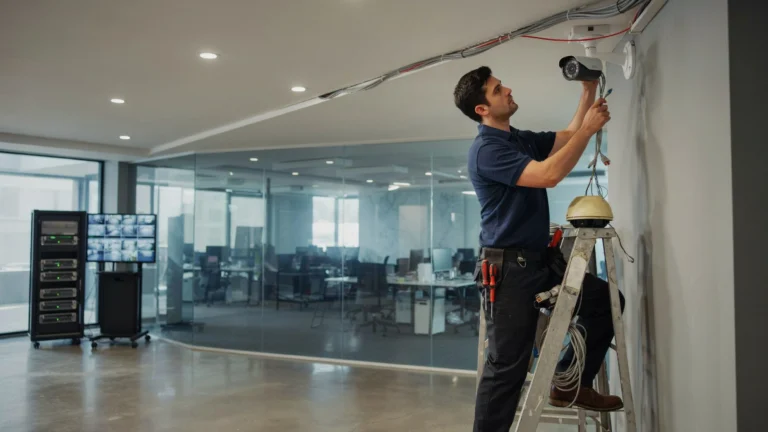
A professional can evaluate your existing infrastructure, troubleshoot compatibility issues, determine the best camera locations, run the cables, set up the recorder and cameras, and test the entire system. If you need reliable security camera installation in Indianapolis, professional installation can help ensure your cameras are properly placed, connected, and working as expected.
Cam Security Surveillance offers professional security and can help property owners decide which security system and installation method works best for their needs.
Final Thoughts
Checking what you need to before upgrading your security cameras will prevent you from purchasing gear that you can’t power up. Resolution, storage, networking, PoE power, camera placement, and recorder compatibility are factors you should consider before mounting the cameras.
Whether you’re replacing a few cameras or upgrading the whole system, think about the security challenges you want to address, not just the latest technology. A well-planned upgrade can improve video quality, make your system easier to access, and provide more reliable performance. Contact Cam Security Surveillance today to discuss your camera upgrade and find the right solution for your property.
FAQs
How often should security cameras be upgraded?
No definite timetable for change. Think about an upgrade when cameras start to be unreliable, the picture is poor, key areas are left uncovered, or you’re unable to run up-to-date security features.
Can I replace old cameras without replacing the entire system?
Yes, if they are compatible with the recorder. It depends on whether the replacements are compatible with the cameras, wiring, network, and power equipment. Read the specifications before ordering replacements.
Is 4K worth it for security cameras?
4K—When you need to see more detail over a larger area and/or at a greater distance. This will require more storage and network bandwidth, so it is worth considering the entire solution.
Do I need to replace my NVR when upgrading cameras?
Not always. If your existing NVR supports the resolution, camera type, recording requirements, and features of the new cameras, you may be able to keep it. Otherwise, an NVR upgrade may be necessary.
Should I upgrade all my security cameras at once?
It all depends on your budget and the state of your system. If your whole system is failing, then you might want to consider replacing all of it. If it is just a few cameras, then you should consider upgrading as you go.
What should I check before buying replacement security cameras?
Check resolution, camera type, night vision, field of view, NVR / DVR compatibility, the need for storage, network bandwidth requirements, PoE requirements, cable quality, and the places where the cameras will be installed.