Every security camera needs a power source to record images, stream video, and run key features such as motion detection, night vision, and remote viewing. There is no single power source that works for every camera, though. The right choice depends on where the camera is installed, what type of camera it is, and which features it uses. Choosing the wrong power source can cause outages, incomplete recordings, or damaged equipment.
So what kind of power do security cameras require?
Most wired security cameras use low-voltage DC power. Most professional network-based IP cameras use Power over Ethernet (PoE). Wireless security cameras run on a rechargeable battery or a power cord. Whether you are a homeowner, a business owner, or a contractor, Cam Security Surveillance can help you choose the right power connection based on your cameras, your network, and your property. If you are planning a security camera installation in Indianapolis, getting the power plan right from the start is one of the most important steps.
Understanding How Security Cameras Receive Power
Like most electronic devices, security cameras need a constant power supply to work properly. An occasional power cut may be acceptable for a TV, but for a security camera it means the system can stop recording at the exact moment you need it most.
Power consumption varies by model. A simple indoor camera uses relatively little power, while outdoor cameras with infrared night vision, heaters, microphones, or pan-tilt-zoom (PTZ) functions generally use much more. That is why it pays to check power requirements in advance.
Low-Voltage DC Power
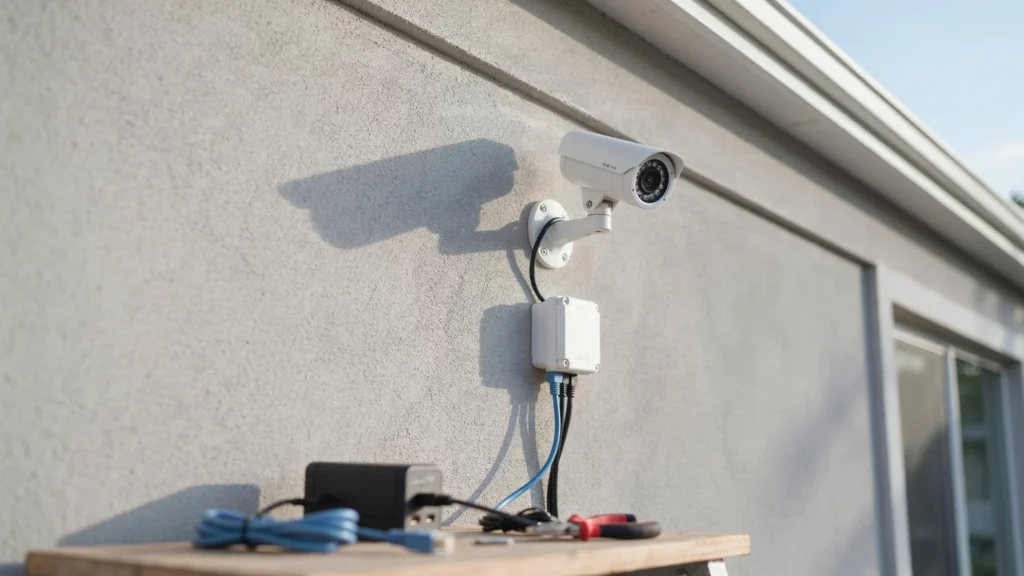
Most traditional security cameras run on low-voltage direct current (DC). In a typical setup, a cable connects the camera to a power supply, and the power adapter converts AC power from a wall outlet into the voltage the camera needs.
What Are the Main Security Camera Power Options?
There are several ways to power surveillance cameras. The right solution depends on whether the camera is wired or wireless, how far it is from the power source, and whether it needs a network connection.
For larger installations, plan the power setup before the cameras go up. Cable length, voltage drop, outlet locations, weather exposure, and backup power all affect reliability. Here are the most common power options.
Power Adapters
A power adapter is the simplest way to power a camera. It plugs into an AC outlet and supplies the camera with the low-voltage power it needs. Adapters are ideal for indoor use and small systems.
Battery Power
Battery-powered cameras are flexible because they don’t depend on a power cable. They are useful in spots where running electrical wiring is difficult or expensive.
The main drawback is that batteries eventually need to be recharged or replaced. Frequent motion detection, freezing temperatures, and continuous recording can drain them faster. If your site needs years of uninterrupted, around-the-clock monitoring, a battery-only setup will require extra planning.
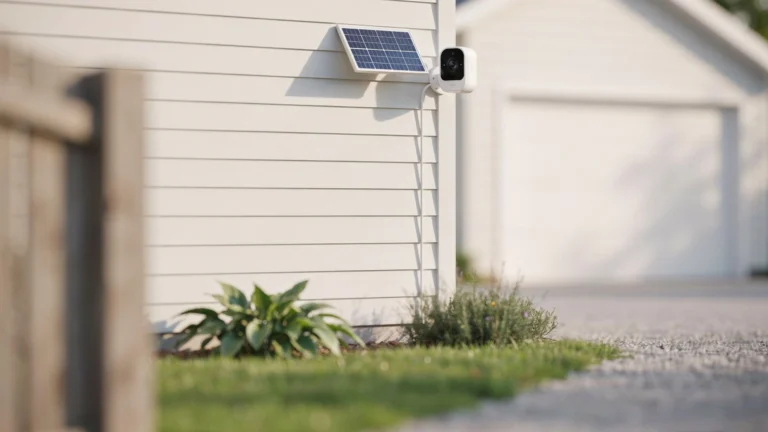
Solar Power
A solar-powered camera system uses solar panels to generate electricity, which is stored in a rechargeable battery.
The site must get enough sunlight, and the battery must be large enough to keep the camera running during cloudy periods. The panel, battery, camera, and charging system should all be sized for the expected power use and local climate.
How Much Power Does a Security Camera Require?
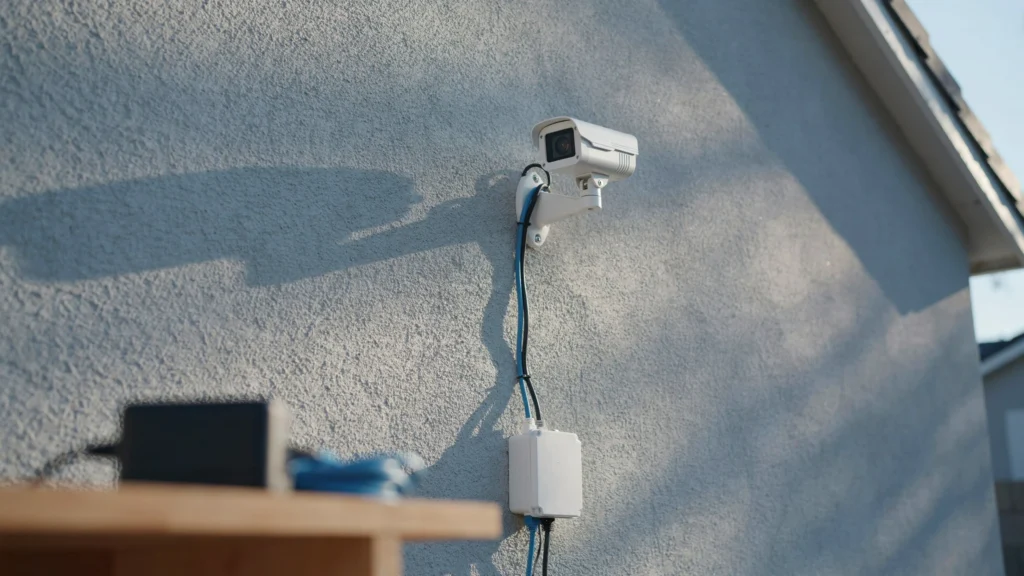
There is no single power requirement for all security cameras. Power demand depends on the camera type and its features. Basic fixed cameras use fairly little power, while cameras with infrared illumination, pan-tilt motors, heaters, or cooling systems can require many times more.
Manufacturers usually list electrical specifications as voltage and current ratings, such as a specific DC voltage and a minimum amperage. You can estimate power needs from these values, but always follow the manufacturer’s specifications first.
CCTV Camera Power Requirements
One of the biggest power challenges comes up when several cameras share a single power supply. The supply must have enough capacity to handle the total load without being overloaded.
It is also wise to leave some headroom above normal usage, since power draw increases when infrared LEDs switch on at night or other features activate. A well-designed system accounts for the combined load, not just the maximum draw of each camera on its own.
What Is the Difference Between 12V and PoE Cameras?
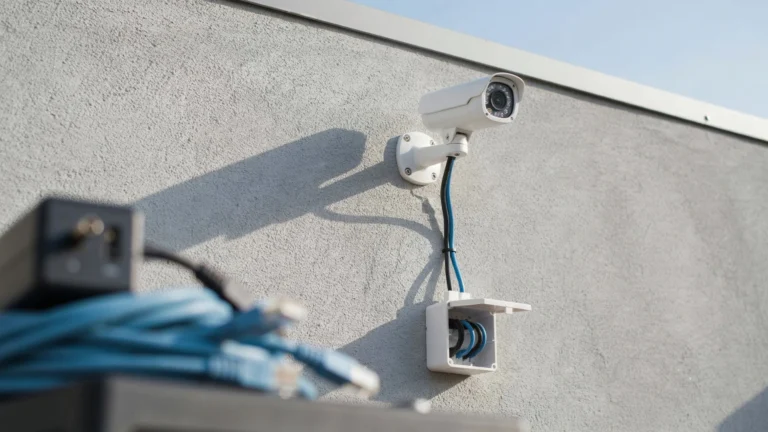
Cameras differ in how power is delivered to them. Many traditional analog CCTV cameras use a dedicated low-voltage DC power cable that runs alongside the video cable.
PoE cameras receive both power and network data through a single Ethernet cable. This reduces cabling and makes centralized installation easier. Neither option is better in every case. The right choice depends on your camera technology, cable distances, network equipment, existing wiring, and installation needs, so it’s worth getting a professional opinion.
How Cable Length Affects Camera Power
The length of a cable run can affect how much power reaches the camera.
Every cable has some resistance, which causes voltage to drop over distance. If the run is too long or the camera draws a lot of power, the camera may not work properly or may become unstable. This problem grows with longer runs and higher-power cameras, and cable quality and gauge also play a role. Rather than choosing a power supply based only on the camera’s rating, factor in the total cable length.
For PoE systems, also consider the power budget of the switch or injector and the length of the Ethernet cabling. Staying within these limits helps keep your cameras running reliably.
Why Backup Power Matters for Security Cameras
A security system matters most during the very events it is meant to record. If the power fails during an incident and there is no backup, the cameras, network equipment, and recorders can all shut down.
An uninterruptible power supply (UPS) can keep the system running during an outage, and larger systems may also use backup batteries or generators. Backup power should cover more than just the cameras. Cameras depend on network switches, network video recorders (NVRs), and routers, and these devices need backup power too so footage can still be transmitted and recorded.
Choosing the Right Security Camera Power Supply
Choosing a power supply may seem as simple as matching a plug to a camera, but each supply is rated for a specific voltage and current. Cable length, the number of cameras, and camera features all need to be considered. For multiple cameras, centralized power distribution can make maintenance and troubleshooting easier. For cameras in a single room, individual adapters may be enough.
Battery or solar power can work well for remote locations, while PoE is common for business network systems. A professional security camera installation in Indianapolis can help you match the right power source to each camera on your property.
Check Voltage and Current Ratings
Always compare the power supply’s specifications with the camera’s before installing. The supply must deliver the correct voltage and enough current to meet the camera’s highest expected draw. Consider the total load as well, since a supply that works for one camera may not handle an entire system.
Consider the Installation Environment
Outdoor cameras need extra attention because their power connections are exposed to weather and potential damage.
Proper weatherproofing eliminates many reliability problems. When installing a power supply, follow electrical codes and the manufacturer’s recommendations rather than simply placing it wherever is most convenient.
Common Mistakes When Powering Security Cameras
Using the wrong adapter is a common mistake. A connector may fit, but that doesn’t mean it delivers the correct voltage or current.
Underestimating total power consumption can also cause problems when infrared illumination kicks in or other features increase demand. Overly long cable runs, poor wiring, and underpowered supplies are other frequent issues, and a dedicated CCTV power supply can help prevent them.
Conclusion
So what kind of power supply does a security camera need? It depends on the camera technology, its location, and how it is installed. Common options include low-voltage DC power supplies, PoE, batteries, and solar power. The best choice depends on your specific setup.
Power planning is just as important as choosing the cameras themselves. Voltage, current, cable distance, environment, and backup needs all affect how reliably your cameras perform. Cam Security Surveillance helps property owners plan and design power systems that keep their cameras running dependably. If you need expert security camera installation in Indianapolis, contact us today to get started.
Frequently Asked Questions
Do wireless security cameras need power?
Yes. “Wireless” refers to the camera’s network connection, not its power source. Wireless cameras still need power from an adapter, a solar charger, or a rechargeable battery.
Do security cameras need backup power?
Backup power is valuable if your system needs to stay online at all times. A UPS or other backup source keeps cameras, network equipment, and recorders running during a power outage.
Can one power supply power multiple CCTV cameras?
Yes. A centralized power supply can run multiple compatible cameras, as long as its capacity covers all of them. Leave room for changes in power use, and account for cable length and voltage drop.
Is PoE better than a dedicated power cable?
PoE can make IP camera installation easier because one Ethernet cable carries both data and power, which simplifies centralized installation and maintenance. Whether it’s the better option depends on the camera’s power needs, your network equipment, and the distance between each camera and the PoE switch or injector.