
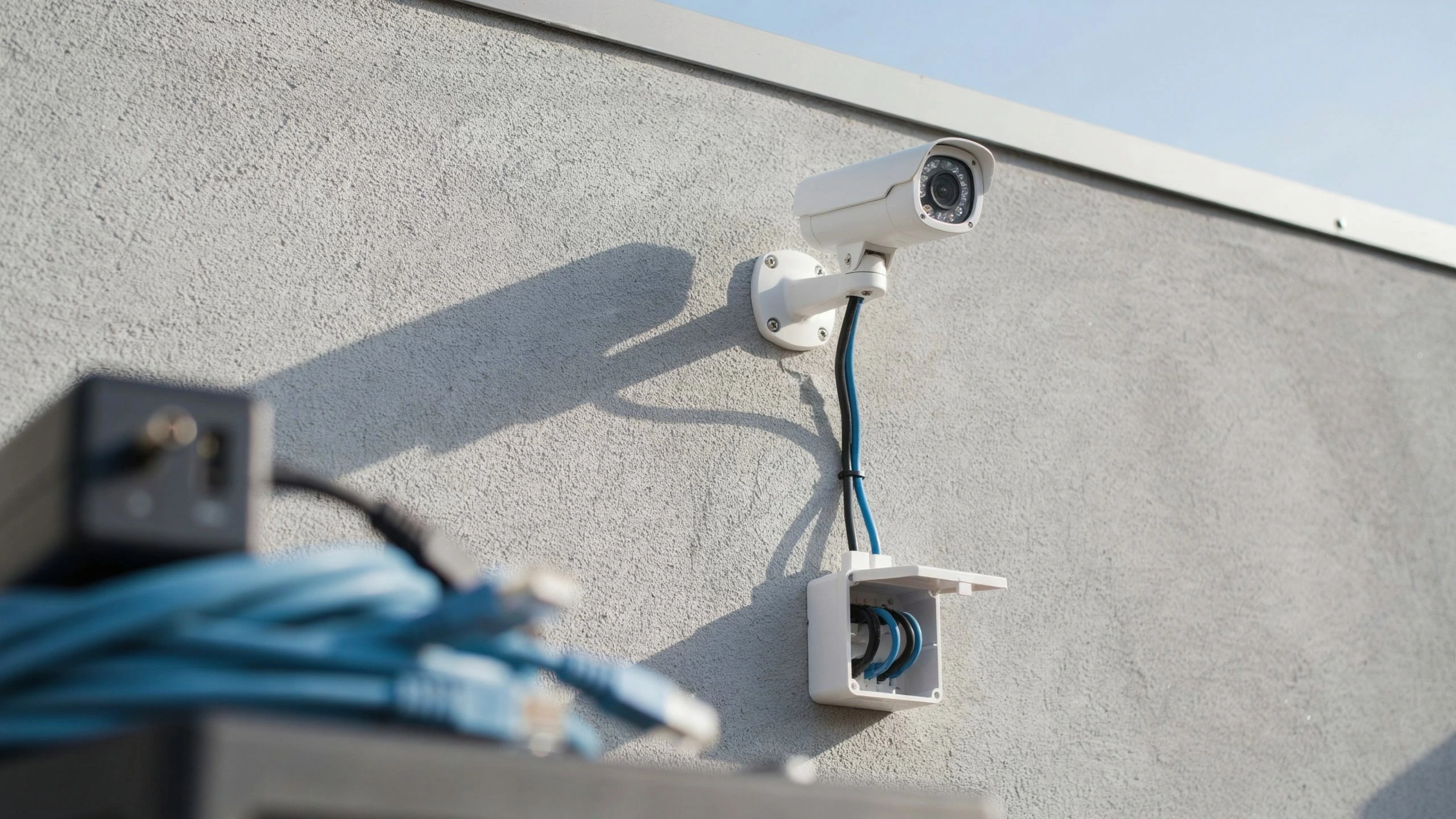
Security cameras need a power source that matches their voltage, current, and design. Many CCTV cameras use 12V DC adapters, while some use 24V AC power. IP cameras may use Power over Ethernet (PoE), which carries power and data through one cable. Battery and solar-powered models offer other options. Choosing the right supply helps prevent restarts, poor night vision, and damage caused by incorrect power.
If you are asking, What Type of Power Supply Do Security Cameras Need?, check the camera’s label and manual first. The correct choice depends on the model, cable length, and features such as infrared lights or motorized movement.
What Type of Power Supply Do Security Cameras Need?
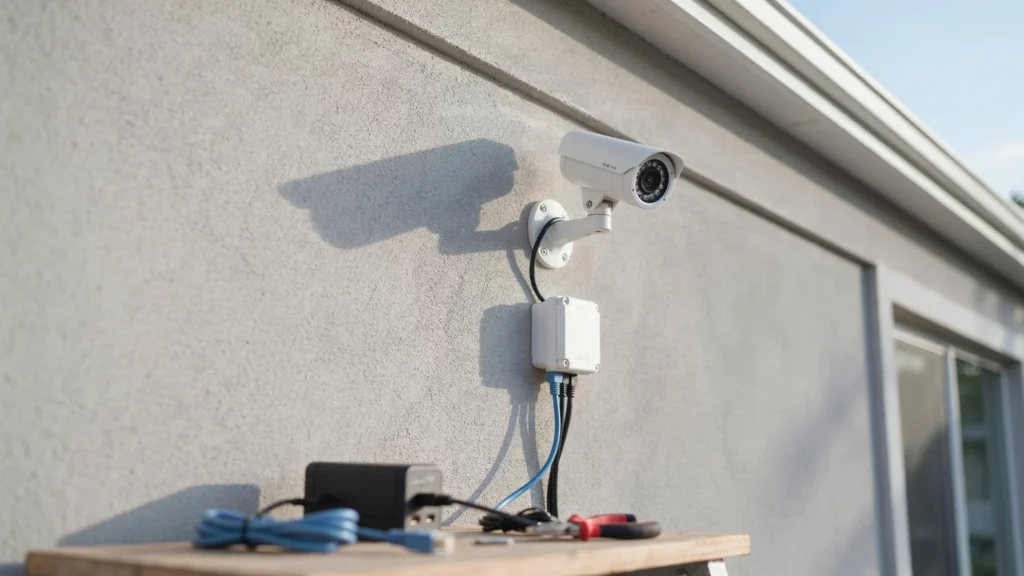
There is no single power supply that works with every security camera. The required power depends on the camera’s design and the features it supports. Traditional CCTV cameras often use a 12V DC adapter. Some professional models use 24V AC power. Many IP cameras support PoE, while wireless models may run on batteries.
Before buying a replacement adapter, check these details:
- Voltage: The supply must match the camera’s rated input.
- Current: It must provide enough amperage for the camera.
- Wattage: Its output must meet the camera’s power needs.
- Connector: The plug must fit the camera’s power port.
- Polarity: The positive and negative connections must match.
- Power method: Confirm whether the camera uses DC, AC, PoE, or batteries.
Never choose a power adapter based only on the plug size. Two adapters can look alike but supply different voltage or polarity.
Common Types of Security Camera Power Supplies
12V DC Power Supply
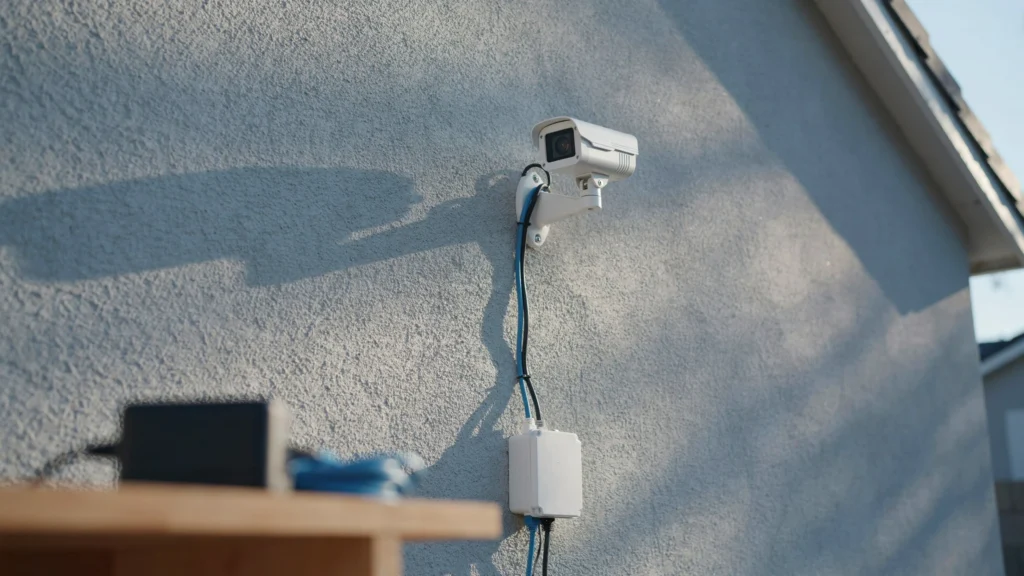
A 12V DC adapter is common in many analog CCTV and IP camera systems. It converts household power into low-voltage direct current for the camera. For example, a camera rated at 12V DC and 1A needs a compatible supply that can provide at least 1A. A supply rated for 2A can also work if its voltage, polarity, and connector are correct. The camera draws the current it needs.
24V AC Power Supply
Some CCTV and professional cameras use 24V AC power. This supply is found in certain older systems and compatible camera models. Do not connect a 24V AC adapter to a camera designed for 12V DC. The voltage and type of current differ, and the wrong supply can damage the device.
Power over Ethernet (PoE)
PoE sends electrical power and network data through a single Ethernet cable. It is common in IP camera systems and reduces the need for separate power cables. A PoE switch or injector provides power to compatible cameras. Common standards include IEEE 802.3af and 802.3at, also known as PoE and PoE+. Some cameras need higher-power PoE standards.
Check the camera’s supported standard and power demand before choosing equipment. Also confirm that the switch has enough total power for every connected camera.
Battery-Powered Security Cameras
Battery-powered cameras use rechargeable or replaceable batteries. They are useful where running power cables is difficult. Their battery life depends on motion activity, temperature, recording settings, and live-view use. Cameras placed in busy areas may need more frequent charging.
Solar-Powered Security Cameras
Solar-powered cameras use a compatible panel to charge a battery. They can suit outdoor locations without easy access to mains power. Panel size, sunlight, shade, and weather affect charging. Check the manufacturer’s power requirements and battery capacity before choosing a solar setup.
How to Choose the Right Camera Power Supply
Choosing the right cctv camera power supply starts with the camera’s rated input. Check the manual, label, or manufacturer’s website before buying an adapter.
Use this checklist:
- Match the voltage. Use the exact voltage and power type listed for the camera.
- Check the current rating. The supply must provide enough current for the camera’s highest expected demand.
- Confirm the connector. Make sure the plug size and polarity match.
- Measure the cable run. Long, thin cables can cause voltage drops before power reaches the camera.
- Allow for extra features. Infrared lights, heaters, and moving parts can raise power use.
- Check outdoor protection. Keep power connections protected from water and weather.
A power supply with a higher current rating is usually fine when the voltage, polarity, and other specifications match. A higher voltage is not a safe substitute unless the camera supports it.
For a reliable power supply for CCTV, choose a quality unit with suitable safety ratings. Avoid cheap, untested adapters that may overheat or provide unstable power.
How Much Power Does a Security Camera Use?
Power use depends on the camera model and its features. A small fixed camera may use less power than a PTZ camera with infrared lights.
You can work out power in watts with this formula:
Watts = Volts × Amps
For example, a camera rated at 12V and 1A uses 12 watts when drawing that full current. Its actual use may be lower during normal operation. Night vision can raise power demand because infrared lights turn on in low light. PTZ cameras may also draw more power when moving or using other features.
When choosing a supply, check the camera’s maximum power rating, not just its typical use. For multiple cameras, add their power needs and confirm that the supply or PoE switch can handle the total load.
What Are the PTZ Camera Power Requirements?
PTZ cameras can pan, tilt, and zoom to cover a wider area. Their motors and extra features can require more power than a fixed camera. The PTZ camera power requirements vary by model. Some use 12V DC, while others need 24V AC or a high-power PoE connection.
Before installing a PTZ camera, check:
- Its maximum wattage during movement.
- The required power type and voltage.
- Whether the camera supports standard PoE, PoE+, or a higher-power option.
- The power limits of the switch or injector.
- The cable length and any expected voltage drop.
A supply that works for a camera at rest may fail when its motors or lights turn on. Check the full power rating to help prevent restarts and missed footage.
Can One Power Supply Run Multiple Security Cameras?
Yes, one power supply can run several cameras if it supports their combined power needs. Installers often use a suitable multi-output power unit for compatible CCTV systems. For example, four cameras rated at 12V and 1A each need up to 4A combined at that voltage. The power unit must provide enough total current, with suitable capacity for peak demand.
Check the unit’s total output and each output’s limits. Each camera must receive the correct voltage, and the wiring must be sized for the current and cable distance. For PoE systems, check the switch’s total power budget as well as the power available at each port. Do not assume every port can deliver its maximum rating at the same time.
What Happens If You Use the Wrong Camera Power Supply?
An unsuitable supply can cause several problems:
- Wrong voltage: Too much voltage can damage the camera. Too little can cause unstable operation.
- Low current capacity: The camera may restart or fail when its lights turn on.
- Wrong polarity: The camera may not work and could be damaged.
- Voltage drop: Long cables may cause night vision issues, flickering, or shutdowns.
- Poor power quality: An unreliable adapter may lead to random faults.
If a camera works during the day but restarts at night, check the power supply and cable connections. Infrared lights may increase demand after dark. Test the system against the manufacturer’s specifications before replacing parts.
Never open a power adapter or work on live mains wiring. Ask a qualified professional if you are unsure how to test the power safely.
How to Check Your Security Camera’s Power Requirements
Follow these steps before buying a replacement supply:
- Find the camera’s model number.
- Read the power label or user manual.
- Confirm voltage, current, wattage, and polarity.
- Check whether the camera uses DC, AC, PoE, or batteries.
- Match the adapter or switch to the camera’s maximum power needs.
If the label is missing, use the manufacturer’s official specifications. Never guess based on the connector alone.
When Should You Hire a Professional for Camera Power Installation?
Professional help is useful when installing several cameras, running long cables, powering outdoor equipment, or setting up a PoE system. Cam Security Surveillance can help assess cable length, power needs, weather protection, and equipment compatibility to support a reliable security camera installation.
If you need help planning a camera system, explore security camera installation Indianapolis. Cam Security Surveillance provides professional security camera installation for homes and businesses in Indianapolis and Central Indiana.
Conclusion
The answer to What Type of Power Supply Do Security Cameras Need? depends on the camera’s design. Common options include 12V DC adapters, 24V AC supplies, PoE, batteries, and solar power.
Always match the voltage, current, connector, and power method to the manufacturer’s specifications. For multi-camera systems, check the total power budget and cable length before installation. Contact us today for professional security camera installation in Indianapolis and Central Indiana.
FAQs
Do all security cameras use a 12V power supply?
No. Many CCTV cameras use 12V DC, but others use 24V AC, PoE, batteries, or solar power. Check the camera’s specifications first.
Can I use a higher-amp power adapter?
Yes, if the voltage, polarity, connector, and power type match. The adapter must provide enough current, but a higher current rating alone does not force extra current into the camera.
Do IP cameras need a separate power supply?
Not always. PoE-compatible IP cameras can receive power through an Ethernet cable connected to a suitable PoE switch or injector. Other models need a separate supply.
Why does my security camera restart at night?
Night vision lights can increase power demand. A weak adapter, long cable, or poor connection may cause voltage drops. Check the camera’s maximum power needs and cable condition.
Can one power supply run four CCTV cameras?
Yes, if it supports the correct voltage and enough combined current for all four cameras. Check each output’s limits and allow for peak power demand.










