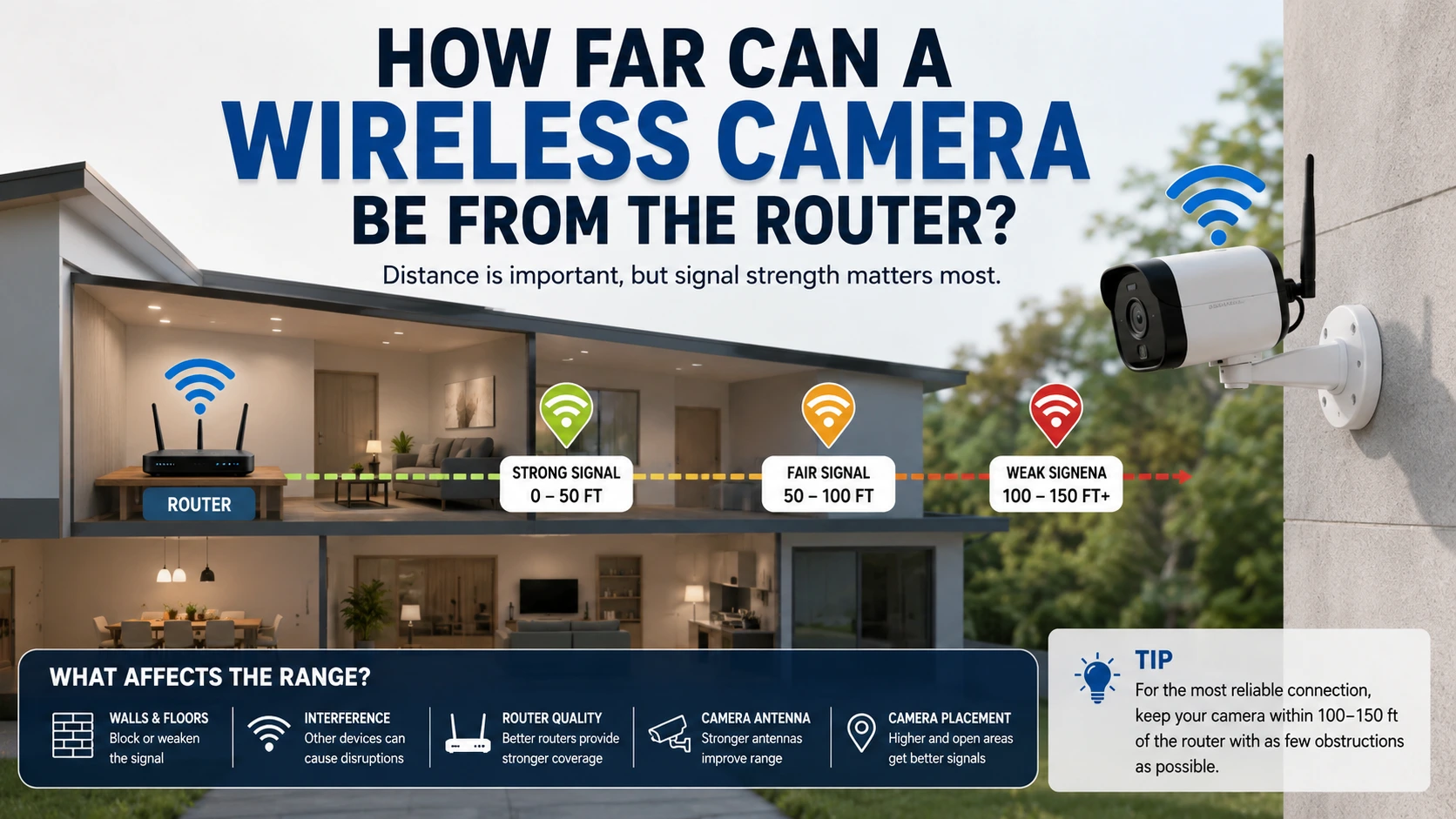
A wireless security camera needs a strong Wi-Fi connection to send live video and alerts. The usable distance depends on the router, camera, walls, interference, and network band. For many homes, a camera can work well within about 30 to 50 feet indoors. Outdoor.placement can reach farther when fewer walls block the signal.
However, distance alone does not tell you if a camera will work. A camera 30 feet away through concrete may perform worse than one 60 feet away with a clear path. Testing the signal at the camera location gives a better answer.
How Far Can a Wireless Camera Be From the Router?
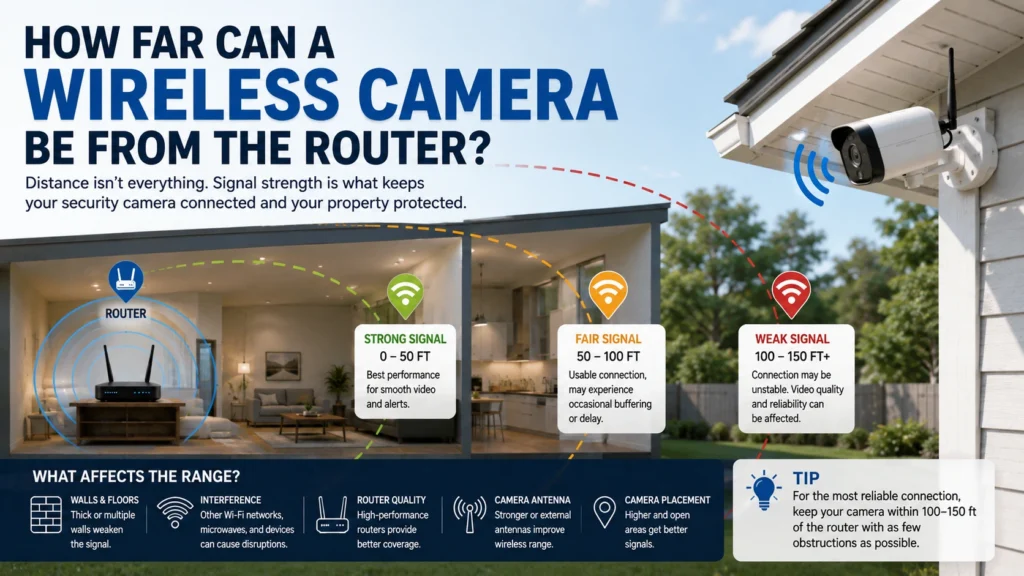
There is no single maximum distance for every wireless camera. A typical indoor camera may work reliably around 30 to 50 feet from a router. Some setups can reach farther when the signal has few obstacles.
The biggest factors are:
- Router strength and placement
- Camera Wi-Fi hardware
- 2.4 GHz or 5 GHz connection
- Number and thickness of walls
- Concrete, brick, glass, and metal
- Other nearby wireless networks
- Router and camera antenna design
- Internet and local network performance
For example a camera placed in a bedroom 40 feet from the router can work perfectly through drywall. A camera that sits 25 feet away, in a garage may struggle because concrete walls and metal objects block the signal.
That is why you should think about signal quality of distance alone. A good installation checks the connection where the camera will be mounted. This helps prevent disconnects, delayed alerts and video buffering after the installation.
What Is the Typical Wireless Security Camera Range?
The wireless security camera range varies by equipment and property layout. Indoor cameras commonly have a shorter practical range because walls and furniture weaken the signal. The 2.4 GHz Wi-Fi band usually travels farther than 5 GHz. It also handles walls better in many homes. The tradeoff is that 2.4 GHz can be more crowded. The 5 GHz band can provide higher speeds at shorter distances. It may work well when a camera is close to the router with limited obstacles.
A useful example is a two-story house. A camera near the router may have a strong 5 GHz connection. A camera in the garage may work better on 2.4 GHz because the signal travels through more walls. Manufacturers may advertise longer ranges under ideal conditions. Real buildings rarely provide those conditions. Your walls, appliances, neighboring networks, and router location all affect the result.
How Walls and Building Materials Affect Wi-Fi Camera Distance
Walls can reduce Wi-Fi signal strength before it reaches your camera. The effect depends on the material and thickness.
Drywall and wood usually cause less trouble than concrete or brick. Metal can create an even bigger problem because it can block or reflect radio signals.
Common obstacles include:
- Concrete walls
- Brick walls
- Metal doors
- Metal cabinets
- Reinforced floors
- Large appliances
- Thick ceilings
- Multiple interior walls
Consider a camera placed inside a detached garage. The router may be only 35 feet away, but a concrete wall sits between them. The camera could have a weaker signal than an indoor camera twice that distance away.
This also matters in apartment buildings. Concrete floors and nearby wireless networks can make camera connections less stable. If you are choosing cameras for inside your house, check the Wi-Fi signal where each camera will sit. Do not assume every room will receive the same signal strength.
How Far Can a Wi-Fi Camera Reach Outside?
Outdoor cameras often create more difficult Wi-Fi conditions. The camera may be farther from the router and separated by exterior walls.
So, how far can a Wi-Fi camera reach outside? It depends on the signal path. A camera 40 feet away with a clear path may work well. Another camera 40 feet away behind brick, concrete, and metal may have connection problems.
Outdoor placement can also involve:
- Garage walls
- Exterior brick
- Concrete patios
- Metal siding
- Trees and other obstacles
- Separate buildings
- Multiple floors
For a camera at the far end of a property, check Wi-Fi coverage before mounting it permanently. A mesh node or properly placed extender may provide better coverage. The camera also needs a suitable power source. A strong Wi-Fi signal does not solve problems caused by poor power, low battery levels, or damaged equipment.
How to Check if Your Camera Is Too Far From the Router
A camera may be too far from the router when its connection becomes unstable. The symptoms are often easy to spot.
Watch for:
- Frequent camera disconnections
- Slow live video
- Video that freezes or buffers
- Delayed motion alerts
- Failed recordings
- Poor remote viewing
- Camera reconnecting repeatedly
You can also check the Wi-Fi information in the camera’s app. Many devices show signal strength or network status.
Test the camera at its planned mounting location before drilling holes. Open the live view and leave it running for several minutes. Walk around the property and check whether the connection stays stable. A short test can reveal problems that distance measurements cannot.
How to Improve Wi-Fi Signal for a Wireless Camera
If the camera has a weak signal, you do not always need to replace it. Start by improving the network layout. Move the router to a more central location if possible. Keep it away from large metal objects, enclosed cabinets, and thick walls.
You can also:
- Move the camera closer to the router.
- Use the 2.4 GHz band for longer-range connections.
- Install a Wi-Fi extender.
- Add a mesh Wi-Fi node.
- Reduce nearby wireless interference.
- Update router and camera firmware.
- Test different camera locations.
Do not place the router inside a cabinet just because the equipment looks cleaner there. The cabinet can weaken the signal and reduce coverage.
For larger homes, network planning is often more useful than simply buying a stronger router.
Can a Wi-Fi Extender Help a Security Camera?
Yes a Wi-Fi extender can help when the camera sits outside the routers coverage area. The extender should be placed where it still receives a signal from the main router. Putting the extender beside the camera in a weak-signal area will not solve the problem.
For example imagine a camera at the back of a house. The router is near the front and several walls separate them. An extender placed around the middle of the house may provide a connection to the camera. However extenders are not perfect for every property. Multiple extenders can add complexity. May reduce network performance. A Wi-Fi system can be a choice for larger homes, with several cameras.
Wireless Camera Range vs. Wired Security Cameras
Wireless cameras are useful when running Ethernet cable is difficult. They can reduce installation work and provide flexible placement.
Wired PoE cameras have a different advantage. They send data through an Ethernet cable and do not depend on Wi-Fi coverage for the video connection.
A wired system may be useful when:
- Cameras are far from the router
- Walls are thick
- Outdoor areas have weak Wi-Fi
- Stable video is important
- Several cameras need reliable connections
Wireless cameras can work very well when the network is planned correctly. Wired cameras can make more sense when the property has difficult Wi-Fi conditions.
The right choice depends on the building, camera locations, power access, and recording needs.
Does Distance Affect Wireless Camera Video Quality?
Distance does not directly change the camera’s image resolution. A 4K camera remains a 4K camera.
However, a weak Wi-Fi connection can affect how that video reaches your phone, recorder, or cloud service.
A poor connection may cause:
- Delayed live video
- Frozen video
- Dropped frames
- Lower transmission quality
- Failed cloud uploads
- Missed alerts
This is important because users sometimes blame the camera for problems caused by the network.
A camera can produce a sharp image while still having an unreliable connection. Image quality and connection quality are related, but they are not the same thing.
Best Placement Tips for a Wireless Camera
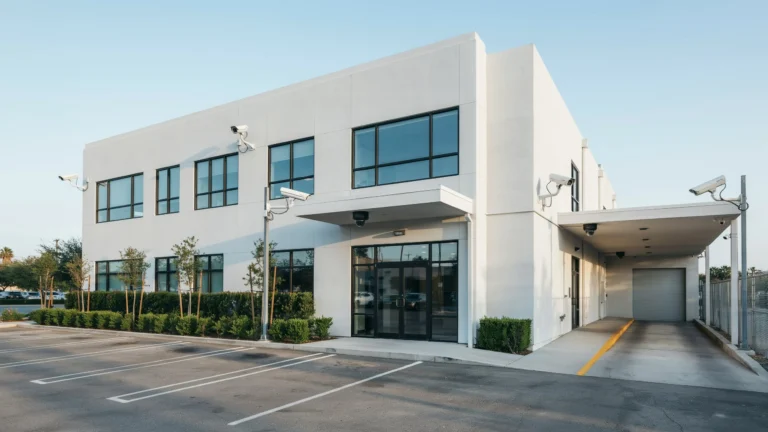
Good placement starts with both security coverage and Wi-Fi coverage. A camera should see the area you need while maintaining a stable network connection. Place cameras where they can cover important entry points, such as front doors, back doors, driveways, garages, and side gates.
Before mounting the camera:
- Test the Wi-Fi signal at the exact location.
- Check the live video for several minutes.
- Look for walls between the router and camera.
- Avoid placing the camera behind metal structures.
- Keep the camera within reliable network coverage.
- Check the power source before final installation.
If a camera needs to cover a large property, a professional assessment can help identify weak Wi-Fi areas and better mounting points.
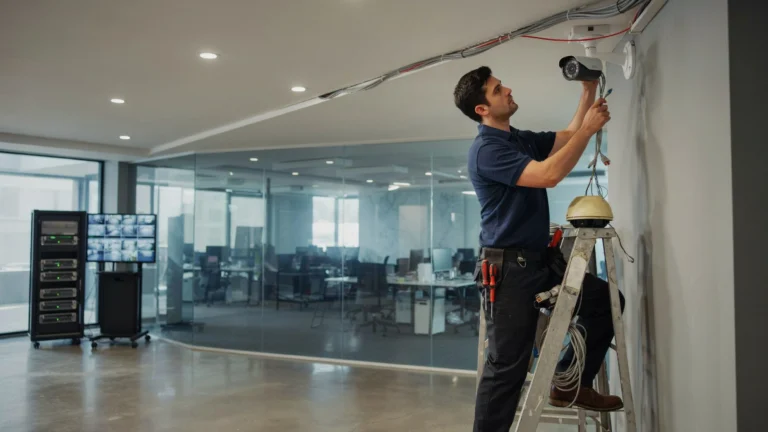
Professional security camera installation can also help when camera placement, network coverage, wiring, and recording equipment must work together. Cam Security Surveillance can help plan security camera placement around the property’s actual layout.
Is a Wireless Camera Reliable for Outdoor Security?
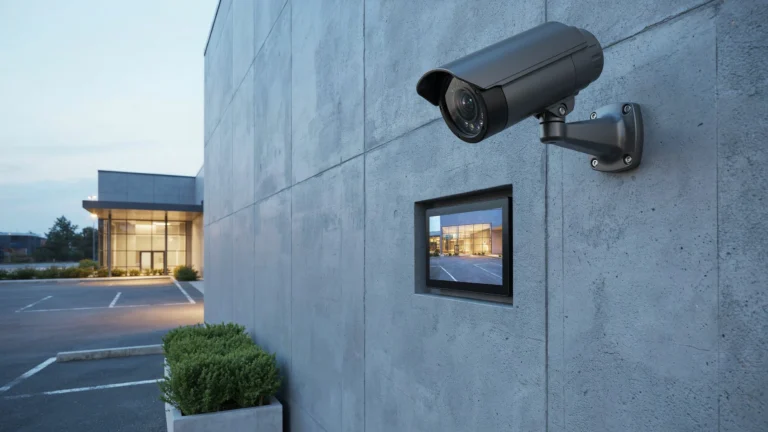
A wireless camera can be reliable outdoors if it has Wi-Fi, a stable power source and good protection from the weather. The biggest problem is usually not the camera itself. The network connection. A camera placed far from the router might work fine during setup. It can lose connection later when the signal weakens.
For cameras check three things before installing:
Wi-Fi coverage: Make sure the Wi-Fi signal reaches the spot where the camera will be installed.
Power: Confirm the camera has a power source. This could be a wired connection, a lasting battery or solar power.
Weather protection: Use a camera that is built to handle conditions like rain, heat and cold.
On properties a wireless camera might struggle at the edge of the Wi-Fi range. In these cases a mesh network, Wi-Fi extender or even a wired camera can be a choice than forcing a wireless camera to work in poor conditions.
How to Choose the Right Connection for Your Camera
The best setup depends on your property’s size and layout. A small home with a router might work well with multiple Wi-Fi cameras.. For bigger homes or properties with thick walls a wired connection or a mesh system may give more consistent results. Always think about how the camera is, from the router and what kind of signal it will need to stay connected.A larger property may need additional network coverage. A detached garage, warehouse, or distant outdoor area may require a different approach.
Think about the camera’s location before choosing the camera itself. This prevents a common mistake where a camera is purchased first and network problems are discovered during installation. A simple site test can answer several questions at once. It can show whether the Wi-Fi reaches the camera, whether the video stays stable, and whether another network solution is needed.
Conclusion
The answer to How Can a Wireless Camera Be From the Router? depends on more than the number of feet between the two devices. Walls, building materials, Wi-Fi bands, interference, router placement and camera hardware all affect the connection. A camera may work well 50 feet away in one home. Struggle at 25 feet, in another. The best approach is to test the Wi-Fi signal at the camera location before installation.
If you need help choosing camera locations or improving coverage, Contact Cam Security Surveillance today. A proper installation can help your cameras maintain reliable connections while covering the areas that matter most.
FAQs
How far can a wireless camera be from a router?
Many indoor wireless cameras can function at about thirty to fifty feet from a router. However the real range depends on walls, interference, the Wi‑Fi band used and the camera equipment.
Can a wireless security camera work without Wi-Fi?
Some wireless security cameras can record directly on their memory even if there is no Wi‑Fi.. Many wireless cameras still require Wi‑Fi to allow live viewing, remote access, cloud storage or to send alerts.
Does 2.4 GHz reach more than 5 GHz?
Yes. The 2.4‑GHz band usually gives a range and better ability to pass through walls. The 5‑GHz band can deliver speeds but only over shorter distances.
Why does my wireless camera keep disconnecting?
A weak Wi‑Fi signal is one reason. Other reasons might include network congestion, power supply problems, outdated firmware, issues with the router or faults, in the camera equipment.
Will a Wi-Fi extender make my camera work away?
It can. A Wi‑Fi extender can extend coverage when it is positioned between the router and the camera and where it still receives a signal.
How do I check my security camera Wi-Fi signal range?
Use the camera’s app or the network settings if the camera offers them. Test the camera at its location and watch for weak signals, delays or frequent disconnections.
Is Wi-Fi or wired better for security cameras?
Neither is best for every property. Wi-Fi can simplify installation, while wired connections can provide a more stable link for cameras in difficult coverage areas.
Can a wireless camera work through concrete walls?
It can, but concrete can weaken Wi-Fi signals significantly. The camera may need to be closer to the router or use another network solution.