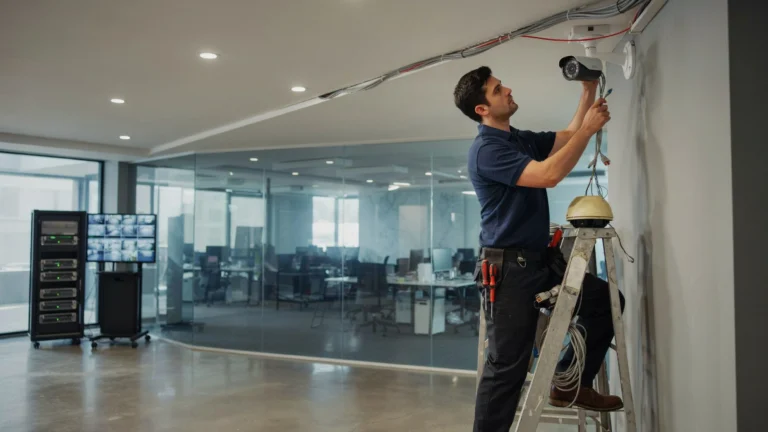
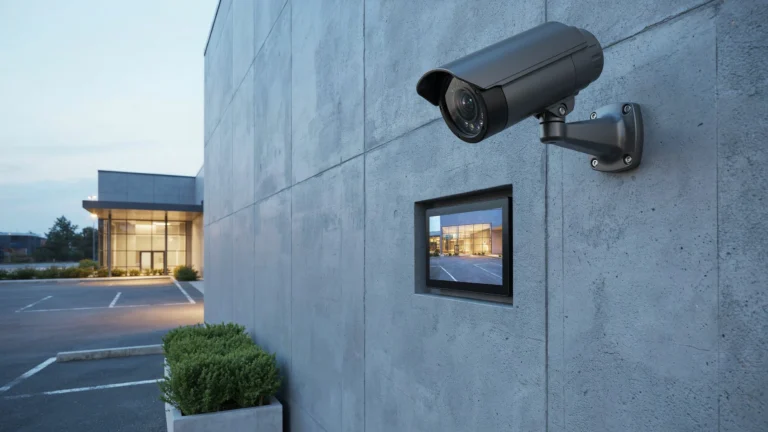
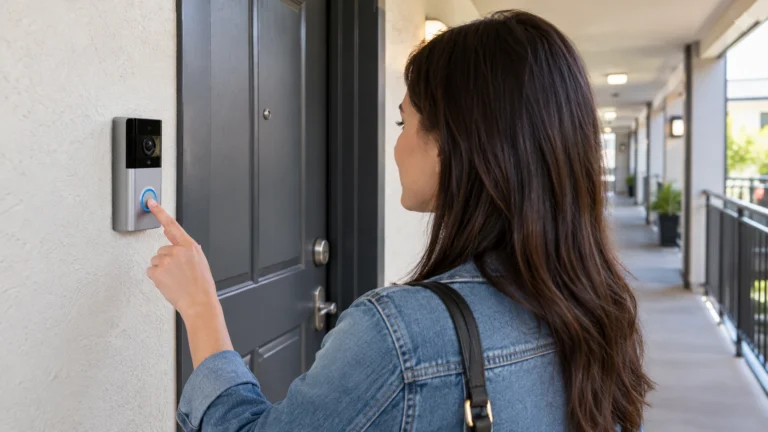
When choosing a home security system, one of the most common questions homeowners ask is: Do CCTV cameras require wiring? The answer depends on the type of camera you choose. Traditional wired CCTV systems use cables for power and video transmission, while modern wireless security cameras offer greater flexibility and a simpler installation process.
At Cam Security Surveillance, we help homeowners understand the differences so they can choose the best solution for their property’s security, budget, and long-term needs.
What’s the difference between a wired and a wireless CCTV system?
Do CCTV cameras need to be wired?
It depends on the type of camera system that you choose.
Wired CCTV Cameras
Traditional wired CCTV cameras require cabling to:
[2] [6] [7] [8] [9] [10] [11]
Video transmission
Connecting to a DVR (Digital Video Recorder)
These cameras are connected by cables over which the signal from each camera to the recording device is very stable.
Wireless CCTV Cameras
WiFi, not video cables – Not MPEG TS-WifiCctvCamerasCCTV camera now transmits video using WiFi instead of video cables. But many people have overlooked the expression “wireless.”
Wireless doesn’t always mean completely wire-free.
Most wireless cameras still need to be powered via:
Electrical outlet
Power adapter
USB cable
Battery-powered cameras are the only type to be truly wire-free, as a wire is needed for powering non-battery models.
Understanding Different Types of CCTV Cameras
There are several categories of CCTV systems available today.
1: Fully Wired CCTV Cameras
They consist of the following:
Coax cable
Ethernet cable
Power cable
DVR or NVR
Pros are:
Stable connection
High-quality recording
No WiFi interruptions
Non-stop recording
Drawbacks:
Complicated to install
Exposed wiring
May require professional installation
2: Wireless CCTV Cameras
Wireless cameras send video over WiFi but often still require a plug for electrical power.
The benefits include:
Installation is simpler
Flexible placement
View remotely
Less cables
Disadvantages:
Relies on WiFi signal strength
Can have signal interruptions
There are typically power strips nearby that you have to stay by the side of.
3: Battery-Powered Cameras
These cameras are battery-powered and rechargeable.
Advantage:
No wiring
Simple moving
Fast set-up
Disadvantages:
Batteries must be charged.
Do Wireless CCTV Cameras Need Power?
There is a misconception that wireless cameras are completely wire-free.
The answer to “Do wireless CCTV cameras run on batteries” is yes.
Wireless is video transmission only. It has nothing to do with Power.
Unless it’s battery-powered, the camera still needs power.
Wireless cameras are generally powered by:
AC adapter,
USB cable,
power brick
In the case of battery-powered wireless cameras, they are powered by rechargeable batteries.
Some advanced models even include:
Solar panels
Rechargeable batteries
Backup batteries
These features reduce maintenance and eliminate power wiring.
Wired vs Wireless Security Cameras
Decision of Wired vs wireless security cameras depends on your requirements.
Feature Wired Cameras Wireless Cameras
Installation Difficult Easy
Reliability Excellent Depends on WiFi
Power Wired Plug in or battery
Internet Required Not so Always/Not so Never Necessary Internet Usually, Necessary Internet
Maintenance Low Moderate
Flexibility Limited High
Video Quality Excellent Great, in case you have strong WiFi
Professional Installation Frequently required Typically optional
Benefits of Wireless CCTV Cameras
Wireless devices have soared in popularity.
Benefits include:
Easy Installation
Installation is straightforward, thanks to minimal drilling and cables.
Remote Monitoring
Stream Live to Your Smartphone from Anywhere.
Flexible Placement
Move cameras as needed.
Smart Features
Most wireless cameras have:
Motion detection
Two-way audio
Night vision
AI person detection
Cloud storage
Do Security Cameras Need Internet or WiFi?
Another common question is: Do security cameras need internet or WiFi?
It depends on what you want your camera to do.
1: Internet-Free Cameras
Many CCTV systems function well without the internet. They can:
Record locally,
save footage to DVR,
record to NVR,
save to SD cards
But you can’t:
View remotely
Receive alerts
Use cloud storage
2: Cameras With Internet
The Internet provides access to many useful functions.
Including:
Remote live viewing
Smartphone notifications
Cloud backup
Voice assistant integration
Firmware updates
Internet access is recommended if you are going to take advantage of remote monitoring.
How to Install CCTV Cameras
Learning how to install CCTV cameras is more straightforward than many people believe, especially with the right equipment and planning. However, for reliable performance and complete coverage, professional home security system installation in Indianapolis is the best choice. Cam Security Surveillance provides expert installation services that ensure your cameras are positioned correctly, securely connected, and optimized to protect your home around the clock.
Just stick to these simple instructions.
Step 1: Map out camera placement
Select locations such as:
Front door
Backyard
Garage
Driveway
Side entrance
Cover all potential points of entry.
Step 2: Select Camera Type
Choose among the following:
| Wired
| Wireless
| Battery-powered
| Indoor
| Outdoor
Step 3: Mount the Cameras
Mount cameras:
High enough to prevent tampering
With clear viewing lines
Shielded from the sun’s rays
Away from tree limbs
Step 4: Power Up Your system is wired
Plug the power cords in
Attach the video cables
For wireless cameras:
Plug into an electrical outlet
Charge batteries /c If necessary
Step 5: Connect Your Recording Device
Based on your device:
DVR
NVR
SD card
Cloud storage
Step 6: Connect to WiFi (If Needed)
To use wireless smart cameras, you generally need to:
Home WiFi
Mobile app
Account setup
Step 7: Test Camera Angles
Previously to your final installation:
Scan for blind spots
Evaluate night vision
Confirm its recording
Test the motion sensors
Conclusion
So, do CCTV cameras have to be wired? That answer depends on the type of camera. On the other hand, conventional wired systems are wired for power and video; you must run power cables to the camera and use a video cable for connecting the camera to the recorder. Battery-powered cameras are the most fully wire-free option.
With the right information about Do Wireless CCTV Cameras Need Power, Wired vs. Wireless Security Cameras, How to Install CCTV Cameras, and Do Security Cameras Need Internet or WiFi, you can confidently choose the best security solution for your home. Whether your priority is reliability, easy installation, or advanced smart features, selecting the right CCTV system provides stronger protection and greater peace of mind. Contact us today to find the ideal security camera system tailored to your home’s needs.
FAQs
Do all wireless CCTV cameras still need a power cable?
Yes, unless they are battery-powered. Most wireless cameras transmit video over WiFi but still need to be plugged into an electrical outlet, power adapter, or USB cable to function.
Can I install a wired CCTV system myself, or do I need a professional?
It depends on your comfort level with cabling and drilling. Wired systems are more complicated to install and may require professional installation, while wireless systems are generally easier for a DIY setup.
Will my CCTV cameras still work if the internet goes down?
Yes, many CCTV systems can record locally to a DVR, NVR, or SD card without an internet connection. However, you won’t be able to view footage remotely, receive alerts, or use cloud storage until the connection is restored.
What’s the main drawback of wireless CCTV cameras?
Wireless cameras rely on WiFi signal strength, so they can experience signal interruptions. They also usually need to stay near a power source unless they are battery-powered.
Which type of camera offers the best video quality, wired or wireless?
Wired cameras generally offer excellent, stable video quality since they aren’t dependent on a WiFi connection. Wireless cameras can also deliver great video quality, but this depends on having a strong WiFi signal.