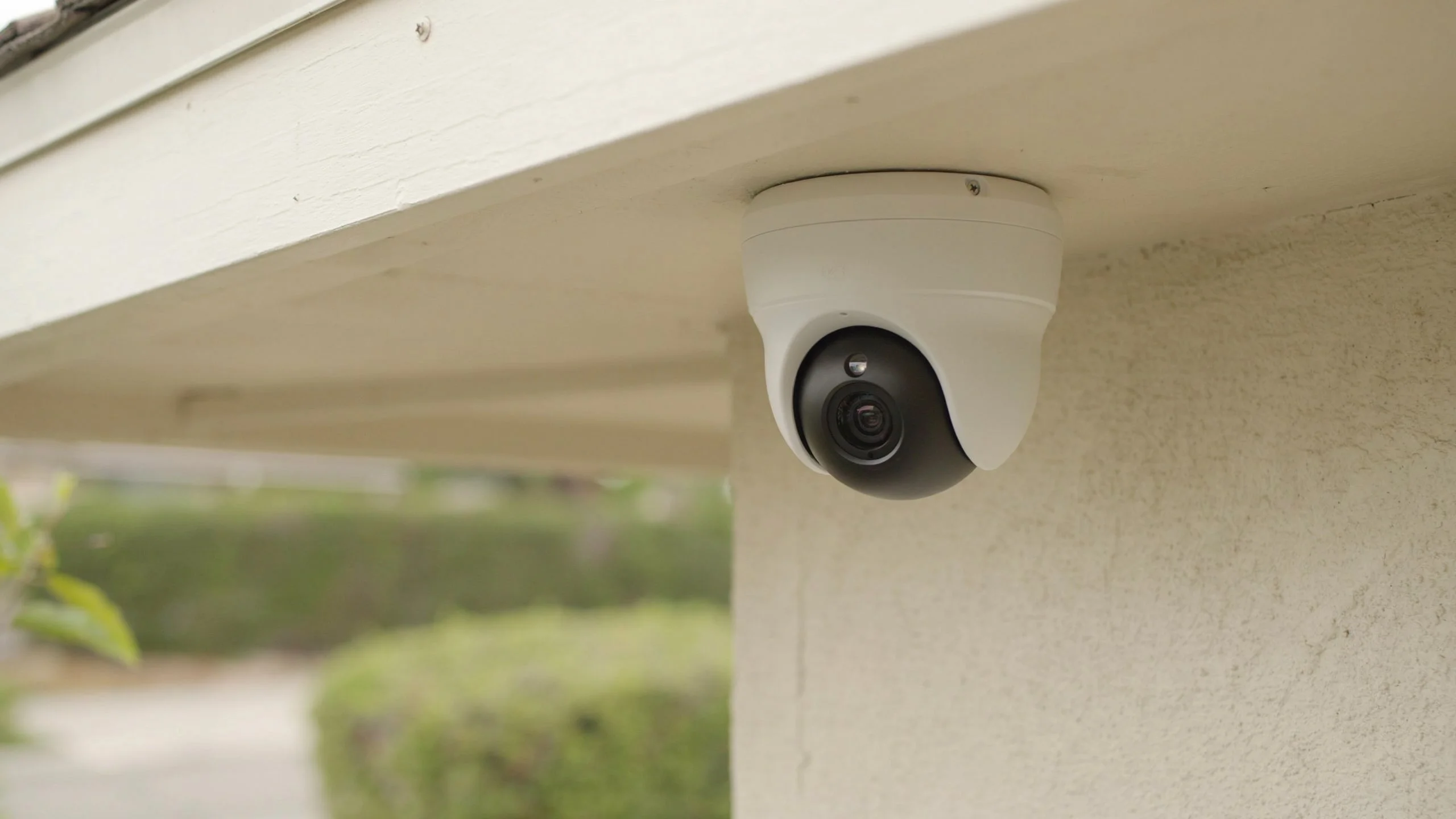
Most security cameras last between 3 and 8 years before they need to be replaced. The exact number depends on the camera type, the weather it faces, and how well you maintain it.
If you are asking how long do security cameras last because yours is acting up, you are in the right place. This guide breaks down what shortens a camera’s life, what stretches it, and when it is time to swap it out.
What Is the Average Lifespan of a Security Camera?
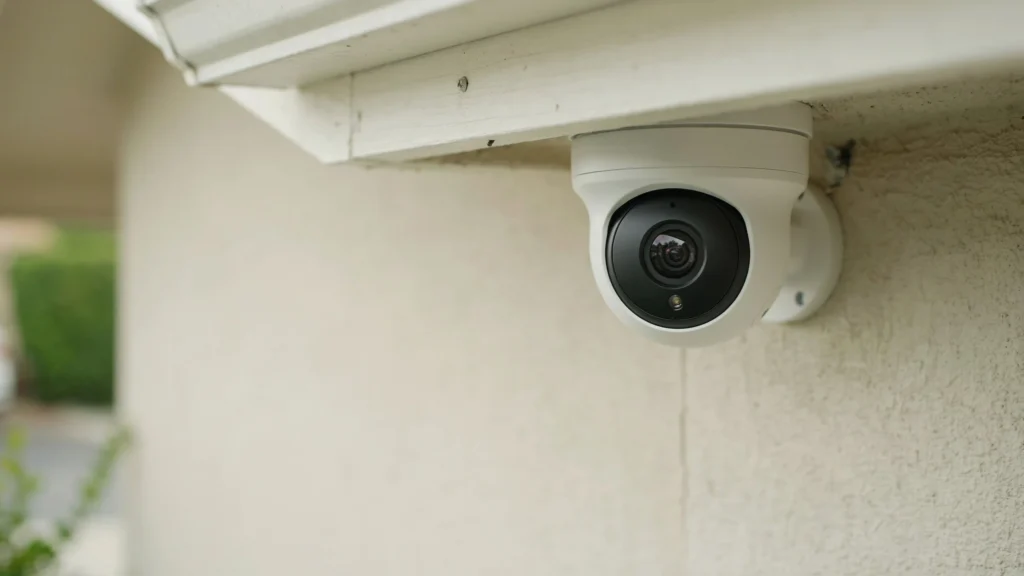
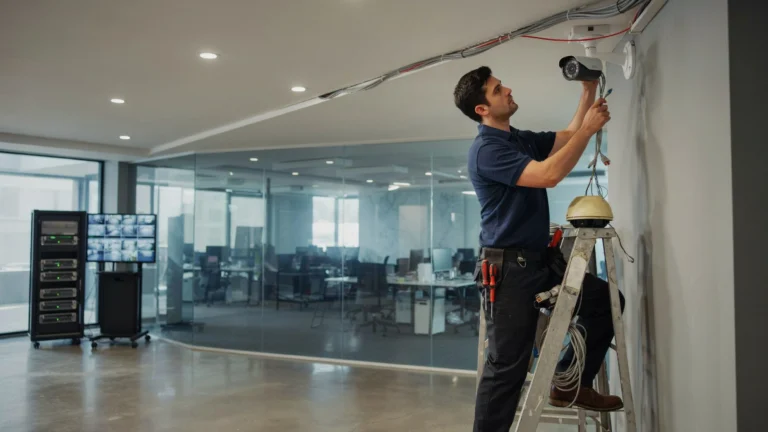
A typical home or business security camera works well for 3 to 8 years. Budget models often fail closer to the 2 to 3-year mark, while high-end cameras from trusted brands can last 8 years or more with proper maintenance. At Cam Security Surveillance, we install reliable, high-quality security camera systems designed for long-term performance and help customers maximize their investment through professional installation and ongoing support.
Wired cameras tend to outlast wireless ones. They don’t rely on batteries, and they have fewer parts that wear down. Wireless cameras are easier to install, but their batteries and radio components age faster.
So how long do security cameras last in the real world? It comes down to build quality, exposure to weather, and how often the camera is running. A camera left on 24/7 in direct sun will wear out faster than one shaded and used only at night.
What Factors Affect How Long Security Cameras Last?
Several things decide how long your cameras will hold up. Here are the main ones.
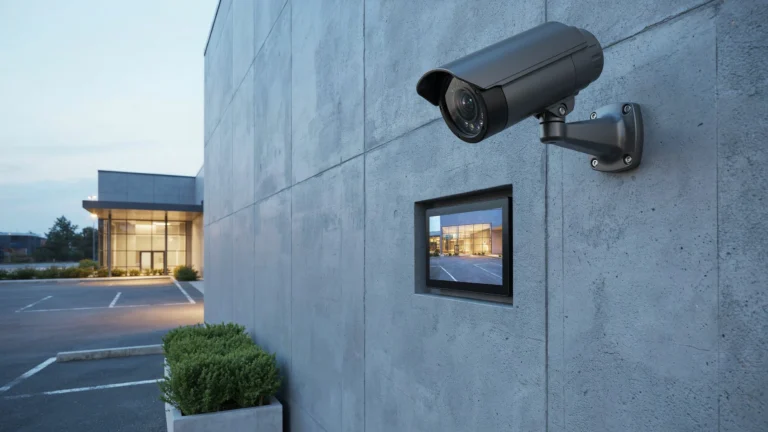
Weather exposure. Rain, heat, and cold all stress the plastic housing, seals, and internal circuits. Cameras rated IP66 or higher handle outdoor weather better than basic indoor models placed outside.
Build quality. A camera made with solid materials and quality lenses simply lasts longer than a budget model built with cheap plastic and thin wiring.
Power source. Cameras plugged into steady power last longer than battery powered units. Batteries degrade with every charge cycle, and that shortens the whole unit’s useful life.
Usage and load. A camera recording around the clock in 4K works harder than one set to record only on motion. That extra strain adds up over months and years.
Maintenance habits. Dust, spider webs, and grime block the lens and trap heat near sensitive parts. Regular cleaning keeps a camera running the way it should.
Internet and network conditions. Cameras that stream constantly to the cloud put more strain on their processors than ones that store locally and upload in short bursts.
These factors combine, so two identical cameras in different homes can have very different lifespans.
How Long Do Different Security Camera Components Last?
A security camera is made of several parts, and each one wears out at its own pace.
- Camera lens and sensor: 5 to 10 years if kept clean and shielded from direct sun.
- Housing and seals: 5 to 7 years outdoors before cracking or leaking becomes a risk.
- Infrared LEDs for night vision: 3 to 5 years of steady use before they dim noticeably.
- Battery (for wireless models): 1 to 3 years, then it needs replacing or the camera needs recharging more often.
- Wiring and connectors: 5 to 10 years if protected from moisture and rodents.
- Internal circuit board: 5 to 8 years, though power surges can shorten this a lot.
Knowing which part fails first helps you decide if a repair makes sense or if it’s smarter to replace the whole unit.
What Are the Signs Your Security Camera Needs Replacing?
Watch for these warning signs before your camera fails completely.
- Blurry or grainy footage that cleaning the lens doesn’t fix.
- Frequent disconnects from your app or recorder, even with strong Wi-Fi.
- Night vision that has gone weak or patchy, showing the infrared LEDs are aging.
- Physical cracks or fogging inside the camera housing.
- Random reboots or freezing, which often points to a failing circuit board.
- No firmware updates available, meaning the manufacturer has moved on from that model.
- Color shifts or a yellow tint in daytime footage.
If you notice two or more of these signs together, your camera is likely near the end of its working life.
How Can You Extend the Life of Your Security Cameras?
A few simple habits can add real years to your system.
Clean the lens monthly. Use a soft microfiber cloth and avoid harsh chemicals that can scratch the glass.
Check the mounting hardware. Loose brackets let cameras shake in the wind, which stresses internal parts over time.
Use a surge protector. Power spikes during storms are a leading cause of early circuit failure.
Keep firmware updated. Manufacturers release updates that fix bugs and improve stability.
Shield cameras from direct sun when possible, using an overhang or angled mount to reduce heat buildup.
Inspect cables yearly. Look for cracks, fraying, or water damage where cables enter the camera housing.
So if you want to know how long do security cameras last on your own property, the honest answer is that your habits matter as much as the hardware.
Life of CCTV Camera: Older Systems vs Modern Setups
The life of CCTV camera systems installed a decade ago tends to run shorter than what newer systems offer today. Older analog cameras often used lower grade parts and had fewer weatherproofing standards.
Modern CCTV camera lifespan has improved thanks to better sensors, tougher housings, and smarter power management. Many current systems also support remote diagnostics, so problems get caught before a full camera failure happens.
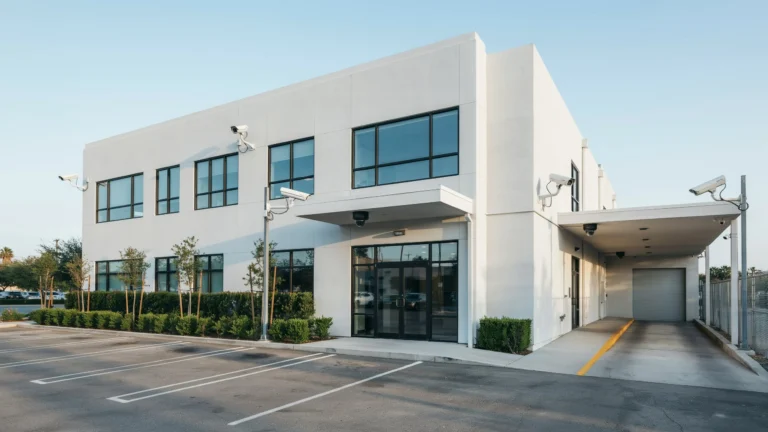
If your current setup is aging out and you’re comparing lifespan across options, working with a trusted local team makes the decision easier. For property owners searching for security camera installation Indianapolis, Cam Security Surveillance installs systems built for long term reliability, with hardware chosen to handle local weather swings and daily use.
How Long Do Security Camera Hard Drives Last?
The hard drive or DVR/NVR storing your footage has its own timeline, separate from the cameras themselves.
Standard hard drives used in home systems last 2 to 5 years under constant recording. Surveillance rated hard drives, built specifically for 24/7 write cycles, often last 3 to 6 years.
Signs a hard drive is failing include:
- Recordings that skip or have gaps
- Loud clicking or grinding noises
- The system failing to boot or recognize the drive
- Frequent error messages in the recorder’s menu
Since hard drives fail more often than cameras themselves, many owners replace the drive at least once during the life of their camera system.
Can Old Security Cameras Still Be Used?
Yes, older cameras can still work, but with some real limits.
An older camera with a working lens and stable connection can still record usable footage, even if the resolution isn’t as sharp as newer models. If it still connects reliably and the picture is clear enough for your needs, there’s no rule saying you must replace it right away.
That said, older cameras often lack modern features like smart motion detection, two way audio, or cloud backup. They may also stop receiving security updates, which leaves your system open to hacking risks over time.
A good middle ground is to keep older working cameras in lower priority spots, like a side yard, while placing newer cameras at entry points and other high risk areas.
When Should You Upgrade Instead of Repairing?
Repairing makes sense when the fix is small and cheap, like replacing a cracked mount or a loose cable. Upgrading makes more sense when:
- The repair cost is close to half the price of a new camera
- The camera is more than 6 to 7 years old
- It no longer receives firmware or security updates
- Multiple parts are failing at once
- You need features the old camera can’t support, like higher resolution or AI based motion alerts
A quick cost comparison usually makes the choice obvious. If you’re spending money every year keeping an old camera running, a new one often pays for itself in fewer headaches and better footage quality.
Conclusion
So, how long do security cameras last? Most security camera systems perform reliably for 3 to 8 years, with factors like build quality, weather exposure, and regular maintenance determining where your system falls within that range. By cleaning the lenses, protecting the wiring, and addressing small issues before they become major problems, you can maximize the lifespan of your cameras.
However, if repairs become frequent or your footage quality continues to decline, it’s more cost-effective to upgrade than keep repairing an aging system. If you’re ready to replace an outdated system or install a new one, contact us today for expert security camera installation and professional guidance tailored to your property.
FAQs
How long do security cameras last on average?
Most last 3 to 8 years, with cheaper models closer to 2 to 3 years and premium models sometimes lasting past 8.
How long do cameras last if they’re used outdoors?
Outdoor cameras rated for weather resistance typically last 5 to 7 years, though extreme heat or cold can shorten that.
What is the typical lifespan of a CCTV camera?
The lifespan of CCTV camera systems ranges from 5 to 10 years for the camera hardware, though hard drives and batteries usually need replacing sooner.
Does cctv camera lifespan change based on brand?
Yes. Cctv camera lifespan varies a lot by brand, since build quality, weatherproofing, and component grade differ across manufacturers.
Can a security camera last 10 years?
Some high end wired cameras with solid maintenance can reach 10 years, though this is above average and not guaranteed.
Do wireless cameras wear out faster than wired ones?
Yes, mainly because of battery degradation and more exposure to signal interference, which adds strain over time.