4K resolution has 3,840 × 2,160 pixels, which equals about 8.3 million pixels. It gives four times as many pixels as 1080p.
If you are asking How Pixels in 4K Resolution? The answer depends on the 4K standard. For TVs, monitors, cameras and video devices 4K UHD means 3,840 × 2,160 pixels. That gives a total of 8,294,400 pixels in one image.
How Many Pixels Are in 4K Resolution?

The common 4K format is 3840 × 2160 pixels. You can find this format in 4K TVs, computer monitors, cameras, video recordings and many other devices.
To find the number of pixels multiply the width by the height:
3,840 × 2,160 = 8,294,400 pixels
That means a 4K UHD image contains about 8.3 million pixels. This is why people often call a 4K camera an 8MP camera. The exact pixel count is above 8 million. Manufacturers commonly describe the resolution as 8 megapixels.
Sony also lists 3840 × 2160 as the 4K Ultra HD display format. Its support information also shows that 1080p uses 1920 × 1080 pixels. The term “4K” comes from the 4,000-pixel width used by 4K formats. In consumer products 4K usually means 3840 × 2160, not exactly 4,000 × 2,000.
Quick 4K pixel facts
Width: 3,840 pixels
Height: 2,160 pixels
Total: 8,294,400 pixels
megapixels: 8.3 MP
Aspect ratio: 16:9
name: 4K UHD
Common uses: TVs, monitors, cameras, streaming, gaming and security systems
4K Resolution Pixel Dimensions
Understanding the numbers behind 4K makes the term much easier to understand. When someone searches for 4K resolution pixels they are usually asking about the width and height of the image. For 4K UHD those numbers are 3840 × 2160. The first number represents the pixels. The second represents the pixels. So a 4K image has 3,840 picture elements across its width and 2,160 down its height. When combined they create, than eight million pixels.
There is also another format called DCI 4K, which is used in cinema. DCI 4K uses an image size of 4096 × 2160 pixels. This difference matters when comparing cinema equipment with consumer 4K products. A device advertised as 4K at home will normally use 3840 × 2160.
Is 3840 × 2160 really 4K?
Yes. 3840 × 2160 Is the consumer 4K UHD format. You may also see the term 2160p. The “2160” refers to the pixel count. In this way 1080p refers to a display with 1,080 vertical pixels.
4K vs. 1080P: How More Pixels?
One of the ways to understand 4K is to compare it with 1080p.
A Full HD 1080p image contains:
1920 × 1080 = 2,073,600 pixels
A 4K UHD image contains:
3840 × 2160 = 8,294,400 pixels
That means 4K contains four times the total pixels of 1080p. The difference is not simply that the image has as many pixels. The width doubles from 1,920 to 3,840. The height doubles from 1,080 to 2,160. Multiplying both changes produces four times the pixel count.
This extra detail can be useful when viewing a screen or examining a security recording. A 4K image gives you individual pixels to work with when the source, lens, lighting and viewing distance are suitable.
However, more pixels do not automatically make every image better. Image quality also depends on the camera sensor, lens, lighting, compression, focus and processing.
How Many Pixels Does a 4K Security Camera Have?
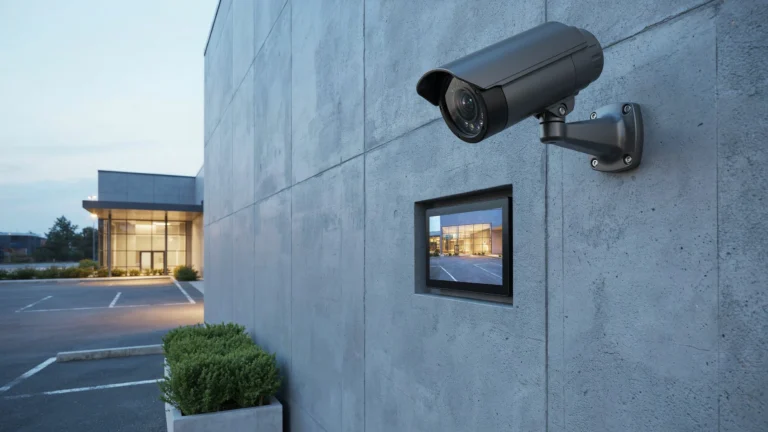
A typical 4K security camera records at 3840 × 2160 pixels giving it 8.3 million pixels per frame. This is where the question How Pixels in 4K Resolution? becomes useful for people choosing a security camera. If a camera is advertised as 4K check its recording resolution rather than relying only on the marketing label. For security use 4K can provide detail across a wide scene. For example imagine a camera covering a driveway. A 1080p camera has around 2.1 million pixels spread across the frame. A 4K camera has 8.3 million.
That extra image information can help when you need to inspect a face, package, vehicle or license plate. The camera still needs to be positioned. If a person is far away poorly lit or partly hidden higher resolution cannot solve every problem. Storage is another factor. Higher-resolution footage can require storage space and may use more network bandwidth depending on the cameras compression settings, frame rate and recording method.
For this reason a good security camera system balances resolution, with coverage, storage, lighting and the purpose of each camera.
Does More Pixels Always Mean a Better Image?
No. Pixel count is important, but it is only one part of image quality. Think about two security cameras pointed at the same driveway. One has more pixels but a poor lens and weak night performance. The other has fewer pixels but a better lens, sensor, and image setup. The second camera may produce footage that is easier to use.
Lens quality matters a lot. A good lens lets the sensor grab details.
- Lighting is very important. Even a high‑resolution camera can have trouble when the light is very low.
- Sensor quality decides how much detail appears how much noise shows up and how well a camera works in light.
- Compression can hurt video. Heavy compression often deletes details from the footage.
- Focus is key. A camera that does not focus properly will give video even if the resolution is high.
- Camera position matters a lot. The right angle lets important subjects sit right in the part of the picture.
- Frame rate is important, for motion. Moving subjects benefit from the frame rate and shutter speed.
This is especially important for surveillance. A camera should be selected based on what you need to see, where you need to see it, and how far away the subject will be.
4K Resolution and Digital Zoom
4K can also help when you need to crop or digitally enlarge recorded footage. Suppose a 4K camera records a wide view of a parking area. You may later crop part of the image to inspect a smaller area. Since the original frame contains about 8.3 million pixels, you have more image data available than you would from a 1080p recording.
But digital zoom does not create new information. If a face takes up a tiny part of the original recording zooming in won’t suddenly reveal details that were never there. The quality of the image depends on how many pixels were captured in the first place along with focus, lighting, motion and compression. For surveillance planning it’s better to place the camera where the important areas are clear and detailed from the start.
4K vs. 5MP 6MP, 8MP and Higher-Resolution Cameras
Security cameras come in resolution levels. Looking at megapixels can help,. The numbers alone don’t tell the whole story. A 5MP camera captures five million pixels. A 6MP camera captures six million. An 8MP camera captures eight million. A typical 4K UHD camera records at 8,294,400 pixels, which’s why it’s often called an 8MP camera. That’s why people often search for “4k in mp.” The short answer is 8.3 megapixels though manufacturers may round it to 8MP.
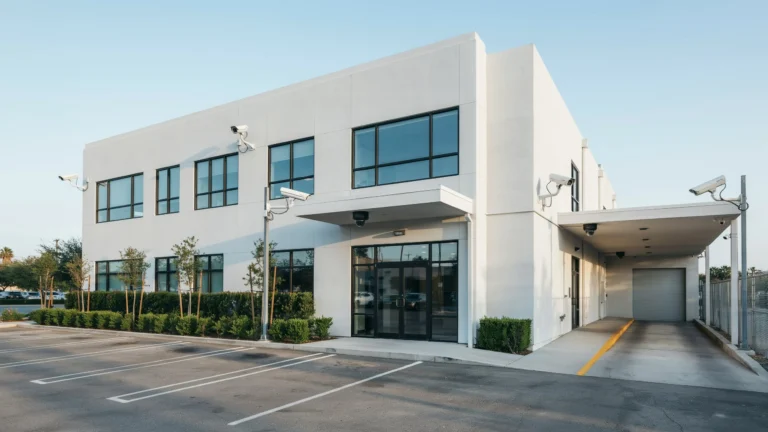
A higher-resolution camera makes sense when you need detail over a large area. Places like parking lots, business entrances, warehouses or other wide-open spaces can benefit from extra pixels.. A lower-resolution camera can still work well in smaller areas where the subject is close, to the camera. The best choice depends on the scene. A 4K camera doesn’t replace all resolutions. It’s not always the fit.
4K in Pixels: A Simple Comparison
| Resolution | Pixel Dimensions | Approx. Total Pixels |
| 720p | 1280 × 720 | 0.92 million |
| 1080p | 1920 × 1080 | 2.07 million |
| 5MP | Varies by format | About 5 million |
| 6MP | Varies by format | About 6 million |
| 4K UHD | 3840 × 2160 | 8.29 million |
| 8MP | Varies by format | About 8 million |
The table also shows why 4k in pixels is not always the same thing as a fixed megapixel number. “4K” refers to a resolution standard while megapixels count the number of pixels.
Is 4K Worth It for Security Cameras?
4K can be an option when you want clear and detailed video over a wide area. It can also let you zoom in on recordings when something important happens in the picture. For an indoor space a camera, with lower resolution might be enough. For a driveway, shop front, warehouse or parking lot the extra pixels could be very helpful.
You should also check the recorder, storage capacity, network connection, camera compatibility, night performance, and lens before choosing a system.
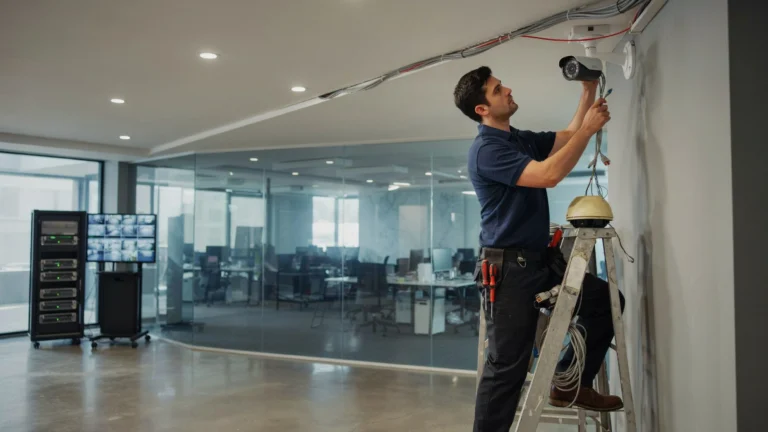
If you need help planning camera locations and selecting suitable equipment, professional security camera installation can help ensure the resolution matches the property and viewing goals. Cam Security Surveillance can assess the area, recommend suitable camera positions, and install a system based on the property’s needs.
What Does 4K Resolution Mean for Storage?
Higher resolution generally means image data. That can affect storage requirements when footage is recorded continuously. The actual storage used depends on factors. These factors include video compression, frame rate, recording hours, number of cameras and whether the system records continuously or only when motion is detected. For example four 4K resolution cameras recording continuously will normally require storage than four 1080p cameras using similar settings.
This does not mean 4K resolution is a choice. It means storage should be planned at the time as camera resolution. A planned system can use different camera resolutions, in different areas. High‑detail 4K resolution cameras can cover locations while lower‑resolution cameras can monitor less critical spaces.
Conclusion
So How Many Pixels in 4K Resolution? The common 4K UHD format contains 8,294,400 pixels because a 4K image is 3840 by 2160. 4K therefore has 8.3 megapixels. That is four times the pixel count of 1080p. For security cameras 4K can give detail for large areas and leave more room for cropping. Still resolution is one part of a good surveillance system. Lens quality, lighting, camera placement, storage, compression and recording settings all affect the result.
If you are comparing cameras, focus on the detail you need to capture than choosing the camera with the largest pixel number. For a home or business surveillance project proper planning can make a difference than resolution alone. Reach out to us today to discuss your security camera needs and find the setup for your property.
FAQs
How many pixels are in 4K?
4K UHD has 3840 × 2160 pixels, which equals 8,294,400 pixels or 8.3 million pixels.
Is 4K the same as 8 megapixels?
They are very close in consumer devices. A 4K UHD image has 8.3 million pixels so it is often described as an 8MP camera or display.
What is 4K resolution in pixels?
The common 4K resolution in pixels is 3840 × 2160. This is also called 4K UHD.
Is 4K better than 1080p?
4K provides about four times many total pixels as 1080p. This can show detail when the source and viewing conditions are good.
How many pixels does a 4K security camera have?
A typical 4K security camera records at 3840 × 2160 pixels giving about 8.3 million pixels per frame.
Does 4K use storage?
Yes 4K footage can require storage than 1080p footage. The exact amount depends on compression, frame rate, recording time and the number of cameras.
What does 4K in MP mean?
4K in MP is 8.3 megapixels, for the common 3840 × 2160 UHD format. Manufacturers often round this to 8MP.