2K resolution means an image has 2000 pixels, across its width. It is used for video, displays, projectors and security cameras. The term can refer to pixel sizes depending on the product. DCI 2K uses 2048 × 1080 pixels while many consumer devices that call themselves 2K use 2560 × 1440. This difference is important when comparing cameras and screens. A higher pixel count can show detail but resolution is only one part of image quality. Lens quality, lighting, sensor size and camera placement also affect what you actually see.
What Is 2K Resolution?
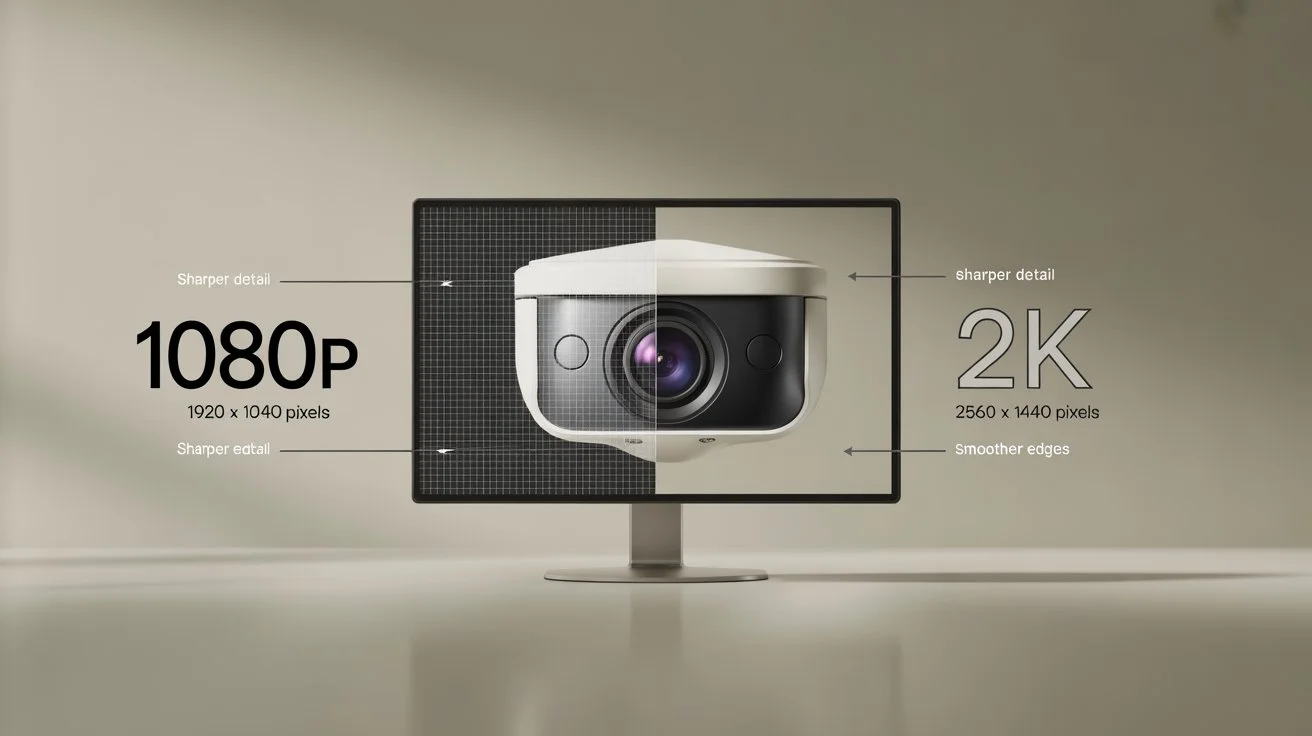
The simple answer is that 2K resolution describes an image with roughly 2,000 horizontal pixels. The term comes from the width of the image rather than its height. This makes 2K different from names such as 1080p, which refers to the vertical pixel count. There is an important detail to understand.
True DCI 2K has a resolution of 2048 × 1080 pixels.. Many consumer products use the term 2K to describe 2560 × 1440 pixels. This resolution is often called QHD or 1440p. So when you are checking 2K resolution size always look at the pixel dimensions. The label alone does not tell you everything. For security cameras 2560 × 1440 is a format sold as 2K. It provides more pixels, than 1920 × 1080 and can show finer details in suitable conditions.
What Is the Resolution of a 2K Security Camera?
Many security cameras sold as 2K use 2560 × 1440 pixels. This gives the camera image detail than a standard 1080p camera. 2K cameras can be useful when you need to identify people read signs monitor doors or review activity around a property.
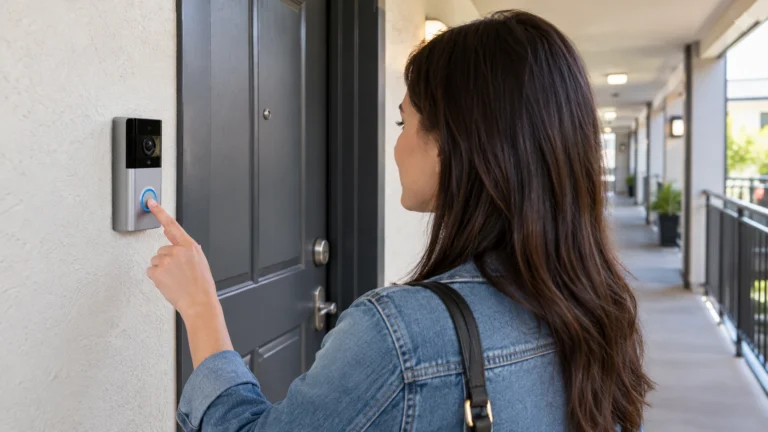
For example imagine a front‑door camera installed feet from the entrance. A 2K camera can give image information, than a 1080p camera when both cameras have similar lenses, sensors and lighting.
Still a cameras resolution does not guarantee identification. A poor lens, glare, darkness, motion blur or bad camera placement can reduce useful detail. When comparing cameras check the resolution rather than relying only on the word “2K.”
2K vs 1080p: What Is the Difference?
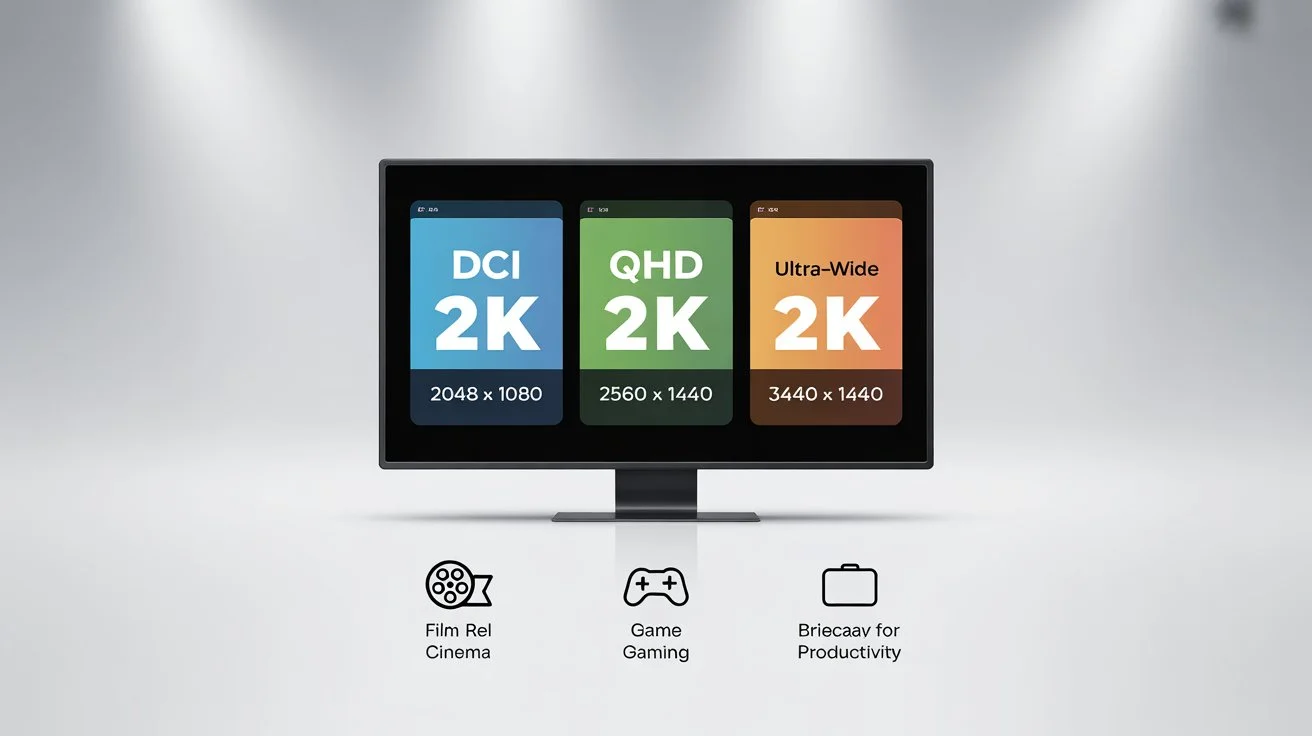
2K video resolution shows up in more places than most people realize:
- Computer monitors: The most common use. 1440p gaming monitors dominate the mid-range PC market.
- Security cameras: 2K cameras are popular for home and business surveillance. They capture plate numbers and faces clearly.
- Smartphones: Many flagship phones record video at 2K or higher.
- Action cameras: GoPro and similar cameras offer 2K modes for smoother, sharper footage.
- Digital cinema: DCI 2K (2048×1080) is used for digital film projection worldwide.
- Drones: Mid-range consumer drones often record at 2K for a balance of quality and file size.
Benefits of 2K Resolution
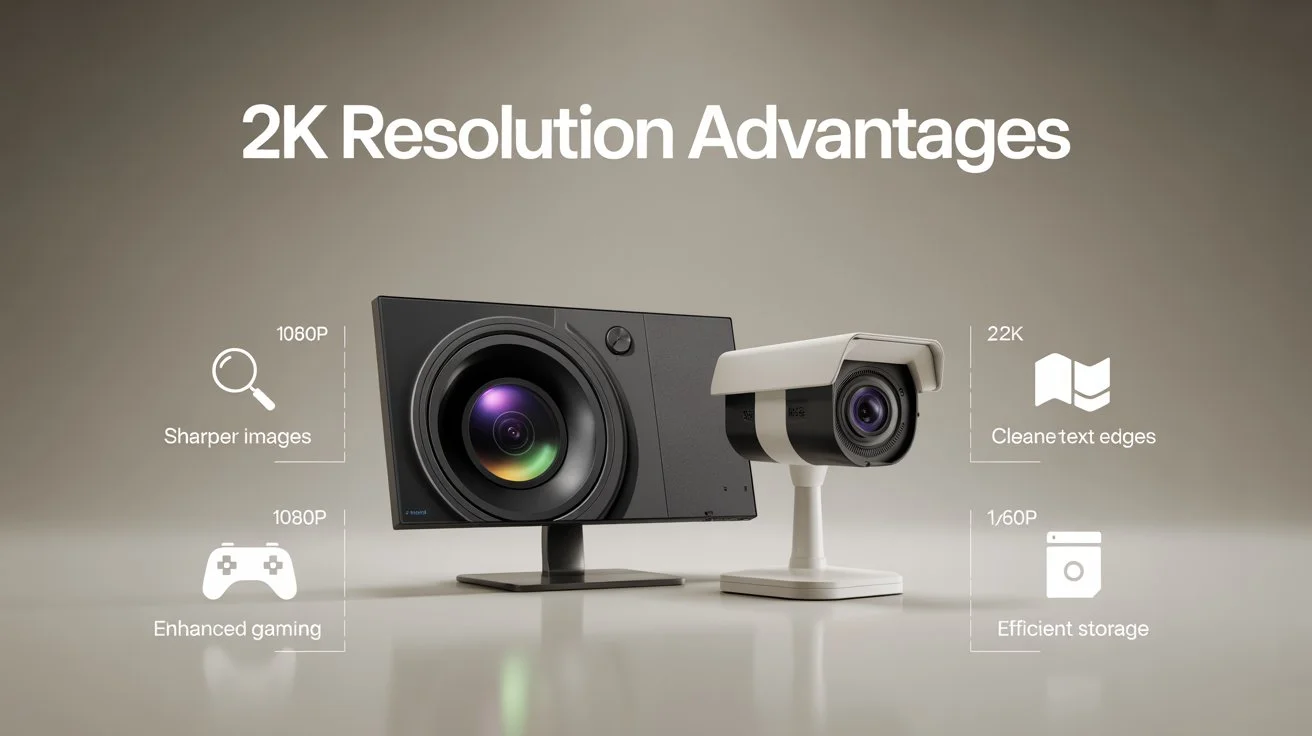
Here’s why 2K is such a popular choice:
- Noticeably sharper than 1080p: Text, faces, and fine details are much clearer.
- Better price to performance: 2K monitors and cameras cost less than 4K equivalents with great visual output.
- Less storage pressure than 4K: Larger than 1080p files but far more manageable than 4K.
- Runs well on mid-range hardware: No need for a high-end GPU or top-tier processor.
- Widely supported: Most modern devices, apps, and platforms support 2K display resolution natively.
Limitations of 2K Resolution
Nothing is perfect. Here’s what to watch out for:
- Confusing labeling: Some manufacturers call 1080p “2K” on product packaging. Always check actual pixel counts.
- Higher storage use: 2K video uses more space than 1080p. You’ll need bigger SD cards or hard drives.
- Not as future-proof as 4K: As 4K content becomes the standard, 2K may feel dated sooner.
- Limited native 2K content: Most streaming services deliver 1080p or 4K. True native 2K content is less common.
1080p normally means 1920 × 1080 pixels, while a common consumer 2K camera uses 2560 × 1440 pixels.
That means the 2K format contains more pixels.
| Feature | 1080p | Common 2K Camera |
| Pixel dimensions | 1920 × 1080 | 2560 × 1440 |
| Approx. megapixels | 2.1 MP | 3.7 MP |
| Image detail | Good | Higher |
| Storage needs | Lower | Higher |
| Bandwidth needs | Lower | Higher |
The difference can be useful when you need extra detail. A 2K camera may also give you more room for digital cropping.
For basic monitoring, 1080p can still work well. For entrances, driveways, or areas where more detail matters, 2K can provide a useful step up.
2K vs 4K: Which Has More Detail?
4K provides substantially more pixels than common 2K camera formats. A typical 4K image has 3840 × 2160 pixels, while a common 2K security camera uses 2560 × 1440 pixels. This gives 4K cameras more image information. That can help with large areas, wide views, and situations where you need to crop recorded footage.
The tradeoff is higher storage and bandwidth use. A 4K camera may also cost more. You do not always need 4K. A properly placed 2K camera can provide useful coverage for many homes and smaller businesses.
How Many Megapixels Is 2K?
There is no single megapixel number for every product called 2K.
For 2048 × 1080, the pixel count is about 2.2 megapixels.
For 2560 × 1440, the pixel count is about 3.7 megapixels.
This explains why asking for the exact 2K dimensions is important.
Megapixels are calculated by multiplying the horizontal and vertical pixels, then dividing the result by one million.
For security cameras, do not choose a camera based only on megapixels. A high-megapixel camera with poor lighting or a weak lens may produce worse footage than a lower-resolution camera with better overall design.
Is 2K Good for Security Cameras?
Yes, 2K can be a practical choice for many security camera systems. It provides more detail than 1080p without requiring the same storage and bandwidth as higher-resolution cameras.
A 2K camera can work well for:
- Front and back doors
- Driveways
- Garages
- Small parking areas
- Retail entrances
- Office hallways
- Outdoor property areas
- General home monitoring
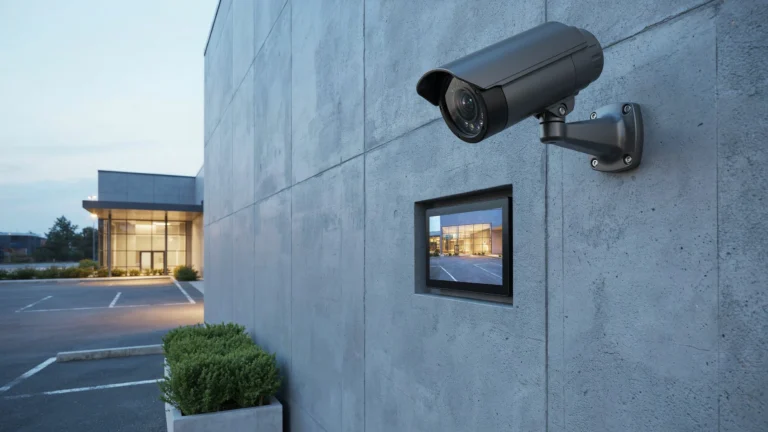
The camera should also have suitable night vision, a useful lens, good dynamic range, and the right viewing angle. For example, putting a 2K camera high above a driveway may give you a wide view, but faces may appear small. A camera placed closer to the entry point may provide more useful facial detail.
How Far Can a 2K Security Camera See?
There is no fixed viewing distance for a 2K camera. The usable distance depends on the lens, sensor, lighting, mounting height, field of view, and the detail you need to identify. A wide-angle lens can cover a larger area, but objects may appear smaller. A narrower lens can make distant objects appear larger while covering less space.
Nighttime conditions also change the result. Instead of asking only how far a 2K camera can see, ask what you need to see at that distance. Seeing that a person entered a driveway is different from clearly identifying that person’s face.
Does 2K Work Well at Night?
2K resolution does not automatically mean better nighttime footage. Night performance depends on the camera sensor, infrared system, available light, image processing, and lens.
A 2K camera with good infrared night vision can produce useful footage in darkness. A poorly designed camera may produce noisy or blurry images despite having the same resolution.
Look for features such as:
- Infrared night vision
- Low-light performance
- Wide dynamic range
- Good image sensors
- Appropriate infrared range
- Proper outdoor lighting
Camera placement also matters. Avoid pointing a camera directly toward bright lights, headlights, or reflective surfaces.
Does 2K Use More Storage Than 1080p?
Yes. A higher-resolution recording generally contains more image data. The exact storage requirement depends on several factors, including:
- Resolution
- Bitrate
- Frame rate
- Video compression
- Recording schedule
- Number of cameras
- Continuous or motion recording
For example, a system recording eight 2K cameras continuously will usually require more storage than the same system recording eight 1080p cameras.
Modern compression can reduce the amount of storage needed. However, you should still plan storage based on the number of cameras and how long you want recordings available.
Does 2K Require More Internet Bandwidth?
Usually, yes. A 2K camera can send more image data than a 1080p camera. The actual bandwidth depends on resolution, bitrate, frame rate, compression, and camera settings. This matters most with multiple network cameras.
For example, one 2K camera may work well on a home’s network. Several cameras streaming at high bitrates can place a much larger load on the network. PoE cameras can also reduce some wireless concerns because the video connection runs through network cable rather than Wi-Fi.
2K Security Camera vs 2K Monitor
The phrase “2K” can cause confusion because it does not always describe the same resolution. A cinema-standard DCI 2K image is 2048 × 1080. Many computer monitors and security cameras marketed as 2K use 2560 × 1440.
This is why checking the product specification is more reliable than looking at the marketing name. A 2K display resolution should be judged by its actual horizontal and vertical pixel count. The same approach should be used when buying a security camera.
What Should You Look for in a 2K Security Camera?
Resolution is important. It should not be your only deciding factor.
You need to look at these features before buying a camera:
Actual pixel dimensions: Check whether the camera is 2048 × 1080 2560 × 1440 or another format.
Lens: Choose a lens that matches the distance and area you need to cover.
Night vision: Check range and low-light performance.
WDR: Wide dynamic range can help when bright and dark areas appear together.
Frame rate: A suitable frame rate can make moving subjects easier to review.
Storage: Check whether the camera uses an NVR, local storage, cloud storage or a combination.
Connection: Consider PoE, Wi-Fi or another connection based on the property.
Weather rating: Outdoor cameras need protection, against rain, dust and changing temperatures.
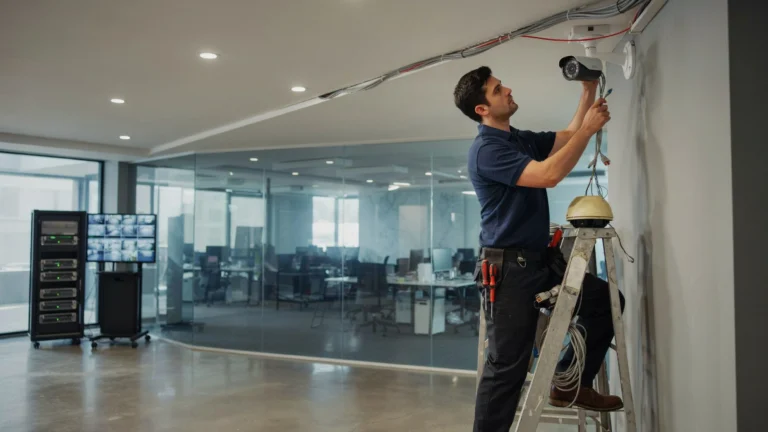
If you need professional planning, security camera installation Indianapolis services can help match camera resolution, lens choice, placement, and recording equipment to your property.
Cam Security Surveillance can assess the coverage you need and help plan a camera system around the areas that matter most.
Is 2K Better Than 1080p for Home Security?
2K can be a useful upgrade when you want more detail than 1080p. For example, a homeowner may choose 2K for a front door, driveway, or backyard. The extra pixels can make recorded footage easier to review.
However, 1080p may still be enough for simple monitoring. The right choice depends on viewing distance, lighting, camera position, storage, and budget. A well-installed 1080p camera can outperform a poorly placed 2K camera for a particular area.
Is 2K Enough for Business Security?
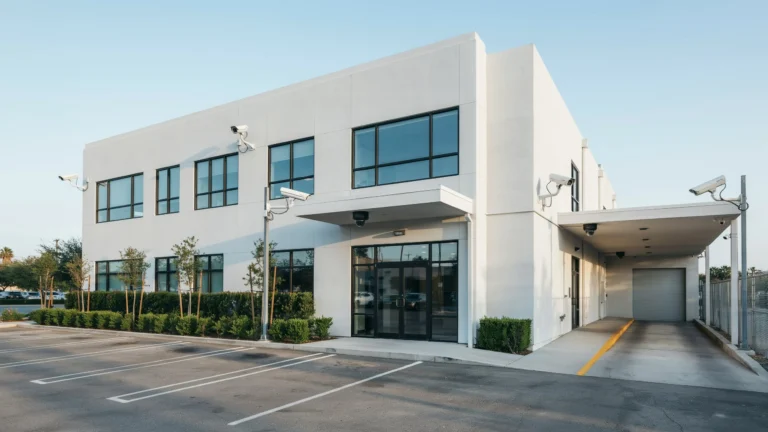
2K can be enough for many small and medium business applications. It can work well for entrances hallways, offices, small stores and general property monitoring. Larger sites may need 4K or specialized cameras. For example a large parking lot may require a lens and camera design, than a small office entrance.
Businesses should first decide what each camera must capture. Then choose the resolution and lens that support that goal.
How to Choose Between 1080p, 2K, and 4K
Use the following guide as a starting point:
| Resolution | Common use | Main benefit |
| 1080p | Basic home monitoring | Lower storage and bandwidth |
| 2K | Homes and smaller businesses | More detail than 1080p |
| 4K | Larger areas and detailed views | Higher image detail |
If your main goal is awareness 1080p may be enough. If you want detail, around doors, driveways or business entrances 2K can be a good middle choice.If you need to cover an area or keep more detail when cropping digitally 4K might be a good idea.
Conclusion
What is 2K resolution? 2K resolution is an image format that has 2,000 horizontal pixels.. The exact number of pixels can vary depending on the product. In security cameras the size 2560 × 1440 is often sold as 2K. The DCI 2K size is 2048 × 1080. Checking the pixel numbers can help you avoid confusion when you compare products. Resolution alone is one part of a good security camera. Other factors also affect the video you get, including the lens, lighting, night vision, camera placement, storage method, and network connection. A well-placed 2K camera can provide a useful balance between image clarity, storage space, and network needs for homes and businesses. Proper placement also helps the camera capture the details that matter most. Contact us today to discuss your security camera needs and find the right setup for your property.
FAQs
Is 2K the same as 1440p?
Not exactly. DCI 2K is 2048 × 1080 while 1440p usually refers to 2560 × 1440. Some products use the term 2K to describe 2560 × 1440 which can lead to confusion.
Is 2K better than 1080p?
A 2560 × 1440 2K display or camera has pixels than a 1920 × 1080 1080p one. When all other factors are equal this higher pixel count can result in images, with more detail.
How many megapixels is 2K?
It depends on the resolution. For example 2048 × 1080 equals 2.2 megapixels. On the hand 2560 × 1440 gives around 3.7 megapixels.
Is 2K good for home security cameras?
Yes. 2K can give details for doors, driveways, garages, yards and other places around the house when the camera is chosen and set up correctly.
Is 2K good for business security?
Yes. It can work well for entry points, offices, shops and small business places. Big spaces might need resolution or special cameras.
Does 2K take storage than 1080p?
Most of the time yes. Higher quality video can take storage space but the amount also depends on bitrate, frame rate, compression and how the camera is set up.
Does 2K use bandwidth?
Usually yes. A 2K camera sends image information, than 1080p. The exact amount needed depends on bitrate, frame rate, compression and how many cameras are used.
Is 4K better than 2K for security cameras?
4K provides more pixels and can show more detail. However, 2K may be enough for many homes and smaller properties while using less storage and bandwidth.
What are the common 2K dimensions?
Two dimensions are often discussed. DCI 2K is 2048 × 1080, while 2560 × 1440 is widely marketed as 2K in consumer products.