

You look at your security camera and notice a small green light glowing. Is it recording? Is it working correctly? That tiny light tells you more than you think. Most people ignore it, but it carries real meaning.
So, what does a green light on a security camera mean? In most cases, it means the camera is powered on and connected to your network. It is a good sign. But the blinking pattern and the brand matter too. Let’s break it all down.
What Does a Green Light on a Security Camera Mean?
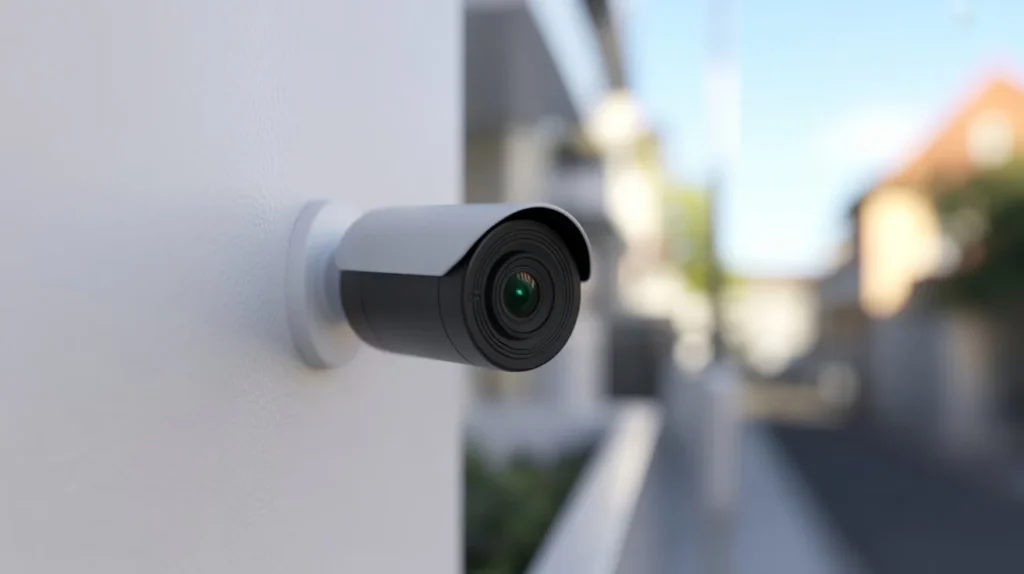
A green light on a security camera is an indicator light. It is built into the camera to show its current status. In most cameras, a solid green light means the camera is powered on and connected to its network or recording system. Think of it like a power light on your TV. At Cam Security Surveillance, we always say green means “go.”
But the green light on camera meaning can vary slightly by camera model and brand. Some cameras use green to show a live connection to Wi-Fi. Others use it to confirm local storage is active. A few models show green when motion detection is enabled.
The short answer: green is a healthy sign. It tells you the camera is doing its job.
Why Is the Green Light on My Security Camera Always On?
A steady, always-on green light usually means your camera is in a normal operating state. Here is what is typically happening:
It Is Powered On
The camera is getting steady power from a power adapter or PoE (Power over Ethernet) cable.
It Is Connected
The camera has a live connection to your Wi-Fi router or NVR (Network Video Recorder).
It Is Ready to Record
The camera is in standby mode, watching and waiting to detect activity.
This is the healthiest state for your camera to be in. A solid green light with no flashing means everything is stable. No action is needed on your end.
If the green light was off before and is now on after a power outage, your system likely restarted and reconnected on its own. That is normal behavior.
Why Is the Green Light Blinking on a Security Camera?
A blinking green light is different from a steady one. The blink pattern gives you specific information.
Slow Blinking (Every 2 to 5 Seconds)
The camera is trying to connect to the network. This is common when the camera is first set up or after a Wi-Fi restart.
Fast Blinking (Multiple Times Per Second)
The camera is actively transferring data. This could mean footage is uploading to cloud storage or the system is syncing.
Blinking Then Stopping
The camera completed a task, like saving a motion-triggered clip.
Irregular Blinking
Could point to a loose connection, low power supply, or a firmware issue.
The cctv green light means something slightly different depending on the camera’s state at that moment. Always check your camera’s manual for the exact blink pattern definitions. Most brands publish this in their app or quick-start guide.
Green Light Meanings by Security Camera Brand
Different brands use the green light in slightly different ways. Here is a quick brand-by-brand breakdown:
Ring Cameras
A solid green light means the camera is live and streaming. Some Ring models also flash green when a firmware update is downloading.
Arlo Cameras
Green means the camera is powered and connected. Arlo cameras blink green during initial setup.
Nest (Google) Cameras
A pulsing green light means the camera is in setup mode. Solid green means it is recording and connected.
Hikvision and Dahua (CCTV Systems)
These professional-grade systems use green LEDs to confirm a stable network connection. The cctv green light means the NVR has been found and connected to the camera.
Reolink Cameras
Solid green means normal operation. Fast flashing green means the camera is connecting to Wi-Fi.
Wyze Cameras
Solid green means fully connected and ready. Flashing green happens during boot-up.
If you have a security camera with green light behavior you do not recognize, always check the brand’s official support page first.
Is a Green Light on a Security Camera a Sign That It Is Recording?
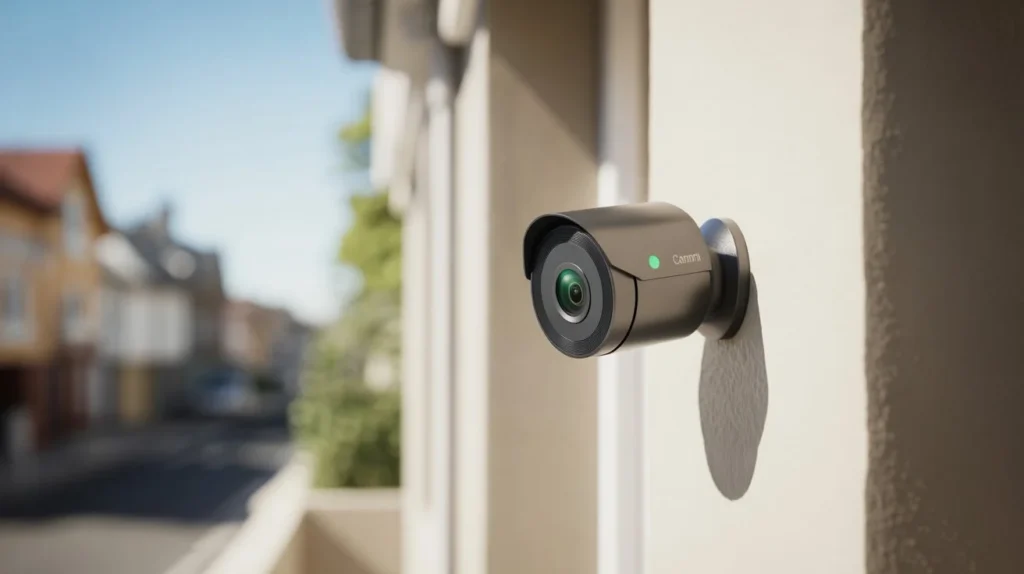
Not always. A green light on its own does not guarantee the camera is actively recording.
Standby Mode
The camera is on, connected, and watching. But it is not recording until it detects motion or a scheduled recording time begins.
Active Recording
Some cameras flash a different color (like red) when actively saving footage. Others keep the light steady regardless of recording status.
To know for sure if your camera is recording, check the app or software. Look for a recording indicator inside the live view screen. Most systems show a small red dot or “REC” text when recording is happening.
The green light confirms the camera is alive and connected. Recording status is a separate function.
Can You Turn Off the Green Light on a Security Camera?
Yes, in many cases you can. Here is how:
Through the App
Apps like Wyze, Arlo, and Ring let you turn off the LED light from the settings menu. Look for “Status LED” or “Indicator Light” in the device settings.
Through the NVR or DVR Interface
On systems like Hikvision, you can disable the LED light for individual cameras through the recorder’s menu.
Physical Cover
Some people use a small piece of dark electrical tape over the LED. It is a simple fix but works well if you want a discreet setup.
Why Would You Turn It Off?
Some users prefer hidden surveillance. A visible green light tells others that a camera is there. If you want the camera to blend in with its surroundings, disabling the light makes sense.
Keep in mind that in some places, there are legal rules about hidden surveillance. Always check your local laws before disabling indicator lights for covert monitoring.
Does Every Security Camera Have a Green Light?
No. Not every camera uses a green indicator light. It depends on the design and purpose.
Dome Cameras
Many indoor dome cameras have no visible LED at all. They are designed to be discreet.
Bullet Cameras
These often have an LED but some models allow you to disable it.
Covert or Spy Cameras
These have no indicator lights by design. They are built to be invisible.
Professional CCTV Systems
High-end commercial cameras may skip the LED entirely. Status is monitored through the software dashboard instead.
If your camera has no green light, that does not mean it is not working. It could be designed that way, or the LED may be turned off in settings.
Common Security Camera Light Colors and Their Meanings
Beyond green, here is a full breakdown of what each light color typically means:
| Light Color | Common Meaning |
| Solid Green | Powered on, connected, operating normally |
| Blinking Green | Connecting to network or transferring data |
| Solid Red | Recording in progress (on some models) |
| Blinking Red | Motion detected or low battery (wireless cameras) |
| Blue | Connected to Wi-Fi (varies by brand) |
| Blinking Blue | Pairing or setup mode |
| Yellow / Amber | Firmware update in progress or system error |
| No Light | Camera off, LED disabled, or power issue |
These are general patterns. Your specific camera may differ. The manual or brand app is always the most accurate source.
How to Troubleshoot an Unusual Green Light on a Security Camera
If the green light is behaving strangely, here are steps to fix it:
Step 1: Restart the Camera
Unplug it and plug it back in. A simple restart resolves most light behavior issues.
Step 2: Check Your Internet Connection
If the green light is flashing non-stop, your camera may be losing and regaining Wi-Fi. Check your router.
Step 3: Check the Power Supply
A loose or underpowered adapter can cause irregular light behavior. Use the original power adapter.
Step 4: Update the Firmware
An outdated firmware version can cause bugs. Open the camera app and check for updates.
Step 5: Factory Reset
If nothing else works, reset the camera to factory settings and set it up again. This clears software bugs.
Step 6: Contact Support
If the light is still acting strange after all these steps, contact the manufacturer. It may be a hardware defect.
When Should You Be Concerned About a Green Light?
In most cases, a green light is nothing to worry about. But there are a few situations where you should investigate further.
You See a Green Light on a Camera You Do Not Own
If you spot a security camera with green light glowing in an unexpected place, like inside a rented room or hotel room, take it seriously. This could be an unauthorized surveillance device. Check your surroundings carefully.
The Green Light Is On but the App Shows the Camera Is Offline
This mismatch suggests a software or firmware issue. The camera is getting power but is not properly connected to the system. A factory reset usually fixes this.
The Green Light Never Turns On
Check power, cables, and settings. If the LED is not disabled and still will not light up, the camera may be defective.
Constant Fast Blinking With No Improvement
This often means a network issue. Your camera may be stuck in a connection loop. Reboot your router and camera together.
Benefits of Understanding Security Camera Indicator Lights
Knowing what those small lights mean saves you time and stress.
Faster Troubleshooting
You can spot a problem before it becomes a bigger issue. A blinking green light tells you something is off before you even open the app.
Better Security Awareness
When you understand your system, you know when it is working and when it is not. That gives you real peace of mind.
Confident System Management
You do not need to call a technician every time a light behaves oddly. You can diagnose it yourself.
Smarter Use of Features
Knowing the green camera method, meaning the LED-based status system, helps you use your camera correctly. Some users use it to confirm connections after a power outage without needing to open an app.
Understanding indicator lights is a small skill that makes you a much better security camera owner.
Why Professional Security Camera Installation Matters
Setting up a security camera seems simple. Plug it in, open the app, and you are done. But there is more to it than that.
Camera Placement
Camera placement affects coverage. A camera pointed at a wall or at a bad angle is useless. A professional knows exactly where to position each unit to eliminate blind spots.
Wiring and Power Setup
Improper wiring causes those unusual light patterns you read about above. It also shortens camera lifespan.
Network Configuration
Cameras that are not properly connected to a secure network can be hacked. A professional sets up the right encryption and access settings from day one.
If you are in Indiana, Cam Security Surveillance offers expert security camera installation Indianapolis services. Their team handles everything from camera placement to full system configuration. Whether you need one camera or a full property setup, they ensure every light on every camera is green for the right reasons.
Investing in professional installation is investing in a system that actually works when you need it most.
Conclusion
A green light on your security camera is usually great news. It means the camera is on, connected, and ready to protect your property. Whether it is solid or blinking, the light gives you a quick, visible status check without opening any app.
Now you know exactly what does a green light on a security camera mean, what different blink patterns signal, how meanings vary by brand, and when to take action. You also know the difference between a camera that is connected and one that is actively recording.
Keep your system healthy. Check those lights. And if you ever need a proper installation done right, trust the experts at Cam Security Surveillance to get the job done. Contact us today and let our team set up your system the right way.
FAQs
What Does a Green Light on a Security Camera Mean at Night?
It means the same thing it does during the day. The camera is powered on and connected. Some cameras may switch to infrared night vision mode, but the green status light still reflects normal operation.
Does a Green Light Mean Someone Is Watching the Camera Feed Live?
Not necessarily. Some cameras do use a special light to indicate live viewing, but a standard green light just means the camera is online. Check your brand’s manual to confirm.
My Security Camera Has a Green Light but Is Not Showing in the App. Why?
This is usually a network issue. The camera has power (hence the green light) but lost its connection to your app. Restart both your router and the camera to fix it.
Can I Use a Security Camera Without the Green Light Being Visible?
Yes. Most apps let you disable the LED in settings. You can also use a small piece of electrical tape as a physical cover.
Is a Green Light the Same as a Recording Indicator?
No. The green light shows power and connection status. Recording status is usually shown inside the app or with a separate red light on some models.
What Is the Green Camera Method?
The green camera method refers to using your camera’s indicator LED as a quick diagnostic tool. Instead of opening an app, you read the light color and blink pattern to understand the camera’s current status instantly.
Is a Blinking Green Light on a CCTV Camera Normal?
Yes, in most cases. The cctv green light means the system is either connecting to the network or syncing data. If it blinks continuously for more than a few minutes, check your router and camera settings.










