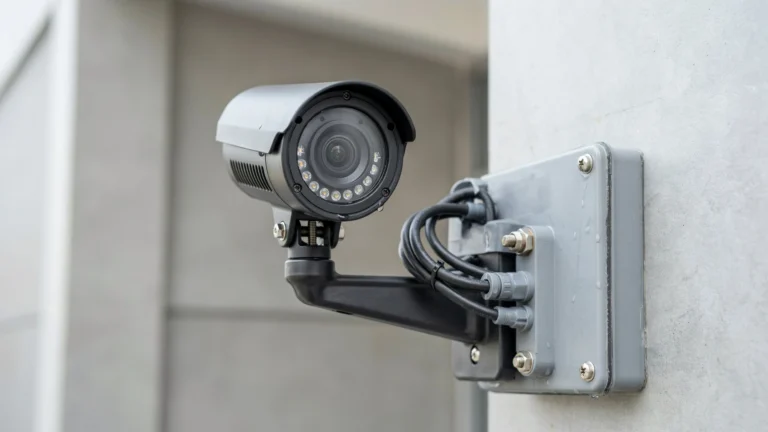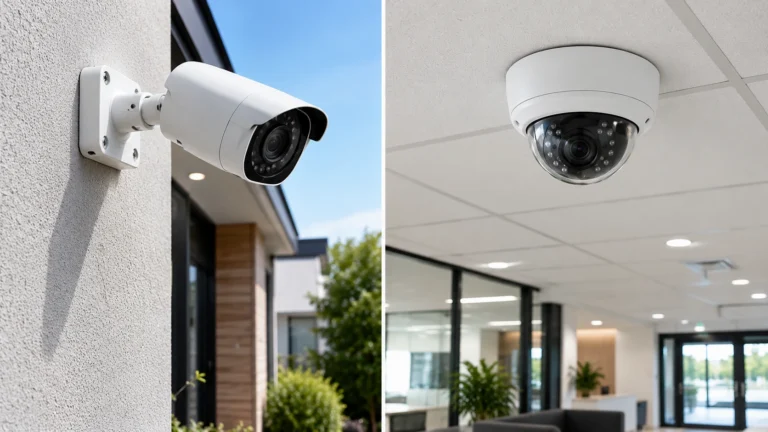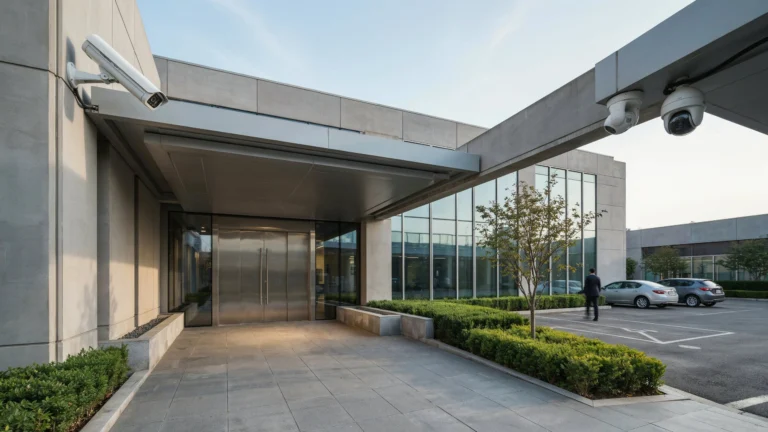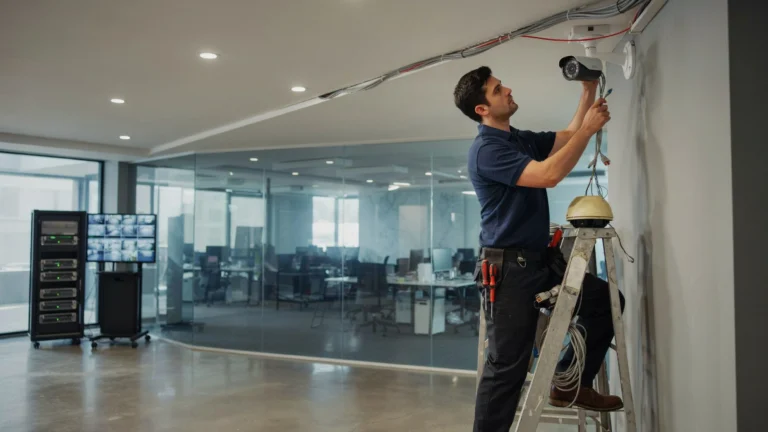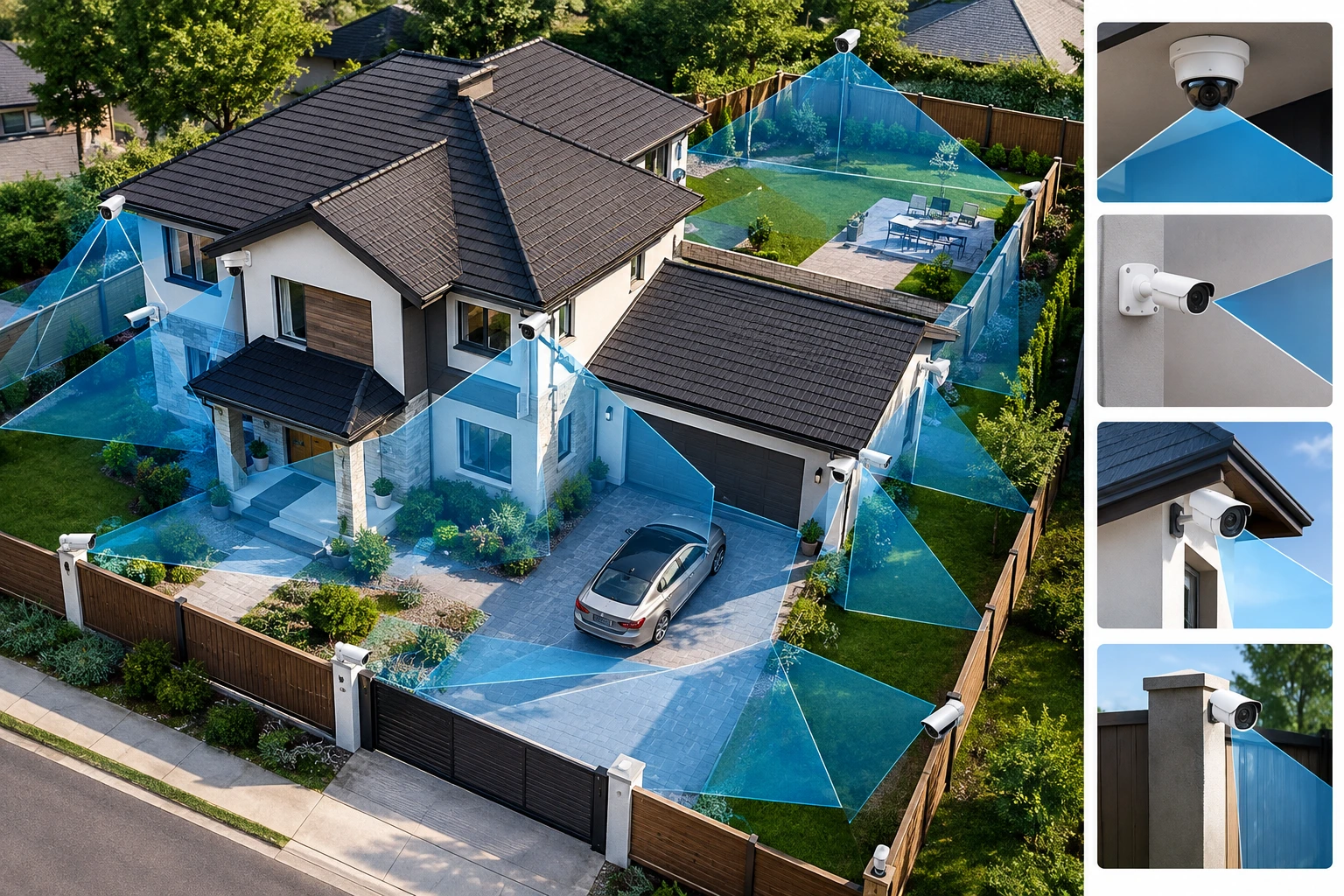
The best CCTV camera position covers entry points reduces blind spots and gets clear views of people and people and vehicles. Camera height, angle of view lens range and light all have an effect on how your system functions. A camera can record all day. Still not catch important details if it is facing the wrong way. Thoughtful planning helps you use every camera effectively.
Learning how to position CCTV cameras, for coverage starts with looking at your property finding areas that need protection and checking each camera view. This guide explains how to plan where to put cameras for homes and businesses improve security camera coverage and avoid errors before putting them up.
Identify the Areas That Need CCTV Coverage
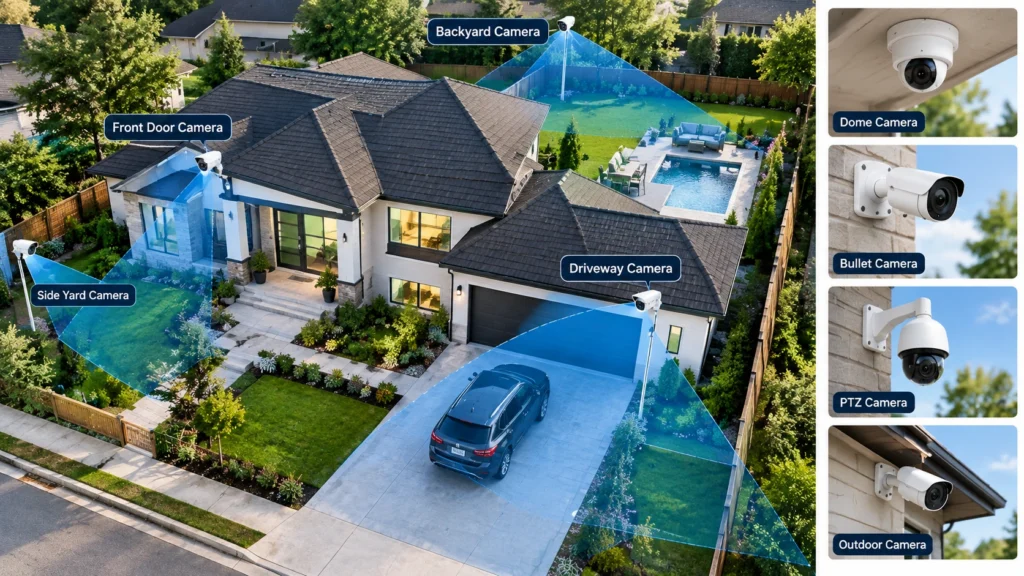
Begin by walking around my property and marking the spots that need watching. Notice where people come in go out park cars or walk between buildings. This will help me pick where cameras will give the views.
For homes, focus on these areas:
- Front and back doors
- Driveways and garages
- Side gates and backyard entrances
- Ground-floor windows that face public areas
- Paths leading toward the house
For businesses think about reception areas, loading bays, stockrooms, parking lots and staff entrances. Keep cameras aimed at security needs of private spaces.
Example: A house, with a door, driveway and side gate may need three carefully placed cameras. One wide‑angle camera can cover the driveway and part of the path. Separate cameras can watch the door and side gate clearly.
Draw a property map and mark each planned camera. This helps you spot gaps before you start mounting cameras.
Choose the Right Height for CCTV Cameras
Camera height affects what the camera can see and how clearly it captures people. Outdoor cameras often work well at, around 8 to 10 feet above the ground. Treat this as a starting point, not a fixed rule.
Mounting cameras low can make them easier to reach, block or damage. Mounting them high may show the tops of peoples heads instead of useful facial details.
Consider these factors before choosing the height:
- Entry doors: Aim for a view that captures faces as people approach.
- Driveways: Include vehicles and the paths people use to enter.
- Indoor hallways: Choose a height that shows movement without excessive floor or ceiling space.
- Large outdoor areas: Balance a wide view with enough detail to identify important activity.
Always check the camera lens and the camera mounting instructions. I find that a wide-angle camera may need a position, than a narrow-angle camera.
Select the Best Camera Angles
A good camera angle captures the activity you need while keeping most of the image clear and free of space. Point camera toward the approach to a door, gate or other important area. Avoid aiming every camera down from a high corner because camera angle can show where someone walked but provide limited facial detail. A more level camera angle can help capture identifying features.
Also consider sun, headlights, windows and bright outdoor lights. Strong light into the camera lens can make people appear dark or hide details. Adjust camera angle and test image at times of day. For a driveway position camera so camera shows vehicle entrance and the direction people approach from. If you need views of faces and vehicle plates separate camera views may work better, than one wide view.
Reduce Blind Spots Around Your Property
A blind spot is a part of a scene that a camera cannot see well. Walls, roof edges, trees, parked cars and other objects can block parts of the picture. To improve CCTV camera coverage look at the view from each planned spot. Check corners, paths, entrances and areas behind big objects.
Overlapping views can help fill gaps between cameras. For example a camera watching a door may also show part of the yard that another camera covers. This can help you follow movement between areas.
However overlapping cameras do not automatically give security. Two cameras pointed at the open space may waste coverage on other spots. Put them to cover approaches or to capture useful details, from different angles. Trim plants that block the view and check if doors, gates or seasonal changes could block the lens. Repeat these checks whenever the property layout changes.
Consider the Camera Lens and Field of View
The field of view tells you how much of a place a camera can record. The lens you pick decides if you get a picture or a smaller part with more clearness. The field of view tells you how much of a place a camera can record. The lens you pick decides if you get a picture or a smaller part, with more clearness.
| Lens type | Best use |
| Wide-angle | Yards, rooms, and broad entrances |
| Narrow-angle | Specific doors, gates, and distant targets |
| Varifocal | Areas where you need to adjust the view |
A wide lens can help monitor an area with fewer cameras. Yet people and objects may look smaller near the edges. A narrow lens shows less of the scene. Can give more detail inside its view. A varifocal lens lets you change the viewing angle to suit the location.
When planning surveillance camera coverage consider both the width of the area and the distance, to the subject. Do not pick a lens by the viewing angle. Check the manufacturers field‑of‑view specifications. Test the real image before fixing the camera in place.
Position Cameras for Nighttime Coverage
I recommend checking the camera in daylight because a camera that works well in daylight may struggle after dark. Poor lighting, glare, shadows and reflections reduce the detail in recorded footage. I recommend placing cameras where camera night vision can cover the target area. I recommend avoiding positioning cameras close to walls, glass or other surfaces that may reflect infrared light into the camera lens.
I recommend checking whether the area has light, for color night vision. Add outdoor lighting where needed while avoiding bright lights that shine directly into the camera. I recommend testing camera footage before completing installation. Walk through the area and check whether faces, entrances and moving vehicles remain visible by the camera. I recommend reviewing the camera recording, not the live view to confirm that useful details are saved.
Avoid Common CCTV Camera Positioning Mistakes
Small placement errors may expose areas. Examine these problems before finalizing your camera layout.
- Mounting too high: The camera may miss useful facial details.
- Ignoring side entrances: People may approach through areas outside the camera’s view.
- Pointing toward bright lights: Glare can reduce image clarity.
- Relying on one camera: A single wide view may not capture enough detail across a large area.
- Ignoring obstacles: Plants, signs, roof edges, and parked vehicles can block the view.
- Forgetting audio and privacy rules: Check local laws before recording audio or monitoring areas where people expect privacy.
Also do not think that a cameras stated range means it can recognize a person at that distance. Seeing movement and getting details are two different things.
Test and Adjust Camera Positions Before Final Installation
Before you start making any holes or putting up the holders check each camera from the place where it will be. Use a holder when possible and look at the video coming from the camera on your phone or, on a screen.
Follow this checklist:
- Walk toward each entrance and check whether your face stays visible.
- Move through the full area to identify blind spots.
- Check the view with doors open and closed.
- Review footage in daylight and after dark.
- Confirm that recordings save correctly and the time is accurate.
- Check remote viewing and network access if your system supports them.
For example driveway camera can show vehicle clearly but driveway camera may miss person approaching from side. Small angle adjustment could improve view without adding another camera.
Test recorded footage and live feed. If image looks blurry, dark or poorly framed then angle, lighting or lens must be adjusted before job finished.
When to Consider Professional CCTV Camera Installation
I have seen that professional help can be useful when your property has entrances, big outdoor areas, long cable runs or complex network needs. An installer can look at the layout. Suggest where to put cameras so that they match your security goals.
For businesses professional help can also make sure that views, from offices, warehouses, parking lots and shared entrances all work together. The installer should check power supply, network access, recording settings and camera compatibility.
If you need security camera installation Indianapolis, Cam Security Surveillance can help assess your property and plan a suitable camera layout. A site assessment can help identify coverage gaps before equipment is installed. Ask the installer to explain what each camera will capture and what areas may remain outside its view. This helps you understand what your system can and cannot do.
Conclusion
Learning how to position CCTV cameras for maximum coverage is easier with professional planning from Cam Security Surveillance. Our approach focuses on choosing suitable camera heights, setting effective viewing angles, reducing blind spots, and considering lens range and night lighting to help homes and businesses achieve better surveillance coverage.
Test each camera view before completing the installation. Review the recorded footage to make sure important details remain visible. A well-planned CCTV system can improve coverage around your home or business. Contact us today for professional security camera installation in Indianapolis and get a camera setup tailored to your property’s needs.
FAQs
What is the best position for CCTV cameras?
Position cameras so they cover entrances, driveways, gates and other areas that need monitoring. Choose an angle that captures details without major obstructions.
How high should CCTV cameras be mounted?
Around 8 to 10 feet is a starting point for outdoor cameras. The best height depends on the camera lens, target area and details that need to be captured.
How do I avoid spots when positioning CCTV cameras?
Review each cameras field of view remove obstacles and check corners and side entrances. Overlapping views can help cover gaps between cameras.
Should CCTV cameras overlap cameras viewing areas?
Yes overlap helps cover gaps or track movement, between areas. Avoid much overlap that wastes cameras on the same view.
How many CCTV cameras are needed to cover a property?
The number depends on the propertys size, layout, entrances and security goals. Plan each camera around an area rather than choosing a number based only on property size.
Can one CCTV camera cover a driveway?
A wide-angle camera may cover a driveway but it may not capture clear details across the whole area. Test the view. Add another camera if important details remain unclear.