

Weak WiFi signals can make video calls freeze, slow down downloads, and interrupt streaming. Thick brick walls, concrete, metal, and poor router placement can reduce your connection. Moving to another room should not mean losing your internet speed. The good news is that a few simple changes can improve coverage without replacing your entire network.
If you want to know How to Boost WiFi Signal Through Walls?, start by moving your router to an open, central spot. Then test the 2.4 GHz band, adjust your router settings, or add a WiFi extender or mesh system. The best fix depends on your walls, home layout, and signal strength.
Why Do Walls Weaken WiFi Signals?
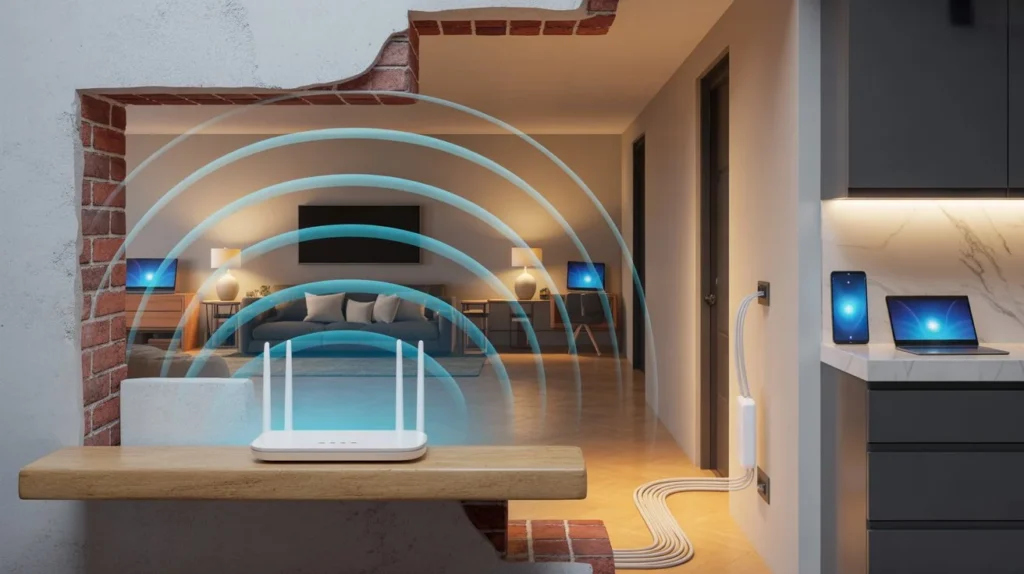
WiFi uses radio waves to carry data between your router and connected devices. These waves can pass through walls, but some materials weaken them more than others. This loss of signal strength is called attenuation.
Drywall and thin wooden walls usually cause less signal loss than brick, stone, or concrete. Reinforced concrete can be harder to pass through because it may contain metal bars. Mirrors, metal cabinets, and large appliances can also block or reflect signals.
The number of walls matters, too. A signal passing through one thin wall may remain strong. The same signal passing through several thick walls can become weak and unstable.
8 Ways to Boost WiFi Signal Through Walls
1. Move Your Router to a Better Location
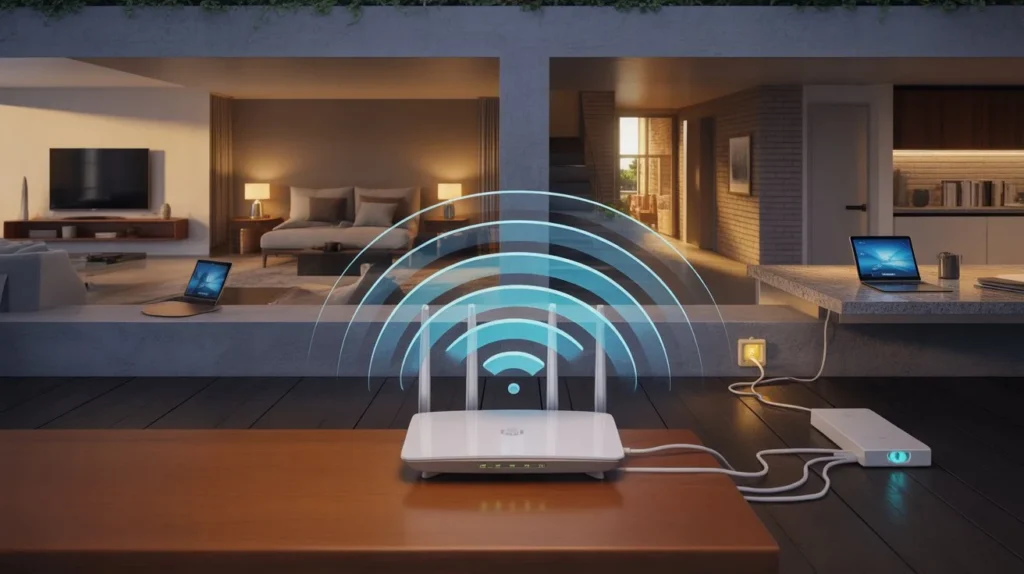
Router placement is one of the easiest ways to improve WiFi coverage. Keep it in a central, open, and raised position. Avoid placing it inside a cabinet, behind a television, or near large metal objects.
For example, if your router sits in a corner bedroom, move it closer to the center of your home. This can help the signal reach more rooms with fewer obstacles.
2. Choose the Right WiFi Frequency Band
Most modern dual-band routers offer 2.4 GHz and 5 GHz WiFi. Each band has different strengths.
- 2.4 GHz: Usually reaches farther and passes through walls better, but it may face more interference.
- 5 GHz: Often provides higher speeds at shorter distances, but thick walls can weaken it more quickly.
So, does 5GHz WiFi go through walls? Yes, but its range and strength usually drop faster than those of 2.4 GHz. Try 2.4 GHz in distant rooms and compare the results.
3. Install a WiFi Extender
A WiFi extender receives your router’s signal and rebroadcasts it to a wider area. It can help when one room has weak coverage.
Place the extender between your router and the problem area. Do not put it inside the room where the signal is already extremely weak. The extender needs a usable connection to the main router to work well.
4. Upgrade to a Mesh WiFi System
A mesh WiFi system uses multiple nodes to spread coverage across your home. One node connects to the main router or acts as the main router, while other nodes serve nearby areas.
Mesh WiFi can help in large homes, multi-story buildings, and layouts with several rooms. Place each node where it can maintain a strong connection with the rest of the system. For the best results, use Ethernet backhaul when possible.
5. Use a Wired Access Point
A wired access point is a strong option when thick walls block wireless signals. It connects to your main network through an Ethernet cable and creates WiFi closer to the room that needs better coverage.
For example, you can install an access point in an upstairs office. This avoids relying on a weak wireless signal traveling through several concrete walls.
6. Adjust Your Router’s Antennas
If your router has external antennas, try changing their positions. For a router with adjustable antennas, one vertical and another horizontal position may help support devices in different orientations.
However, antenna direction alone cannot overcome thick concrete or long distances. Test the signal after each change instead of assuming one position will work everywhere.
7. Reduce WiFi Interference
Other devices and nearby networks can affect WiFi performance. Keep your router away from microwaves, cordless devices, and large metal objects when possible.
You can also check your router’s channel settings. On the 2.4 GHz band, channels 1, 6, and 11 are commonly used to reduce channel overlap in many regions. Choose a suitable channel based on nearby network activity and your router’s settings.
8. Try Powerline or MoCA Adapters
Powerline adapters carry network data through your home’s electrical wiring. MoCA adapters use compatible coaxial cable connections to carry network data between rooms.
These options can help when walls make wireless connections unreliable. Powerline performance depends on your electrical wiring, while MoCA requires suitable coaxial connections. Check compatibility before buying either option.
Which WiFi Solution Works Best Through Different Walls?
The best way to boost WiFi signal in house depends on the building materials and the distance between your router and devices.
| Home layout or problem | Recommended solution |
| One thin interior wall | Improve router placement or try 2.4 GHz |
| Several brick walls | Test a mesh system or wired access point |
| Thick concrete walls | Use an Ethernet-connected access point when possible |
| Weak signal in one distant room | Try a WiFi extender or mesh node |
| Poor coverage across several floors | Consider mesh WiFi or multiple wired access points |
| No easy route for Ethernet cables | Check mesh, powerline, or MoCA options |
Remember that every home is different. A mesh system may work well through some walls but struggle with reinforced concrete. Test the connection before buying new equipment.
Common Mistakes That Make WiFi Signals Weaker
Small setup mistakes can reduce the benefits of even a good router. Avoid these common problems when boosting WiFi signal at home.
- Hiding the router: Cabinets and enclosed spaces can reduce coverage.
- Placing an extender too far away: It may repeat a weak signal instead of improving it.
- Choosing 5 GHz everywhere: The faster band may not reach distant rooms reliably.
- Ignoring interference: Nearby networks and household devices can affect performance.
- Buying equipment too soon: First check your router location, WiFi band, and internet speed.
- Expecting a new router to fix every wall: Thick concrete may still require wired access points.
Also, check whether your internet plan is fast enough for your needs. A stronger WiFi signal cannot fix a slow internet connection from your provider.
How to Test WiFi Signal Strength Through Walls
Testing helps you find the real cause of weak coverage. Follow these steps before changing your setup.
- Test near the router. Run an internet speed test on your phone or computer.
- Test in the problem room. Use the same device and speed test service.
- Check signal strength. Look at your device’s WiFi indicator or use a WiFi analyzer app.
- Compare frequency bands. Test 2.4 GHz and 5 GHz if your router supports both.
- Move the router and test again. Try a more open location and compare the results.
- Check the connection after upgrades. Repeat the tests after adding an extender, mesh node, or access point.
If speeds are poor in every room, test with an Ethernet connection if possible. This can help you tell whether the issue comes from WiFi or your internet service.
When Should You Consider Professional WiFi Installation?
Consider professional help when your home has thick concrete walls, several floors, dead zones, or rooms that need a stable connection for work. A professional can check signal strength, plan access point locations, and determine whether Ethernet cabling or mesh WiFi is the better choice.
Cam Security Surveillance offers WiFi Installation Services to help customers plan reliable wireless coverage. A proper setup should include testing the signal in each planned coverage area before the installation is complete.
Professional installation can also help when you need WiFi for security cameras, smart home devices, or several users working online. The goal is to provide a reliable connection where you need it most.
Conclusion
Learning How to Boost WiFi Signal Through Walls? starts with finding what weakens your connection. Move your router to an open location, test the 2.4 GHz band, and reduce interference before buying extra equipment.
If thick walls still block the signal, consider a WiFi extender, mesh system, or wired access point. Test each option to find what works best for your home. For reliable coverage and professional guidance, contact us today to discuss your WiFi installation needs.
Frequently Asked Questions
Does WiFi go through walls?
Yes, WiFi signals can pass through walls, but the signal becomes weaker depending on the wall’s material, thickness, and number of obstacles. Drywall usually blocks less signal than brick or reinforced concrete.
Does 5 GHz WiFi go through walls?
Yes, 5 GHz WiFi can pass through walls, but it generally loses strength faster than 2.4 GHz. The 5 GHz band is often better for faster connections nearby, while 2.4 GHz may work better in distant rooms.
What is the easiest way to improve WiFi through walls?
Start by moving your router to a central, open location. Then test the 2.4 GHz band and check for interference. These changes may improve coverage without extra equipment.
Will a WiFi extender work through concrete walls?
A WiFi extender can help, but thick concrete may weaken the signal it receives. Place it where the existing WiFi signal is still usable. If that does not work, consider a wired access point.
Is mesh WiFi better than a WiFi extender?
Mesh WiFi can provide more consistent coverage across larger homes because its nodes work together as a network. An extender may be enough for one small dead zone. Your home’s layout and wall materials determine which option works best.










