

Most homeowners pay between $200 and $1,500 to install security cameras, depending on how many cameras they need and whether they hire a pro. A single wireless camera can cost as little as $100 installed. A full whole-house system with professional setup often runs $1,000 or more.
So, how much does it cost to install cameras around the house? The real number depends on camera type, camera count, and labor rates in your area. This guide breaks down every cost factor so you know exactly what to expect before you buy.
Average Cost to Install Security Cameras Around a House
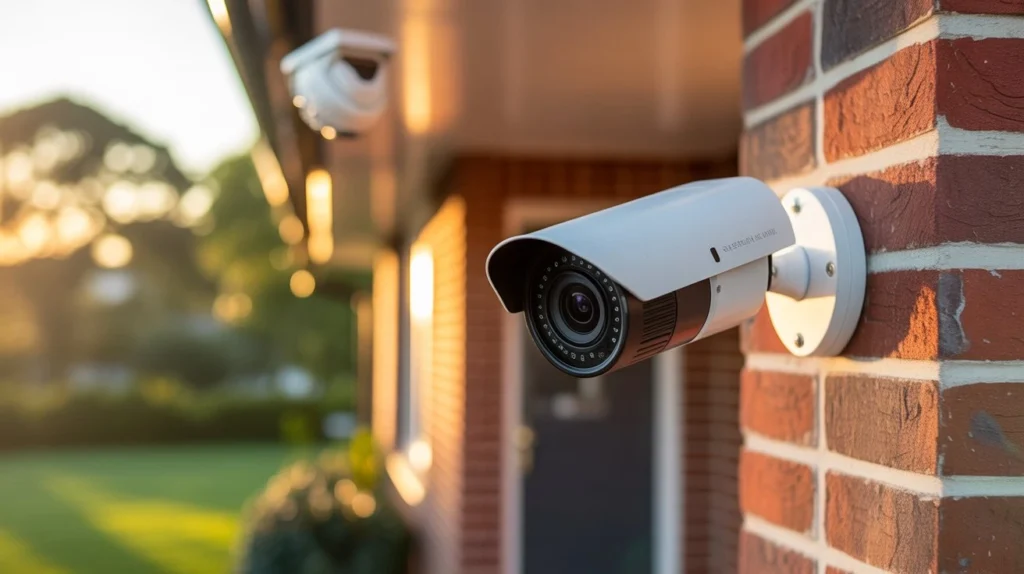
The average security camera installation cost falls between $600 and $2,000 for a full home setup. This includes equipment and labor for four to eight cameras.
A single camera install usually costs $100 to $250. That price covers the camera, mounting hardware, and basic setup. Add more cameras, and the price climbs fast.
Here’s a simple breakdown:
- 1 to 2 cameras: $150 to $500
- 3 to 4 cameras: $400 to $900
- 5 to 6 cameras: $700 to $1,500
- 7 or more cameras: $1,200 to $2,500+
A 6 camera security system installation cost typically lands between $900 and $1,800, depending on whether the cameras are wired or wireless. These numbers shift based on your home size, camera brand, and whether you want extra features like night vision or two-way audio.
What Affects the Cost of Installing Home Security Cameras?
Several factors push home security camera installation cost up or down. Knowing these helps you budget accurately and avoid surprise fees.
Number of cameras. More cameras mean more equipment and more labor hours. This is the single biggest cost driver.
Camera type. Wired cameras cost more to install than wireless ones because of the cabling work involved.
Home size and layout. A two-story house with a large yard needs more cameras and longer cable runs than a small single-story home.
Brand and features. Cameras with 4K resolution, AI motion detection, or facial recognition cost more than basic HD models.
Labor rates. Professional installers in cities usually charge more per hour than those in smaller towns.
Existing wiring. If your home already has wiring from an old security system, installers can often reuse it. This lowers your total cost.
Cloud storage plans. Many camera systems require a monthly subscription for video storage, which adds to your long-term costs.
Cost by Type of Security Camera
Different camera types come with different price tags. Here’s what to expect for each.
Wireless cameras. These cost $50 to $200 per camera for the unit itself, plus $50 to $100 for installation. They’re battery powered or plug into an outlet, so there’s no need to run wires through your walls.
Wired cameras. Expect to pay $100 to $300 per camera, plus $75 to $200 for installation labor. Wired cameras need cables run to a central hub, which takes more time and skill.
Doorbell cameras. These run $100 to $250 including basic installation. Most homeowners can install these themselves in under an hour.
PTZ (pan-tilt-zoom) cameras. These advanced cameras cost $200 to $500 each, with installation adding another $100 to $250 per unit due to their wiring and mounting needs.
Solar-powered cameras. Priced at $150 to $350, these skip the electrical wiring step entirely, which can lower your installation cost.
Professional Installation vs. DIY
Should you install cameras yourself or hire a professional? Both options have clear tradeoffs.
DIY installation saves money on labor. Most wireless and doorbell cameras are built for self-installation, and you can often set one up in 30 to 60 minutes. The main costs are just the equipment itself.
Professional installation costs more, usually $75 to $200 per hour depending on your location. But you get a few clear benefits:
- Cameras placed at the best angles for full coverage
- Proper wiring hidden inside walls for a clean look
- Correct network setup so cameras don’t lag or disconnect
- A warranty on the installation work itself
If you have a small home with just one or two cameras, DIY makes sense. For larger homes with wired systems or more than four cameras, professional installation cost is usually worth paying for. A rushed DIY job can leave blind spots that defeat the purpose of having cameras at all.
Additional Costs to Consider
Beyond the base security camera system installation cost, a few extra expenses often catch homeowners off guard.
Monthly subscriptions. Cloud video storage plans range from $3 to $30 per month per camera, depending on the brand and how many days of footage you want saved.
Extra hardware. Items like extra mounting brackets, extension cables, or a network video recorder (NVR) can add $50 to $300 to your total.
Electrical work. If an outlet needs to be added near a camera location, an electrician may charge $150 to $500 for that work alone.
Home network upgrades. Older routers sometimes can’t handle multiple camera streams. A new router or Wi-Fi extender might cost $50 to $200.
Permits. Some cities require a permit for exterior security cameras. Check with your local building department, since fees usually run $20 to $100.
How Much Does It Cost to Install Cameras in Different Areas of a Home?
Camera placement affects both price and effectiveness. Here’s a rough cost guide by location.
Front door. A single doorbell or entry camera costs $100 to $250 installed. This is the most common starting point for most homeowners.
Backyard. Outdoor cameras here need weatherproofing and often longer cable runs, pushing costs to $150 to $350 per camera.
Driveway. Wide-angle cameras that cover a driveway cost $150 to $400, since they often need a higher mounting point for full coverage.
Garage. Interior garage cameras are cheaper to install, usually $100 to $200, since they don’t need weatherproof housing.
Side yards. These often get skipped, but they’re common entry points for break-ins. Budget $100 to $250 per camera here.
Covering all these areas is part of what makes the full How Much Does It Cost to Install Cameras Around the House question tricky to answer with one flat number. Your total depends entirely on how many entry points your home has.
Cost Comparison: Wired vs. Wireless Camera Installation
This is one of the biggest decisions homeowners face, and it directly affects your final bill.
Wireless systems cost less upfront and install faster. Most homeowners pay $50 to $150 per camera for installation. The downside is battery replacement every few months and possible signal interference in larger homes.
Wired systems cost more to install, often $100 to $250 per camera, because of the cabling and drilling involved. But they offer a more stable connection and don’t need battery changes.
For a mid-size home with six cameras, a wireless setup might cost $900 to $1,500 total. A wired setup for the same home could run $1,500 to $2,500 due to the extra labor.
If reliability matters more than upfront savings, wired systems tend to perform better over time. If you want a quick, flexible setup, wireless is the more practical choice.
Is Professional Security Camera Installation Worth the Cost?
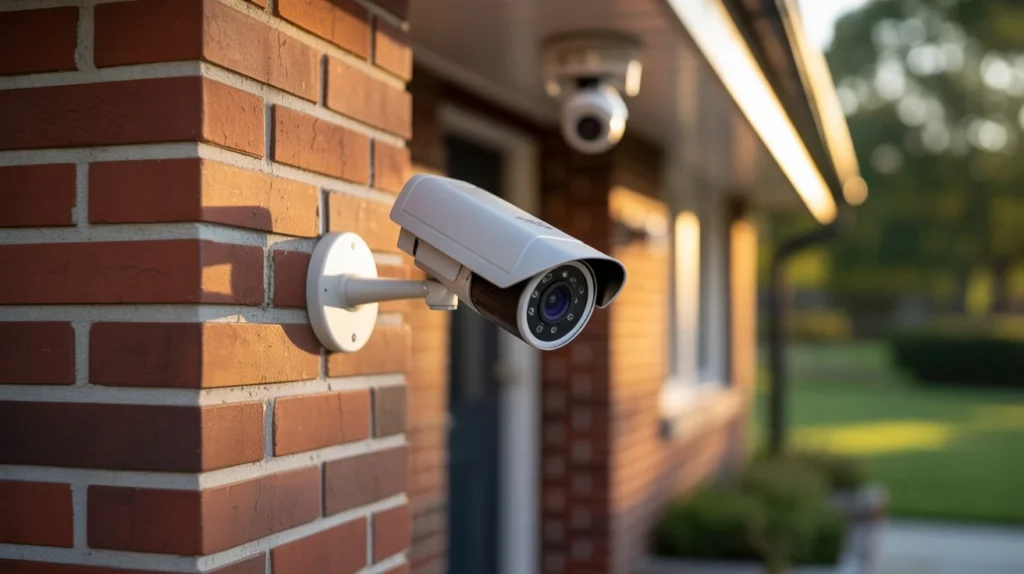
For most homeowners, yes. Professional installation cost pays for itself through fewer blind spots, cleaner wiring, and a system that actually works as intended from day one.
A poorly placed DIY camera might miss a side gate or a dark corner of the yard. A trained installer knows how to angle cameras to cover these spots without wasting equipment on redundant coverage.
If you’re searching for security camera installation Indianapolis options, working with a local, experienced team makes a real difference. Local installers understand common blind spots in area homes and know which camera types hold up best against regional weather.
Cam Security Surveillance offers professional installation backed by trained technicians who assess your home’s layout before placing a single camera. This upfront planning is often the difference between a system that catches every angle and one that leaves gaps.
Why Choose Cam Security Surveillance for Home Camera Installation?
Cam Security Surveillance has spent years installing camera systems for homes of every size and layout. The team doesn’t use a one-size-fits-all approach. Every installation starts with a walkthrough of your property to identify entry points and blind spots.
Here’s what sets the process apart:
- Free on-site assessment before any work begins
- Transparent pricing with no hidden fees added later
- A mix of wired and wireless options based on your home’s needs
- Ongoing support after installation, not just a one-time visit
Whether you need a single doorbell camera or a full 8-camera setup, the goal is the same: full coverage without wasted spending on equipment you don’t need.
Conclusion
So, how much does it cost to install cameras around the house? For most homes, expect to spend $600 to $2,000 for a complete setup, with single cameras starting around $100 to $250. Your final number depends on camera type, camera count, and whether you go DIY or professional.
Wireless systems save money upfront. Wired systems cost more but tend to last longer without maintenance headaches. Whatever you choose, factor in ongoing costs like cloud storage before you commit to a plan.
If you want a system built around your home’s actual layout instead of a generic package, working with a professional installer like Cam Security Surveillance can save you money in the long run by avoiding gaps in coverage, reducing unnecessary equipment costs, and ensuring every camera is placed for maximum protection. Contact us today to schedule a consultation and get a customized security camera solution designed to fit your home, security needs, and budget.
FAQs
How much does it cost to install cameras around the house on average?
Most homeowners spend $600 to $2,000 for a full home setup with four to eight cameras, including basic installation labor.
Is it cheaper to install security cameras myself?
Yes, DIY installation saves on labor costs. Wireless cameras are the easiest to self-install, often taking less than an hour per camera.
What is the average security camera system installation cost for six cameras?
A 6 camera security system installation cost usually falls between $900 and $1,800, depending on whether you choose wired or wireless models.
Do security cameras require a monthly fee?
Many systems need a cloud storage subscription, ranging from $3 to $30 per month per camera. Some models offer free local storage instead.
How long does professional camera installation take?
Most professional installations take two to six hours, depending on the number of cameras and whether wiring needs to be run through walls.
Are wired cameras more reliable than wireless ones?
Wired cameras generally offer a more stable connection and don’t rely on batteries, but they cost more to install due to the cabling work.










