

CCTV monthly costs may start at zero dollars. Go, up to fifty dollars or more for many simple setups depending on storage, monitoring and support. Some systems do not require a camera subscription all. Other systems add fees for cloud recording, alerts or professional monitoring. The total cost also depends on electricity, internet service and maintenance.
If you are asking, How Much Does CCTV Cost Per Month? first check whether your cameras record locally or use cloud storage. Local recording can help avoid camera fees. Paid monitoring and cloud plans increase costs so compare the price before choosing a system.
How Much Does CCTV Cost Per Month?
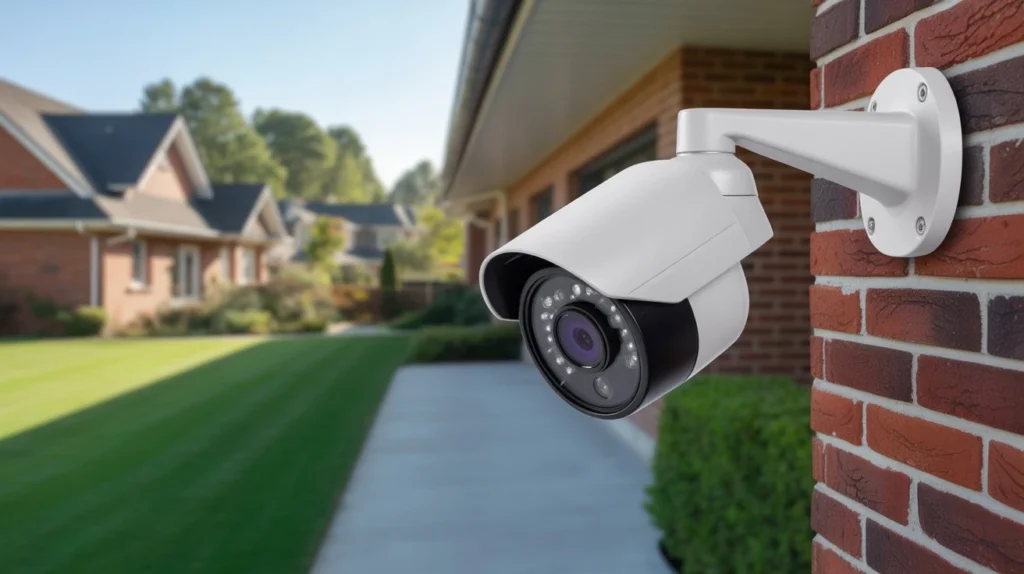
A CCTV system may have no monthly camera fee if it records to a local DVR, NVR, or memory card. Cloud recording and professional monitoring usually add recurring charges.
| CCTV expense | Estimated monthly cost |
| Local camera recording | $0 subscription fee |
| Cloud CCTV storage | $3 to $20 per camera or plan |
| Multi-camera cloud storage | $10 to $50+ |
| Professional monitoring | $20 to $60+ |
| Internet service | Depends on your plan |
| Electricity and maintenance | Depends on use and service |
These figures are estimates in US dollars not fixed prices or a formal quote. Providers offer plans and some charge annually instead of monthly. I recommend checking the price, camera limits, storage period and included features before you buy.
For instance a home, with four cameras and local recording may avoid subscription fees. A similar setup that uses paid cloud storage and monitoring could cost more each month.
What Factors Affect the Monthly Cost of CCTV?
1. Number of Cameras
I have found that the number of cameras matters, for how storage you need how much power you use and sometimes how much the subscription costs. Some cloud plans let you add cameras for one price while others make you pay for each camera.
Before you pick a plan count the cameras you need and make sure the fee covers all of the cameras.
2. Cloud Storage vs. Local Recording
Cloud storage saves footage on servers. You can access it through an app or website. The cloud CCTV cost, per month changes based on the provider how cameras you use, what recording features you pick and how long you want to keep the footage.
Local recording saves footage to a DVR, NVR or memory card at your home or business. This can cut down on fees.. You still have to pay for the recording device, storage drives, electricity to run it and repairs if something breaks.
3. Professional Monitoring
A professional monitoring service might look at alerts. Take action when something happens depending on the agreement they have. The price changes based on the company how much area is. How good the service is.
The cost of a security camera monitoring service is not always the same, as a camera subscription. Some plans give you alerts and store videos in the cloud. Other plans have people who watch the video or follow steps that were agreed on.
4. Internet and Electricity
Internet service is often already, in your household or business budget. Viewing and cloud recording each need a good connection. If you must upgrade to a plan that can add to the cost.
Cameras and recorders also draw electricity. The amount of power they use depends on their power rating. How long they run. Backup batteries or additional power supplies can add costs.
5. Maintenance and Repairs
Cameras might need cleaning, checking cables, updating software or fixing problems. Some installers have maintenance plans and others ask for payment each time they come. Make sure to include these expenses, in your budget especially if you have a lot of cameras or equipment that is outside.
Does CCTV Require a Monthly Subscription?
No many CCTV systems work without a subscription. Wired cameras connected to a DVR or NVR can record footage to a hard drive. CCTV owner can review saved video through a screen or compatible app.
Some cameras require a paid plan to save cloud recordings or use smart features. For example Ring lists a Solo plan at $4.99 per month. A Multi plan at $9.99 per month, in the United States. Prices and features can change, so check the providers plan details before purchasing.
Before buying, ask these questions:
- Can the camera record without a subscription?
- Does remote viewing require a paid plan?
- How many cameras does the plan cover?
- How long are recordings saved?
- Can you download or export footage?
These details help you understand the real cost of CCTV over time.
CCTV Monthly Cost for Homes vs. Businesses
Home CCTV Costs
A home system with local recording may have no monthly camera subscription. Your main ongoing expenses are electricity, internet service, and occasional repairs.
A cloud-based camera system may add a monthly fee for saved footage, smart alerts, or other features. The number of cameras and the selected plan affect the total.
Business CCTV Costs
Businesses may need more cameras, longer recording periods, larger storage drives, and several users with access to footage. Some also pay for support contracts or remote monitoring.
The remote video monitoring service cost depends on the number of cameras, monitoring hours, and response services included. Live monitoring by trained staff usually costs more than simply viewing camera feeds through an app.
For a business, request a quote based on the property size, camera count, recording needs, and level of monitoring. This gives you a clearer estimate than a general monthly price.
How to Reduce Your Monthly CCTV Costs
You can lower ongoing expenses by choosing features that match your actual needs.
- Use local storage: A compatible DVR, NVR, or memory card may help you avoid cloud fees.
- Compare plans: Check whether one plan covers all your cameras instead of paying for each device.
- Choose a suitable recording period: You may not need months of cloud storage for every camera.
- Check equipment compatibility: Reusing a suitable recorder or existing cameras can reduce replacement costs.
- Maintain your system: Regular checks can help catch connection or storage problems early.
- Review annual billing: Some providers offer lower rates for annual payment, but compare the full cost first.
Avoid choosing a system based only on its advertised monthly price. Check what happens when a subscription ends and whether you can still access recordings.
One-Time CCTV Installation Costs vs. Monthly Expenses
The cost of CCTV camera ownership includes more than recurring fees. You may pay upfront for cameras, cables, a recorder, hard drives, mounting parts, and professional installation. Local recording systems often have higher upfront equipment costs but lower recurring fees. Cloud-based cameras may cost less to set up, but their subscriptions can add up over several years.
For example, a $10 monthly subscription costs $120 per year and $600 over five years, before price changes or taxes. Compare that amount with the cost of local storage and any expected repairs.
How to Choose a CCTV System That Fits Your Budget
Start by listing the areas you need to cover, such as entrances, driveways, storage rooms, or customer areas. Then decide how long you need to keep recordings and who should access them. Compare wired and wireless systems, local and cloud storage, and self-monitoring versus paid monitoring. Check warranty terms, storage limits, and future expansion costs.
When deciding How Much Does CCTV Cost Per Month?, calculate both the monthly fees and the total cost over three to five years. This gives you a fairer comparison between different systems.
When Should You Get a Professional CCTV Installation Quote?
A professional assessment helps you choose the right cameras, recording equipment, and storage capacity for your property. It can also identify wiring needs, blind spots, and areas that require stronger network coverage.
Cam Security Surveillance provides security camera installation services for homes and businesses in Indianapolis and Central Indiana. If you need security camera installation Indianapolis, request a quote that separates equipment, installation, storage subscriptions, and ongoing support.
Ask the installer to explain which costs are one-time payments and which will continue each month. This helps you plan your budget and avoid unexpected fees.
Conclusion
So, How Much Does CCTV Cost Per Month? It depends on your recording method, camera count, monitoring needs, and maintenance costs. A system with local storage can have no monthly camera subscription, while cloud plans and professional monitoring add recurring fees.
Compare upfront costs with long-term expenses before making a decision. For help choosing a system that fits your property and budget,contact us today.
FAQs
How much does CCTV cost per month for a home?
A home CCTV system may have no monthly camera subscription if it records locally. Cloud storage, monitoring, internet service, and maintenance can add to the monthly cost.
How much does cloud CCTV cost per month?
Cloud plans may start at a few dollars per month for one camera. Multi-camera plans and advanced features can cost more. Check the provider’s current pricing and storage limits.
Can CCTV cameras work without a monthly fee?
Yes. Many wired CCTV systems record to a DVR or NVR without a monthly subscription. Some cameras still require paid plans for cloud recordings or advanced features.
Is wired CCTV cheaper than wireless CCTV in the long run?
Wired CCTV can cost more to install because it may need cabling. However, local recording can reduce recurring subscription fees. Total costs depend on equipment, installation, and storage needs.










