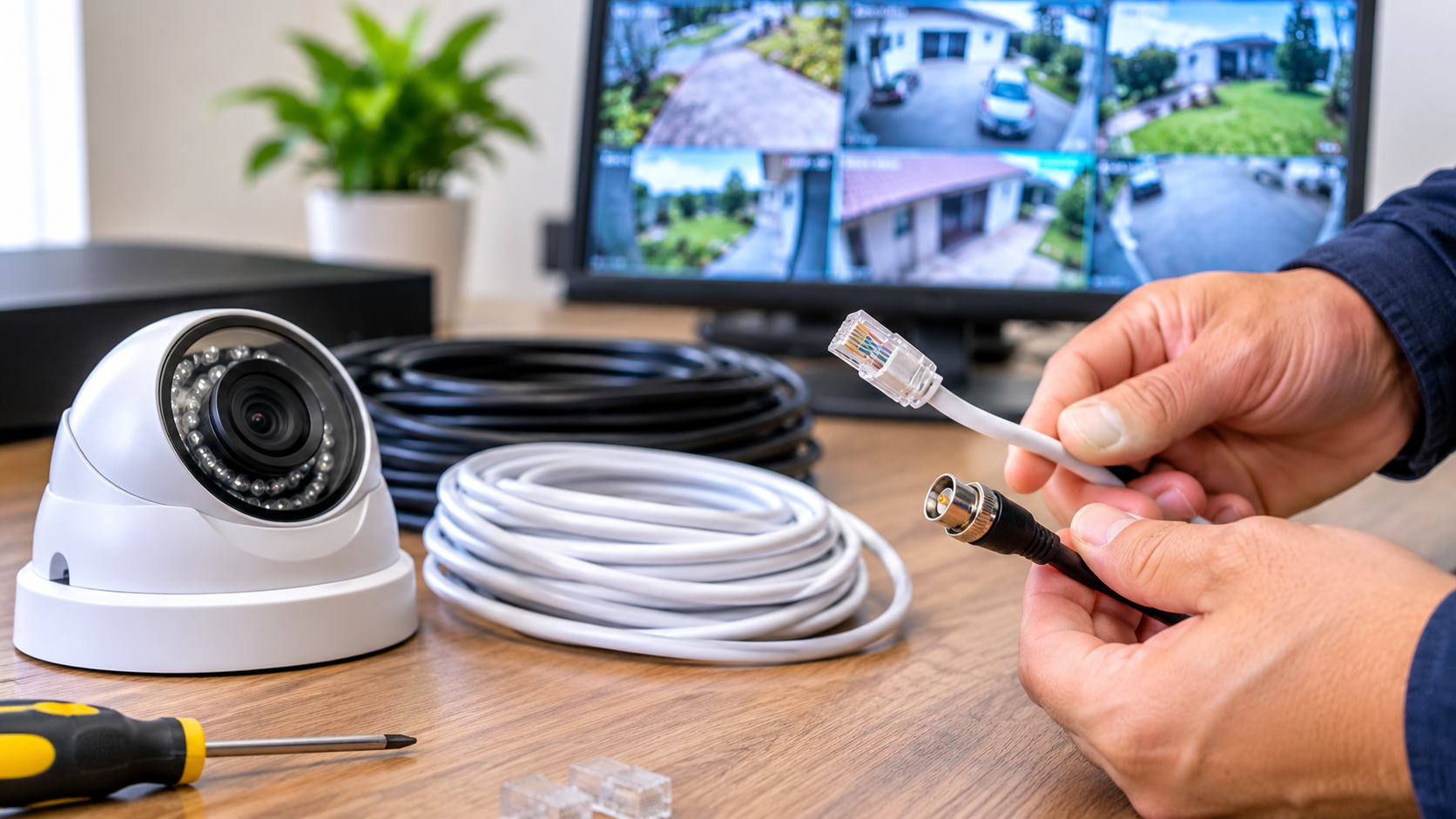
When people shop for a security system, they spend hours choosing the ideal camera resolution and adding night vision and storage. We often don’t think about the cable that ties everything together. So when we say the cables matter, don’t take them lightly; indeed, for many installations, cables are the most error-prone part of the entire system.
Top off a 4K camera reel with a high-quality signal arriving at your recorder. Grainy footage, flickering images, random dropouts, or no picture- you know all these old cables, near work terms with bad connectors or a run that’s too long can give the same issue. This is how cabling works with your system, so you do not have to take a costly detour later.
What affects the video performance of a CCTV cable?
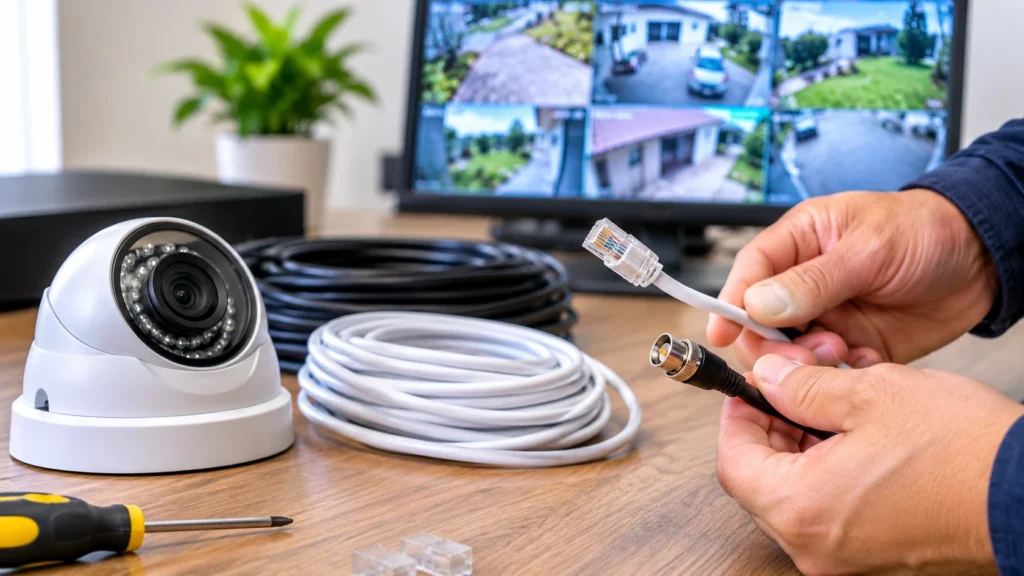
1:Lay it out
Two things a CCTV cable needs to do: carrying the video signal from the camera all the way back to the recorder (and frequently a power line. You see the effect of a failure on one end or the other when the signal gets to the screen.
There are three key cable characteristics that you see reflected in the picture draws on:-
- Signal Loss/Attenuation: As the signal travels down the cable, its integrity decreases. The use of thin conductors, cheap material, and length causes loss, resulting in images that are plain, washed-out, or noisy.
- Bandwidth: If it is a high-resolution image, then it contains more data than a standard definition, recognizing that an old analog camera cable may not be able to handle an HD or 4K feed now.
- Shielding: How good is the cable construction, and is the signal protected from electricity in the surroundings?
In this last section, perhaps most importantly, the role of quality CCTV cable and video performance are absolutely inseparable and interrelated. Two identical cameras can produce noticeably different footage purely because of the cable behind them.
Comparing Coaxial and Ethernet Cable for CCTV Cameras
For most installers, the most common question they have to answer is coaxial vs Ethernet cable for CCTV cameras, but the answer depends largely on what you have done.
Coaxial cable
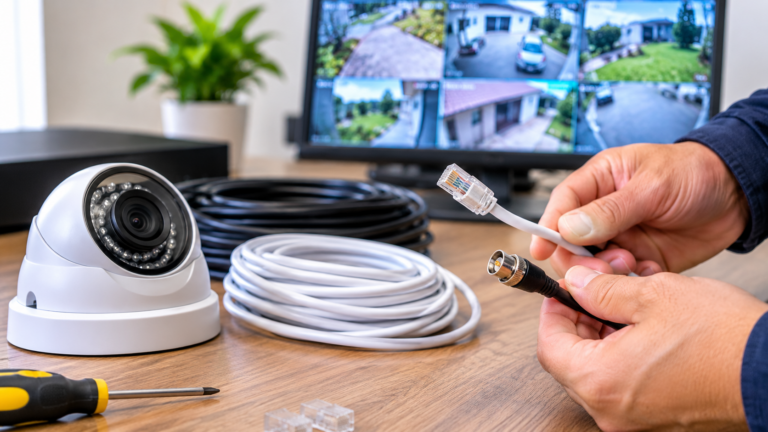
With analog and HD analog (AHD, TVI, CVI) systems, coaxial cable is the go-to choice. It has a copper core in a copper shield in a copper jacket. This multi-layered construction provides excellent protection from external noise.
Advantages:
- Reliable over medium distances (RG6 up to several hundred meters in the case of some signal formats)
- Excellent shielding against interference
- Is substantially cheaper to upgrade an older analog installation
- Existing wiring can be reused when upgrading to HD analog cameras
Disadvantages:
- Power typically needs its own cable
- Analog or HD analog only
- Kinda tougher than Ethernet to run in small spaces: more rigid and wider than Ethernet cables.
Ethernet Cable
Ethernet cable: It makes the function of IP camera systems possible. It is a copper wire twisted pair (Cat5e, Cat6) that is employed, and the twisting reduces the majority of the interference that may degrade the signal. Benefits:
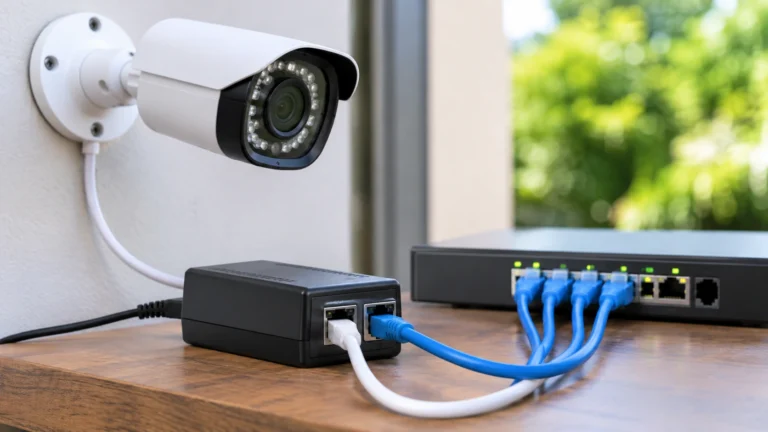
- This cable carries video, audio, data, and power (PoE) all at once. Video, audio, and power on one cable. If the camera has extremely high resolutions, for example 4K and above, it supports them too.
- Easy to grow with the addition of network switches.
- This permits cameras to be added.
- Digital transmission means the picture is either perfectly clear, or the transmission corrects the error instead of continued degradation.
Allies:
- Standard maximum run without extenders or switches: 100 meters (328 feet)
- Setup requires network knowledge.
- Full IP infrastructure takes longer to pay for (tougher upfront)
Which Demics for Better Video Quality?
There is no cable that is automatically better than the other. What matters is pairing the cable with the system. By way of illustration, IP cameras using Cat6 offer the sharpest image because the signal is digital end to end, meaning there is no analog conversion. However, a properly installed coaxial run can still deliver a sharp, solid HD (analogue) picture. Problems arise when the wrong cable gets used, examples of which include, for instance, sending a high-bitrate IP camera through a low-grade or overlong cable.
Video Signal Interference in CCTV
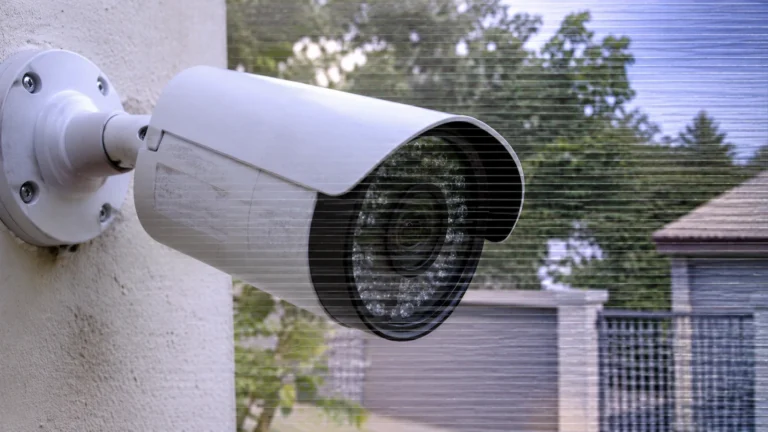
Electrical interference can have a major effect on security camera picture quality. It may cause moving lines, static, snowy footage, freezing, ghosting, or colour flickering. These problems often occur when camera cables run too close to sources of electrical interference. Common sources include power lines, electric motors, fluorescent lights, transformers, and heavy equipment. Proper cable selection, routing, and installation help reduce these issues. For reliable wiring and professional security camera installation Indianapolis, choose a setup designed to deliver clear and stable video.
1:Electromagnetic interference
One of the most common installation mistakes is to line up a mains power line with a video cable.
2:Radio Frequency Interference
Radio Frequency Interference (RFI) is the result of radio transmitters, Wi-Fi routers, and cell towers.
3:Ground loops
When connecting devices that use separate electrical grounds, voltage differences can arise, resulting in significant horizontal bars in the image (particularly in an analog system).
4:Poor connections
loose BNC connectors, corroded terminations, and broken ends.”
How You Can Avoid Interference
There are a few simple practices to protect your video signal:
- Keep cables for the signal away at all costs from power lines. Keep them a few inches away from common areas, and power cables should never run parallel to the cable; they should cross them at right angles.
- Cable with shielding. Shielded twisted pair Ethernet or properly shielded coax cables outdo unshielded ones and are at a safe distance from interference.
- High-quality connectors. Less expensive twist-on types are said not to hold up as well as compression-type connectors of BNC or the RJ45 type.
- Using ground loop isolators on systems where you suspect possible power-supply problems.
- A fiber optics solution to mitigate extremely high electrical noise, since electromagnetic interference does not affect signals traveling next to light beams.
How Cable Quality Affects Your Footage
Not all cables of the same type perform equally. To get the most out of your CCTV cable quality and video performance, keep an eye on the following details in your hands:
1: Conductor material
Pure copper cables beat copper-clad aluminum (CCA). Greater resistance CCA means loss of signal and camera voltage drop is larger than copper. In case you are using PoE cameras, it can even overheat and cause power failures.
2:Gauge
conductors made of thicker material will lose less signal as it goes through the cabling. This thicker the gauge a subtle review on the signal cut off is seen when cable runs longer distance.
3:Shielding quality
Combining braided and foil shielding is the best shielding from interference. Low-cost cables often skip this.
4:Jacket rating
Outdoor installations need jackets with UV resistance; for weatherproof jackets where the cable will be underground, its performance may degrade over time if the jacket suffers damage and moisture gets into the cable.
5:Length.
Even the best cable will only run so far. Keep the length of your cable type under the recommended distance for a clean signal. Signal boosters, PoE extenders, or fiber converters are necessary for extended runs.
Guidelines for Selecting an Appropriate Cable for your cameras
- Pure copper at best. CCA is probably not worth the performance and reliability penalty.
- Upgrade for tomorrow. Cat6, with its higher bandwidth than Cat5e, is preferable if you’re running new cables, as it will grant you more bandwidth for higher resolutions as well as later upgrades.
- Measure your runs. For every camera, measure the distance to the recorder when picking a cable.
- Use proper installation; even the best cable will underperform if it is poorly terminated or exposed to sharp bends, and if it is pulled too tight, it may get damaged too.
- Test it first. A simple cable tester can help detect issues before you start to wall up and ceiling holes.
Conclusion
So do coaxial and Ethernet cables affect video quality? Absolutely. Cables are responsible for the capacity of the camera to bring signals to the monitor. Coaxial and Ethernet have their own applications, the best fit varying from camera to camera, depending on technology, reach, and environment. If your camera system is going to cost a fortune, it can be brought down to size by being plagued with interference, poor materials, and poor installation practices.
For consistent performance and reliable video quality, make cabling the foundation of your security camera system. Choose the right cable to support strong signal transmission, reduce interference, and ensure proper installation. The right setup helps deliver clear footage with fewer connection issues. For professional security camera installation and reliable cabling solutions, Cam Security Surveillance is here to help. Contact us today!
FAQs
Do cables really affect CCTV video quality?
Yes ,the cable carries the signal from your camera to the recorder, so what degree of quality the picture will have depends on the characteristics of the cable: its quality, length, shielding. Even with high-end cameras, a bad cable can result in grainy footage, flickering, colour shift, or even loss of signal altogether. You can have a great camera, but if your cable is not using the same signal level, it’ll look terrible.Choose a high quality cable to protect the image quality your camera can provide.
Is coaxial or Ethernet cable better for CCTV cameras?
No. It depends on the situation. For analog and HD analog systems like AHD, TVI, and CVI, the right cable to use is coaxial cable (RG59 or RG6). Ethernet cable (Cat5e or Cat6) is required for IP cameras and can also carry power and data on one cable with PoE. During new installations, many people go for Ethernet and IP cameras for higher resolution and easier scalability. However, if you have an existing coaxial infrastructure, it can be more cost-effective to upgrade to HD analog cameras.
What is causing your CCTV video signals to stutter?
Common culprits include electromagnetic interference from power cables, motors, and fluorescent lights, radio frequency interference from transmitters and Wi-Fi equipment, ground loops between equipment on separate electrical grounds, and corroded or faulty connectors. Running video cables parallel to mains power lines is among the most common installation errors. The majority of interference problems are avoided by using shielded cable, electrically isolating your video cables from your power cables, and using high-quality connectors.
How long may a CCTV cable be before losing quality?
It depends on the type of cable it is. Ethernet cables (Cat5e and Cat6) have a maximum reliable length of around 100 metres (328 feet). Coaxial cables can often go for hundreds of metres; RG6 can usually run farther than RG59, but the exact distance depends on the resolution and signal format of the camera. Signal boosters, PoE extenders, network switches, or fiber optics can help you run the cable longer.
Does cheap CCTV cable work?
Yes. Often these low-cost cables are made of copper‑clad aluminium (CCA), which has a higher resistance and thus more loss and voltage drop in the signal. These tend to have worse shielding and thinner jackets, thus making their wires very susceptible to interference and weather damage. When used with PoE cameras, CCA cable can overheat and cause power failures. Pure copper cable is a little more expensive, but it is much more reliable in protecting the performance of your whole system.