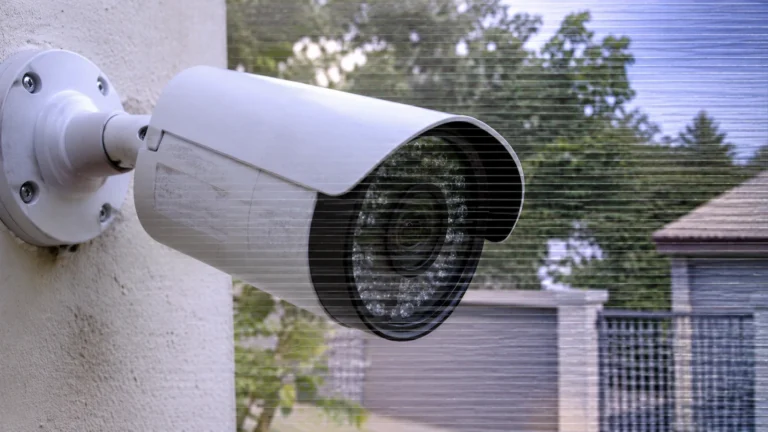
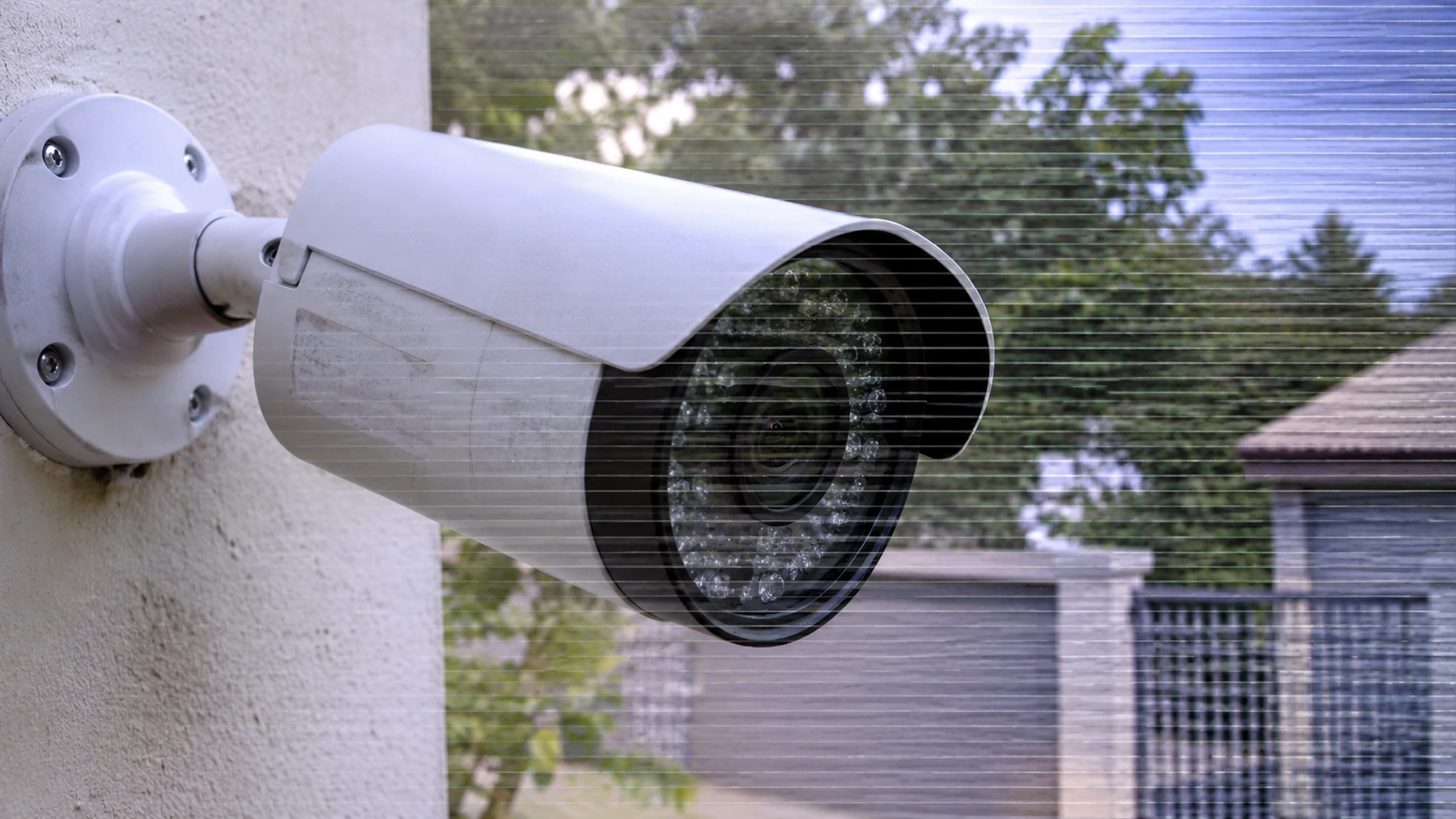
There’s nothing more irritating than looking at your CCTV monitor and seeing lines of banding, flickering lines, or a rolling TV effect. If your camera doesn’t produce a quality, clear image, then it’s not performing its vital task of protecting your home, shop, or warehouse.
Fortunately, most of the causes of security camera rolling lines are straightforward, and most can be corrected without purchasing new equipment. In this article, we discuss eight of the most common reasons lines appear in security camera footage, explain how to diagnose them,, and how to fix them.
Why Do Lines Appear on Security Camera Footage?
These lines show up when there is an interruption in the video signal as it passes from the camera to your recorder or monitor, or when the camera or recorder is starting to malfunction. The lines should give you a hint as to the cause:
- Horizontal lines or bars: often interference, power issues, or ground loops
- Bar (rolling/scrolling): has to do with a ground loop or power problem
- Vertical lines: usually indicate a malfunctioning sensor, cable, or display
- Flickering/Dancing lines: usually a loose connection or interference
- Static/”snow”: The signal is usually weak; there may also be a problem with the cable.
Work through the causes listed below in order from the easiest and cheapest to check to the most expensive and complicated.
1. Faulty or Underpowered Power Supply
What it looks like
Flickering stacked bars that scroll vertically, dotted lines that only appear in low lighting conditions when using IR.
Video cameras need power to function. If you use a cheap or weak power source, then you may have a power source that isn’t giving the camera enough juice, or is giving too much of the odd video signal. Especially if the same power source is used across multiple cameras or if the amps of the power source aren’t up to spec.
How to make it right
- Check the power adapter voltage (most are 12V DC) against what is printed on the back of the camera.
- Use a safe range for the amperage rating (including some for camera draw, plus some extra headroom in case a supply is used for two cameras).
- Test with a working power adapter.
- Take away an adapter if it is a little warm, bloated, or uneven at all.
2. Electromagnetic Interference (EMI)
Sample configuration
Smooth or serrated alternating lines, areas, or noise, according to the semiotics of the modulation system.
Interference from high-voltage power lines, fluorescent light ballasts, motors, elevators, radio transmitters or any of the other common sources of RF interference. This is one of the more common sources of interference to CCTV video, especially on an analog CCTV system.
How to fix it
- Do not segregate video cables from power cables and electrical equipment.
- Cross video and power cables and, if necessary, cross them at right angles but never parallel.
- Use shielded coaxial or twisted-pair cable.
- Position ferrite chokes at the camera/recorder end.
- VIDEO BALUN WITH BUILT-IN INTERFERENCE REJECTION FOR LONG RUNS?
3. Damaged or Low-Quality Cables
What it is
Lines or fuzzy images that shift when you move or touch the cable, or fading video.
The cable may be pinched, “chewed” by a rodent, pinched in a door, or damaged by the sun and/or the weather. Cheap cable doesn’t have much shielding, and often uses a cheaper, copper-clad center wire.
How to fix it
- Review the entire cable run for cuts, kinks, crushing, and copper exposure.
- Don’t patch it with tape if damaged.
- Use good quality RG59 or RG6 for analog systems, or good quality Cat5e / Cat6 cables for IP & PoE cameras.
- Enclose outdoor runs in conduit and shield with cable rated for outdoor use.
4. Loose, Corroded, or Poorly Made Connectors
What it looks like
Lines or fuzzy images that move whenever you walk by or touch the cable, a spotty or blurry picture.
The cable may be pinched, “chewed” by a rodent, pinched in a door, or damaged by the sun and/or weather. Inexpensive cable usually has less shielding, and frequently the center wire is cheaper, copper-clad center wire.
How to fix it
- Inspect the whole cable run for any crush, kinks, cuts, and long runs of exposed copper.
- Don’t patch it with tape if damaged.
- Analog systems should use good-quality RG59 or RG6, and IP & PoE cameras should use good-quality Cat5e / Cat6 cables.
- Finally, if you have outdoor runs, wrap them in conduit and cover with a cable intended for outdoor use.
5. Ground Loop Problems
What it looks like
Slow horizontal bars (usually a thick dark or light band) moving up the screen.
If the camera and recorder are grounded at different locations, there will be a very small voltage difference, which will bleed into the video signal. A ground loop is a common reason for CCTV camera horizontal lines and will be most apparent in applications where the camera and recorder are located in separate buildings or are plugged into different power circuits.
To fix this
- Use the same circuit for powering the camera and recorder whenever possible.
- Place a ground loop isolator on the video line.
- Use video baluns with isolation features.
- If the problem continues, have an electrician examine the building’s grounds.
6. Cable Run Too Long or Signal Loss
What it resembles
Thin lines, pale color, snow, or a blurred, grainy image only on cameras far away.
All cable types have a maximum run, beyond which the signal starts to deteriorate, and noise can be observed. Standard advice for analog systems is 300 m (roughly 1,000 ft.) for RG59 under ideal conditions and about 100 m (328 ft.) for Ethernet on IP cameras, but these distances can vary based on the cable and camera type.
How to Fix
- The shortest cable type for your machine isn’t the right choice. Calculate the real cable length and see if you’re within the maximums for your machine’s cable type.
- Use a thicker, more heavily shielded cable for runs that are long.
- For IP cameras, place a PoE switch or extender halfway down the run.
- Active video transceivers or amplifiers should be employed to facilitate long analog runs.
7. Lighting Flicker and Incorrect Camera Settings
What you might notice
Dark lines running through the image, or flickering visible under certain types of lighting (LEDs or fluorescents).
Lights strobe according to the frequency you feed them (50Hz or 60Hz). If the camera’s shutter speed/frequency is incorrect, you get banding as a rolling line. If your video standard is different than the recording standard (for example, the recorder supports NTSC while the camera supports PAL) or the resolution, you get a distorted image.
How to fix it
- Set the camera’s anti-flicker or power frequency option to match your region (50 Hz or 60 Hz).
- Check that the camera and recorder use the same video standard and a supported resolution.
- Adjust shutter speed or exposure settings if your camera allows it.
- Replace the problem light, or reposition the camera away from it.
8. Failing Camera, Recorder (DVR/NVR), or Monitor
How it presents itself
Lines that won’t go anywhere—these are the lines that don’t change no matter what you do to the cables or to the power.
Occasionally, the issue is the camera hardware itself: an old image sensor, broken DVR/NVR video output, water intrusion in the housing, severe heat and humidity, or a nonfunctioning monitor or monitor connection like HDMI or VGA.
How to fix it
- Connect the camera directly to a different input or a different monitor to isolate the fault.
- Swap the cable between the monitor and recorder, and try another input type (HDMI instead of VGA, for example).
- Test the suspect camera with a short cable and known-good power.
- Check housings for condensation, and keep recorders ventilated.
- If the lines follow the camera to every input, repair or replace the camera. If they follow the recorder or monitor, replace that component.
Quick Troubleshooting Checklist: How to Fix CCTV Video Interference
Need a quick and easy way to learn how to repair camera video interference? Here is the short version:
- Restart the camera and recorder.
- Examine the connections: reinsert all plugs and connectors.
- Test the power supply with a working adapter.
- Examine the full length of the cable for any damage.
- Make the problem smaller: test the camera using a short direct cable to the recorder.
- Move the cable away from electrical equipment.
- Add a fix: add a ferrite core, a ground loop isolator, or baluns.
- Check the settings again: frequency, video standard, and resolution.
- Test the parts one by one to find the failed part.
When we are troubleshooting alone, we only make one change at a time, so it is easier to find what is actually causing the problem.
CCTV Camera Horizontal Lines Troubleshooting: Matching Symptoms to Causes
| Symptom | Most likely cause |
| Slow-rolling dark band | Ground loop |
| Wavy or diagonal lines | EMI from nearby equipment |
| Lines only at night | Underpowered supply or IR power draw |
| Flickering that changes when cables move | Loose connector or damaged cable |
| Noisy image on one far camera | Cable too long or signal loss |
| Moving dark bands under certain lights | Lighting flicker/frequency mismatch |
| Fixed vertical lines on every input | Failing sensor or camera hardware |
When to Call a Professional
If you’ve tried all these troubleshooting steps and still see lines on your security camera footage, it may be time to seek professional help. Consider hiring an experienced technician if you suspect a wiring or grounding issue, cannot identify the faulty device, or have a large, complex, or business-critical surveillance system.
A professional has the right tools, such as cable testers and signal analyzers, to locate the problem accurately. For reliable troubleshooting, repairs, and security camera installation Indianapolis, Cam Security Surveillance can help ensure your system delivers clear and consistent footage.
Conclusion
Typically, a single line on your security camera footage does not mean a full replacement is needed. There are 8 common issues that will cause lines to appear in your security camera image. General power issues, EMI issues, damaged cable, loose connector, ground loop issues, too much cable run, lighting or configuration issues, and a broken camera. Being familiar with the shape of the line on your footage and the mix of issues will make it easy to identify and repair the problem.
Looking for reliable information about security cameras, cables, and accessories? Experiencing the same issue but unsure how to fix it? Trust Cam Security Surveillance for helpful information, quality products, and expert guidance to keep your CCTV system working properly. Contact us today for professional security camera guidance and installation solutions
FAQs
Why do I have lines in my security camera only at night?
This is usually a power problem. When the infrared LEDs are turned on, the camera pulls a greater amount of current, and a weak adapter can’t provide enough, resulting in lines or flickering. Use a better power supply with a higher amperage rating.
Can a bad cable cause lines on CCTV footage?
Yes. Blown, kinked, and inferior wiring are a leading cause of lines, static and noise.
Do IP cameras get lines like analog cameras?
Less so, as digital signals are less prone to interference. However, IP cameras may still display artifacts caused by defective sensors, power faults, overheating equipment, and network faults.
Will the lines get fixed with a new camera?
Not always. If it’s power, cabling, interference, or the recorder, it will display the same lines with a new camera. Pinpoint the problem first.
How do I get rid of roll lines on a security camera?
For the most part, it is a ground loop problem or a power issue. Get the camera and recorder on the same power circuit, bring in a ground loop isolator, and try a clean power adapter.