
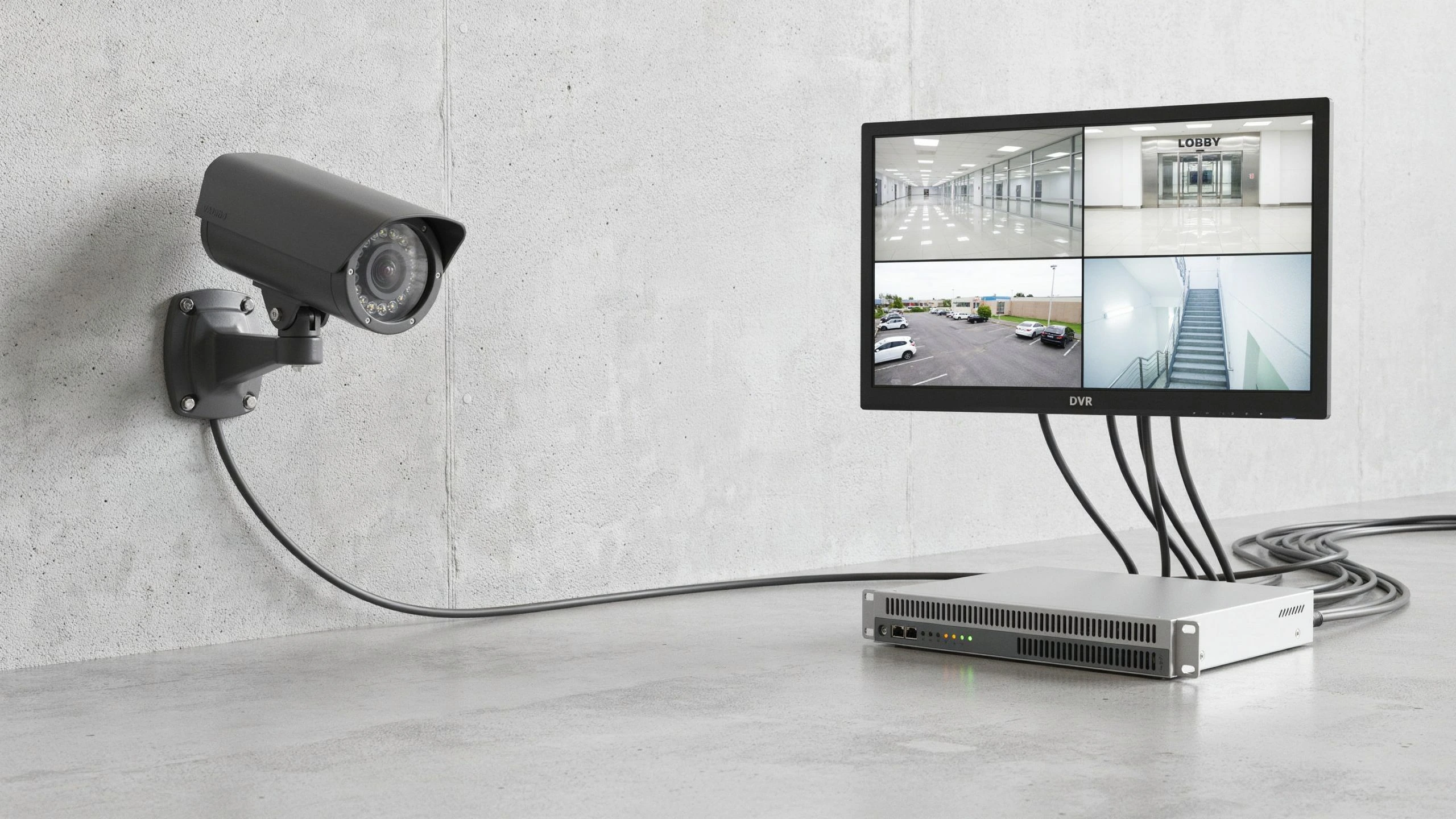
CCTV and DVR are connected,. They are not the same thing. CCTV is a video surveillance system that takes pictures and watches what is happening. A DVR, which stands for Digital Video Recorder saves video from cameras that can work with it and keeps the videos for you to watch later. Both can be used together to help keep homes, shops, offices and other places safe
If you are asking, What Is the Difference Between CCTV and DVR? the main difference is what each one does. CCTV is the system for watching while a DVR is a single device that records the video, from CCTV. Knowing this difference helps you pick the equipment plan how much space you need for storing videos and make sure you do not buy parts that do not fit together.
What Is CCTV?
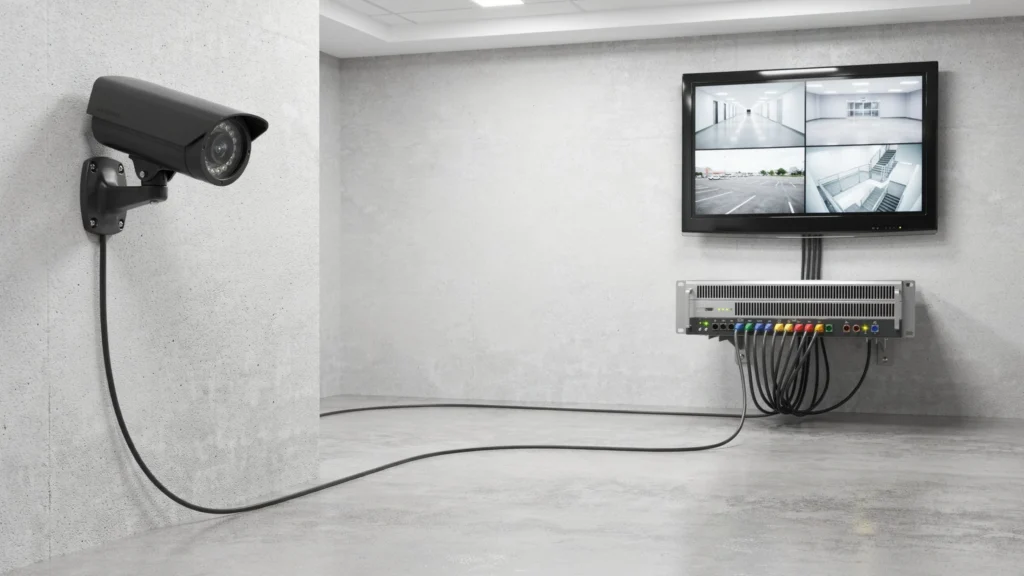
CCTV stands for Closed-Circuit Television. It is a video surveillance system that sends camera footage to chosen devices, such as a recorder or monitor. Unlike television CCTV footage is meant for authorized users and specific viewing points. A CCTV system may have cameras, cables, a recorder, storage drives, monitors and network connections. The parts you need depend on the camera type. How you want to view or save footage.
For example a shop owner might put cameras near the door checkout counter and stockroom. These cameras capture activity, in areas. A connected recording device can save footage for review if an incident occurs.
CCTV systems are used in homes, offices, schools, warehouses, parking areas and retail stores. Some use analog cameras while others use digital IP cameras. The recording equipment depends on the type of system.
What Is a DVR?
DVR stands for Digital Video Recorder. It is a device that records video from cameras that work with it and saves the video in form. People can then watch saved clips look through recordings and check what happened from a screen that’s connected or from a supported app. A regular DVR usually works with analog CCTV cameras. These cameras send video through cables. Many DVR models have features like recording when motion is detected, recording at set times and letting you watch live or saved footage from a distance if you set up a network connection.
The storage drive inside the DVR affects how video it can keep. For example a small office with four cameras might need storage if it records all the time compared to only recording when motion happens. The DVR meaning in CCTV is simple: it is the recording device, in a surveillance system that works with cameras. It does not take the place of the cameras. It works with them to record and manage video footage.
What Is the Main Difference Between CCTV and DVR?
The main difference is that CCTV describes the surveillance system while a DVR is a device used to record video from cameras. Think of CCTV as the setup used to monitor an area. The DVR is one part of that setup. It receives video records it and helps users access saved footage. A CCTV system may use a DVR, an NVR, a camera memory card or another supported storage method. This means not every CCTV system needs a DVR.
For example a home with analog cameras may use a DVR to record footage. A home with network cameras may use an NVR or another recording option instead. When comparing the difference, between CCTV and DVR remember that they’re not competing products. They perform jobs and often work together.
How Do CCTV Cameras and a DVR Work Together?
A CCTV system with a DVR follows a simple process:
- The cameras capture video: Each camera records activity within its field of view.
- The video reaches the DVR: Compatible cables carry the camera signals to the recorder.
- The DVR records footage: The device saves video to its storage drive according to its settings.
- The user reviews recordings: A connected monitor or supported remote access feature lets authorized users view live or saved footage.
Imagine an office that uses cameras at its entrance and, at the reception desk. If a package goes missing the manager can open the DVR recordings. Look at the relevant time. The system must be set up correctly for this process to work.
Camera compatibility, cable type, power supply, storage capacity and recording settings all matter.
CCTV vs DVR: Key Differences at a Glance
The following table shows how CCTV and DVR differ in a security camera setup.
| Feature | CCTV | DVR |
| Meaning | Video surveillance system | Digital Video Recorder |
| Main role | Captures and monitors activity | Records and stores video |
| Equipment type | A system that may contain several parts | A recording device |
| Video capture | Cameras capture the footage | Receives video from compatible cameras |
| Storage | Depends on the system design | Usually stores footage on a drive |
| Compatibility | Depends on the cameras and setup | Must support the connected cameras |
| Alternatives | Can use different recording methods | Can be replaced by another suitable recording method |
A CCTV system and a DVR are not substitutes. You must pick the recording device for your CCTV system and DVR needs.
What Is the Difference Between a DVR and an NVR?
Both a DVR and an NVR record security camera footage but each usually works with kinds of cameras.
A traditional DVR usually works with analog cameras that’re compatible. Those analog cameras often send video through cables. The DVR processes the video. Keeps the recordings.
An NVR stands for Network Video Recorder. An NVR normally works with IP cameras that send video over a network. Many IP cameras connect through Ethernet cables and some IP cameras support Power, over Ethernet, which carries data and power through one cable.
Here are the main differences:
- Camera type: DVR systems commonly use analog cameras, while NVR systems commonly use IP cameras.
- Connection: DVR systems often use coaxial video cables. NVR systems commonly use network cables.
- Video processing: A traditional DVR processes the incoming analog video. An IP camera generally processes its video before sending it to an NVR.
- Choosing a system: The right option depends on your cameras, cabling, features, and budget.
Neither recorder is always better. Check camera specifications and recorder compatibility before buying equipment because recorder choice matters.
Can CCTV Work Without a DVR?
Yes closed circuit television can work without a video recorder. The way the footage is stored depends on the camera. How the system is set up. Some Internet protocol cameras save video to a memory card. Others use a network video recorder. They use supported cloud storage or a network storage device that works with them. Some cameras also make it possible to watch video in time without saving any recordings.
Watching video in real time is not the same as recording. If you want to look at an event later make sure your system has a working way to store the video and that recording is turned on. For example a homeowner might use a camera that has memory to record movement, near the front door. A business that has cameras might choose a central recorder that stores video from different places.
Is a DVR Necessary for Every CCTV System?
No. A DVR is only needed when your system uses a DVR to record. Other systems can use an NVR, camera memory cards or other compatible storage options. Before buying a recorder check the camera’s video output, connection type and which recording devices it supports. Do not assume that every camera will work with every DVR. Older equipment may also have limits, on resolution or supported features.
If you are upgrading an existing system check whether the new recorder supports your cameras and cables. Replacing one part without checking compatibility can lead to costs or a system that does not work as expected.
Which Is Better: CCTV or DVR?
CCTV and DVR each have a job so picking one over the other does not help. I believe you need a surveillance system and a good way to record footage if recording is important to you. First decide which areas need coverage and how long you want to keep recordings. Then think about image quality, night vision, remote viewing, storage space and the cost of installation.
A small home may need a few cameras and a suitable recorder. A larger business may need cameras, more storage and separate viewing access, for approved staff. The best setup is one where the cameras, recorder, cabling and storage all work together to meet your needs.
When Should You Get Professional CCTV Installation?
Professional help can make a difference when you need multiple cameras, long cables, outdoor areas covered or you want to improve your current system. An expert can look at where the cameras should go check if the recorder works well plan how to run the cables and make sure the recording and watching videos work properly.
If you need help nearby Cam Security Surveillance offers security camera installation for homes and businesses in Indianapolis and Central Indiana. If you are looking at systems getting a professional check can help you see which cameras and recording tools are best, for your place.
Learn more about our security camera installation Indianapolis service to explore installation options for your home or business.Before choosing equipment ask how the video will be kept, how long the recordings can stay available and how people who are allowed can get to them. These details are just as important, as the camera itself.
Conclusion
CCTV stands for the video surveillance system and a DVR is a device that saves video from cameras that work with it. Most fashioned CCTV systems use DVRs but there are other ways to save video too like an NVR, a memory card or a storage service that is supported.
Make sure to check if the camera works what kind of recording you need and how space you have for storing the videos before buying anything. Contact us today for help putting together a security camera system that fits your place.
Frequently Asked Questions
Is a DVR the same as a CCTV camera?
No. The CCTV camera captures video while the DVR records footage from cameras. The DVR and the CCTV camera often work together as parts of a security system.
What does DVR mean in a CCTV system?
The DVR means Digital Video Recorder. The DVR records video from cameras and stores footage for later playback.
Can I connect IP cameras to a DVR?
Some DVRs support IP cameras, but compatibility varies by model. The DVRs specifications should be checked before connecting IP cameras.
Does a DVR need internet to record CCTV footage?
Many DVRs can record locally without an internet connection. The DVR usually needs internet access, for viewing, alerts or other online features.










