
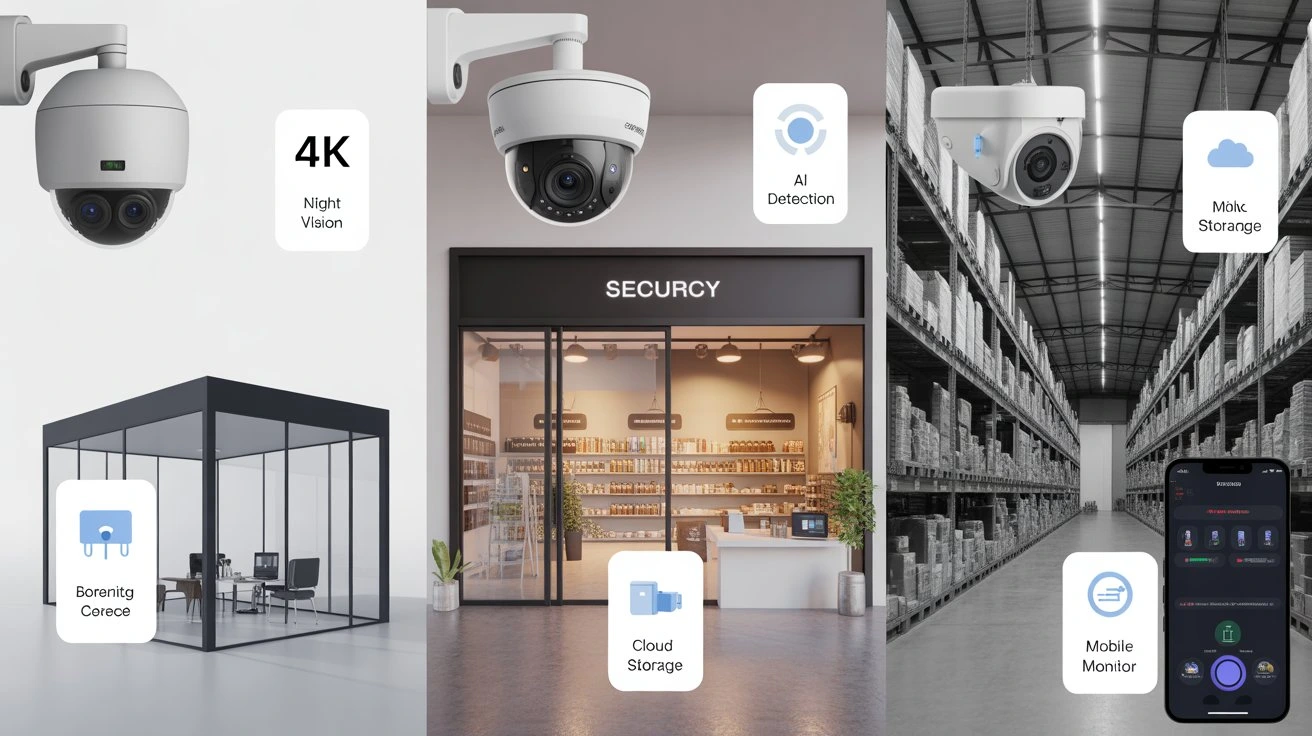
Running a small business comes with many challenges, but protecting your assets shouldn’t be one of them. Security threats like theft, vandalism, and employee misconduct can disrupt operations and cost money. A reliable security solution ensures peace of mind and safeguards your investment.
Choosing the Best Security Camera Systems for Small Business means investing in equipment that is durable, smart, and scalable. With the right system, you can monitor entrances, parking lots, and sensitive areas while keeping costs manageable. In 2026, advanced features like AI detection and mobile monitoring make it easier than ever to secure your business efficiently.
What Small Businesses Should Look For in a Security Camera System

Small business owners need cameras that balance affordability, reliability, and performance. Cam Security Surveillance recommends considering these key factors when choosing the right system for your business.
- Image Quality: Look for 1080p at minimum. 4K cameras offer sharper footage for identifying faces and license plates.
- Coverage Area: Wide-angle lenses and adjustable mounts help reduce blind spots.
- Night Vision: Infrared or low-light performance is essential for after-hours monitoring.
- Connectivity: Wired, wireless, or PoE (Power over Ethernet) options depend on your business layout.
- Storage Options: Local DVR/NVR or cloud-based storage affects cost, retention, and accessibility.
- Smart Features: Motion alerts, AI detection, and analytics enhance security without constant monitoring.
- Scalability: Ensure your system can grow with your business without a full replacement.
A solid small business surveillance system protects property, reduces risk, and makes employees feel safer.
Types of Security Camera Systems for Small Business
1. Wired Systems
Wired cameras provide a stable connection and reliable performance. They are less prone to interference and suitable for large offices or warehouses. Installation requires professional wiring, which can be labor-intensive but delivers long-term durability.
2. Wireless / Wi-Fi Systems
Wireless cameras offer flexibility and easy installation. They connect to your Wi-Fi network and can be relocated as needed. Ideal for small retail shops or temporary setups, these systems rely on a strong internet connection.
3. PoE (Power over Ethernet) Systems
PoE cameras transmit power and data over a single cable. They combine the stability of wired systems with easier installation than traditional wired setups. PoE is ideal for offices or restaurants with multiple camera points.
4. Hybrid Systems
Hybrid setups mix wired and wireless cameras. This approach suits businesses that need a combination of permanent high-traffic coverage and flexible monitoring in other areas.
Top Security Camera Systems for Small Business in 2026
Here’s a breakdown of top options, based on performance, reliability, and suitability for small businesses:
1. Arlo Pro 5 – Best Overall
The Arlo Pro 5 delivers 4K resolution with HDR, providing sharp, detailed images. Its color night vision ensures clear footage even in low-light conditions. The system includes AI motion detection to alert you of unusual activity and comes with cloud storage offering 30-day retention.
2. Reolink RLC-820A – Best Budget Option
The Reolink RLC-820A is an affordable choice for small businesses, offering 4MP resolution and PoE connectivity for reliable performance. It features smart person and vehicle detection, and supports cost-effective NVR storage options, making it ideal for budget-conscious setups.
3. Nest Cam IQ Outdoor – Best for Outdoor Coverage
The Nest Cam IQ Outdoor is designed for outdoor security with a 4K sensor and HDR for high-quality footage. Its weatherproof housing ensures durability in all conditions. Advanced facial recognition helps identify known employees, while the mobile app allows seamless remote monitoring.
4. Swann 8CH 4K Security System – Best for Retail
The Swann 8CH 4K Security System is perfect for retail businesses with multiple cameras. It provides motion alerts, scheduled recording, and local storage with optional cloud backup. Wide-angle lenses ensure large stores are thoroughly monitored.
5. Hikvision DS-2CD2347G1-L – Best for Office & Remote Monitoring
The Hikvision DS-2CD2347G1-L offers 4MP high-resolution footage and smart analytics with AI motion alerts. It supports PoE or hybrid connectivity and easily integrates with access control systems, making it ideal for offices and remote monitoring needs.
Cloud vs Local Storage: Which Is Best for Small Business?
Choosing between cloud and local storage depends on business priorities:
- Cloud Storage: Offers remote access, automatic updates, and easy scalability. Subscription costs apply. Data is secure if encrypted. Ideal for businesses needing off-site backup.
- Local Storage (NVR/DVR): One-time cost, no ongoing fees, but requires physical security and maintenance. Best for businesses with limited internet or sensitive footage.
A hybrid solution often provides the best balanced local storage for daily footage and cloud backup for critical events.
Important Features to Consider in 2026
Modern small business surveillance systems include features beyond basic recording:
- AI and Analytics: Detect people, vehicles, and unusual behavior automatically.
- Remote Access: Mobile apps let owners monitor in real-time from anywhere.
- Integration: Connect with alarm systems, door locks, or POS systems for full coverage.
- Cybersecurity: Ensure cameras use encrypted connections to prevent hacking.
- Alerts & Notifications: Instant notifications on suspicious activity help reduce response time.
Selecting cameras with these features improves efficiency and strengthens security for both staff and assets.
Installation Options: DIY vs Professional
Installing a small business surveillance system can be done either way:
- DIY Installation: Cost-effective, flexible, and good for small setups. Requires technical know-how.
- Professional Installation: Recommended for complex setups or multi-camera coverage. Experts ensure proper placement, configuration, and integration.
For guaranteed reliability, consider business security camera system installation by a trusted provider. Cam Security Surveillance offers professional services, ensuring optimal coverage and peace of mind.
Cost Breakdown: What Small Businesses Should Budget
Understanding costs helps plan a security investment wisely:
- Cameras: $50–$500 per unit depending on features.
- Storage Solutions: NVR/DVR $200–$600; cloud subscriptions $10–$50/month.
- Installation: DIY is free; professional installation $150–$500 per system.
- Maintenance: Occasional updates, cable replacements, or camera cleaning.
Small businesses can start with 2–4 cameras and expand as needed. Budgeting prevents overspending while ensuring security coverage.
Legal and Privacy Considerations
Compliance with laws is critical for small businesses:
- Employee & Customer Awareness: Post signs indicating surveillance.
- Camera Placement: Avoid restrooms or private areas.
- Data Retention: Follow local laws on how long footage can be stored.
- Access Control: Limit who can view and download recordings.
Maintaining transparency builds trust and reduces liability risks.
Additional Tips for Effective Small Business Security
- Place cameras near entrances, exits, cash registers, and storage areas.
- Use motion-activated cameras to reduce unnecessary recording.
- Regularly check footage quality and camera alignment.
- Integrate cameras with alarms or lighting systems for faster response.
- Keep software and firmware updated for security and performance.
These steps maximize the effectiveness of your small business surveillance system.
Conclusion
Choosing the Best Security Camera Systems for Small Business in 2026 means balancing performance, budget, and features. Wired, wireless, PoE, and hybrid systems each have advantages depending on your business size and layout. Cloud storage, AI analytics, and mobile access enhance security while professional installation ensures reliability.
Investing in a business security camera system protects your assets, employees, and customers. For expert guidance and installation, Cam Security Surveillance provides tailored solutions for any small business. Prioritize quality, plan for future growth, and choose a system that fits your operational needs. Contact us today to discuss the best security solution for your business.
FAQs
ow many cameras do I need for a small business?
Most small offices typically require 2–6 cameras to cover entrances, exits, and high-value areas such as cash registers, storage rooms, or server closets. Additional cameras may be needed for parking lots, hallways, or reception areas to ensure complete surveillance and employee safety.
Can I monitor my cameras remotely?
Yes, most modern small business security camera systems allow real-time monitoring through a mobile app. This lets you view live footage, receive motion alerts, and manage settings from anywhere, ensuring your business stays secure even when you are offsite.
What resolution is best for business cameras?
For small business security cameras, 1080p resolution is the minimum standard, providing clear footage for general monitoring. However, 4K resolution is preferred, as it delivers sharper images that make facial recognition, license plate reading, and identifying details much easier and more reliable.
Should I use cloud or local storage?
A combination of both provides redundancy and convenience. Cloud offers remote access; local storage ensures privacy.
Can I install security cameras myself?
DIY installation is possible for simple setups, such as a few cameras in a small office or retail space. However, professional installation ensures proper coverage, optimal camera placement, and full system integration, giving your business reliable security without blind spots or technical issues.










