I
Schools should feel safe. Students learn better when they feel protected, and parents send their kids off with more confidence when security is in place. Today, security cameras are a basic part of that safety plan.
This Guide to School Security Cameras & Surveillance Systems covers everything you need to know, from camera types to installation tips to legal rules. Whether you manage a small school or a large district, this guide helps you make smart decisions.
What Are School Security Cameras and Surveillance Systems?
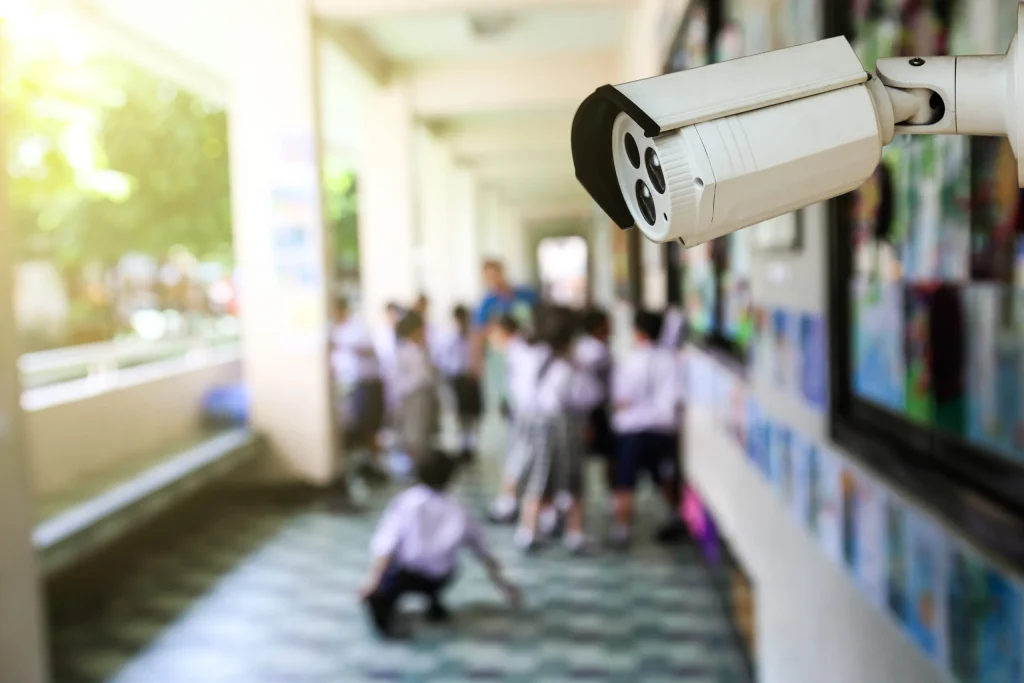
School security cameras are video devices placed around school property to monitor activity. A full surveillance system includes cameras, recorders, storage, and software that work together.
These systems let staff watch live footage and review recorded video when needed. Modern systems do more than just record. They detect motion, send alerts, and connect to access control tools.
Security cameras in schools are not just about catching bad behavior. They help prevent it.
Why Schools Need Security Camera Systems
School safety is a real concern. From bullying to unauthorized visitors, threats come in many forms.
Here is why schools invest in surveillance:
- Deterrence. Cameras stop problems before they start. Most people behave differently when they know they are being watched.
- Evidence. When incidents happen, footage provides clear proof.
- Faster response. Staff can spot problems in real time and act quickly.
- Accountability. Cameras hold both students and staff accountable.
- Parent confidence. Families feel better knowing cameras are watching over their children.
According to the National Center for Education Statistics, over 80% of U.S. public schools used security cameras as of recent years. That number keeps growing.
Types of Security Cameras Used in Schools
Not all cameras are the same. Choosing the right type matters a lot.
- Dome Cameras These are round cameras mounted on ceilings. They cover wide areas and are hard to tamper with. Great for hallways and cafeterias.
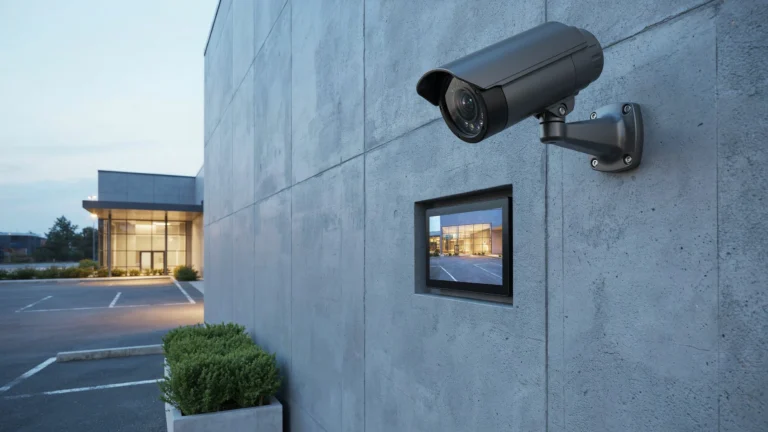
- Bullet Cameras Long and cylindrical. These are best for outdoor areas like parking lots and entrances. They handle rain and sun well.
- PTZ Cameras (Pan-Tilt-Zoom) These cameras move and zoom. Security staff can control them remotely to follow activity across a large area.
- IP Cameras Internet Protocol cameras send video over a network. They offer high resolution and remote access from any device.
- Fisheye Cameras One camera covers a 360-degree view. Perfect for gyms and open spaces where wide coverage is needed.
- Thermal Cameras These detect heat, not just light. Useful for monitoring at night or in low-light areas.
Each camera type has a role. A good school surveillance system uses a mix of these.
Best Locations to Install School Security Cameras
Where you place cameras matters as much as which cameras you buy.
High-priority locations:
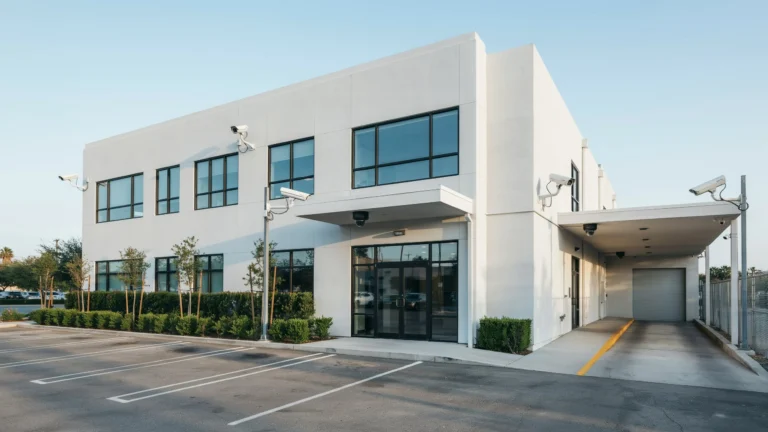
- Main entrances and exits Every person entering or leaving should be on camera.
- Hallways Long corridors need coverage at both ends.
- Parking lots Vehicles and people need monitoring before they even enter the building.
- Cafeteria A busy common area where incidents often happen.
- Gymnasium Large open space that needs wide-angle coverage.
- Stairwells Often blind spots without cameras.
- Bus loading zones Student safety extends beyond the building.
- Server rooms and offices protect sensitive areas from unauthorized access.
Where cameras should NOT go:
- Bathrooms
- Locker rooms
- Private counseling areas
Surveillance cameras in classrooms are a debated topic. Some schools use them, others do not. If your school installs surveillance cameras in classrooms, clear policies and parent communication are a must.
Key Features to Look for in a School Surveillance System
Buying cameras is just one part. The whole system needs to work well together.
Resolution At least 1080p HD. Higher resolution means better identification of faces and license plates.
Night Vision Schools are active after hours too. Infrared night vision keeps coverage going around the clock.
Wide Dynamic Range (WDR) Handles bright and dark areas in one frame. Useful near windows and entrances.
Remote Access Administrators and security staff should view footage from phones or computers anywhere.
Motion Detection and Alerts The system should send real-time alerts when motion is detected in restricted areas.
Storage Capacity Choose between local storage (NVR/DVR) or cloud storage. Cloud is more flexible. Local storage is more private.
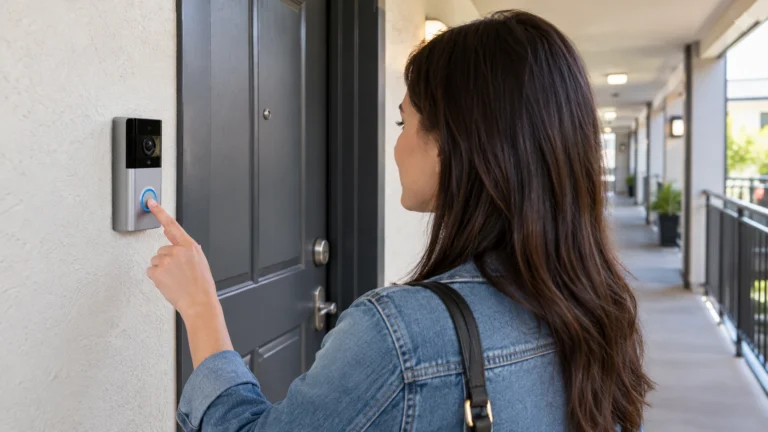
Integration The system should connect with access control, alarms, and intercom systems.
Scalability Your system should grow with your school. Start with key areas and expand over time.
Benefits of School Security Cameras
The advantages go beyond just recording video.
- Safer Environment The visible presence of security cameras for schools reduces fights, theft, and vandalism.
- Faster Incident Response Staff can see problems as they happen and call for help right away.
- Supports Investigations Clear footage helps administrators and law enforcement resolve incidents quickly and fairly.
- Reduces False Claims Footage protects staff and students from false accusations. The video tells the truth.
- Monitors Visitor Activity Know exactly who entered, when, and where they went.
- Improves Overall School Culture When students know cameras are present, behavior tends to improve across the board.
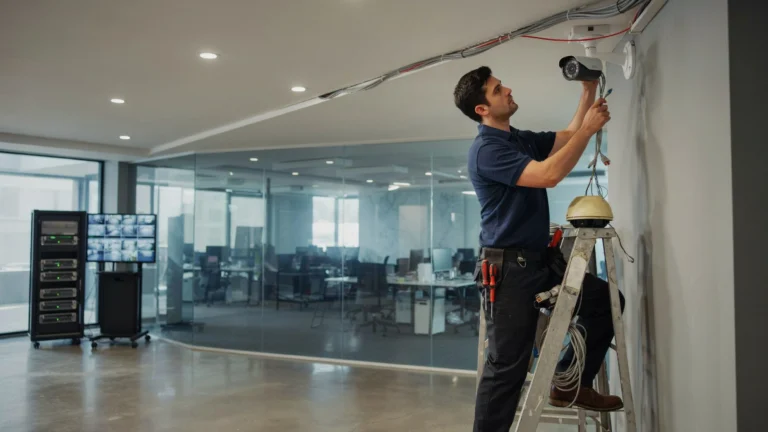
If you are planning a new installation, professional video surveillance installation by experienced technicians ensures your system works from day one. Cam Security Surveillance offers full-service installation designed specifically for schools, from planning to setup to ongoing support.
Privacy and Legal Considerations for School Surveillance
Cameras in schools raise fair questions about privacy. Schools must follow the law.
FERPA (Family Educational Rights and Privacy Act) In the U.S., video footage that identifies students may be considered an education record. Schools must handle it accordingly.
State Laws Many states have specific rules about where cameras can be placed and how footage is stored. Always check local laws.
Notification Requirements Most districts are required to notify parents and staff that surveillance is in use.
Data Retention Policies How long do you keep footage? Thirty days is common. Longer storage needs stronger security to prevent breaches.
Surveillance cameras in classrooms require extra care. Parents often want to know who can view that footage and under what conditions.
Being transparent builds trust. Share your camera policy with parents, staff, and students openly.
Common Challenges and How to Overcome Them
Even the best plans run into problems. Here is what schools face and how to handle it.
Budget Limits High-quality systems cost money. Start with the most critical areas. Apply for school safety grants, many are available at the state and federal level.
Outdated Infrastructure Older buildings may not support modern IP camera systems. Work with an installer who can assess your wiring and network before purchasing equipment.
Blind Spots Poor camera placement leaves gaps. Do a full walkthrough before installation. Use wide-angle or fisheye cameras in open areas.
Cybersecurity Risks IP cameras connected to the internet can be hacked. Use strong passwords, encrypted connections, and regular firmware updates.
Staff Training A system nobody knows how to use is a wasted investment. Train your security team and administrators on how to monitor and retrieve footage.
Best Practices for School Surveillance System Installation
Getting the setup right from the start saves time and money later.
- Hire certified professionals. DIY installation leads to blind spots and technical failures.
- Conduct a site survey first. Walk the entire property and map every camera location before buying anything.
- Use weatherproof cameras outdoors. Look for IP66 or IP67 ratings for outdoor units.
- Set up redundant storage. Keep copies of footage in two places, local and cloud.
- Test every camera after installation. Check angles, night vision, and motion detection before going live.
- Create a written surveillance policy. Document who has access to footage, how long it is stored, and how it is used.
- Review the system annually. Schools change. New buildings, new blind spots. Review placement every year.
Future Trends in School Security Technology
School security is evolving fast. Here is what is coming next.
AI-Powered Analytics Cameras with built-in AI can detect unusual behavior, unattended bags, or unauthorized access in real time without human monitoring.
Facial Recognition Some schools are testing facial recognition to identify registered visitors versus unknown individuals. This technology raises privacy concerns and is regulated in many states.
Cloud-Based Management More schools are moving to cloud platforms that allow district-wide monitoring from one dashboard.
License Plate Recognition (LPR) Cameras at parking lots can now read and log every plate automatically. Useful for identifying unauthorized vehicles.
Integration with Emergency Systems Future systems will connect cameras directly to 911 dispatch, lockdown systems, and mass notification tools for faster emergency response.
Choosing the Right School Security Camera Provider
Not every vendor understands the unique needs of schools. Look for these qualities:
- Experience with educational facilities. Ask for references from other schools.
- End-to-end service. From consultation to installation to maintenance, one provider is better than three.
- Compliance knowledge. Your provider should understand FERPA, state laws, and data privacy rules.
- Ongoing support. Cameras need maintenance. Choose a provider with a reliable support plan.
- Scalable solutions. Your needs will grow. Your system should grow with them.
Cam Security Surveillance specializes in school environments. Their team understands both the technical and legal sides of school surveillance systems, making them a trusted partner for districts of all sizes.
Conclusion
School safety is not optional. Security cameras for schools give administrators, parents, and students the confidence that someone is watching and that help is available when needed. This Guide to School Security Cameras & Surveillance Systems covered every major area, from camera types to legal rules to future technology. The right system, properly installed and managed, makes a real difference.
Start with a clear plan. Know your school layout, your budget, and your legal requirements. Work with experienced professionals. And review your system regularly to keep up with changing needs. Safety is an investment. Make it a smart one. Have questions or need help setting up the right system for your school? Contact Us today and let our team guide you through every step.
FAQs
Are security cameras in schools legal?
Yes, in most areas. Cameras are allowed in common areas. They are not permitted in bathrooms or locker rooms. Always check your state and local laws.
Can parents request to see footage of their child?
In many cases, yes. Under FERPA, footage that identifies a student may be an educational record. Schools should have a clear policy for these requests.
How long should schools keep security footage?
Most schools keep footage for 30 to 60 days. Some incidents may require longer retention. Check with your legal team.
Are surveillance cameras in classrooms a good idea?
It depends. Some schools use them for safety and accountability. Others feel it affects the learning environment. Clear policies and parent communication are essential if you go this route.
What is the best camera resolution for schools?
At least 1080p HD. For entrances and parking lots where license plates or faces need to be identified, 4K resolution is worth the investment.
How much does a school surveillance system cost?
Costs vary widely. A small school might spend $5,000 to $15,000. Larger districts can invest $50,000 or more. Grants and phased installations can help manage costs.