
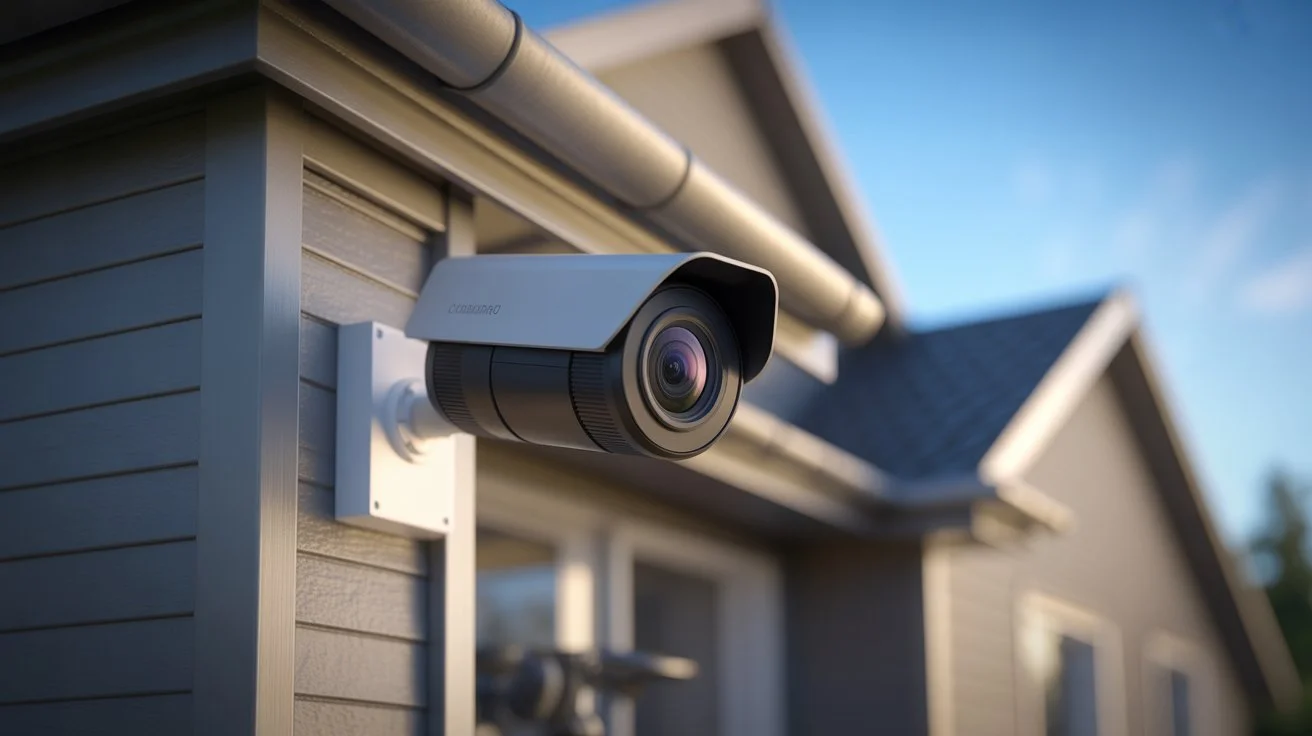
Hidden cameras can be placed in homes, rentals, offices, and public spaces without notice. They are often small, easy to hide, and sometimes built into everyday objects like chargers or clocks. This creates real privacy concerns for travelers, tenants, and homeowners who value safety and trust in their surroundings.
Learning How to Detect Hidden Cameras helps you protect your personal space and avoid unwanted surveillance. With simple checks, awareness, and a few tools, you can quickly identify suspicious devices and secure your environment with confidence.
What Are Hidden Cameras?
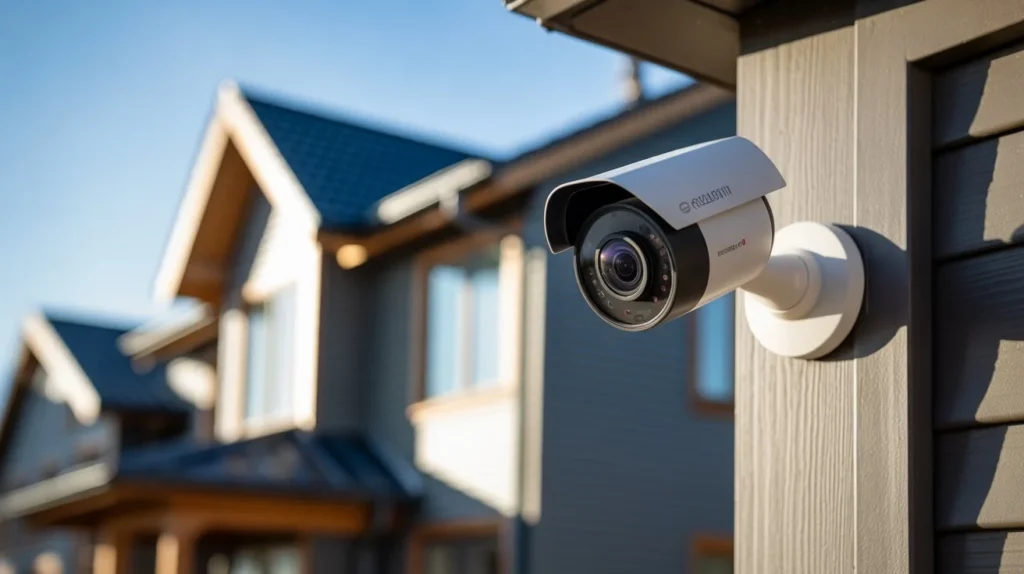
Hidden cameras are small surveillance devices designed to record video without being easily noticed. They may operate with or without WiFi, depending on the model and setup.
Some cameras store footage locally using SD cards or DVR systems. Others send data over wireless networks for remote viewing. This answers a common question many users ask: do cameras need wifi. The answer is no for basic recording, but WiFi is often used for live access and cloud storage.
Hidden cameras can be standalone or embedded inside everyday objects. Their main purpose is monitoring, but misuse can lead to privacy violations.
Where Hidden Cameras Are Commonly Placed
Hidden cameras are usually placed in areas where people expect privacy or minimal attention. Knowing these spots is key when focusing on detecting hidden cameras.
Common locations include:
- Smoke detectors
- Alarm clocks
- Air purifiers
- USB chargers and adapters
- Wall frames and decorations
- Electrical outlets
- Mirrors and vents
- Lamps and small appliances
These objects blend into normal surroundings, which makes them easy to overlook during a quick check.
Signs of a Hidden Camera
There are several warning signs that can help you identify suspicious devices. These are practical tips for hidden camera detection you can use in any room.
Look for:
- Small holes that seem unnecessary
- Objects facing unusual directions
- Blinking lights or faint reflections
- Items that feel out of place or newly added
- Extra wires that don’t match the device
In rental properties or shared spaces, such as listings related to Indianapolis apartment security solutions, it becomes even more important to inspect your environment before settling in. Companies like Cam Security Surveillance emphasize proper installation and transparency to maintain trust in security systems.
How to Detect Hidden Cameras (Step-by-Step Methods)
1. Start with a Visual Scan
Walk through the room slowly. Look at each object carefully. Focus on anything that seems slightly unusual. Hidden lenses are often tiny but may reflect light.
2. Use Your Phone Camera
Turn off the lights and open your smartphone camera. Some hidden cameras use infrared LEDs that appear as small glowing dots on your screen. This is one of the simplest methods of hidden camera detection.
3. Check Reflections with a Flashlight
Shine a flashlight around the room. Camera lenses often reflect light differently than normal surfaces. Move the light slowly and watch for small shiny spots.
4. Inspect WiFi Networks
Check nearby WiFi networks for unknown devices. Some hidden cameras connect to the internet. While this does not always confirm a camera, it helps identify suspicious activity. This step also relates to the question do cameras need wifi, since many devices rely on networks for remote viewing.
5. Listen for Unusual Sounds
Some devices emit faint buzzing or clicking sounds. Stay quiet in the room and listen closely, especially near electronic objects.
6. Look Behind Everyday Items
Check objects like clocks, smoke detectors, and chargers. Remove covers if possible and inspect inside areas where a small lens could be placed.
These steps together form a reliable approach for detecting hidden cameras in most environments.
Advanced Detection Tips
If you want stronger protection, consider these advanced methods of hidden camera detection:
- Use RF detectors that scan for wireless signals
- Inspect wiring behind devices and outlets
- Check for heat from hidden electronics
- Use professional scanning tools for high-risk areas
- Review device manuals when staying in rentals or hotels
Security professionals, including teams at Cam Security Surveillance, often use a combination of technical tools and manual inspection to ensure complete coverage.
What to Do If You Find a Hidden Camera
If you discover a suspicious device, act carefully.
- Do not touch or move it immediately
- Take photos or record evidence
- Avoid alerting anyone if safety is a concern
- Report the issue to property management or authorities
- Leave the area if you feel unsafe
Your priority should be personal safety and proper reporting. Avoid destroying evidence, as it may be needed for investigation.
Legal and Privacy Considerations
Laws about hidden cameras vary by location. In many regions, recording someone without consent in private spaces is illegal. However, security cameras used in public or shared areas may be allowed if disclosed properly. It is important to understand local privacy laws before assuming intent.
Landlords, hotels, and businesses must follow clear rules when installing surveillance devices. Transparency and consent are key factors in lawful monitoring.
Common Myths About Hidden Cameras
Myth 1: All hidden cameras need WiFi
Not true. Many hidden cameras use local storage like SD cards or DVRs and work without internet. They record footage offline until manually accessed.
Myth 2: Wireless means internet required
Wireless does not always mean WiFi. Some cameras use local signals or closed systems and can operate without internet, even if WiFi is available for remote viewing.
Myth 3: Hidden cameras are easy to spot
Most hidden cameras are designed to blend into everyday objects like clocks, chargers, or smoke detectors. They are not easy to notice without careful inspection.
Myth 4: Only experts can find them
Basic tips for hidden camera detection are enough for most people. Simple checks and awareness can help identify suspicious devices without professional tools.
Understanding these myths helps you stay realistic and avoid confusion.
Prevention Tips to Protect Your Privacy
Prevention is just as important as detection. Here are practical steps:
- Inspect rooms before settling in
- Cover unused power outlets when needed
- Use privacy covers for devices
- Avoid placing trust in unfamiliar environments too quickly
- Stay aware of unusual objects in shared spaces
If you manage a property or business, consider professional installation from trusted providers like Cam Security Surveillance to ensure proper and ethical surveillance practices.
Conclusion
Learning How to Detect Hidden Cameras is about awareness, simple checks, and using the right approach. Hidden cameras can exist in many forms, but most can be identified with careful observation and basic tools.
By combining visual inspection, phone-based checks, and network awareness, you can confidently protect your privacy. The goal is not fear, but control over your environment. A few minutes of checking can give you peace of mind and help you stay secure wherever you go.
If you need professional help with security systems or guidance, feel free to contact us at Cam Security Surveillance for reliable support and solutions.
FAQs
How to Detect Hidden Cameras in a hotel room?
Check common hiding spots, use your phone camera for infrared light, and inspect objects like smoke detectors and clocks.
Can hidden cameras work without WiFi?
Yes. Many record locally using SD cards or DVR systems without internet access.
What are the best tips for hidden camera detection?
Visual scanning, flashlight reflection, and checking unknown devices on WiFi networks are effective starting points.
Are hidden cameras always wireless?
No. Some are wired, while others are wireless but may still operate without the internet.
What tools help in detecting hidden cameras?
RF detectors, smartphone cameras, and flashlight methods are commonly used detection tools.










