
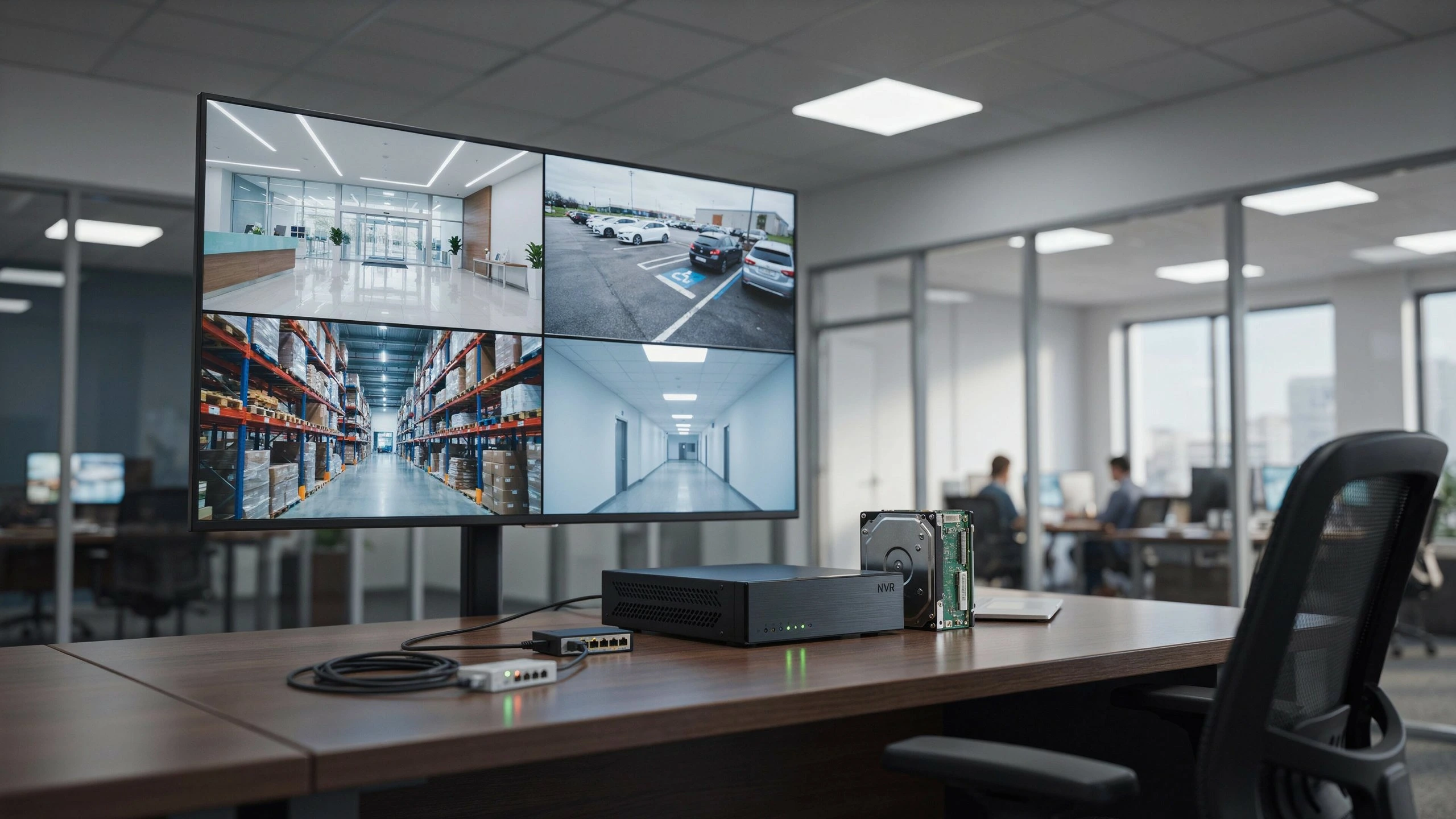
There is no simple answer, as recording time varies based on several factors such as: number of cameras; video resolution; bitrate; compression; whether the system records constantly or on motion detection. Generally, a 1 TB CCTV hard drive could record from several days to several weeks depending on your system’s specifications and the configuration settings. A rough idea of 1 TB of CCTV storage will give you a great deal of information to allow you to decide on the appropriate storage space of your own security camera system.
If you require days of CCTV recording then you should look to purchase more terabytes of storage, use a low recording bitrate, record for fewer hours each day or trigger your recording on motion.
How Many Days Can 1TB CCTV Record?

So to summarize the above, how many days will 1 TB of CCTV storage last? For the average multi-camera system it will likely be between a couple of days to several weeks. Taking an example, the storage guide published on Cam Security Surveillance websites gives a rough estimate of 7-10 days of recording for 1 TB for a 4 camera 1080p system with normal continual recording settings.
This information should be treated as a guideline rather than an absolute number though, a low camera count and a low bit rate might give many more days but conversely, and as expected, a 4 camera 1080 p high quality system with lots of recording time recorded at high resolution can fill a 1 TB hard drive in less than a couple of days.
Approximate 1TB Recording Examples
| CCTV Setup | Recording Mode | Approximate 1TB Retention |
| 1 × 1080p camera | Continuous | Several weeks |
| 2 × 1080p cameras | Continuous | Around 1–3 weeks |
| 4 × 1080p cameras | Continuous | Around 7–10 days |
| 4 × 4K cameras | Continuous | Potentially only a few days |
| Multiple cameras | Motion detection | Potentially several weeks |
Again, these are examples not recording times guaranteed. The true factor will be the bitrate you are recording and your recording schedule.
What Does 1TB CCTV Storage Capacity Mean?
1TB of storage for recordings, all 1TB’s are then divided equally among every camera that is connected to the NVR or DVR. If you are recording 4 cameras at all times. All 4 cameras write their individual data stream onto that single hard drive at once.
When you put 8 cameras online then the storage will then be spread among more streams and recording time. Thus, 1TB will actually record longer with one camera than 8 cameras with the same resolutions and bit-rates.
Factors Affecting CCTV Recording Time
There are a number of important factors which affect the length of CCTV recording.
1. Number of Cameras
This is a very significant factor.
If you have only one camera recording with a certain bit-rate, then once you put a second one on, still with the same bit-rate, it will approximately halve your record time. A bigger system thus requires a larger storage if you intend to still keep the same number of recording days.
2. Video Resolution
All things being equal, higher resolution = larger data.
A 720p camera generally takes up less storage than a 1080p camera and a 2k or 4k will take up considerably more storage depending on settings. While there will be more detail available with a higher resolution recording, this may take up the space available more quickly on a particular sized hard drive.
3. Bitrate
One of the most significant variables involved when performing CCTV recording storage calculations is bitrate. This is measured in Mbps. So a camera which uses 8Mbps to record will use up more data in any given space and time period, than a camera which uses 4Mbps.
Reolink calculates a camera’s recording time using storage space and bitrate. Similarly, Hikvision documents show how higher bitrates take up more storage/hour.
4. Compression
Video compression will also impact on the size of the files generated for a CCTV system. For example most modern systems use an H.264 or H.265 video compression which depends on many factors to limit the amount of data generated per hour of recording.
5. Continuous vs. Motion Recording
If a camera uses all day recording it will require much more storage space compared to a motion recording camera which only saves when it detects activity. This is due to the fact it is only saving 24hr data for as long as 24hr days are going to last.
For example a residential system used on the outside of a house recording for a good amount of time where not much is expected will be using significantly less storage compared to an indoor camera watching a busy street 24/7.
6. Frame Rate
Another factor to consider is frame rate, this is the amount of Frames Per Second (FPS) a camera records at. If a camera is recording more frames it would mean that more video is produced, therefore takes up space much faster. Lowering FPS will increase recording time. This can depend on what the activity type would be recorded.
7. Recording Hours Per Day
You can make a basic calculation of storage required using the following variables; storage capacity, bit-rate and number of cameras.
A standard formula is:
Time of Recording = storage space ( / )Data used each hour
If it is an NVR/DVR, multi-camera device you also need to use a number of cameras.
A more defined formula would look something like this:
Days of recording = (space of Storage 8) (bit-rate 3600 24 Number of Cameras)
Always keep storage factors constant when dealing with this formula. For example some manufacturers of equipment like Reolink provide formulas based on the factors above: storage space and bit-rate; recording time and number of cameras, although the unit factors used within the formula can sometimes differ by manufacturers.
Simple Example
Suppose you have:
1TB storage
4 cameras
Each camera recording at 4 Mbps
24-hour continuous recording
Using the bitrate-based calculation gives an approximate retention period of about 6 days before accounting for system overhead and differences between advertised and usable storage.
This demonstrates why simply saying “1TB equals X days” can be misleading.
Does 1TB Record Longer With H.265?
Yes it can. H.265 has been designed to be able to compress video more effectively than previous compression methods across many surveillance applications. This can provide an increased storage capacity to accommodate more footage on the same amount of storage, the actual storage saved really does vary according to the camera used, bit rate, scene complexity and settings configuration.
Check recommended configurations settings according to your specific manufacturers systems and the type of camera you are using.
How Long Will 1TB Record 4 CCTV Cameras?
For four 1080p cameras recording continuously, 1TB may provide roughly a week of retention under typical settings. Cam Security Surveillance’s published example gives approximately 7–10 days for a 4-camera 1080p system with 1TB, although the actual result varies by configuration.
If the same four cameras record at higher resolution or higher bitrates, the retention period can become significantly shorter. Using motion detection instead of continuous recording can extend the available retention period considerably.
How Long Will 1TB Record 8 CCTV Cameras?
Eight CCTV cameras will take up storage far more rapidly than 4, with other settings unchanged. If 8 cameras uses 8bps, when 4 cameras are also using 8bps they will take up 2 times the amount of space per hour approximately. Thus if you get 10 days of recording when storing 4 CCTV cameras you would receive 5 days with 8 CCTV cameras when considering similar variables.
The result depends on each camera bit-rate, resolution, compression and recording schedule.
How Can You Make 1TB CCTV Storage Last Longer?
If you have a 1TB Hard Drive but need longer storage, then consider the following tips:
Record only when there is movement in the cameras where possible Use efficient video compression, such as H.265 if your cameras have this feature Reduce the bitrate to only that what you need depending on what image quality you desire from your footage. Do not use unnecessarily high framerates (fps) Only record 24/7 where you actually need to.
Don’t have more cameras sharing a storage device than necessary if camera coverage will not be compromised If you require longer storage buy a higher capacity of Hard Drive. Do not compress footage excessively to the point where details are indistinguishable, footage that cannot be used to provide any value from a security perspective is storage that could be of benefit.
What Happens When the 1TB Drive Is Full?
Usually, the system(s) will normally be used in a loop recording setting. The system will usually continually overwrite the older footage and replace it with newer footage so that the cameras can continually record without storage being depleted entirely. However this is only enabled if your system has it configured to do so. You need to check the configuration on your DVR/NVR to ensure the rewrite/loop recording is activated as described in the article below.
Cam Security Surveillance writes “Once your storage fills up most security systems automatically delete the oldest recordings, and make room for new ones.”
Important Tip
If something has occurred that is relevant then try to download or transfer the required footage at the earliest opportunity in order to avoid it being deleted when storage fills up.
Is 1TB Enough for a CCTV System?
For a small home CCTV system, 1TB can be enough if you only need a relatively short retention period.
However, 1TB may not be sufficient if you have:
Several cameras
4K cameras
Continuous 24/7 recording
High recording bitrates
A requirement to keep footage for 30 days or longer
A commercial property with extensive surveillance coverage
For larger systems, increasing the hard-drive capacity can be a more practical solution than sacrificing video quality.
How to Choose the Right CCTV Storage Size
Start by determining how long you need to keep your recordings.
For example:
7 days: 1TB may be suitable for some smaller systems.
14–30 days: You may need 2TB, 4TB, or more depending on camera count and settings.
30–90+ days: Larger storage capacity or a combination of storage methods may be necessary.
The exact requirement should be calculated using the camera count, resolution, bitrate, FPS, and recording schedule rather than choosing a hard drive based only on the number of terabytes.
When Should You Upgrade From 1TB?
One situation you should consider upgrading is when you’re not retaining footage for the length of time you need. For instance, if your goal is 30 continuous day recordings but you’re only getting 7 to 10 days from a 1TB, installing a larger hard drive would be a relatively straightforward and effective fix.
A security camera installation indianapolis can help to accurately estimate footage retention and guide your decision as to whether you require a particular amount of storage capacity for your needs.
Here at Cam Security Surveillance we have CCTV system packages and we use a CCTV storage calculation tool, which enables us to store all your footage.
Final Answer: How Long Will 1TB CCTV Record?
So just how long will 1TB CCTV last? For a typical four camera 1080p system recording around the clock, 7-10 days is a reasonable rule of thumb, but there are no guarantees here at all.
Low bitrate cameras, recording only one such camera, could record for several weeks; multiple, high-resolution cameras, however, could consume the same 1TB of storage within just a few days.
The number of cameras, resolution, bitrate, compression, frame rate, and recording mode all affect storage needs. By checking these factors, you can estimate your own storage requirement instead of relying on a general estimate alone. Contact us today if you need help choosing the right CCTV storage capacity for your camera system.
FAQs
How many days can 1TB CCTV record?
This depends on what system configuration you are running, but one 1TB CCTV recording can be considered a suitable minimum of between 7 and 10 days, for four 1080p cameras running around the clock. A lower bitrate single camera system will last considerably longer.
Is 1TB enough for 4 CCTV cameras?
It could be enough, but this depends on how long you need to record for. 7-10 days should be used as a rough guide only for four 1080p cameras running continuously, less if the resolution is higher or the bitrate needs to be faster.
Does 4K CCTV use more storage?
Higher resolution implies more data being captured. Therefore a 4K camera will consume space much more quickly than a similar camera with lower resolution, assuming other system settings remain similar for comparison.
Does motion detection save CCTV storage?
Absolutely. CCTV recording modes that operate based on motion detection will considerably cut down the amount of storage space that is consumed, only recording when events are taking place instead of when nothing is happening.
What are the main factors affecting CCTV recording time?
CCTV recording time depends primarily on: storage capacity, the amount of cameras you are using, the resolution of those cameras, and indeed the bitrate, compression, frame rate and number of hours that are required by the recording system itself each day.
How do I calculate how much CCTV storage I need?
For storage needs, it is worth working out the camera bitrate, the amount of cameras you have installed, the duration you want to retain the images for and the duration you want the cameras recording for. Manufacturers will provide storage calculators.
Can I increase CCTV recording time without buying a larger hard drive?
This is dependent on the type of system you have. Most systems feature the following and can prolong storage.










