


How long do security cameras keep footage? The answer varies based on a few key factors, though most cameras typically store recordings for 30 to 90 days. Retention time is shaped by storage size, camera type, and system configurations. For example, home systems with limited storage might only save a few days of footage, while commercial setups with large capacity may keep it for months. Knowing how long security cameras retain footage is essential for both homeowners and businesses to manage storage, meet legal guidelines, and access recordings when needed. This article breaks down what impacts retention and offers smart ways to extend it.
Does CCTV Footage Get Deleted Automatically?
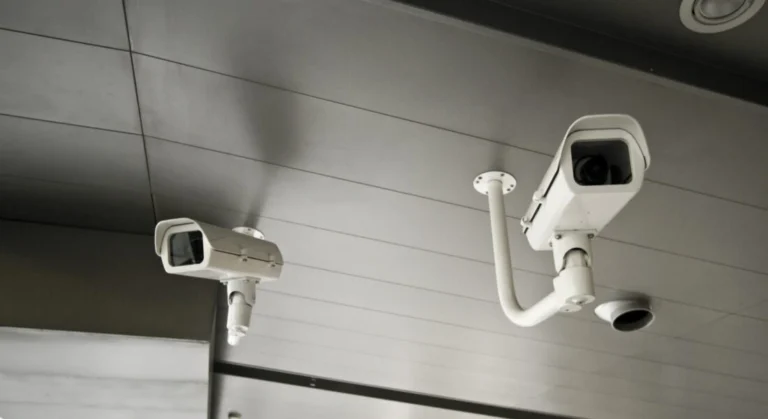
Yes, the majority of modern CCTV systems are built to erase footage automatically. This function mainly depends on the system’s storage limits and user-defined settings. So, how long cameras keep footage is determined by these elements. Below, we’ll break down how automated deletion works and what factors contribute to the retention period.
Automated Deletion Processes in Modern CCTV Systems
- Overwriting Mechanism
- Most CCTV systems use a loop recording system where the oldest footage is overwritten by new recordings once the storage limit is reached. This ensures continuous operation without the need for manual deletion.
- The duration before overwriting begins depends on the system’s storage size, resolution of recorded videos, and frame rates. For instance:
- High-resolution footage consumes more storage, reducing the retention period.
- Lower resolution or fewer cameras result in longer retention times.
- Cloud-Based Storage
- For systems with cloud-based storage, automated deletion is governed by subscription plans. These plans typically provide specific retention periods (e.g., 7, 30, or 90 days). After the set period, footage is automatically deleted unless marked for preservation.
Role of Overwriting Mechanisms and Storage Limits
- Storage Capacity: The available hard drive or cloud storage space determines how much footage can be retained before the system starts overwriting older recordings.
- Recording Settings: Adjusting settings such as resolution, motion detection, and recording schedules can influence storage utilization and the frequency of automated deletions.
- Retention Policies: Some advanced systems allow users to set specific retention periods. For example, a user might configure the system to retain footage for 15 days before deletion.
Scenarios Where Footage May Not Be Deleted Automatically
- Manual Deletion or Export:
- Users can manually delete or export footage for long-term storage, especially if it holds evidentiary value.
- Exported files are stored separately from the primary system and are not subject to overwriting.
- Cloud Storage Exemptions:
- In cloud-based systems, footage marked as important or archived may be retained indefinitely, depending on the subscription plan.
- Users can often extend retention periods for specific footage to prevent automatic deletion.
- System Settings:
- If a system is configured without overwriting enabled, recordings may stop once storage is full, leaving older footage intact until manually deleted.
- If a system is configured without overwriting enabled, recordings may stop once storage is full, leaving older footage intact until manually deleted.
How Often Does CCTV Footage Get Deleted Automatically?
CCTV footage is usually erased automatically depending on the system’s storage capacity and the retention settings defined by the user. In most setups, once the allocated storage fills up, older footage is overwritten by new recordings. Below are the main factors and timeframes that influence how long CCTV footage is kept:
Factors That Influence Deletion Frequency
System Storage Capacity
The size of the hard drive or cloud storage plays a major role in footage retention. For example:
- Smaller residential setups may store only 7 to 14 days of recordings.
- Larger commercial systems with more storage space can hold footage for 30 to 90 days or even longer.
Camera Resolution and Quantity
High-resolution cameras create bigger video files. Systems using 4K resolution consume storage quicker than those in standard definition, leading to shorter storage times. Also, the more cameras recording at once, the faster the storage fills up, reducing the retention period.
User-Defined or Default Retention Policies
Most CCTV systems allow users to set custom retention durations. Typically, residential systems default to 7 days, while commercial ones are set to retain footage for 30 to 90 days.
Legal and Industry Storage Requirements
Certain sectors or local laws require minimum footage retention periods. For example:
- Retailers may be required to store video for at least 30 days for legal and security reasons.
- Banks and high-security sites often keep footage for 90 days or more.
Typical CCTV Footage Retention Durations
- Residential Systems: Usually store 7 to 14 days of footage, depending on storage and settings.
- Commercial Systems: Commonly hold recordings for 30 to 90 days, especially in regulated industries.
- Cloud-Based Systems: Varies by plan—some providers offer storage from a few days up to a year or more.
What’s the Ideal Timeframe for Security Cameras to Keep Footage?
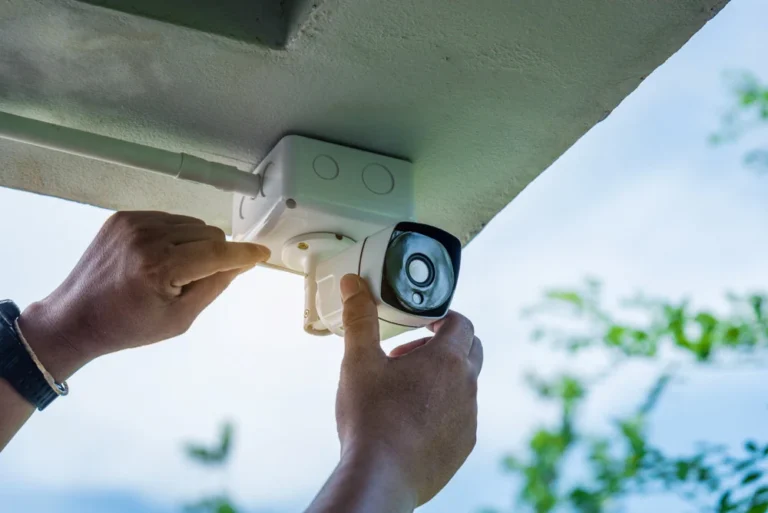
The optimal duration for keeping security camera footage depends on several factors, such as property type, legal obligations, and the balance between available storage and security requirements. So, how long does camera footage last depends on these key considerations. Below is a breakdown of recommended retention periods based on different scenarios:
1. Residential Properties
Suggested Retention Time: Typically, homeowners store footage for 30 to 90 days. This range is usually adequate for reviewing events like package theft or suspicious activity around the home.
Considerations: Residential systems often don’t require long-term storage, especially when set to overwrite older footage automatically. This helps maximize available space without sacrificing key recordings.
2. Commercial Properties
Suggested Retention Time: Businesses often retain footage for 90 days to 6 months, and in some cases, up to 1 year depending on security needs.
Considerations: For commercial setups—such as those using Commercial Security Camera Installation in Indianapolis—it’s important to weigh detailed surveillance requirements against storage limitations. Certain sectors, like retail, may need extended footage storage to support loss prevention or employee training.
3. Legal and Compliance Requirements by Industry
Specific industries are bound by regulations on surveillance data retention:
- Healthcare: U.S. healthcare facilities under HIPAA may be required to keep footage for set periods to ensure patient privacy and compliance.
- Financial Institutions: Banks are typically required to store video footage for durations ranging from 30 days to a year, depending on regional regulations.
- Transportation: Companies in the transportation sector may be obligated to store footage for a minimum of six months—particularly where public safety is involved.
4. Managing Storage and Security Efficiently
Storage Solutions: Cloud-based options are becoming more popular, offering remote access and avoiding physical hardware constraints. However, they tend to be more costly compared to local solutions like DVR or NVR systems.
Automatic Overwriting: Many systems, particularly in residential setups, can be configured to overwrite old footage when storage is full—helping to manage space efficiently.
Routine Footage Checks: Even if your system deletes files automatically, it’s smart for both homeowners and businesses to regularly review recent recordings. This ensures any important footage is saved before it’s overwritten.
How Much Storage Do Security Cameras Have?
Hard Drive Size: A larger hard drive allows more footage to be stored. Most security systems offer storage ranging from a few terabytes (TB) up to several dozen TB, depending on the overall configuration.
Number of Cameras: The storage requirements increase with the number of cameras. More cameras produce more footage, which naturally demands more storage capacity.
Recording Quality (HD vs 4K): Higher-resolution video—such as 4K—uses significantly more storage than standard HD. While HD recording may consume around 60GB per day with continuous recording, 4K can exceed 200GB daily, depending on settings like frame rate.
Compression Technology (e.g., H.264, H.265): Advanced compression technologies help lower storage use without compromising video quality. H.265 (HEVC) is more effective than H.264, compressing footage into smaller file sizes while maintaining visual clarity, which greatly reduces storage demands.
In summary, the total storage capacity required for your security camera system depends on the number of cameras, the video resolution, and the compression technology applied. To calculate precise storage needs, consider the number of cameras in operation, the recording quality selected, and the desired retention period for storing surveillance footage.
How Long Do Security Cameras Keep Footage | What If I Want to Keep Footage
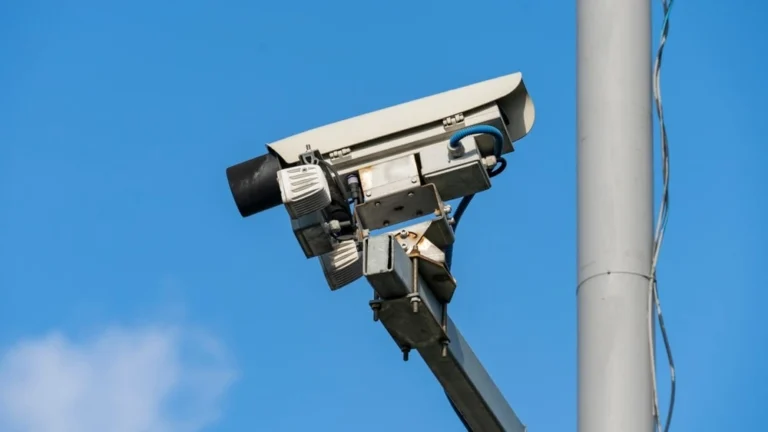
If you want to keep security footage for a longer period, here are a few options to consider:
1. Upgrading to Larger Hard Drives or Network Storage Devices
- Larger Hard Drives: One of the easiest ways to expand storage is by upgrading to higher-capacity hard drives or Network Video Recorders (NVRs) that accommodate larger drives. For example, swapping out a 2TB drive for a 10TB drive significantly increases your storage space for video footage.
- Network Storage Devices (NAS): For greater scalability and flexibility, consider using a NAS (Network-Attached Storage) device. NAS solutions allow remote access and can be expanded with additional drives as needed, making them ideal for larger systems or businesses needing extended storage duration.
2. Cloud Storage Solutions and Subscription Plans
- Cloud Storage: Many security camera systems offer cloud storage options, which allow you to store footage remotely. Cloud services often offer flexible subscription plans based on your storage needs and retention period. This also ensures footage is safe in case of theft or physical damage to local devices.
- Subscription Plans: Cloud storage usually comes with different pricing tiers depending on the storage capacity, footage resolution, and retention period. Plans typically range from monthly to annual subscriptions, allowing you to store footage for extended periods without the hassle of managing local hardware.
3. Adjusting Recording Settings (e.g., Motion-Based Recording vs. Continuous Recording)
- Motion-Based Recording: Rather than recording continuously, which can quickly consume storage space, motion-based recording captures footage only when motion is detected. This dramatically reduces the amount of footage stored and extends the retention period without needing additional storage.
- Adjusting Recording Quality: Reducing the video resolution (e.g., switching from 4K to HD) or decreasing the frame rate (e.g., 15 fps instead of 30 fps) will reduce the storage requirements while still providing decent quality for review.
Contact Us for Peace of Mind and Quality Service
At CamSecuritySurveillance, We are committed to delivering high-quality security solutions to ensure your property remains safe and protected. Whether you need cutting-edge surveillance systems or want to learn how long security cameras store footage, our team is ready to support you with expert guidance and reliable products.Contact us today to learn more and ensure your peace of mind!
FAQs
How Long Do Security Cameras Keep Footage?
Answer: The length of time security cameras keep footage depends on several factors such as the type of camera, the storage capacity, and the recording settings. On average, security cameras keep footage for about 30 to 90 days. If the storage is set to overwrite older footage, the camera will automatically delete old recordings once the storage limit is reached.
How Long Does Camera Footage Last?
Answer: Camera footage typically lasts anywhere from a few days to several months, depending on the storage system and settings used. Digital storage options, like cloud storage or hard drives, allow footage to be stored for extended periods. However, without sufficient storage space or if the system is set to overwrite, the footage might only last a short time.
How Long Does Cctv Footage Last?
Answer: CCTV footage duration varies based on the storage capacity and how the CCTV system is configured. In most systems, footage can last between 14 and 30 days before being overwritten. However, with larger storage solutions, some CCTV systems can keep footage for up to several months.
Can I Extend How Long Security Cameras Keep Footage?
Answer: Yes, you can extend the retention time of security footage by upgrading your storage system. This could mean opting for larger hard drives, cloud storage with higher capacity, or adjusting the camera settings to reduce the frequency of overwriting. Some systems also allow for storing footage in a more compressed format, which can save space.
How Often Do Security Cameras Overwrite Footage?
Answer: Security cameras typically overwrite footage after a certain period, usually 30 to 90 days, depending on the system settings and storage capacity. Once the storage is full, the system will automatically delete the oldest footage to make room for new recordings.
Do All Security Cameras Keep Footage For The Same Amount Of Time?
Answer: No, not all security cameras store footage for the same length of time. The duration depends on the type of camera, storage capacity, and how the system is configured. For example, cloud-based systems may offer longer retention periods than those with limited local storage.











