
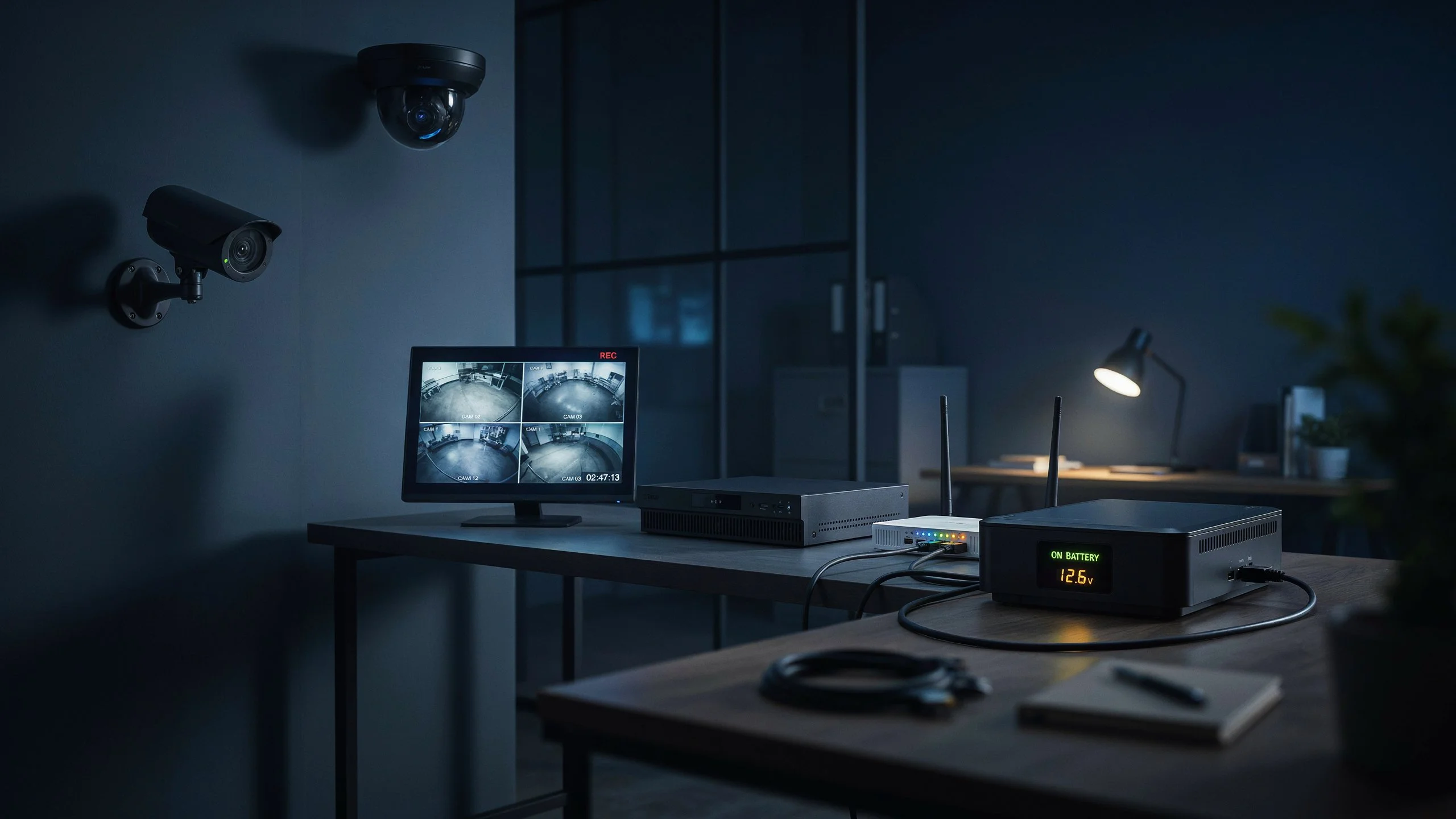
A CCTV system needs electricity to power its cameras, recorder, and other equipment. Without backup power, recording usually stops within seconds of a power failure. The exact time depends on the type of camera, recorder, UPS, battery, and backup system in use.
So, How Long Can CCTV Record Without Electricity? The answer is simple: a standard CCTV system cannot keep recording with no power. A UPS, battery, generator, or solar backup can keep the system running from minutes to several hours, depending on its capacity.
Can CCTV Cameras Record Without Electricity?
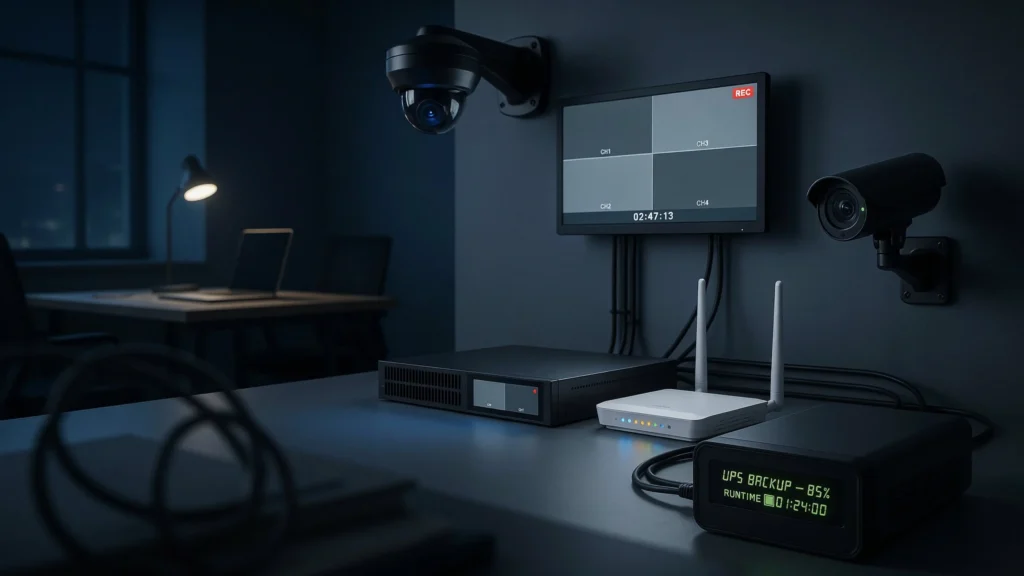
No. A normal CCTV camera cannot record without electricity.
Cameras need power to run their image sensor, processor, infrared lights, and network connection. A DVR or NVR also needs power to save video footage to its hard drive or solid-state storage.
When electricity fails, several things can happen:
- The camera stops capturing video.
- The DVR or NVR may shut down.
- PoE switches can stop powering IP cameras.
- Internet equipment may turn off.
- Cloud-connected cameras can lose their online connection.
This explains why the question if the cctv camera is switched off, can it still record has a simple answer: no. A switched-off camera cannot create new footage. Existing recordings are different. Footage already saved on the DVR, NVR, or memory card normally remains there after a power failure. The loss of electricity does not automatically erase stored video.
How Long Can CCTV Record During a Power Outage?
If your CCTV system has no backup power, recording normally stops as soon as the equipment loses electricity. With backup power, the answer changes. A small UPS may keep a basic CCTV system running for a short period. A larger UPS or battery system can provide longer protection. A generator can keep the system operating for much longer.
For example, a four-camera system with a DVR may use less power than a large system with 16 cameras, a PoE switch, monitor, router, and multiple storage drives. This means How Long Can CCTV Record Without Electricity? cannot be answered with one fixed number for every system. The most important factors are the total power load and the capacity of the backup battery.
What Determines CCTV Recording Time During a Power Outage?
Several parts of a surveillance system affect backup time.
Number of Cameras
More cameras normally mean higher power use. Eight cameras will usually require more power than four cameras.
Camera Type
PTZ cameras can use more power because their motors and zoom systems need additional energy. Cameras with strong infrared night vision can also draw more power after dark.
DVR or NVR
The recorder needs electricity to process video and save it to storage. A system with several hard drives can use more power than a basic recorder.
PoE Switch
IP cameras often receive power through Ethernet cables. If the PoE switch loses power, the connected cameras may stop working even if the NVR remains powered.
Router and Modem
These devices may not be needed for local recording, but they are important for remote viewing and cloud services.
Battery Capacity
A larger battery can generally provide longer runtime. However, the actual runtime also depends on the equipment connected to it.
Recording Settings
Continuous recording creates a steady workload. Motion recording can reduce storage use, but it does not remove the camera’s need for electricity.
How to Calculate CCTV Backup Runtime
You can estimate backup time by comparing the battery capacity with the total power used by the CCTV system.
A simple estimate is:
Backup Runtime = Battery Capacity in Wh ÷ System Power in W
For example, suppose a complete CCTV setup uses 60 watts and the usable battery capacity is 240 watt-hours.
240 ÷ 60 = 4 hours
The real runtime may be lower because UPS systems have conversion losses, batteries age, and usable capacity varies by model.
For accurate planning, check the UPS manufacturer’s runtime chart. It is also useful to measure the actual power draw of your CCTV equipment.
Can CCTV Cameras Work During a Power Cut?
Yes, but only when a suitable backup power source is available.
A CCTV system can continue recording during a power cut with:
- UPS backup
- Rechargeable battery backup
- Generator power
- Solar panels with battery storage
- Backup power for PoE switches and NVRs
This is why the question do security cameras record when power is out depends on how the system is powered. If the camera, recorder, and required network equipment remain powered, recording can continue. If all power is lost, recording stops.
Best Backup Power Options for CCTV Systems
UPS Backup
A UPS is one of the easiest ways to protect a CCTV system from short power cuts. It can keep your NVR or DVR, cameras, PoE switch, and network equipment running for a limited period. It also gives the system time to shut down safely during some outages. A UPS works well for homes and small businesses where power interruptions are usually short.
Battery Backup
Some security cameras have built-in batteries. These cameras can continue working after mains electricity fails. Battery runtime depends on camera use, temperature, motion activity, recording settings, and battery size.
Generator
A generator is useful when outages last for hours. It can provide power for a CCTV system as long as fuel and the generator remain available. A UPS can still be useful with a generator because it can bridge the gap while the generator starts.
Solar and Battery Backup
Solar power can be useful for cameras installed in locations without reliable mains electricity. A solar panel charges a battery during the day. The battery then powers the camera when sunlight is unavailable. This setup can work well for remote gates, farms, construction areas, and other locations where running electrical cables is difficult.
How to Keep CCTV Recording During a Long Power Outage
Start by finding the total power consumption of your complete CCTV system. Do not calculate the cameras alone. Include the NVR or DVR, PoE switch, router, modem, and other equipment that must remain active. Next, decide how long you want the system to operate. For a short outage, a UPS may be enough. For a long outage, you may need a larger battery system, generator, or solar backup.
Test the backup system before an emergency. Turn off the main power and check how long the cameras actually remain online. This real-world test gives you a better answer than relying only on a theoretical runtime.
Does CCTV Still Record if Wi-Fi or Internet Goes Down?
Yes, many CCTV systems can continue recording when the internet goes down. A local DVR or NVR can save footage directly to its hard drive without an internet connection. The main problem is remote access. You may not be able to watch cameras through your phone while away from the property. Cloud cameras can also lose cloud recording if they depend on an internet connection. Power and internet are two different issues.
A power failure can stop the camera itself. An internet failure may only stop remote viewing or cloud communication. This distinction is important when asking can cctv record when power is off. If the camera and recorder have no electricity, they cannot continue normal recording. If only the internet is down, local recording may continue.
What Happens to CCTV Footage When Power Comes Back?
Most modern CCTV systems restart automatically when electricity returns. The camera reconnects to the recorder, and the DVR or NVR begins recording again. There will usually be a gap covering the period when the system was without power. Previously stored footage should remain available unless the storage device was damaged or the system had another fault.
A sudden power cut can still create problems. Repeated outages can stress storage drives and other hardware. Using a good UPS and surge protection can reduce these risks.
How to Choose the Right UPS for CCTV
Choose a UPS based on the total load and the backup time you need.
First, calculate the wattage of:
- CCTV cameras
- DVR or NVR
- PoE switch
- Router
- Modem
- Other essential equipment
Then select a UPS with enough capacity to handle that load. Do not choose a UPS based only on the number of cameras. Two eight-camera systems can have very different power requirements. Leave some extra capacity for future equipment. Also check the UPS battery replacement schedule because an old battery can provide much less runtime than expected.
Practical Examples: CCTV Backup Runtime
Consider these examples as planning guides, not guaranteed runtimes.
| CCTV Setup | Backup Option | Expected Result |
| 4-camera home system | Small UPS | Short backup period |
| 8-camera IP system | Medium UPS | Longer backup based on load |
| 16-camera business system | Large UPS | More battery capacity required |
| Remote single camera | Solar + battery | Can operate without grid power |
| Large commercial system | Generator + UPS | Suitable for extended outages |
The actual runtime depends on the equipment’s measured power use and the backup battery’s usable capacity.
Common Mistakes That Reduce CCTV Backup Time
One common mistake is connecting unnecessary equipment to the UPS. A large monitor, desktop computer, or other device can consume much more power than expected. Keep only essential surveillance equipment on the backup circuit. Another mistake is ignoring the PoE switch. If your cameras receive power from that switch, it must stay powered.
Old UPS batteries are another problem. A battery may appear to work but provide very little runtime after years of use. Users also often test backup systems only once. Regular testing helps identify weak batteries, overloaded UPS units, and faulty connections before an actual outage.
Professional CCTV Installation
A properly designed CCTV system should consider power backup from the start. Professional installers can calculate camera power needs, NVR load, PoE requirements, storage needs, and backup runtime. This prevents a common problem where the cameras work normally but fail during the first power outage.
For local businesses and homeowners looking for security camera installation Indianapolis, Cam Security Surveillance can help plan a surveillance system around the property’s coverage, wiring, power, and backup needs. A good installation should not only provide clear video. It should also keep critical equipment protected when electrical problems occur.
Conclusion
How Long Can CCTV Record Without Electricity? A standard CCTV system cannot record once its required equipment loses power. Without backup, recording normally stops when electricity is cut. Cam Security Surveillance recommends using a properly sized UPS, battery backup, generator, or solar system when continuous surveillance is important. A UPS can keep a system running during shorter outages, while larger batteries, generators, or solar systems can provide longer backup.
The best solution depends on the number of cameras, camera type, recorder, PoE equipment, network devices, and required backup time. Test the complete system before relying on it for security. If continuous surveillance matters, plan backup power as part of the CCTV installation rather than adding it after an outage happens. Contact us today to discuss the right CCTV backup solution for your property.
FAQs
Can security cameras work without electricity?
A standard wired security camera cannot work without electricity. It needs power to operate its sensor, processor, and other components. A battery, UPS, solar system, or generator can provide the required power during an outage.
If the CCTV camera is switched off, can it still record?
No. A switched-off CCTV camera cannot capture or save new video. Footage recorded before the camera was switched off can remain stored on the DVR, NVR, or memory card.
Do security cameras record when power is out?
They can if a backup power system keeps the cameras and recording equipment running. Without backup power, most CCTV cameras stop recording during an outage.
Can CCTV record when power is off?
Not with no power source at all. CCTV equipment needs electricity to operate. A UPS, battery, generator, or solar battery system can provide power during an outage and allow recording to continue.
How long will a CCTV camera run on a UPS?
There is no single runtime. It depends on the camera’s power use, the recorder, other connected devices, and the UPS battery capacity. A small system can run longer than a large system using the same UPS.
Will CCTV footage be lost when electricity goes out?
Usually, previously saved footage remains on the storage drive. However, the outage creates a recording gap. Repeated power problems can also increase the risk of equipment or storage failure.
Does CCTV need Wi-Fi to record?
Not always. Wired CCTV systems using a DVR or NVR can record locally without Wi-Fi or internet access. Internet is mainly needed for features such as remote viewing and many cloud-based services.
Is a UPS enough for a CCTV system?
A UPS can be enough for short outages if it is correctly sized. Long outages may require a larger battery system, generator, or solar backup. The correct choice depends on the system’s total power load and desired runtime.










