
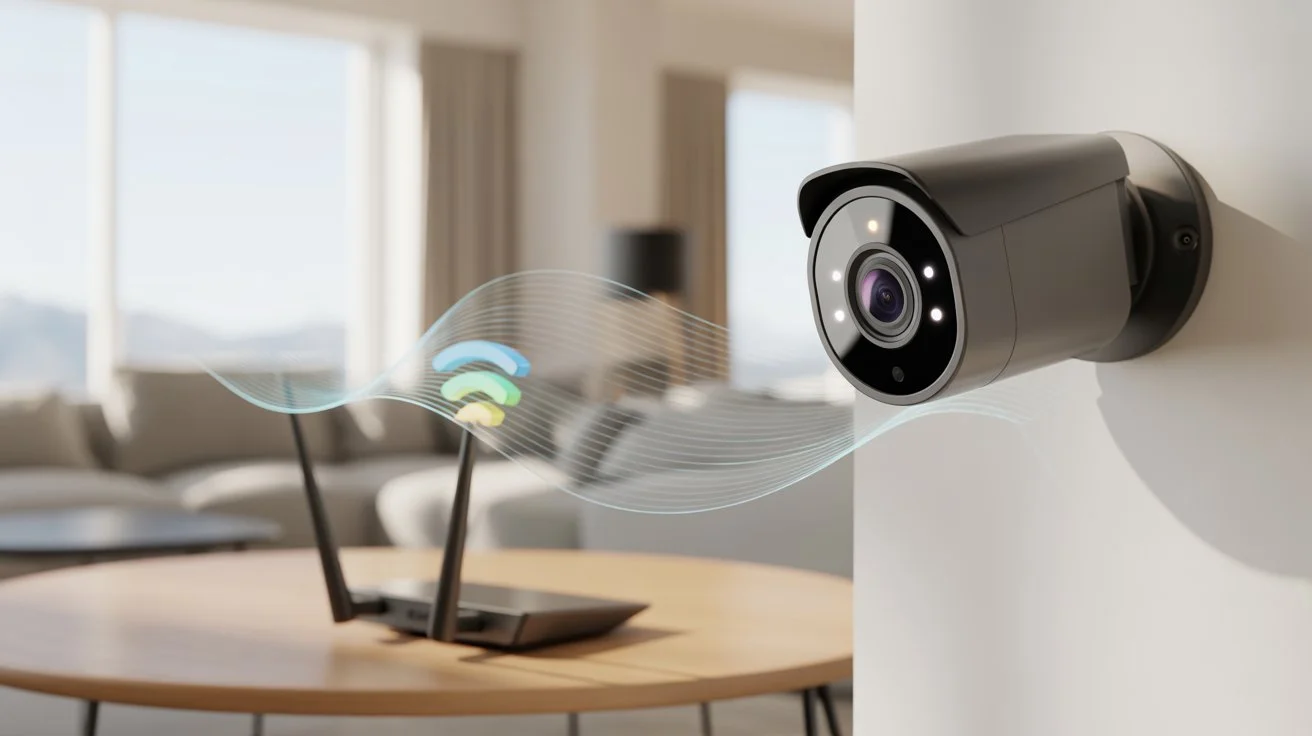
Security cameras help protect homes, but not all of them rely on WiFi. Some record locally, while others need the internet for full features. The need for WiFi depends on the type of camera and how you plan to use it.
So, Do Security Cameras Need WiFi? The short answer is no. Many cameras work without WiFi, but the internet is required for remote access, alerts, and cloud storage. This guide explains how they work and what fits your needs.
How Security Cameras Work
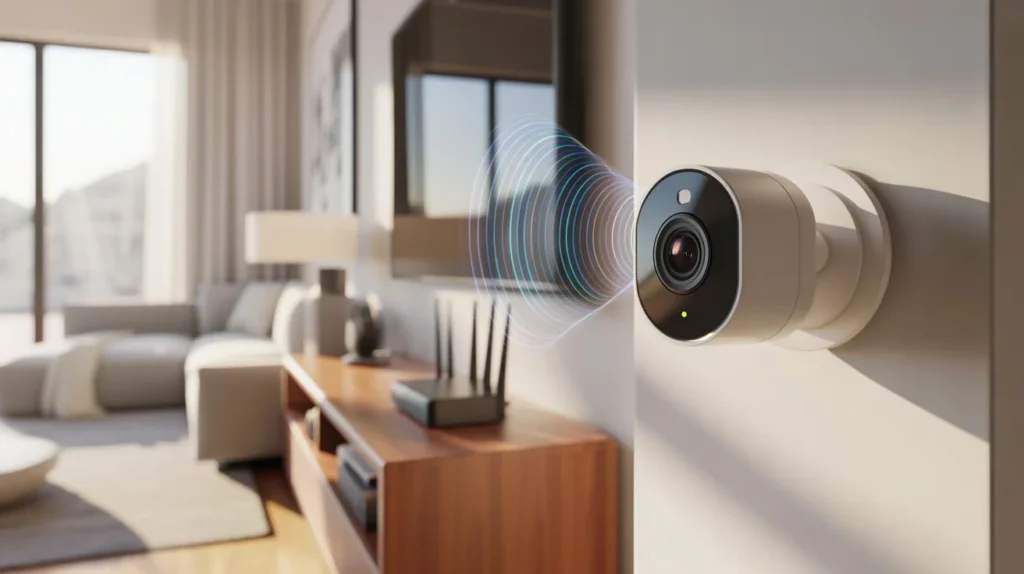
Security cameras capture video through a lens and sensor. The footage is then stored or transmitted based on the system setup.
Most cameras fall into two main groups:
- Cameras that store video locally
- Cameras that send data over the internet
Local systems use DVR or NVR devices. These store footage on hard drives. Internet-based systems send video to apps or cloud servers. Understanding this helps answer questions like do cameras need wifi or not.
Do Security Cameras Need WiFi?
The direct answer is no. Not all cameras require WiFi to function. If your goal is basic recording, WiFi is not required. Cameras can record to SD cards, DVRs, or NVRs without the internet.
However, WiFi is needed if you want:
- Live viewing on your phone
- Cloud storage
- Instant alerts
- Remote access from anywhere
Many users ask do all cameras need wifi or do home security systems need wifi. The answer depends on features, not just recording.
For example, some home security systems Indianapolis setups installed by Cam Security Surveillance combine both local storage and internet access for flexibility.
Types of Security Cameras (With and Without WiFi)
WiFi Security Cameras
These cameras connect to the internet through your home network.
They offer:
- Remote viewing through apps
- Motion alerts
- Cloud storage
These are popular for homes because of convenience.
Wired Cameras (No WiFi Needed)
These use cables connected to DVR or NVR systems.
They:
- Record footage locally
- Do not rely on internet
- Work even without WiFi
They are common in offices and large homes.
Cellular Cameras
These use mobile data instead of WiFi. A SIM card is installed.
They are useful in:
- Remote areas
- Construction sites
- Cabins without internet
Battery-Powered Cameras
These can work without WiFi if they store footage locally. Some models still use WiFi for alerts, but recording may continue offline.
Can Security Cameras Work Without the Internet?
Yes, many systems work fully offline. DVR and NVR setups record video directly to hard drives. No internet is needed for recording or playback.
This answers common searches like do wireless cameras need wifi and do cameras need wifi. The truth is that recording works without it, but remote features do not. Offline systems are often used in locations where the internet is unstable or unavailable.
What Happens to Cameras When WiFi Goes Down?
If WiFi stops working, WiFi cameras lose remote features. But most continue recording locally if storage is available.
Here is what may happen:
- Live viewing stops
- Alerts are delayed or paused
- Cloud backup may pause
- Local recording continues
So, the system still works, but with limited access. This is important when deciding do home security systems need wifi.
Are WiFi Cameras Safe?
WiFi cameras are safe when properly set up. Security depends on how you configure the system.
Risks come from:
- Weak passwords
- Outdated firmware
- Unsecured networks
To stay safe:
- Use strong passwords
- Enable two-factor login
- Update firmware often
- Secure your WiFi network
When these steps are followed, WiFi cameras are reliable for daily use.
How to Choose the Right Camera for Your Needs
Choosing the right system depends on your goals and setup.
Ask yourself:
- Do you need remote access?
- Is the internet stable in your area?
- Do you prefer local storage or cloud?
- What is your budget?
If you want simple monitoring without the internet, choose wired systems. If you want alerts and remote viewing, WiFi cameras are better. Balancing features helps you avoid overpaying for things you don’t need.
Professional Installation vs DIY
DIY Setup
- Lower cost
- Easy for basic systems
- May lead to setup mistakes
Professional Installation
- Correct placement of cameras
- Proper network setup
- Better security configuration
Professional services from Cam Security Surveillance ensure systems are installed correctly and securely. This is important for long-term reliability and performance.
Tips to Use Security Cameras Without WiFi
If you prefer offline systems, follow these tips:
- Use DVR or NVR systems
- Store footage on local hard drives
- Add backup storage if possible
- Regularly check recordings manually
- Keep equipment in a secure location
These setups answer the question: do cameras need wifi with a practical no for many use cases.
Common Myths About WiFi Cameras
Myth 1: All Cameras Need WiFi
False. Many cameras do not require WiFi to function. Systems like DVR and NVR store footage locally on hard drives, and some cameras use SD cards for storage. These setups can record video continuously without any internet connection. WiFi is only needed if you want remote viewing or cloud features.
Myth 2: WiFi Cameras Cannot Work Offline
False. WiFi cameras can still record locally even when the internet is down. Most of them have built-in storage options or connect to a local recorder. When WiFi is unavailable, they may lose remote access and alerts, but recording often continues without interruption.
Myth 3: No WiFi Means No Security
False. Security does not depend only on internet access. A well-installed offline system can still protect your home effectively. Cameras connected to DVR or NVR systems record continuously and provide reliable monitoring without needing WiFi. Security depends more on setup quality, placement, and storage method.
Myth 4: Wireless Means WiFi Only
False. Wireless simply means the camera does not use physical cables for video transmission. It does not always mean internet-based. Some wireless cameras use local networks, cellular data, or direct connections to recorders. WiFi is just one type of wireless connection, not the only option.
Additional Considerations for Homeowners
Some homeowners assume internet is required for all systems. That is not true.
For example, hybrid systems combine both options. They store footage locally while also using WiFi for remote viewing. This setup gives flexibility and backup. If internet fails, recording still continues.
Future of Security Cameras
Modern cameras now support both local and cloud storage. Many systems allow switching between offline and online modes.
New features include:
- Smart motion detection
- AI-based alerts
- Better encryption
- Automatic updates
These improvements make systems easier to manage and more secure over time.
Conclusion
So, Do Security Cameras Need WiFi? The answer is no for basic recording, but yes for remote access and advanced features. If you only need local recording, WiFi is not required. If you want live viewing and alerts, the internet becomes important.
The best choice depends on your needs, location, and budget. A well-planned system gives both safety and convenience without confusion. If you need expert guidance or installation support, contact us today and get the right system set up with confidence.
FAQs
Do all cameras need wifi?
No. Many cameras do not need WiFi to work. They can record using local storage like DVRs, NVRs, or SD cards. These systems store footage on-site, so the internet is not required for recording or playback.
Do wireless cameras need wifi?
Not always. Wireless cameras can record locally without the internet, but WiFi is needed for features like remote viewing, mobile alerts, and cloud storage. Without WiFi, they still function but with limited features.
Do home security systems need wifi?
No. Many home security systems can operate offline using wired connections and local storage. However, WiFi is useful for remote access, app control, and cloud backup, which add convenience.
Can security cameras work without the internet?
Yes. Security cameras can work without internet by recording footage directly to a local device such as a hard drive or memory card. You can still view recordings on-site without needing a connection.
What is the best option for no WiFi areas?
Wired DVR or NVR systems are the best choice for areas without WiFi. Cellular cameras are also a good option since they use mobile data instead of WiFi, making them ideal for remote locations.










