
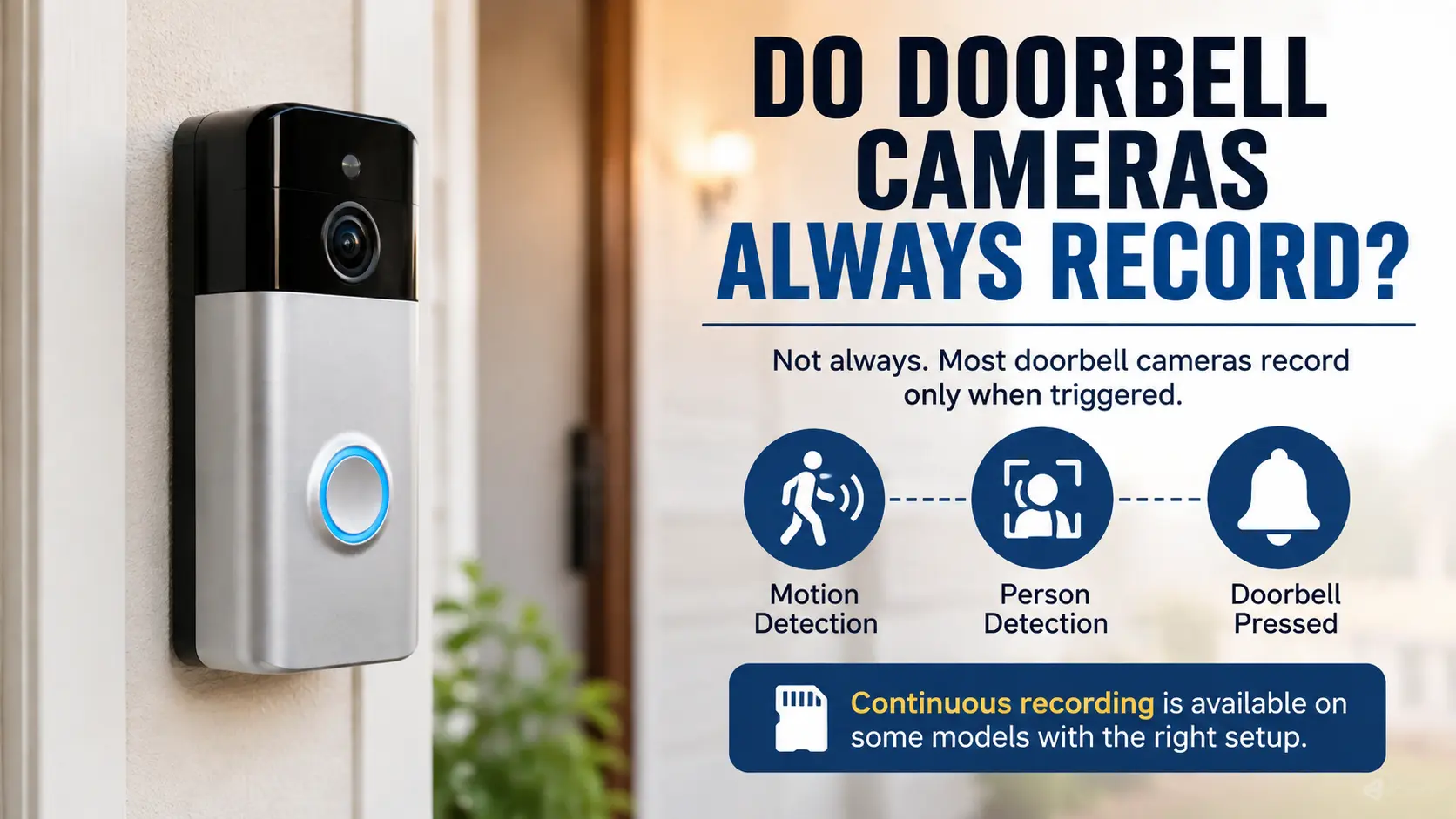
Doorbell cameras help you see who is, at your door watch packages being delivered and monitor activity near your entrance.. Not every camera records video all the time. Most models only capture clips when motion is detected or when the doorbell is pressed. Some cameras also allow you to watch video but they do not save it unless you have a subscription or storage plan.
So do doorbell cameras record? No most do not record continuously by default. The recording behavior depends on the camera model, how it gets power the settings you choose and the storage options available. Knowing these details helps you pick the right doorbell camera. Makes sure you don’t miss moments.
Do Doorbell Cameras Always Record?
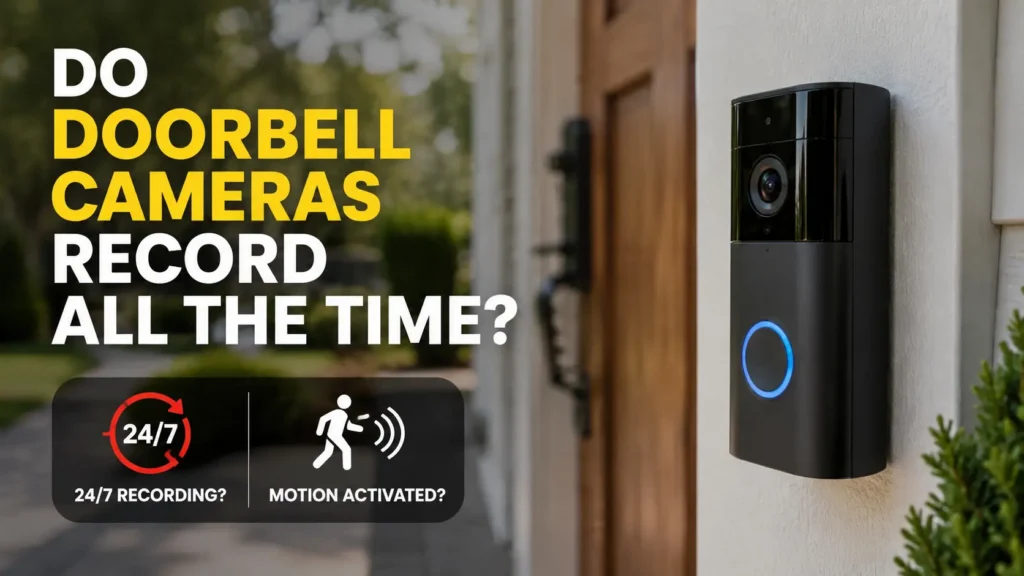
Most doorbell cameras use event-based recording than recording every second of the day. Doorbell cameras begin to capture video when they notice motion, when a visitor presses the button or when another accepted event occurs.
For example imagine a delivery driver walking to your porch. Your doorbell camera may notice the movement record a clip and send an alert to your phone. When the event ends the recording may stop until the trigger.
Some models support recording also called 24/7 recording. These doorbell cameras save video all day long when power, storage and settings allow it. If you are wondering whether doorbell cameras record all the time check the model before buying. A doorbell camera that offers viewing does not always save every moment. Some models also limit recording, to specific power supplies or storage plans.
How Do Doorbell Cameras Record Video?
I have noticed that doorbell cameras use sensors, a camera lens and software to capture activity. The way doorbell cameras record depends on the features built into the device.
Motion-Activated Recording
Motion-activated cameras start recording when they sense movement in an area. You might get a notification when someone comes near your door walks on your porch or leaves a package.
You can usually change the motion zones to cut down on alerts, from cars going by or people walking on the sidewalk.. If the sensitivity is too low or the camera is not placed well some events might not be captured.
Doorbell-Activated Recording
I see that some cameras record when a visitor presses the doorbell. This feature can work alongside motion detection. The cameras may capture activity before someone rings.
Continuous Video Recording
A doorbell camera that keeps recording all day is called a recording camera. It does not wait for someone to press the button; it saves video all the time. This feature is on some wired doorbells, not every model. Before you buy one look at how it uses power how storage it can hold and what the recording plan costs. Also be sure that the continuous recording works with the wiring you already have, for your doorbell.
What Factors Affect How Long a Doorbell Camera Records?
Several factors affect whether a doorbell camera saves short clips or records for longer periods.
- Camera model: Every model can record in ways and can keep different clip lengths.
- Power source: Battery models usually record only when something happens so they use less power. Wired models can do more but having a cable does not mean they always record.
- Storage space: Both local drives and cloud plans can restrict how video you can keep.
- Subscription plan: Some brands need you to pay for certain recording or playback options.
- Motion settings: The zones you set and how sensitive the camera is decide when a clip starts.
- Wi-Fi strength: A weak signal can slow down alerts or stop video uploads.
Check these details before making a purchase. A camera that has a lot of features might still not be right, for you if the way it records video doesn’t fit your home.
Can a Doorbell Camera Record Without Detecting Motion?
Yes,. Only if the model can use another recording method, such, as continuous recording or manual recording. I think event‑based cameras need a trigger before the camera saves a clip.
For example a visitor might walk slowly. Stay outside the motion zone. Your camera may not record the visit if detection settings are too narrow.
I recommend adjusting the motion zones and sensitivity to reduce events. Test the camera from approach angles. If you need footage from every moment choose a model that supports recording.
How Can You Check Whether Your Doorbell Camera Is Recording?
Here is the rewritten text:
- Follow these steps to make sure that your camera saves video properly.
- Open the cameras app and look at the connection status.
- Go to the event history. Playback part of the app.
- Check if recent motion events have saved video clips.
- Look at the recording schedules, motion zones and sensitivity settings.
- Make sure that the cloud storage or local storage is working.
- Move around the detection area. See if a new video clip shows up.
A live view does not show that the video is being saved. Always look at the playback to make sure that recordings are there and can be opened.
If clips are not there look at the manufacturers troubleshooting guide. The reason could be a setting, weak Wi-Fi, full storage or a recording plan that does not include the feature you wanted.
How to Make Sure Your Doorbell Camera Captures Important Events
Good placement and correct settings help your camera capture footage. These checks can also reduce visitors and deliveries.
- Choose the angle: You should point the camera toward the entrance and the path that visitors use.
- Motion zones: You should cover the porch and doorway while limiting unwanted activity outside the property.
- Check Wi‑Fi: You should test the signal at the doorbell installation point. A weak signal can affect alerts and cloud uploads.
- Review recording schedules: You should make sure the camera is not set to pause during times when you need coverage.
- Check storage: You should confirm that the device has room for clips or that an active cloud plan is in place.
- Test regularly: You should review recordings after testing the doorbell, motion alerts and playback.
If you want a doorbell camera that records all the time make sure the model you choose has that feature before you start installing it. Check what kind of power it needs, how strong your network connection is and how storage space it will use. Cam Security Surveillance can help you figure out the spot, for the camera plan the wiring and make sure everything connects properly. A good setup means you will get more reliable video from your security system.
Do Doorbell Cameras Record When the Internet Is Down?
The camera depends on its design and storage options. Some camera models can save footage locally without an internet connection while other camera models rely on cloud services. When the internet stops working the camera may lose viewing, phone alerts and cloud uploads. A camera, with supported storage may continue saving video but this is not true of every camera model.
Check whether the camera supports recording and how the camera stores footage during an outage. Also confirm whether the cameras saved clips become available after the connection returns. Do not assume that every camera event will upload later.
Do Doorbell Cameras Record Audio All the Time?
No not every doorbell camera records audio continuously. Many doorbell camera models have a microphone for conversations or video clips while some let you turn audio recording off. Audio capture may follow the doorbell cameras video recording settings. A doorbell camera device might record sound during a motion event without saving audio all day.
Check the app settings and product manual to understand when audio is captured. Privacy laws also matter. Rules, for recording conversations vary by location so check the laws that apply before enabling recording.
For homeowners planning a surveillance setup security camera installation Indianapolis services can help assess camera placement, recording needs and system settings. Cam Security Surveillance can help you plan coverage that fits your property while considering privacy.
Conclusion
Do Doorbell Cameras always record? Most Doorbell Cameras record when they see motion or when a visitor presses the button. Only some Doorbell Cameras support recording and those Doorbell Cameras may need power, storage and service plans.
Before you buy, check the recording modes, test playback, and review your doorbell camera’s storage options. Choose a doorbell camera that meets your security needs and saves footage as expected. For professional guidance and reliable security camera installation, contact Cam Security Surveillance today to discuss the right solution for your home.
FAQs
Do doorbells record all the time?
Most doorbell cameras record when motion or another supported event triggers them. Some models offer recording with compatible power and storage.
Can a doorbell camera record 24/7?
Yes certain models support 24/7 recording. Check the manufacturers requirements for power, storage and subscription plans before buying.
Do doorbell cameras record when someone rings the bell?
No. Many models also record when they detect motion even if nobody presses the button.
Can a doorbell camera record without Wi-Fi?
Some models support recording, without Wi-Fi. However remote viewing, cloud uploads and phone alerts may stop working during an internet outage.
How do I know if my doorbell camera is recording?
Check the apps event history. Play a recent clip. A live video feed alone does not confirm that footage is being saved.










