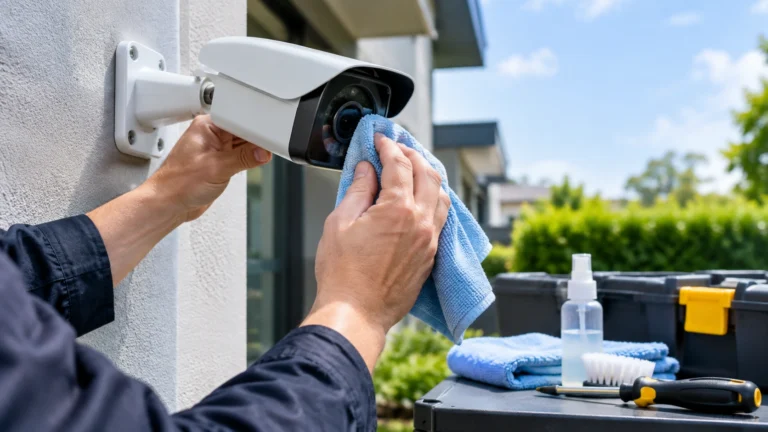
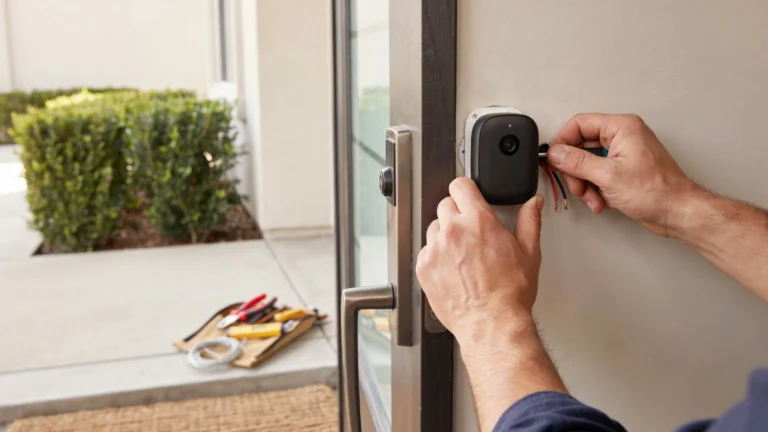
A security camera can stop working for many reasons, including weak Wi-Fi, network congestion, power loss, or physical damage. Wireless cameras can also face radio interference that interrupts the connection between the camera and network. This does not mean every camera outage is caused by a person or a blocking device. Wired PoE cameras avoid many wireless problems because video travels through Ethernet cable instead.
So, is there a device that can interfere with security cameras? Yes, wireless communications can be disrupted, but using equipment to intentionally block communications can be illegal and unsafe.
Can a Device Interfere With a Security Camera?
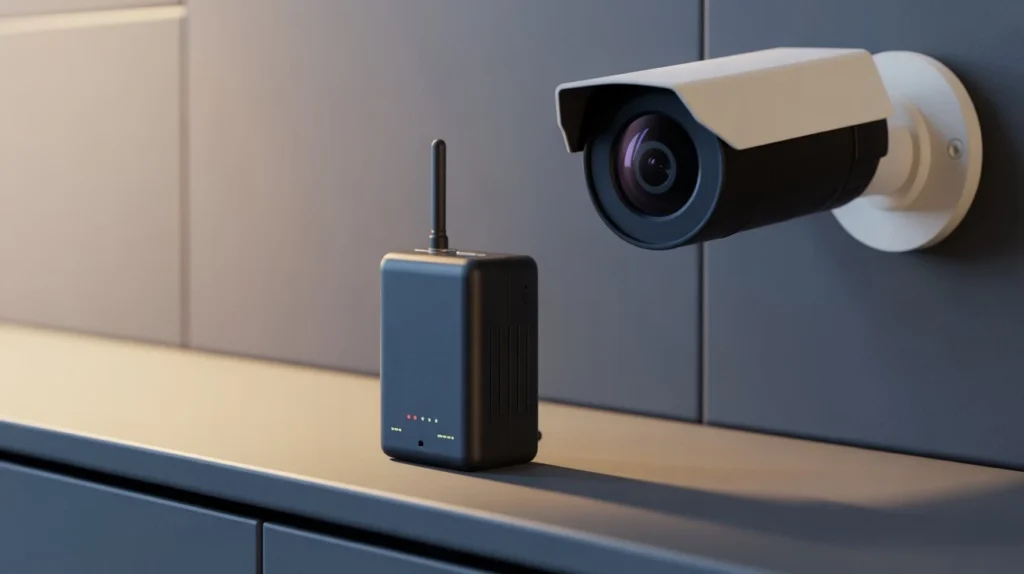
Not every camera problem is caused by a device. In many homes and businesses, camera interference comes from normal network conditions. Wireless cameras communicate with a router or access point using radio signals. Anything that weakens or disrupts that connection can affect video.
Common causes include:
- Weak Wi-Fi coverage
- Thick concrete or brick walls
- Metal doors, roofs, or structures
- Too much distance from the router
- Many devices using the same wireless network
- Nearby wireless networks using crowded channels
- Faulty power adapters
- Damaged network cables
- Router or access point problems
- Electrical noise from some equipment
For example, imagine a camera installed at the back of a large home. The router is near the front entrance, and the signal must pass through several walls. The camera may work well during the day but disconnect when several people start using the network at night. That is not necessarily deliberate interference. It may simply be a weak or overloaded connection.
The same issue can happen with commercial buildings. Concrete walls, metal storage areas, elevators, and large equipment can make wireless coverage harder. This is why security camera interference should be treated as a troubleshooting issue first.
Can a Device Disrupt a Security Camera Signal?
Yes, a device can interfere with wireless communication if it produces strong radio-frequency interference in a range used by the camera’s wireless connection.
This is different from normal household interference. A wireless security camera needs a usable radio connection to send video. If that connection becomes heavily disrupted, the camera may stop communicating with its router or recording system.
The result can look like a camera failure:
- The camera goes offline.
- Live video stops loading.
- Video becomes unstable.
- The connection repeatedly drops.
- Cloud recording may stop.
- Remote viewing may become unreliable.
A wired PoE camera works differently. Its video and power travel through network cabling, so ordinary wireless interference does not affect the camera’s network connection in the same way. This makes wired connections useful for areas where dependable surveillance matters. If several wireless devices in the same area suddenly lose connection, the network should be checked before blaming the camera.
What Is a Camera Jammer?
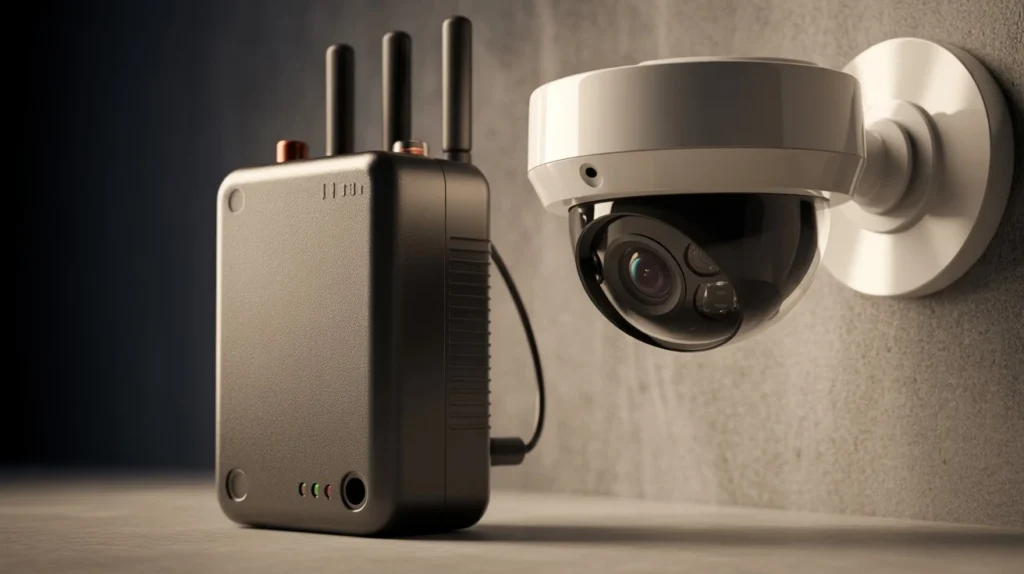
A camera jammer is a device intended to interfere with wireless communication. People sometimes search for terms such as cctv interference blocker when looking for ways to stop cameras from communicating. The important distinction is between accidental interference and intentional jamming. Accidental interference can come from normal equipment, poor Wi-Fi planning, or physical obstacles. Intentional jamming is designed to disrupt radio communication.
The legal rules around jamming also matter. In the United States, the Federal Communications Commission warns that devices designed to intentionally block or interfere with authorized radio communications, including Wi-Fi, are prohibited. Jammers can also interfere with important communications beyond security cameras. For property owners, the better approach is not to fight interference with another interference device. The safer solution is to identify the source, improve the network, and use wired connections where reliability is important.
Signs Your Security Camera May Be Experiencing Interference
Interference can look like many other technical problems. Look for patterns instead of assuming the camera itself is broken.
1. The Camera Keeps Going Offline
Repeated disconnects can point to weak Wi-Fi, network congestion, power problems, or interference.
2. Video Freezes or Becomes Delayed
A weak wireless connection may cause video to buffer or arrive late.
3. Several Cameras Fail Together
If several wireless cameras lose connection at the same time, check the router, access point, network, and surrounding environment.
A single failed camera is more likely to have a local problem.
4. The Camera Works Near the Router
Move the camera closer for testing when possible. If the connection becomes stable, distance or building materials may be part of the problem.
5. Other Wireless Devices Also Disconnect
Check phones, laptops, smart devices, and other Wi-Fi equipment. If several devices have problems in the same area, the network deserves attention.
6. The Problem Happens in One Location
A camera that fails only in one room may be affected by walls, metal structures, appliances, or poor signal coverage.
How to Reduce Security Camera Interference
The best solution depends on what is causing the problem. Start with simple tests before buying new equipment.
Improve Wi-Fi Coverage
Place the router or access point where it can provide better coverage. For larger properties, additional access points may provide better results than relying on one router.
Do not judge coverage only by the number of signal bars shown on a phone. A security camera may have different wireless hardware and requirements.
Reduce Physical Barriers
Brick, concrete, metal, and multiple walls can weaken wireless signals. Avoid placing cameras where several heavy barriers sit between the camera and access point.
Use the Right Wi-Fi Band
Many cameras support 2.4 GHz, while some also support 5 GHz.
The 2.4 GHz band generally travels farther and handles obstacles better. The 5 GHz band can provide higher speeds but often has less range through walls.
The correct choice depends on the camera, building, and network.
Reduce Network Congestion
A camera constantly uploading video can use a noticeable amount of network capacity. Add phones, computers, TVs, smart appliances, and other cameras, and the network can become busy.
Check the router and network before assuming there is intentional interference.
Consider Ethernet or PoE
For important cameras, Ethernet can remove many wireless connection problems. PoE can also carry power and network data through one cable.
This is especially useful for entrances, business areas, parking lots, and other locations where reliable recording matters.
How to Tell If the Problem Is Wi-Fi or the Camera
A simple test can save you from replacing good equipment. Start by checking whether the camera has power. If it does, check its network status through the camera app or recording system. Next, test the connection near the router when practical. If the camera works normally there, the original location may have weak coverage. Then check other cameras.
If one camera fails while the others work normally, inspect that camera’s power supply, cable, mounting location, and network settings. If all wireless cameras fail together, inspect the router and access points first. You can also check whether other Wi-Fi devices are having problems at the same time. Another useful step is to restart the network equipment and camera. Then monitor the system for several hours.
If the problem continues, check firmware, cables, power supplies, and network settings. This process helps separate cctv camera interference from ordinary equipment failure.
Can Security Cameras Be Protected From Signal Interference?
Yes, but protection starts with good system design. For important surveillance areas, consider using wired cameras instead of depending entirely on Wi-Fi. A properly planned wired system can reduce the number of wireless connection problems that affect recording.
You can also:
- Use reliable network equipment.
- Place access points in suitable locations.
- Keep camera firmware updated.
- Separate critical devices from unnecessary network traffic.
- Use local recording when appropriate.
- Protect network equipment from unauthorized access.
- Test every camera after installation.
- Check recording, not only live video.
That last point is important.
A camera can display a live image while failing to record correctly. Always test the complete path from camera to storage. For larger properties, document which camera connects to which network device. This makes future troubleshooting much easier.
Wired vs. Wireless Cameras for Reliable Surveillance
Wireless cameras are convenient because they can reduce cable work. They can work well in homes, apartments, offices, and other locations with good Wi-Fi coverage.
However, they depend on the wireless network. Wired cameras require more installation work, but they usually provide a more consistent network connection. PoE systems are especially useful when several cameras need reliable communication with an NVR. The right choice depends on the property.
A small home with strong Wi-Fi may work well with wireless cameras. A large building with concrete walls, long distances, or important coverage areas may benefit from wired cameras. The goal should not be choosing the newest camera. It should be building a system that continues recording where you need it.
When Should You Contact a Professional?
Contact a professional when cameras repeatedly disconnect, several cameras fail, or you cannot identify the source of the problem. Professional help is also useful for large homes, offices, warehouses, apartment buildings, and properties with thick walls or difficult layouts. A professional can assess camera locations, network coverage, cable routes, power, recording equipment, and viewing angles before recommending changes.
If you need security camera installation Indianapolis, Cam Security Surveillance can help plan and install a system based on your property’s layout and coverage needs. The focus should be on reliable coverage rather than simply adding more cameras. A good installation considers where cameras should go, how they communicate, where footage is stored, and how the system will perform after installation.
Conclusion
Is There a Device That Can Interfere With Security Cameras? Yes, intentional radio interference can disrupt wireless camera communication. But ordinary Wi-Fi problems are much more common. Weak signals, thick walls, network congestion, power problems, and poor camera placement can create very similar symptoms. Before replacing your camera, test the network, check other devices, inspect power and cables, and compare performance in different locations.
For critical surveillance areas, wired PoE cameras can provide a dependable option. Cam Security Surveillance can assess your property and help choose a camera system that fits your coverage and recording needs. Contact us today\ to discuss your security camera installation and find the right solution for your property. The best security system is one that keeps recording clearly when you actually need the footage.
FAQs
Can someone interfere with a wireless security camera?
Yes. Wireless camera communication can be disrupted by radio interference, but weak Wi-Fi, distance, walls, and network congestion are more common causes of connection problems.
Is There a Device That Can Interfere With Security Cameras?
Yes. Devices designed to intentionally interfere with wireless signals can disrupt communication. However, using such equipment can create safety and legal issues, and it is not a proper solution for camera problems.
What causes security camera interference?
Common causes include weak Wi-Fi, thick walls, metal structures, crowded wireless channels, network congestion, faulty power supplies, and damaged cables.
Are wired security cameras harder to interfere with?
Wired cameras are not dependent on a wireless connection for network communication. PoE cameras can provide a more stable connection for important surveillance areas.
Can Wi-Fi interference make a security camera go offline?
Yes. If interference weakens the camera’s wireless connection enough, the camera may disconnect from the router or recording system.
How can I improve my security camera connection?
Improve Wi-Fi coverage, reduce physical barriers, check network congestion, use suitable access points, and consider Ethernet or PoE for cameras that need a dependable connection.
Should I replace my camera if it keeps disconnecting?
Not immediately. First check power, Wi-Fi strength, distance, network traffic, cables, firmware, and the camera’s location. The camera may be working correctly while the network is causing the problem.