Most people buy a security camera system thinking the setup is simple. Point the camera, plug it in, done. But poor installation can leave your property wide open, even with expensive gear. A bad setup is worse than no setup because it gives you false confidence.
So, what are common camera installation mistakes? Things like wrong placement, bad angles, weak passwords, and skipping night vision checks. These errors are easy to make and costly to ignore. This guide covers every mistake you need to avoid.
Installing Cameras in the Wrong Locations
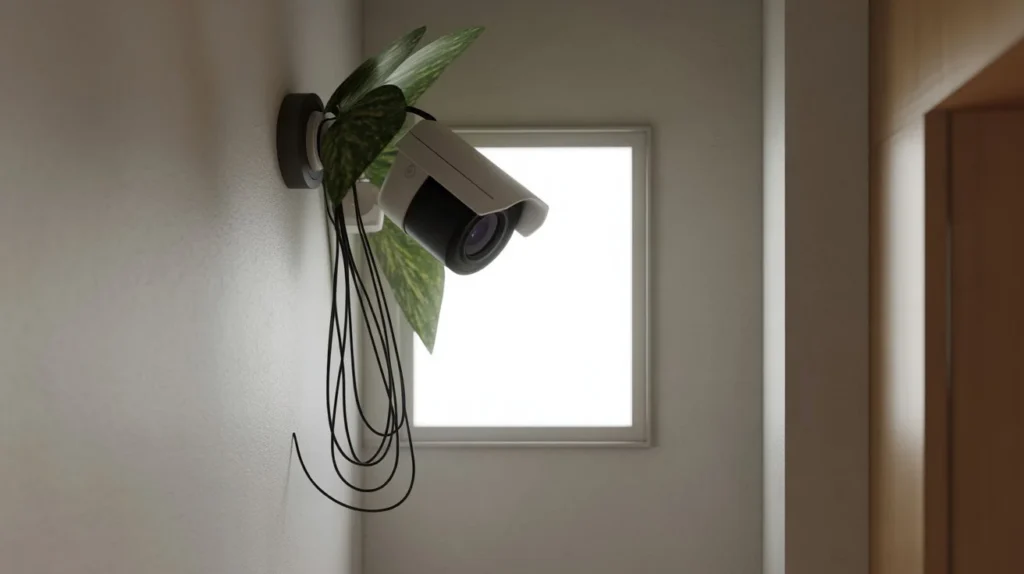
Location is everything in camera installation. Even a top-tier camera is useless if it’s aimed at the wrong spot. Cam Security Surveillance helps property owners place cameras where they capture the clearest and most important footage for real security protection.
Common placement errors:
- Mounting cameras too high, making faces unrecognizable
- Placing cameras behind glass, which causes glare and washes out footage
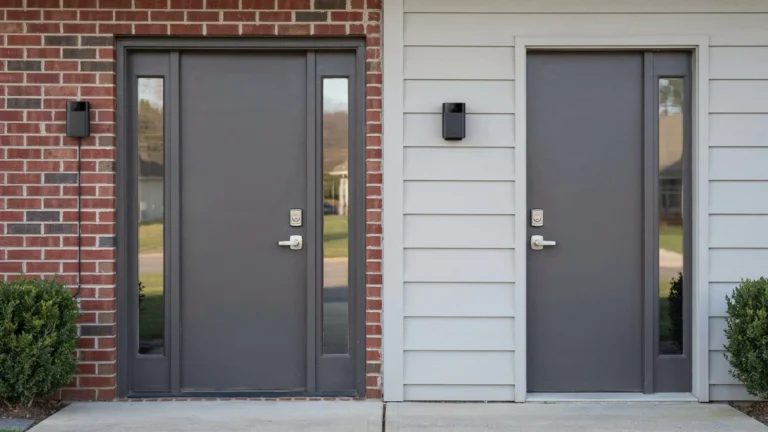
- Ignoring blind spots near entry points like side doors and windows
- Covering only the front door while leaving the back yard unmonitored
What works instead:
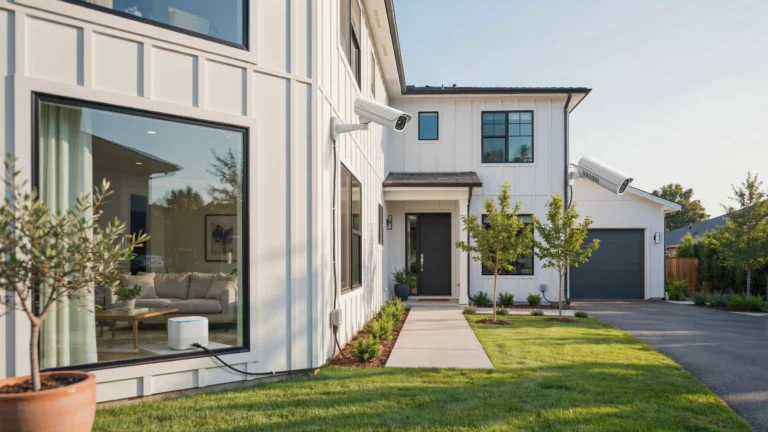
Mount cameras 8 to 10 feet off the ground. This height captures clear facial detail without being easy to reach or tamper with. Cover all entry points: front door, back door, garage, and side gates.
Also avoid pointing cameras directly at the sun or bright lights. Backlighting ruins footage quality completely.
Choosing the Wrong Type of Security Camera
Not all cameras are made for all situations. Buying the wrong type is one of the most common camera installation mistakes homeowners make.
Indoor vs. outdoor: Indoor cameras lack weatherproofing. Put one outside and it will fail fast from rain or heat.
Wired vs. wireless: Wireless cameras are easy to install but can drop signal. Wired systems are more reliable but need professional cable runs.
Resolution matters: A 720p camera in 2025 is outdated. Go with at least 1080p. For large areas or license plate capture, use 4K or 4MP cameras.
Lens type: A wide-angle lens works for rooms and entrances. A narrow or varifocal lens is better for long driveways or parking areas.
Match the camera to the job. Don’t just buy what’s on sale.
Poor WiFi and Network Planning
Wireless cameras live and die by your network. Weak WiFi is one of the sneakiest camera installation mistakes because everything looks fine until it doesn’t.
Problems that come from poor network planning:
- Camera drops offline randomly
- Live footage lags or buffers
- Motion alerts arrive 30 seconds late
- Recording gaps during the time you need footage most
How to fix it:
Run a WiFi speed test near where you plan to mount each camera. You need at least 2 Mbps upload per camera for decent streaming. For multiple cameras, consider a dedicated network or a WiFi extender placed near the camera cluster.
For reliable setups, use a PoE (Power over Ethernet) system. It runs power and data over one cable, no WiFi needed.
Also separate your camera network from your main home network. This limits exposure if a camera ever gets compromised.
Improper Camera Wiring Mistakes
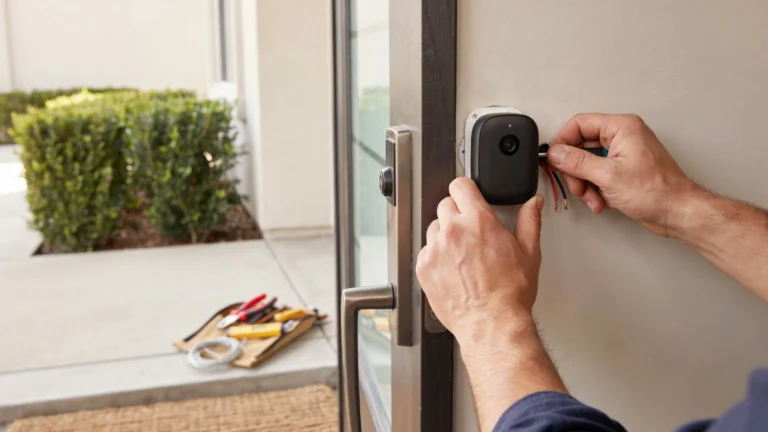
Bad wiring causes signal loss, power failures, and fire risks. Skipping this step or rushing it is a serious mistake.
What people get wrong:
- Using undersized cables that can’t carry enough power
- Running cables through wet or exposed areas without conduit
- Leaving cable slack hanging loose instead of securing it
- Using the wrong connector type for outdoor runs
Best practices:
Use RG59 Siamese cable for analog cameras. For IP cameras, use Cat6 or Cat5e. Always use outdoor-rated cable when running lines outside.
Seal all outdoor cable entry points with weatherproof silicone. Water getting into the connection corrodes contacts fast.
Label every cable at both ends before you close up walls. You’ll thank yourself later during troubleshooting.
Incorrect Camera Angles and Positioning
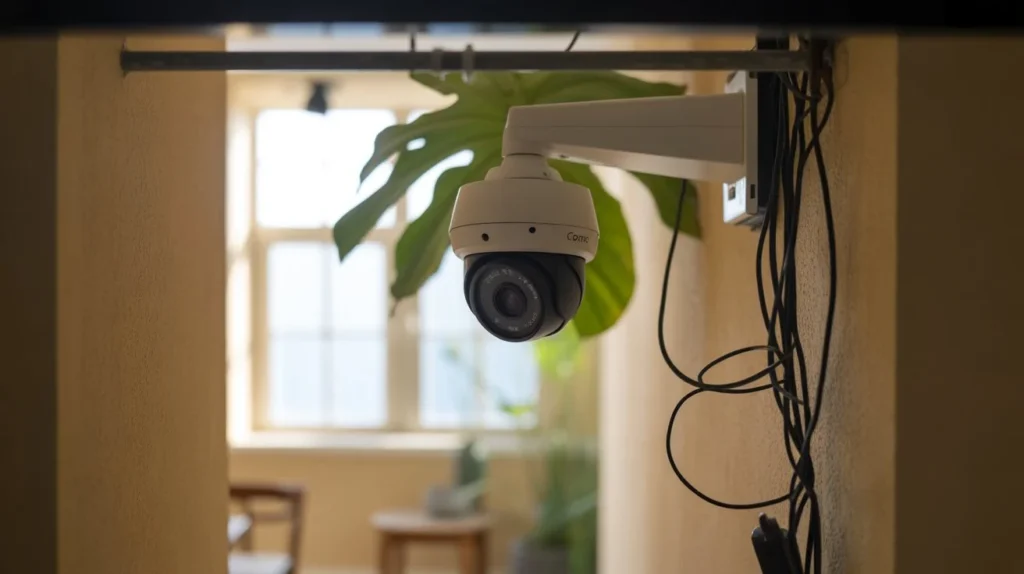
Even perfectly placed cameras can fail if the angle is off. This is one of the most overlooked camera installation mistakes in DIY setups.
Angle errors to avoid:
- Tilting too far down, cutting off the area you actually need to see
- Pointing toward a light source that blinds the lens
- Angling at walls or ceilings instead of the target zone
- Not accounting for lens distortion at the edges of wide-angle cameras
How to get it right:
Before mounting permanently, hold the camera in place and check the live feed on your phone or monitor. Adjust until the most important zone sits in the center of the frame.
For doorways, aim so the camera captures a face at about 5 to 6 feet from the ground. For parking areas, angle to capture the front of vehicles and their plates.
Forgetting About Night Vision Performance
A camera that looks great during the day can be nearly useless at night. Ignoring night vision specs is one of the biggest camera installation mistakes.
What causes night vision failure:
- IR (infrared) range too short for the area being monitored
- IR reflection off nearby walls washing out the image
- Mixing color night vision and standard IR cameras without understanding the difference
- Not checking night vision range before buying
What to look for:
Standard IR cameras work well in total darkness but show black-and-white footage. Color night vision cameras need a small amount of ambient light but show full color detail.
For areas with zero external lighting, choose a camera with at least 100-foot IR range. For parking lots or well-lit streets, color night vision cameras will do better.
Test your cameras at night before finishing the installation. Walk through the monitored area and check if footage is clear.
Weak Security and Privacy Setup
A camera you can hack is worse than no camera. Cybersecurity is a part of camera installation that most DIYers completely skip.
Mistakes people make:
- Keeping the default admin password (like “admin” or “12345”)
- Not updating camera firmware after installation
- Skipping two-factor authentication on cloud-connected systems
- Leaving remote access open on unused ports
What to do instead:
Change default passwords immediately. Use a strong, unique password for each device. Enable automatic firmware updates if your system supports it.
If your camera system has remote access, use a VPN instead of exposing the camera directly to the internet. This adds a strong layer of protection.
Also think about camera placement from a privacy standpoint. Don’t aim cameras at neighbors’ property, public sidewalks in ways that might violate local laws, or areas where guests expect privacy.
Poor DVR or NVR Setup
Your recorder is the brain of your camera system. A poorly configured DVR or NVR means you may record nothing, overwrite footage too soon, or miss the event you need most.
Setup mistakes to avoid:
- Setting storage to overwrite footage after just 24 hours
- Not enabling motion-triggered recording, burning through storage fast
- Forgetting to check that all cameras are actually recording
- Skipping test playback after setup
How to do it right:
Configure your DVR or NVR to keep at least 7 to 30 days of footage. Use motion-triggered recording to save storage and make it easier to find events.
After setup, do a full test. Trigger motion on each camera, then check playback to confirm footage was captured. This simple check catches most setup errors before they matter.
Ignoring Legal and Privacy Concerns
This is the camera installation mistake that can get you in real legal trouble.
What people ignore:
- Recording audio without consent (illegal in many states)
- Pointing cameras onto neighboring property
- Not posting signage in commercial settings where required
- Recording in areas with a reasonable expectation of privacy
Know your local rules:
Laws vary by state and country. In the U.S., most states allow video recording on your own property. But audio recording has stricter rules under wiretap laws.
If you run a business, check whether you need visible signage near cameras. In most commercial settings, notice is required.
When in doubt, consult a local attorney or contact your city for guidance. A quick phone call beats a lawsuit.
DIY Installation Without Proper Planning
Skipping the planning phase causes most of the problems in this list. Rushing into installation without a layout plan is one of the most common camera installation mistakes across all skill levels.
What proper planning looks like:
- Walk your property and identify all entry points and vulnerable areas
- Sketch a camera layout showing placement, cable runs, and power sources
- Check WiFi signal strength at each planned camera location
- Confirm your recorder has enough channels for your camera count
- Budget for extra cable, connectors, and conduit
Planning takes 30 to 60 minutes. It saves hours of frustration and rework later.
Common Maintenance Mistakes
Installation is just the start. Neglecting maintenance is how a working system slowly stops working.
Mistakes people make after installation:
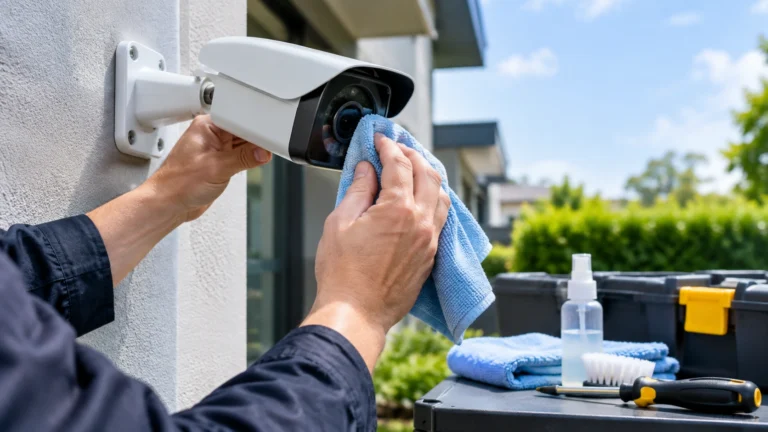
- Never cleaning camera lenses (dust and spiderwebs reduce image quality)
- Ignoring firmware update notifications
- Not checking storage levels until the drive is full
- Failing to test cameras after power outages or resets
Simple maintenance routine:
Every 30 days, wipe down camera lenses and check footage quality. Every 90 days, log into your system and verify all cameras are online and recording. Once a year, check all cable connections for corrosion or looseness.
Set a recurring calendar reminder. It takes 15 minutes and keeps your system performing at its best.
Benefits of Professional Camera Installation
Hiring professionals eliminates most of the mistakes covered in this guide. If your property is large, has complex cable needs, or you want a system you can fully rely on, professional installation is worth every dollar.
At Cam Security Surveillance, our team handles every detail from placement planning to network configuration. We offer expert cctv installation services indianapolis for homes and businesses throughout the area.
What you get with professional installation:
- Correct camera placement based on your actual property layout
- Clean, weatherproof cable runs that last years
- Properly configured DVR/NVR with optimal storage settings
- Network security setup to protect your cameras from hacking
- A full walkthrough so you know how to use your system
Professional installers also spot problems that DIYers miss, like dead WiFi zones, power issues, or lighting conditions that will ruin night footage. You save time, avoid costly mistakes, and get a system that actually works.
Tips to Avoid Camera Installation Mistakes
Here is a quick summary of the most important things to get right:
- Plan before you buy. Know your property layout before choosing cameras.
- Match camera type to location. Indoor cameras indoors, outdoor cameras outside.
- Test WiFi signal strength at each planned camera spot before mounting.
- Use strong, unique passwords on every device and change defaults immediately.
- Check night vision coverage by walking your property in the dark.
- Configure storage retention for at least 7 days minimum.
- Test playback after installation to confirm footage is actually being saved.
- Know your local laws before pointing cameras near property lines or public areas.
- Schedule regular maintenance to keep lenses clean and firmware updated.
- When in doubt, call a professional. The cost is far less than a security gap.
Conclusion
A security camera system is only as good as the installation behind it. Placement errors, weak passwords, poor network planning, and skipped maintenance can turn expensive equipment into a false sense of security.
What are common camera installation mistakes? The ones that are easiest to overlook: wrong angles, default passwords, bad cable runs, and skipping the night vision check. Now you know what they are and exactly how to avoid them.
Take your time, plan properly, and test everything after setup. Or work with a trusted professional like Cam Security Surveillance to get it done right the first time. Contact us today for reliable security camera installation and expert system support.
FAQs
What is the most common mistake when installing security cameras?
Mounting cameras in the wrong location is the most common mistake. Poor placement means blind spots that defeat the whole purpose of having cameras.
How high should security cameras be mounted?
Between 8 and 10 feet off the ground. This height captures clear facial detail and keeps cameras out of easy reach.
Can I install security cameras myself?
Yes, for simple setups. But complex systems with multiple cameras, cable runs, or network configuration benefit from professional installation.
Do I need to tell people about my security cameras?
For homes, usually not. For businesses, most states require visible signage. Check your local laws to be sure.
How often should I check my security camera system?
Do a quick check monthly and a full review every 90 days. Clean lenses, check storage, and confirm all cameras are online.
Why does my security camera lose connection at night?
Usually a WiFi signal issue or a power supply problem. Try moving your router closer or switching to a wired PoE system for reliability.
What resolution should my security cameras be?
At minimum, 1080p. For large areas or license plate capture, use 4MP or 4K cameras.