Here’s the short answer: smart cameras spot people, cars, and packages, then ignore wind, bugs, and stray cats. That cuts false alarms and gets you real alerts fast. No more checking your phone for nothing.
This shift in home and business protection comes down to one simple fact. AI Security Cameras analyze what they see before sending an alert, helping reduce false notifications and improving everyday security. At Cam Security Surveillance, we help homeowners and businesses choose and install AI-powered security systems that deliver smarter, more reliable protection every day.
What Are AI Security Cameras?
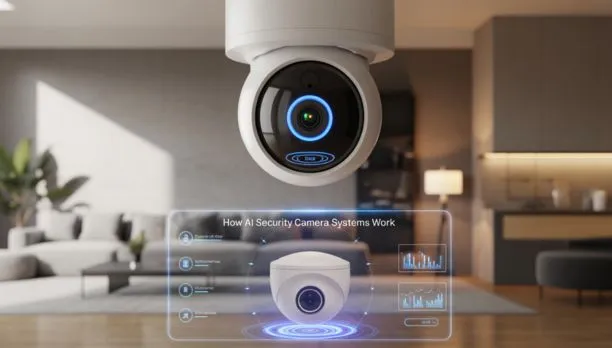
These cameras use computer vision and machine learning to study footage in real time, not just record it.
A normal camera sends every motion alert straight to your phone. Wind moves a bush, you get a ping. A cat walks by, you get another one. This gets old fast.
A smart camera checks the footage first. It asks: is this a person, a vehicle, an animal, or just noise? Only real events trigger a notification. This one change is why so many homeowners are switching to ai powered security cameras instead of older models.
Some systems also read license plates, recognize faces, or detect sounds like glass breaking. The camera becomes a filter, not just a recorder.
How Do They Work?
The camera captures video, then runs it through a chip or server trained to recognize shapes and movement.
The process usually looks like this:
- Motion capture – The sensor picks up movement in the frame.
- Object detection – Software checks if the movement is a person, animal, or vehicle.
- Classification – The system labels what it sees and compares it to known patterns.
- Decision – Based on your settings, it sends an alert, starts recording, or stays quiet.
- Learning – Many models adjust over time and cut down on false alerts.
Some units process this locally on the device, which is faster and keeps data private. Others send footage to the cloud, which needs a strong connection but often allows deeper analysis, like recognizing one face across repeat visits.
Key Features to Look For
Not every camera labeled “smart” has real AI inside it. Here’s what actually matters:
- Person and vehicle detection – Cuts alerts from leaves, bugs, and shadows.
- Facial recognition – Flags known versus unknown faces at your door.
- License plate recognition – Useful for driveways and gated lots.
- Color night vision – Newer models use extra light sensors, not just infrared.
- Two-way audio – Lets you speak through the camera to a visitor.
- Local and cloud storage options – Gives you a backup if one system fails.
- Custom activity zones – Draw the areas that matter and ignore the rest.
- Smart home integration – Connects with locks, lights, and alarms for one response.
These features separate a basic camera from true ai security systems built for accuracy.
Benefits Worth Knowing
The biggest benefit is trust. When your camera only alerts you for real events, you actually check it instead of ignoring it.
Other benefits include:
- Fewer false alarms, which cuts down on alert fatigue.
- Faster response to break-ins or package theft.
- Better evidence, since clips highlight the exact moment you need.
- Lower long-term cost, since fewer false dispatches mean fewer city fines.
- Remote monitoring from a phone app, anywhere.
- Strong deterrence, since visible cameras alone stop many intruders.
For business owners, these benefits often outweigh the higher price tag, especially across several locations.
Where They Get Used
Smart cameras fit almost any space where you want eyes on the property without watching a screen all day.
- Homes – Front doors, driveways, and backyards.
- Retail stores – Loss prevention and checkout monitoring.
- Warehouses – Perimeter security and forklift zones.
- Offices – Entry points and after-hours checks.
- Schools – Campus perimeters and hallway safety.
- Apartments – Shared entrances and mailrooms.
- Construction sites – Equipment theft and unauthorized entry alerts.
Types of AI Security Cameras
A few main categories to know before you shop:
- Indoor cameras – Compact, often with two-way audio.
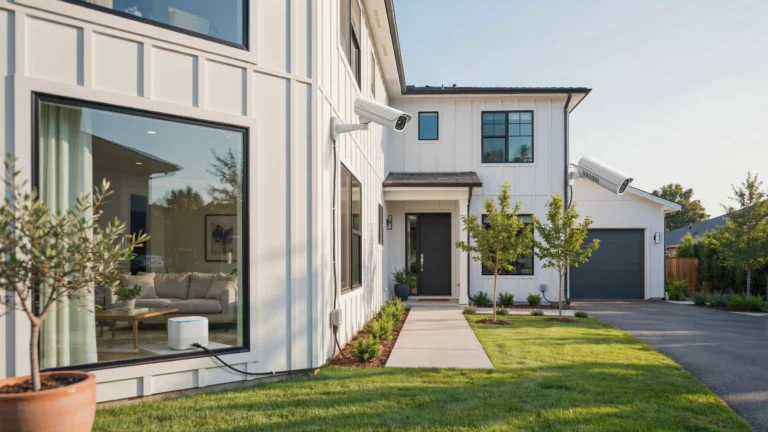
- Outdoor cameras – Weatherproof housing and stronger night vision.
- Doorbell cameras – Combine a video doorbell with package alerts.
- PTZ cameras – Pan, tilt, and zoom to track a subject across a wide area.
- Battery-powered cameras – Wireless and easy to place, but need charging.
- Wired cameras – Constant power, often more reliable for 24/7 use.
How to Choose the Best AI Security Camera
This is where most buyers get stuck. Use this checklist to find the best ai security camera for your setup.
- Check detection accuracy. Look for reviews on false alarm rates, not just marketing claims.
- Pick local vs. cloud processing. Local means faster response and better privacy. Cloud often means deeper analysis but needs a subscription.
- Look at storage plans. Some brands lock features behind pricey monthly fees. Others offer free local storage with an SD card.
- Match resolution to distance. A 10-foot porch and a 100-foot driveway need different lenses.
- Check night vision quality, especially if you deal with heavy rain or snow.
- Confirm smart home compatibility with systems like Alexa or Google Home.
- Read the privacy policy so you know where your footage goes.
- Compare warranty and support, since a camera is only as good as the company behind it.
Skip this checklist and you may end up with a camera solutions that look good on paper but fall short at home.
AI Security Cameras vs. Traditional Cameras
| Factor | AI Security Cameras | Traditional Cameras |
| Alerts | Smart, filtered alerts | Alerts on any motion |
| Accuracy | Tells people, cars, animals apart | Cannot tell objects apart |
| Storage needs | Lower, records key events only | Higher, records everything |
| Cost | Higher upfront | Lower upfront |
| Monitoring | Supports facial and plate recognition | Basic video only |
| Response time | Faster, real-time analysis | Slower, needs manual review |
Common Mistakes When Buying
- Buying on price alone. A cheap camera with weak detection creates more work, not less.
- Ignoring the app experience. A clunky app makes even a great camera annoying to use.
- Skipping the fine print on subscriptions. Some ai powered security cameras need a paid plan to unlock person detection.
- Placing cameras poorly. Glare and blocked angles trip up even smart detection.
- Forgetting about Wi-Fi range, which causes dropped footage and slow alerts.
- Not testing before committing. Use the return window to check real performance at your property.
Are They Worth It?
For most people, yes. The upfront cost runs higher than a basic camera, but time saved from fewer false alerts adds up fast.
If you run a business, the case is even stronger. Fewer false dispatches, cleaner evidence for insurance claims, and faster response often pay for the system within a year.
If your only goal is a basic deterrent with no smart features, a traditional camera might do the job. But if you want a system that actually helps you make decisions, this is the better buy.
Privacy and Security Considerations
Smart cameras collect more data than older models, so privacy matters here. Ask these questions before you buy:
- Does the company encrypt footage in transit and storage?
- Can you delete your data on request?
- Does the app use two-factor login?
- Is facial recognition data stored, and for how long?
- Does the company sell or share data with outside parties?
How Much Do AI Security Cameras Cost?
Prices vary by brand and feature set. Here’s a general range:
- Basic doorbell cameras: $100 to $250
- Standard outdoor units: $150 to $400 each
- Commercial-grade systems: $500 to $2,000+ per camera
- Cloud storage plans: $5 to $30 per month, per camera
- Professional installation: $100 to $300 per camera, depending on wiring
Business systems with several cameras and central monitoring can run into the thousands, but they often replace the need for on-site guards, which saves money over time.
Why Choose Cam Security Surveillance for AI Security Camera Installation?
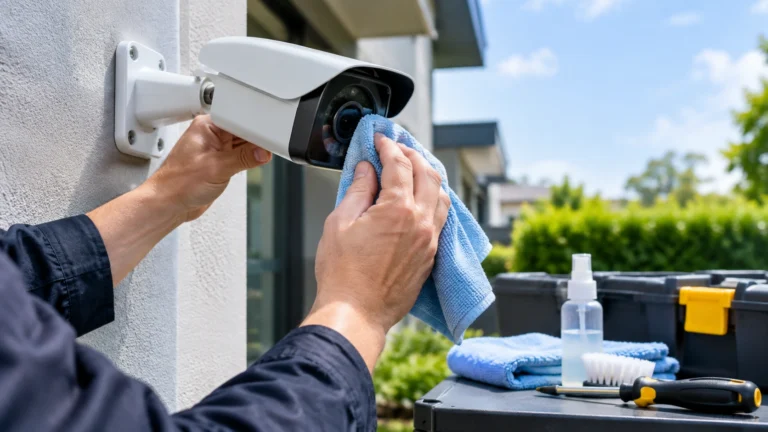
Picking the right camera is only half the job. Installation matters just as much, since poor placement or wiring cuts detection accuracy no matter how good the hardware is.
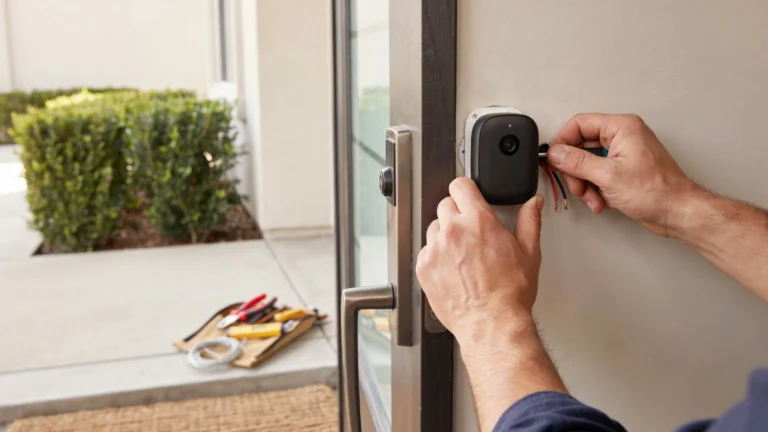
Cam Security Surveillance handles full setup for homes and businesses, from choosing the right camera type to mounting, wiring, and network setup. If you’re searching for security camera installation Indianapolis residents trust, our team builds each system around your property, not a one-size-fits-all template.
We also handle ongoing support, firmware updates, and troubleshooting, so your system keeps working the way it should. Whether you need one doorbell camera or a full commercial setup with dozens of units, Cam Security Surveillance builds a plan that fits your budget and your risk level.
Conclusion
Smart cameras give you real information instead of endless motion alerts. They tell people apart from pets, cars apart from shadows, and real threats apart from harmless activity. Choosing the right AI security camera starts with comparing detection accuracy, storage options, and privacy features. Whether you’re protecting a home or a business, the right equipment and proper installation make all the difference.
Cam Security Surveillance provides expert AI security camera solutions designed to meet your property’s unique security needs. Contact us today to schedule a consultation and let our team help you choose and install a reliable AI security camera system that keeps your property protected.
FAQs
Do these cameras record all the time?
Most can record continuously or only during detected events, depending on your settings and storage plan.
Can they work without the internet?
Some models process data locally and still function without Wi-Fi, though remote alerts and cloud storage need a connection.
Are they hard to install?
Basic models are simple for most homeowners. Larger, wired commercial setups are best left to a professional installer.
Do smart cameras violate privacy laws?
Rules vary by location, especially around facial recognition and audio recording. Check local laws and always inform visitors or employees when cameras are in use.
How long does footage stay stored?
This depends on your storage plan. Cloud plans often range from 7 to 30 days, while local storage depends on card size and recording settings.