What Size Tf Card For Home Security Camera is one of the most important questions homeowners ask when setting up or upgrading their surveillance system. Choosing the right storage size directly affects how much footage you can save, how often it is overwritten, and how reliable your recordings are when you need them most.
At Cam Security Surveillance, we often see people invest in good cameras but underestimate the importance of proper storage. This guide will help you understand TF card sizes, recording needs, and how to make the best choice for your home security setup.
Why TF Card Size Matters for Home Security Cameras
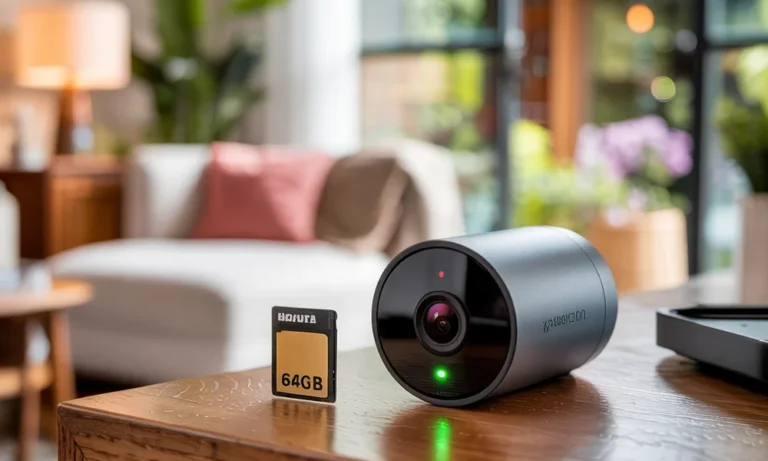
A TF card, also known as a microSD card, acts as the local storage for many modern security cameras. It stores recorded video clips, motion events, and sometimes audio. If the card is too small, footage may overwrite too quickly. If it’s too large but unsupported, the camera may not recognize it at all.
Selecting the correct size ensures:
- Continuous and reliable recording
- Enough storage for important events
- Fewer missed or overwritten clips
- Smooth camera performance
Understanding how storage works helps you avoid frustration later.
How Security Cameras Use TF Cards
Most home cameras record video in short clips triggered by motion or continuously, depending on settings. The TF card for camera storage works in a loop, meaning older footage is automatically deleted when the card is full.
Factors That Affect Storage Usage
Several variables determine how quickly your card fills up:
- Video resolution (720p, 1080p, or 4K)
- Recording mode (motion-based or continuous)
- Frame rate
- Number of daily motion alerts
Higher resolution and continuous recording consume more space.
Common TF Card Sizes Explained
16GB and 32GB Cards
These smaller cards are usually suitable for light use. They work best for cameras that only record short motion clips.
Good for:
- Low-traffic areas
- Indoor cameras
- Temporary monitoring
However, footage may be overwritten within one or two days.
64GB Cards
This size offers a balance between affordability and storage. Many homeowners choose this option for everyday use.
Benefits include:
- Several days of motion recordings
- Stable performance
- Wide compatibility
This is a popular choice for an sd card security camera used indoors or outdoors.
128GB and 256GB Cards
Larger cards are ideal for higher-resolution cameras or busy locations.
Recommended for:
- 24/7 recording
- Outdoor cameras
- Homes with frequent activity
Always check your camera’s specifications, as some models limit maximum supported size.
How Much Storage Do You Really Need?
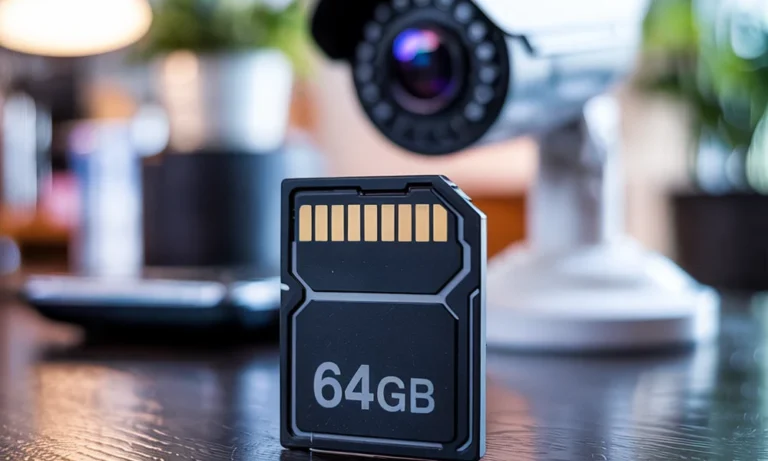
To answer What Size Tf Card For Home Security Camera, you must first understand your recording habits.
Motion-Only Recording
If your camera records only when motion is detected, storage lasts much longer. A 64GB card may store up to a week of clips, depending on activity.
Continuous Recording
Continuous recording consumes space rapidly. Even a 128GB card may overwrite footage within a few days.
A general estimate for 1080p video:
- 32GB: 1–2 days
- 64GB: 3–4 days
- 128GB: 6–8 days
You May Also Read This: How Long Do Security Cameras Keep Footage.
Compatibility Is Just as Important as Size
Not all cameras support every TF card. Some older models may not recognize cards above 64GB. Always confirm the supported range in the user manual.
Many security cameras that use sd cards specify:
- Maximum card size
- Required speed class (Class 10 or UHS-I)
- Recommended brands
Using the wrong card can lead to recording errors or corrupted footage.
TF Card Speed Class: Why It Matters
Beyond size, speed affects performance. Cameras need cards that can handle constant writing.
Look for:
- Class 10 minimum
- UHS-I for HD or higher resolution
A slow card may cause dropped frames or failed recordings, especially in an sd card cctv camera setup.
Local Storage vs Cloud Storage
Some cameras offer cloud storage alongside TF cards. Each option has pros and cons.
TF Card Storage
- No monthly fees
- Works without internet
- Full control over data
Cloud Storage
- Access footage remotely
- Backup in case of theft
- Subscription costs
Many homeowners combine both for maximum reliability, especially in areas with professional Home Security Systems Indianapolis.
Best Practices for Using TF Cards
To extend the life of your card and protect your footage:
- Format the card inside the camera every few months
- Avoid removing the card while the camera is on
- Replace cards every 1–2 years for heavy use
High-quality cards last longer and reduce the risk of data loss.
When to Upgrade Your TF Card
You may need a larger card if:
- Footage overwrites too quickly
- You increase video resolution
- You switch to continuous recording
Revisiting What Size Tf Card For Home Security Camera after changing settings ensures your storage still meets your needs.
Professional Guidance Makes a Difference
Choosing the right card is just one part of building a reliable system. A professional installer can help match storage, camera type, and placement for optimal results. At Cam Security Surveillance, proper planning ensures your footage is available when it matters most.
Final Thoughts
Selecting the right TF card size is essential for dependable home security. The best option depends on your camera’s compatibility, recording mode, and daily activity levels.
By understanding storage limits and choosing a quality card, you can avoid lost footage and enjoy peace of mind. If you need expert advice or a complete security solution, contact us to get professional support tailored to your home.
FAQs
Can I use any TF card in my home security camera?
No. You must use a card that matches the camera’s supported size and speed class. Using an incompatible card may cause recording failures.
How often should I replace a TF card in a security camera?
For cameras that record daily, replacing the card every one to two years is recommended to avoid wear-related failures.
What happens when the TF card becomes full?
Most cameras automatically overwrite the oldest footage, ensuring continuous recording without manual deletion.
Does higher video resolution require a larger TF card?
Yes. Higher resolutions like 2K or 4K use more storage space than standard HD. If your camera records in higher quality, choosing a larger TF card helps store footage for longer periods before it overwrites.
Can I use one TF card for multiple security cameras?
No. Each security camera requires its own TF card because recordings are stored locally on the card inside the camera. Sharing a single card between cameras is not supported and can cause data loss.